- Scheduling
- Schedule & Availability
- Incomplete Shifts
Incomplete Shifts
Overview
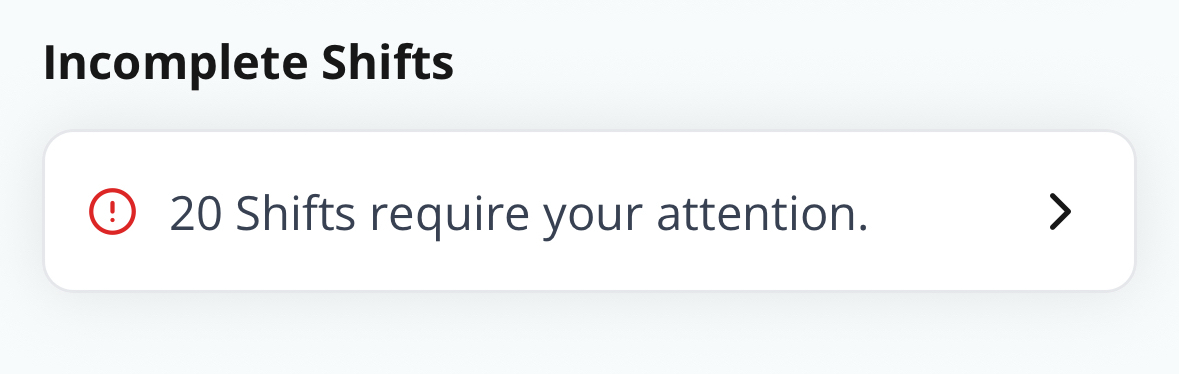
The Incomplete Shifts section helps support workers keep their records up to date. It appears on the Home Screen of the Astalty app under the Incomplete Shifts heading and lists any shifts that require follow-up actions.
How It Works
- If a shift is missing information, it will appear in this section.
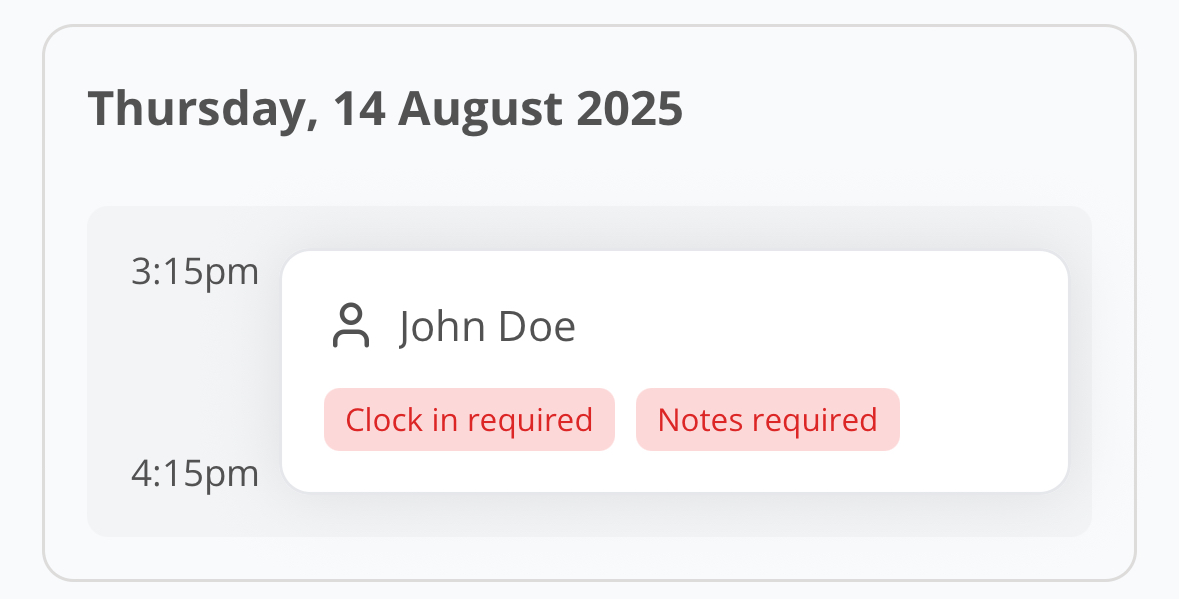
- Red chips will display to show what is required:
- Clock In Required
- Clock Out Required
- Notes Required
Completing Incomplete Shifts
- Tap on the shift listed under Incomplete Shifts.
- Review the red chip to see what is missing.
- Add the required information (e.g., clock in/out time, case note).
- Once the action is completed, the shift will be removed from the Incomplete Shifts list.