- Scheduling
- How to enable Scheduling
How to enable Scheduling
Overview
On the Optional Features page you can manage the Scheduling feature available within Astalty. You must be the Account Owner to access and enable this feature.
Enabling Scheduling
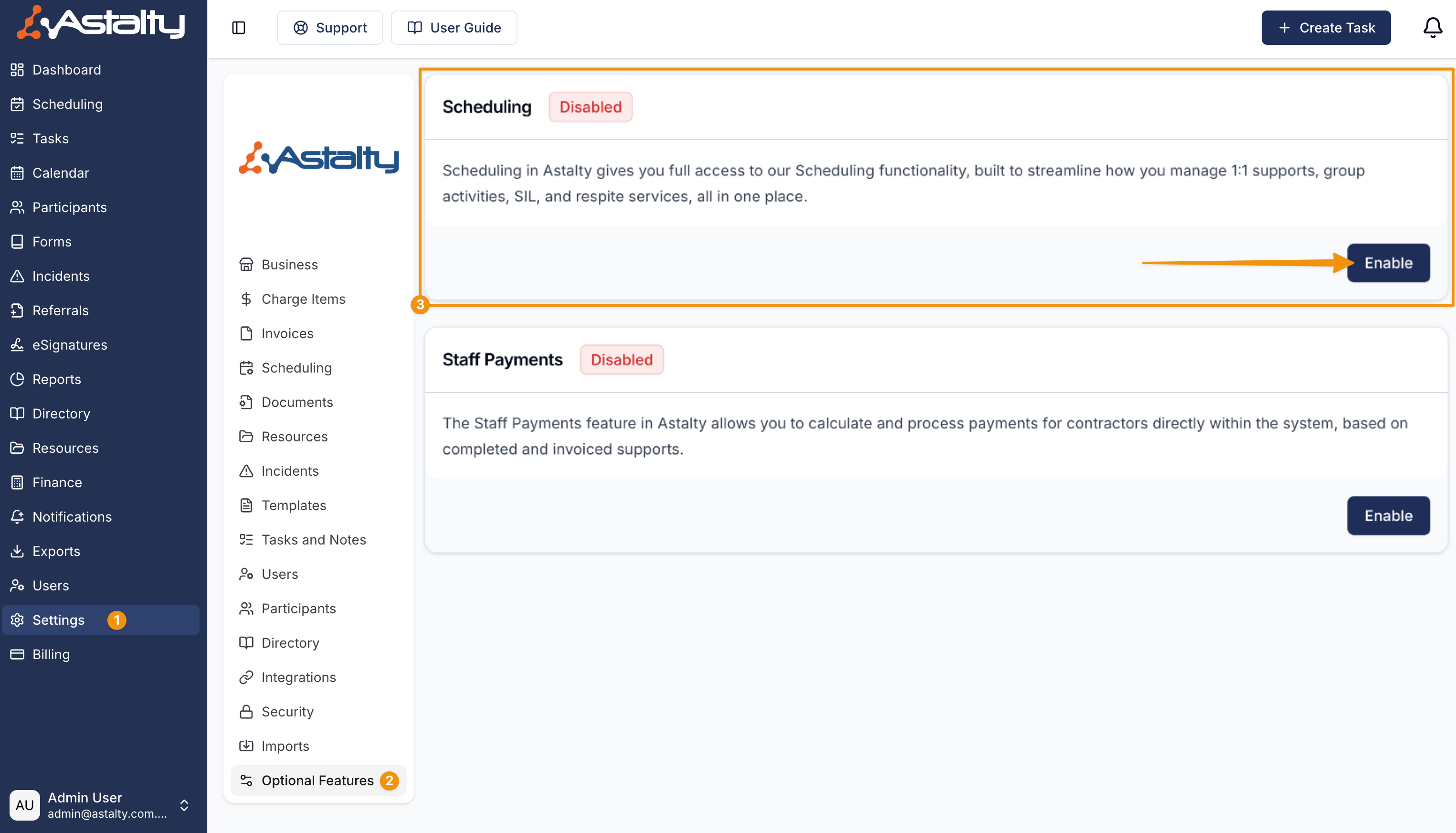
Navigate to the Optional Features and select the 'Enable' option assigned to the Scheduling feature.
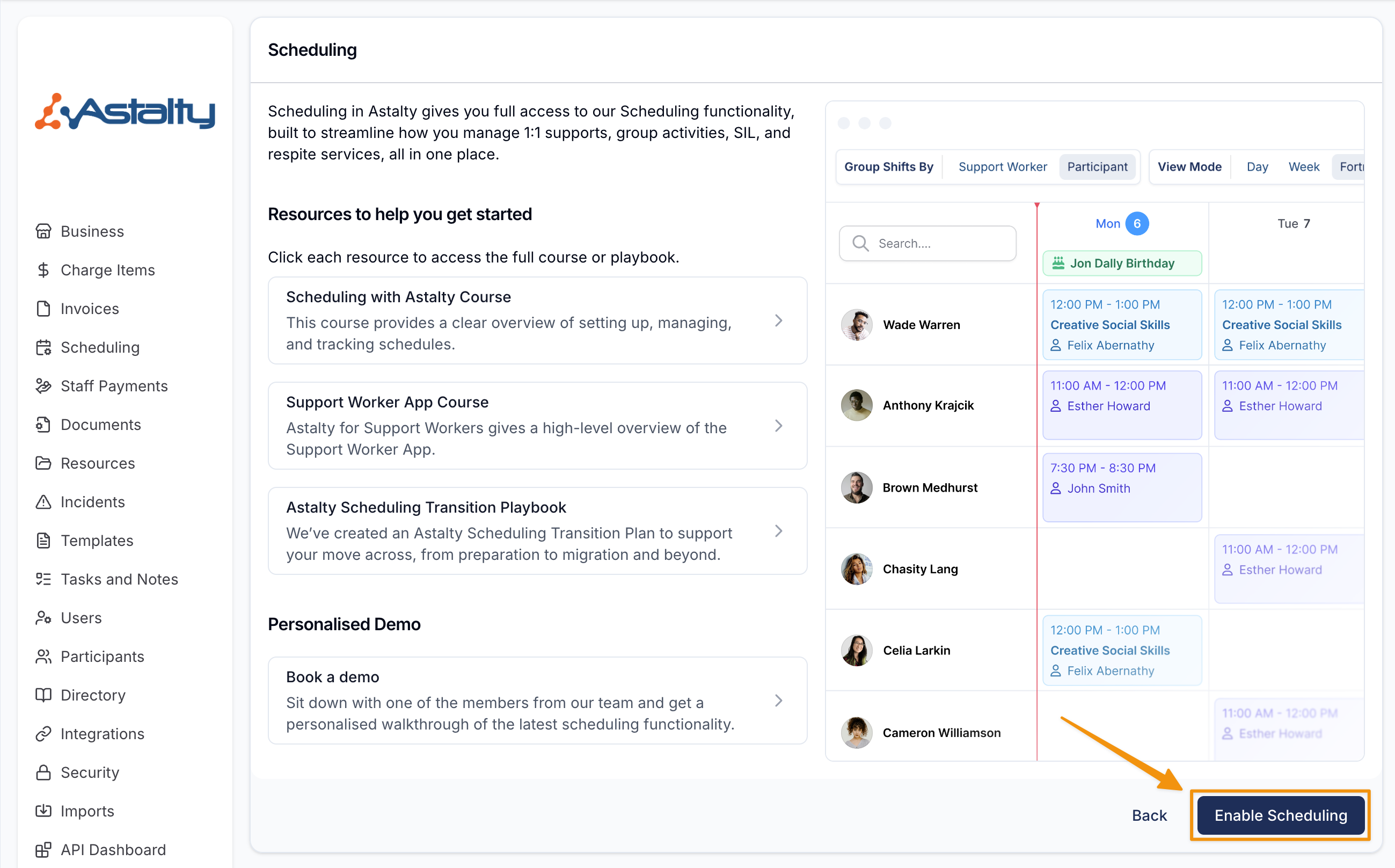
You will be navigated to a page that provides greater detail (including links to the user guide) about the Scheduling feature.
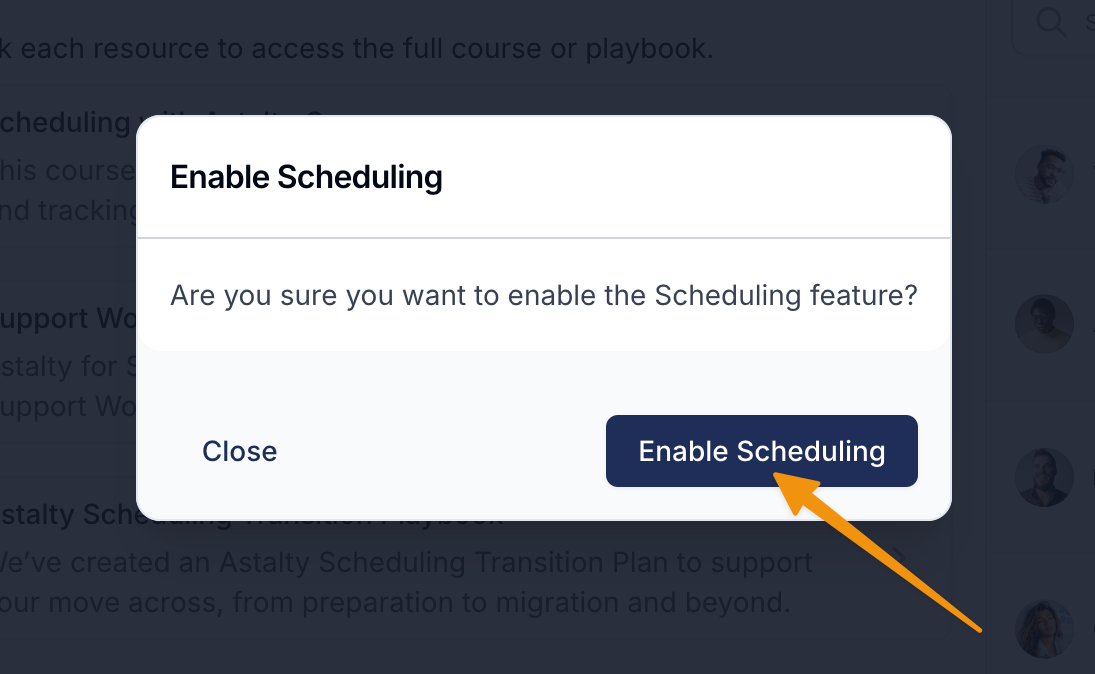
To enable this feature, you can confirm this by selecting the button Enable Scheduling and then reconfirm in the popup**.**
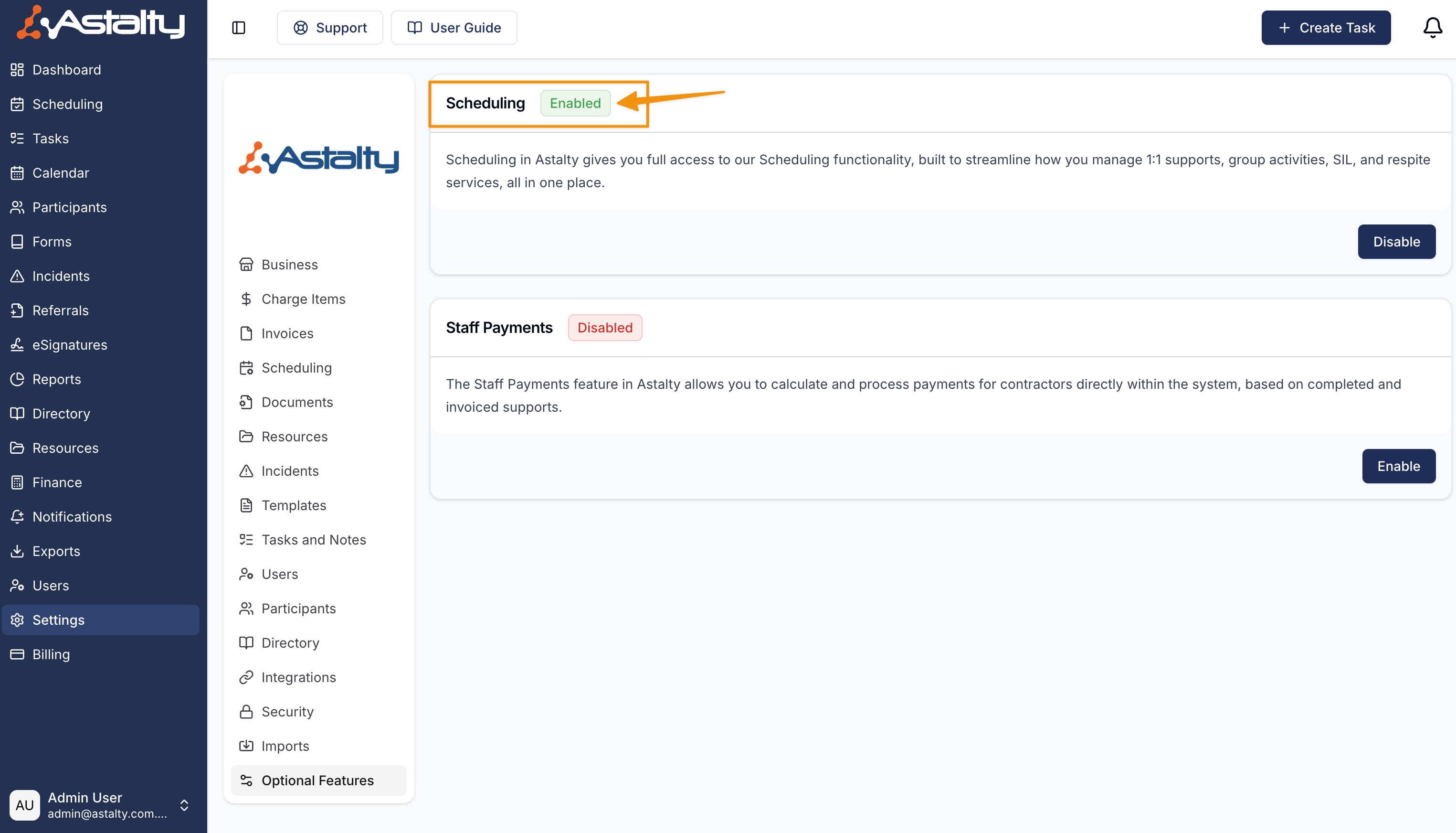
Once enabled, you will see the Scheduling feature has been enabled in your settings.
Next Steps
To learn how to set up Scheduling in Astalty click here.