How to enable Scheduling
Overview
The Account Owner can enable Scheduling from Optional Features.
Enabling Scheduling
As the Account Owner, open Optional Features and select Enable for Scheduling. Optional Features must be available for your account.
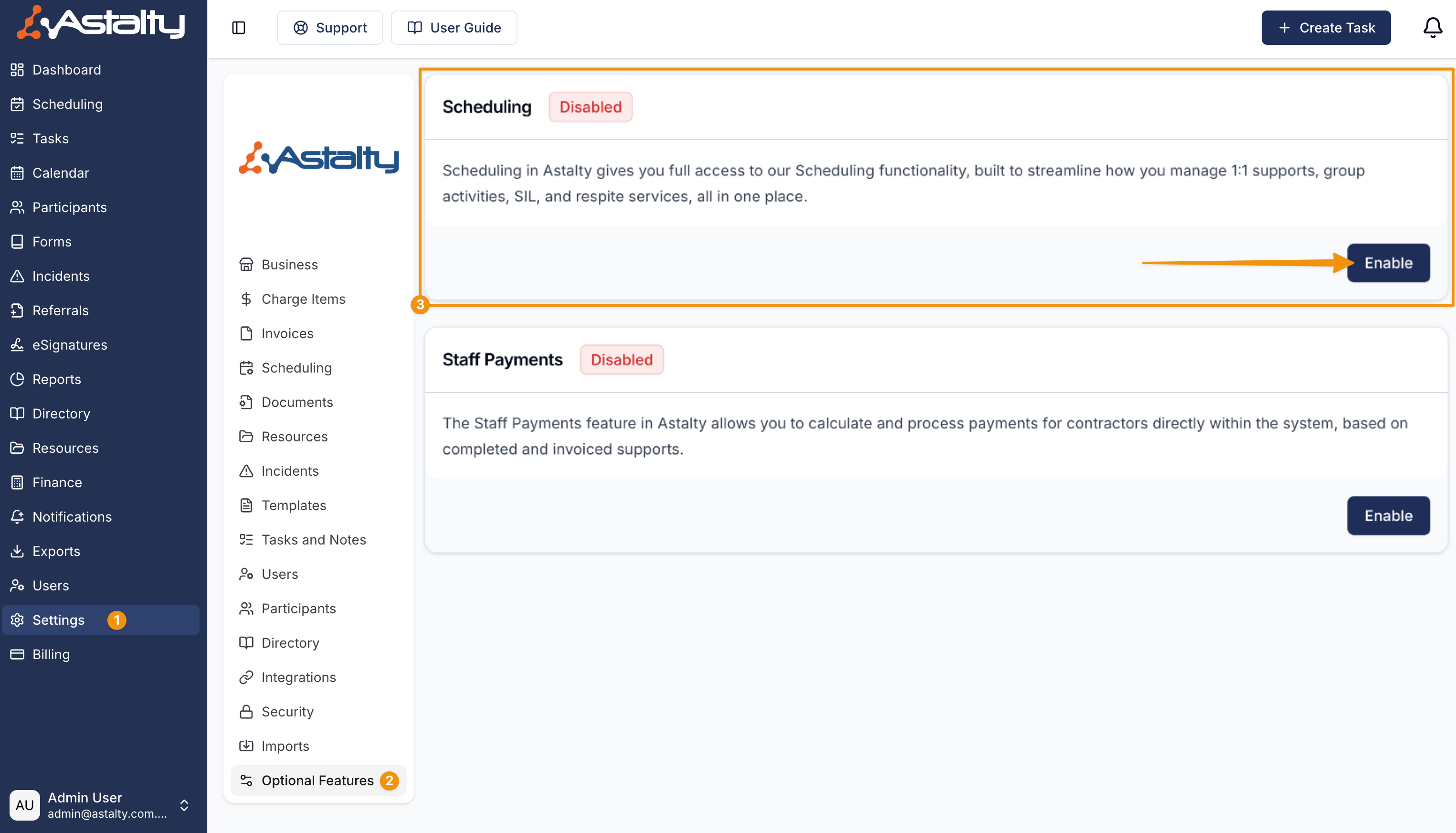
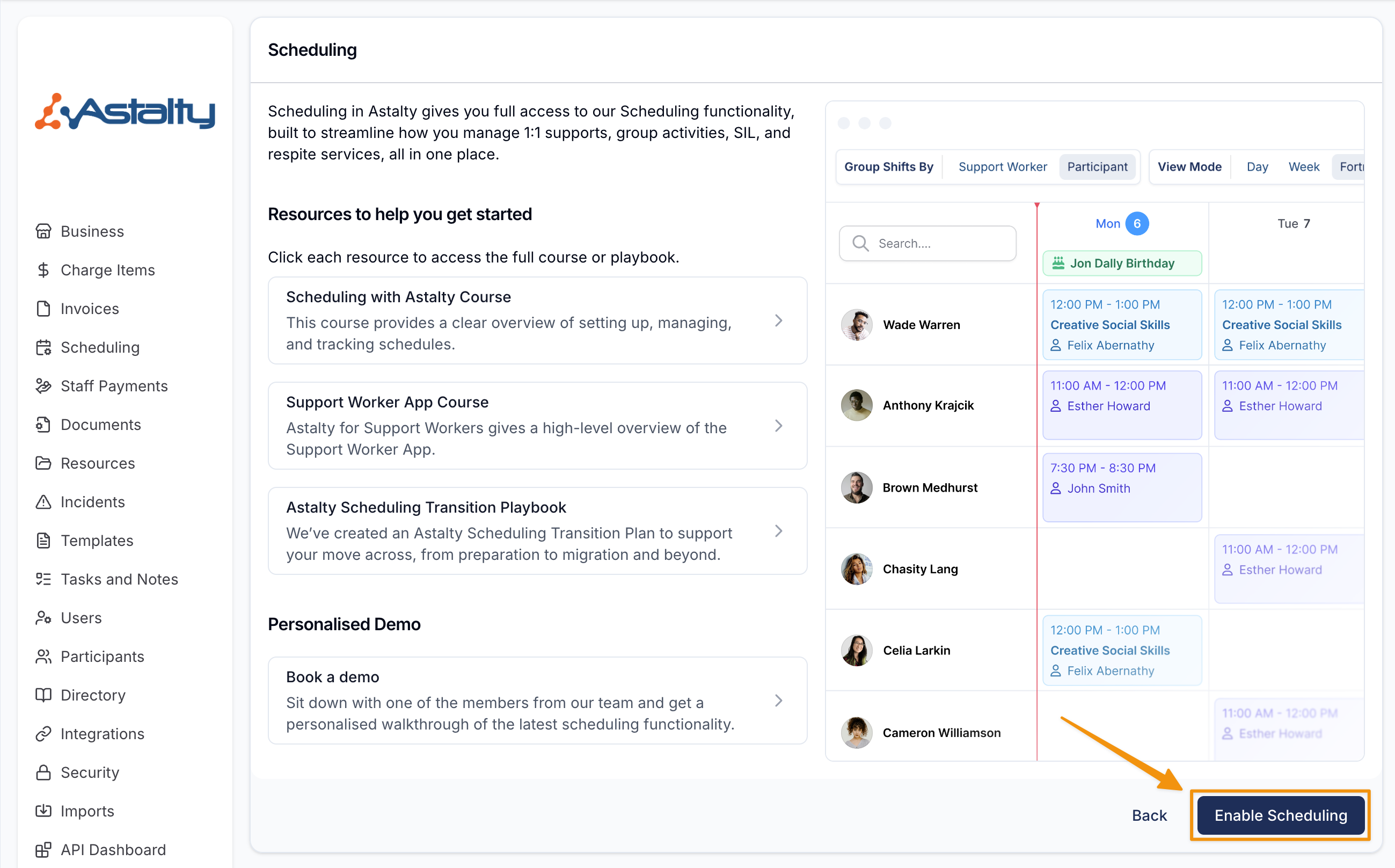
Astalty opens the Scheduling feature details.
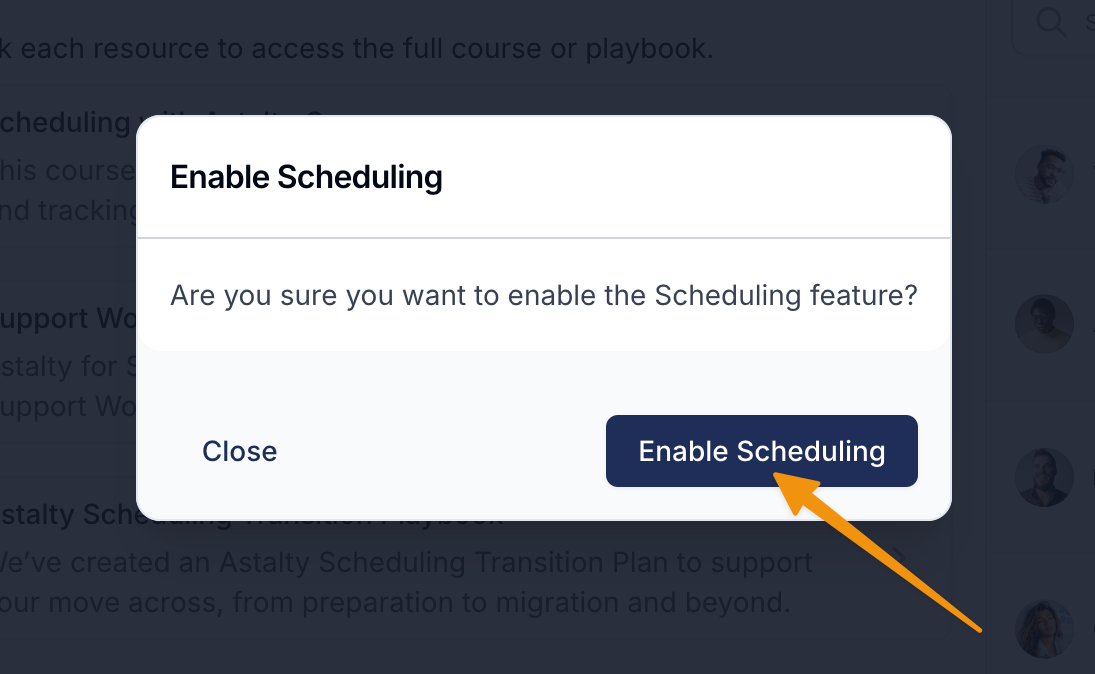
Select Enable Scheduling, then select Enable Scheduling again in the confirmation dialog.
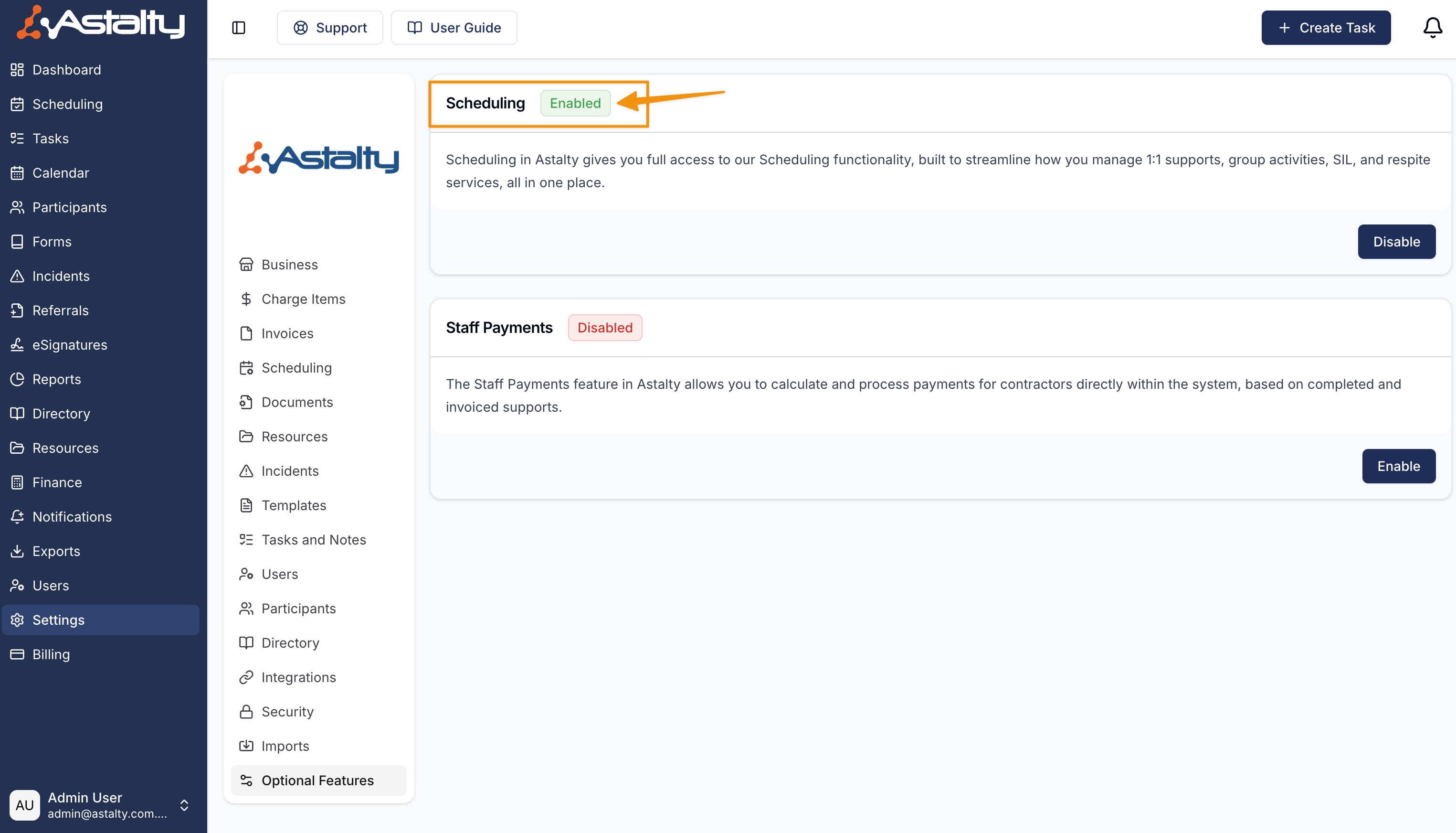
Enabling Scheduling makes the feature available to your account. It does not grant every user access or make them eligible for assignment. Configure Scheduling permissions and enable the workers who can be rostered.
Next Steps
Configure Scheduling Settings.