Participant Records Export
The Participant Records Export creates a CSV of records for active Participants, including rows for required records that are missing.
Finding the Participant Records Export
Head to the Exports page, click Create Export, and select Participant Records under Participants, or go directly to Create Participant Records Export.
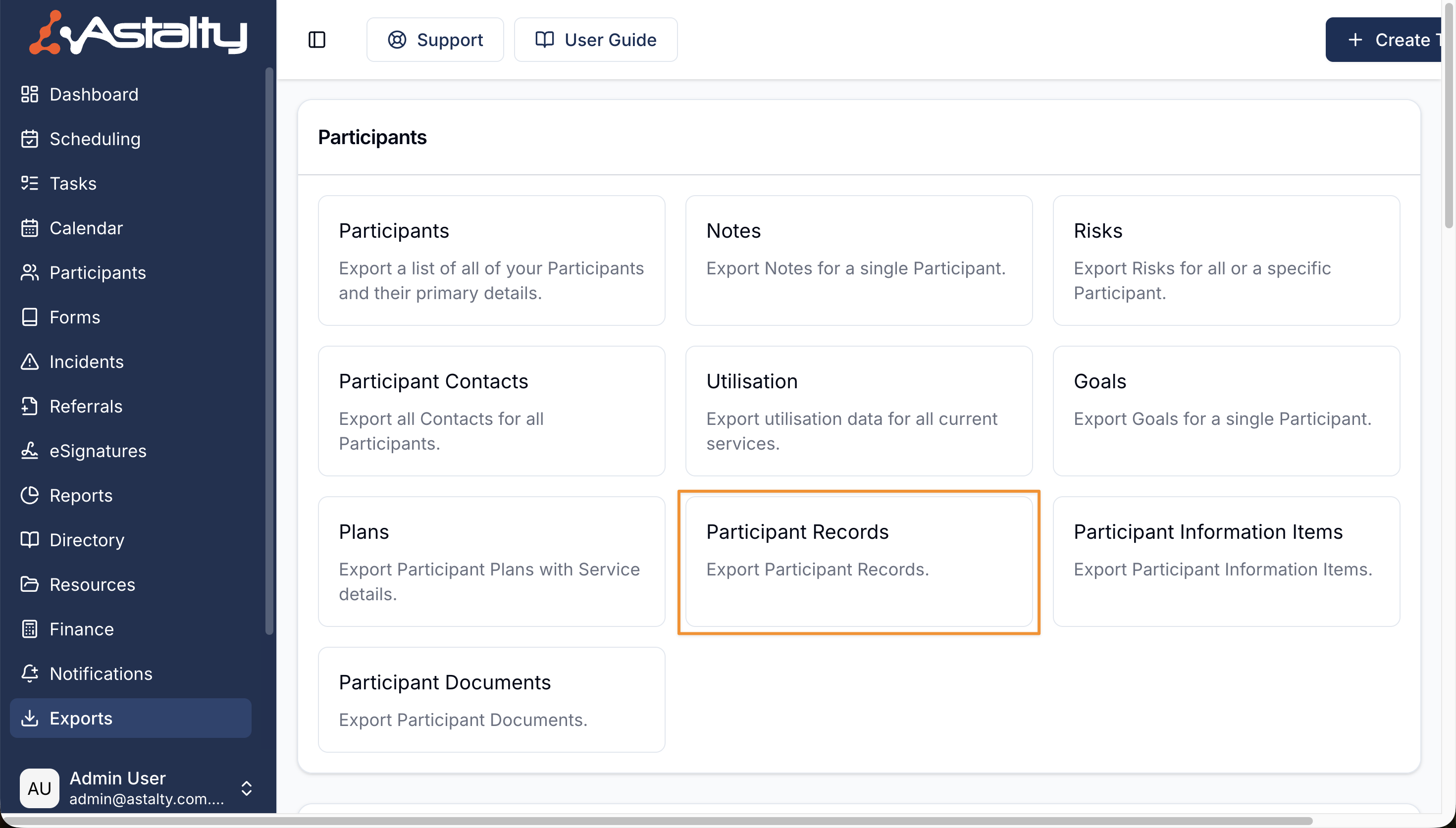
Creating an export of Participant Records
If Regions are enabled, you can filter by one or more Regions or select Unassigned. Leave the filter blank to include Participants from every Region. Select Create Export when ready.
The export includes records for Participants assigned to you, or all Participants when your access allows it. Archived Participants are excluded. A missing row is added when a Participant lacks a current record that is required globally, by one of their Participant Tags, or by a current Service.
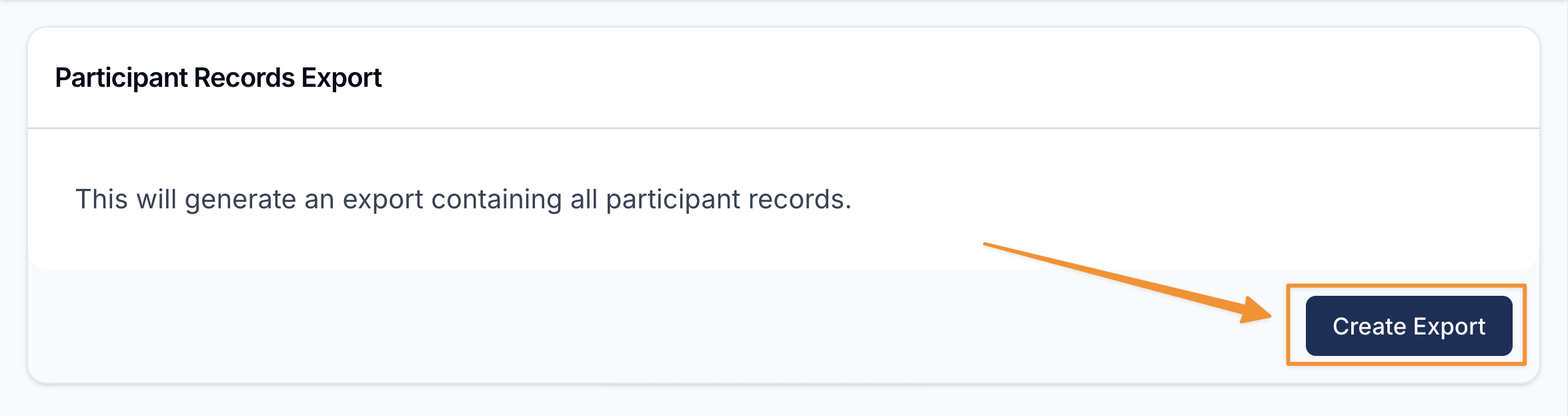
Downloading the Export
When the export is ready it will appear on the Exports page where you can click on Download to save it to your device.
Exported Fields
The CSV contains these columns:
- Status
- Participant
- Coordinator
- Record Type
- Issue Date
- Expiry Date
- Signature Status
Dates use YYYY-MM-DD. Missing records have blank issue, expiry, and signature fields.