- Insights
- Notifications
- Participant Risk Review Notification
Participant Risk Review Notification
Introduction to Participant Risk Review Notifications
Participant Risk Review Notifications provide timely alerts when a Risk is due for review, helping ensure Risks are reviewed and updated promptly and remain current.
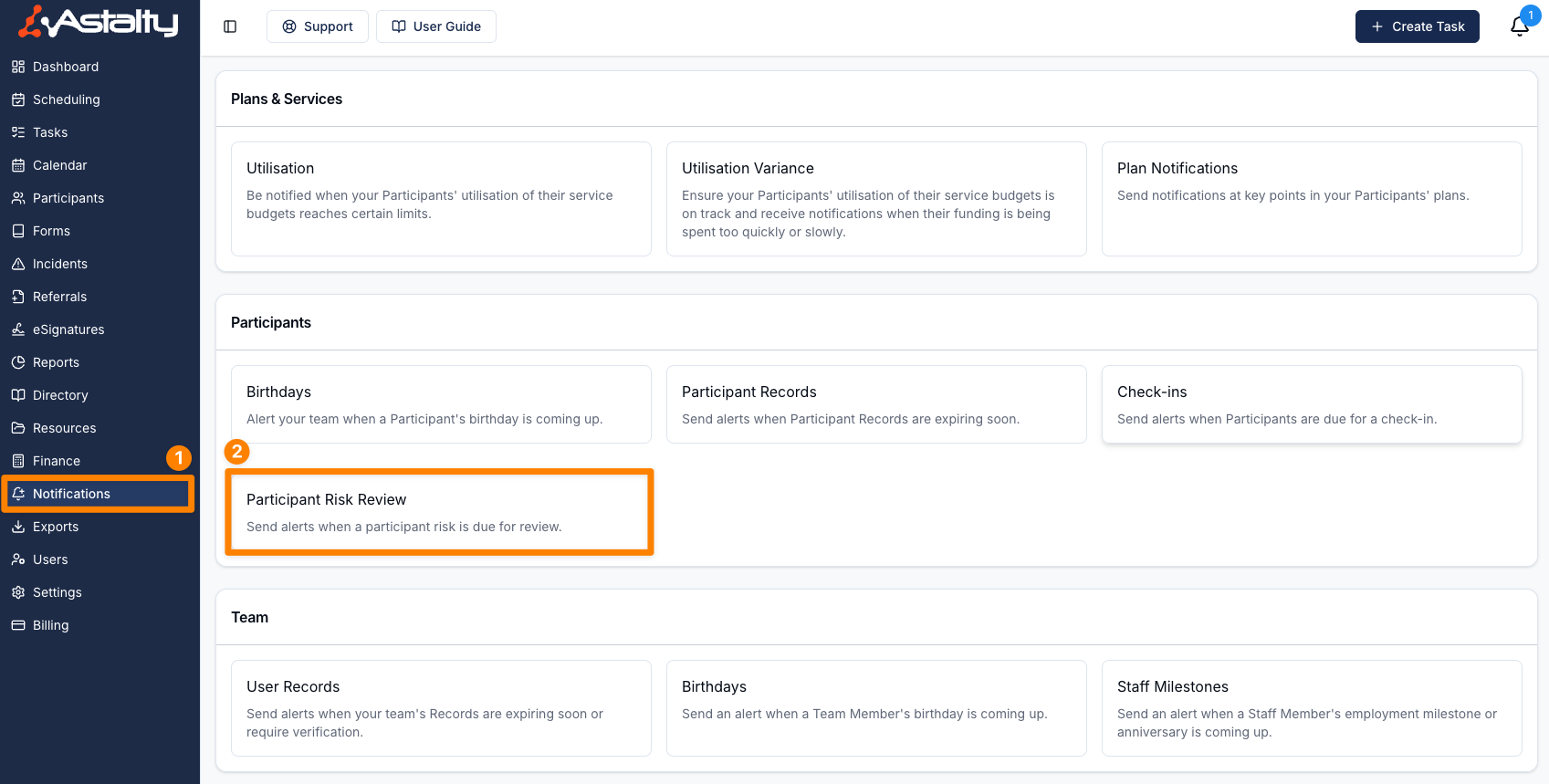
To manage Participant Risk Review Notifications, head to the Notifications page in the main menu and click Participant Risk Review in the Participants group.
Only Admins can open Notifications and create, edit, clone or delete these notifications. This can't be changed per user. Participant Risks are part of Astalty Premium.
Creating a Participant Risk Review Notification
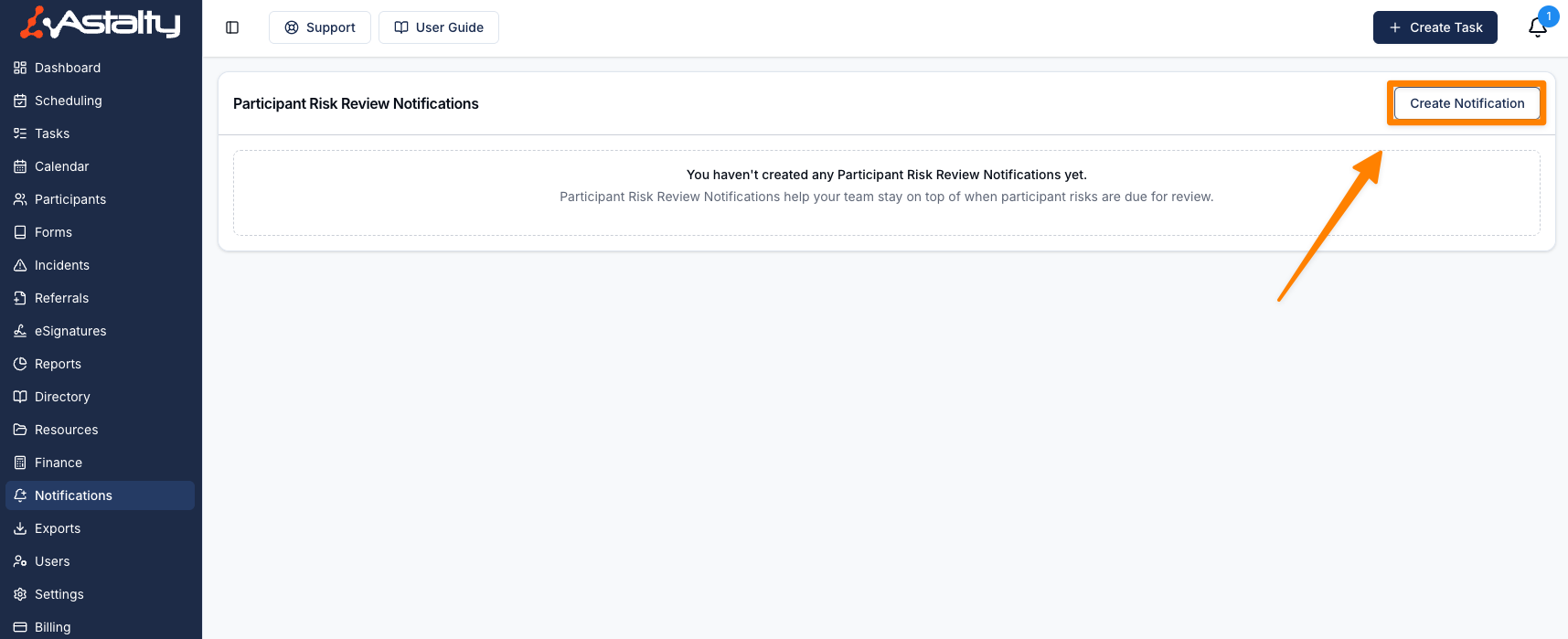
Click Create Notification. A new notification is set to 1 week before the review date, with Primary Coordinator, Service Coordinator, Within Astalty and Email all ticked.
Notification Settings
Choose when to receive the Notification by entering a number in Notification timeframe and selecting a timing option from the Period drop-down. The number can be from 1 to 365.
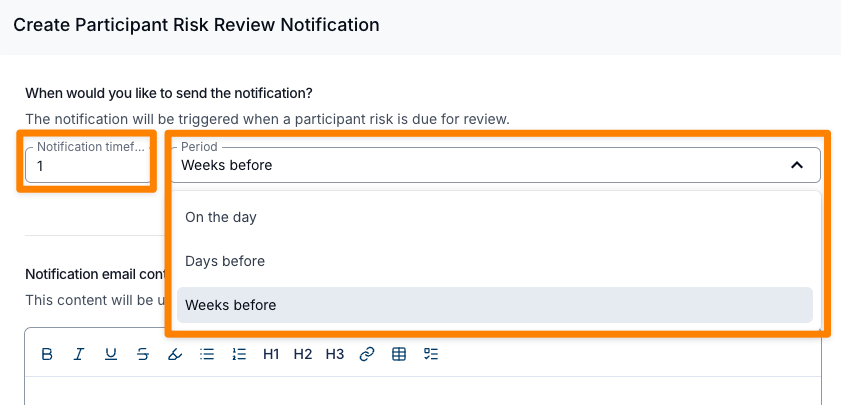
The following timing options are available:
- On the day: sends the reminder on the day the Risk is due for review. The number field is not used for this option.
- Days before: sends the reminder the entered number of days before the review due date.
- Weeks before: sends the reminder the entered number of weeks before the review due date.
- Days after: sends the reminder the entered number of days after the review due date.
- Weeks after: sends the reminder the entered number of weeks after the review due date.
The Days after and Weeks after options let you chase up Risks that have already slipped past their review due date, alongside the existing "before" reminders. For example, you could send one reminder 1 week before a review is due, and another 3 days after it becomes overdue if it still hasn't been reviewed.
You can create multiple Notifications with different timing options to build up a reminder schedule that suits your team.
A Risk's review due date is worked out from its review frequency, counted from the date it was last reviewed (or the date it was added, if it has never been reviewed). Astalty checks once a day, at about 9am Brisbane time, and sends each reminder once, on the day that matches your timing. Archived Risks, and Risks for archived Participants, are skipped.
Notification Email Content
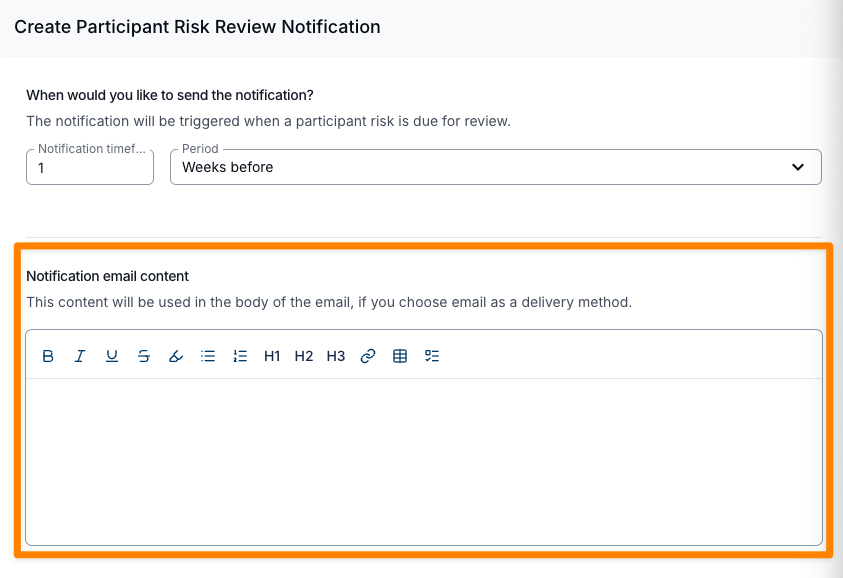
This is where you can add additional information based on the Notification. For example, you could add the details of what steps the recipient should take when they receive the Notification. This content appears in the email only, not in the in-app notification.
Notification Recipients
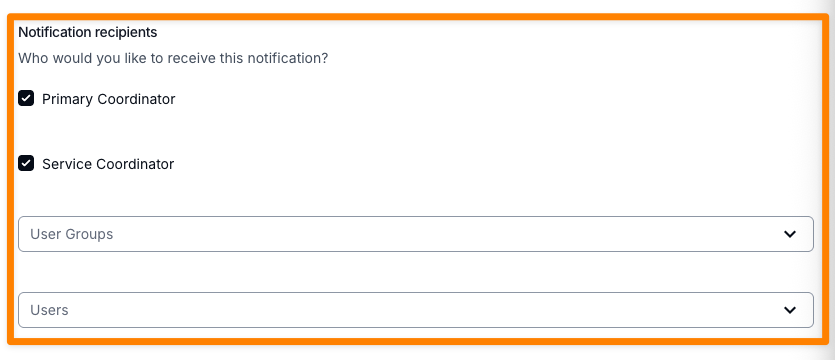
You can select from both Primary and Service Coordinators, or utilise the drop down options as follows. Service Coordinator notifies the Service Coordinator of each Service on the Participant's current plan. Select at least one recipient.
User Groups
This enables you to select which User Groups you wish to be notified. The Support Worker and All Users groups aren't offered here.
Users
This enables you to notify a user directly.
Notification Methods
Select at least one method.
Within Astalty
If this option is selected, the user will be notified within Astalty.
If this option is selected, the user will be notified via email.
Finalising Your Notification
After entering all the relevant information, click Add Notification to save it.
Each saved notification is listed with its timing under When, its Delivery methods and its Recipients. Click a row to edit it, or use its actions menu to Edit, Clone or Delete it.