- Insights
- Support Notes Report
Support Notes Report
The Support Notes Report lists the notes recorded against your supports and group supports, so you can review them in one place.
Before You Start
The report is available to Admins, and to Managers who have Can access Scheduling turned on. Team Members and Support Workers can't open it.
Where to Find It
- From the left-hand menu, select Reports.
- Under Scheduling, select Support Notes.
Overview
The Support Notes Report brings every support note into one list, with filters for date, author, Participant and Site. Use it to spot trends, recurring themes, or areas that need attention.
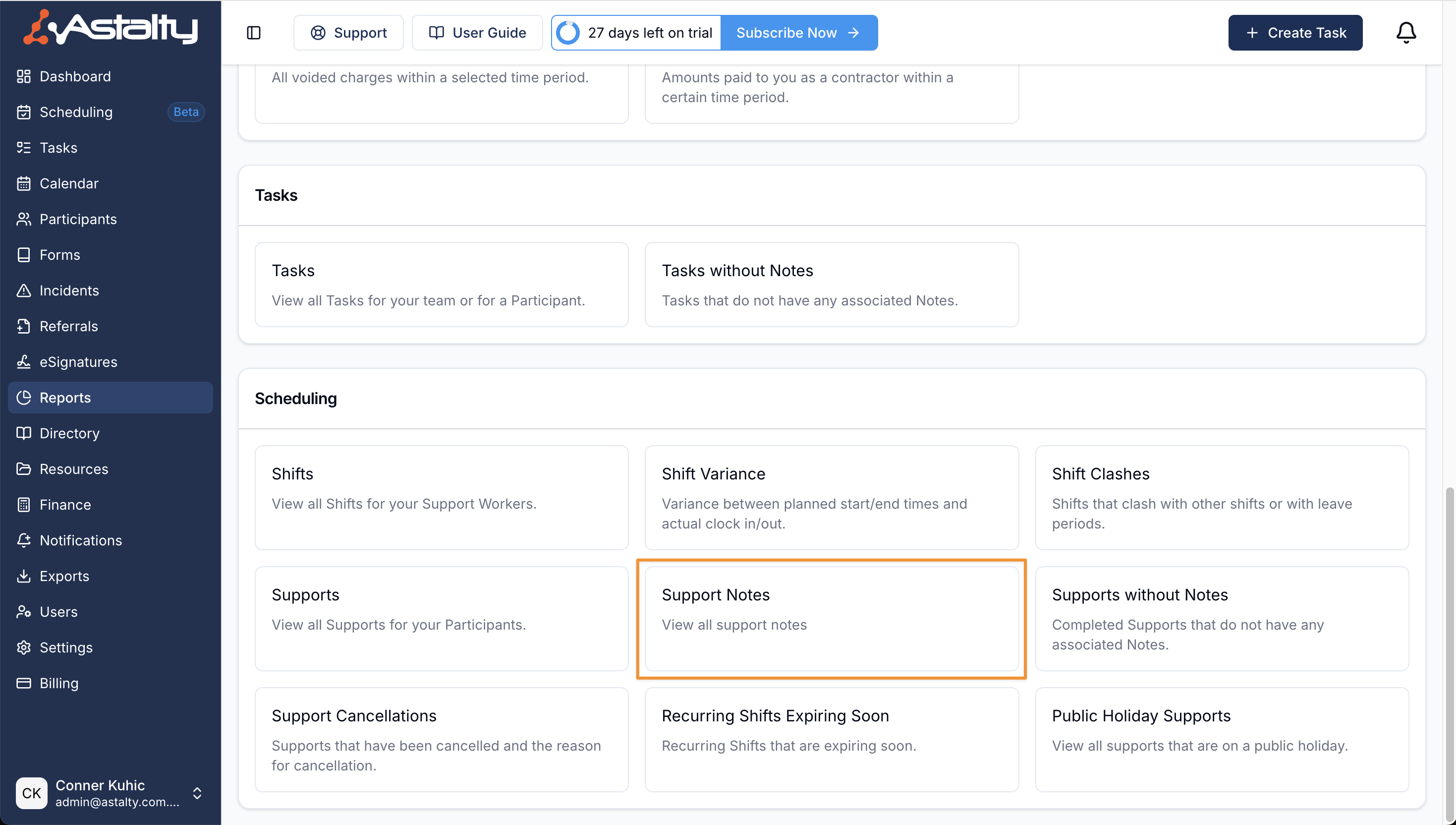
Each row is one note:
| Column | What it shows |
|---|---|
| Created by | The user who wrote the note. |
| Created at | When the note was written. |
| Support | The support's start and end time. For a group support, the group support's name as well. |
| Participants | The Participant on the support. For a group support, every Participant in the group. |
| Note | The content of the note. |
The report opens with the newest notes first. Click a column heading to sort by Created by, Created at, Support or Participants. Click a row to open its support.
Search
The Search notes box matches words in the note's content, and highlights the matches in the Note column.
Filters
Use the available filters to narrow down the results in this report.
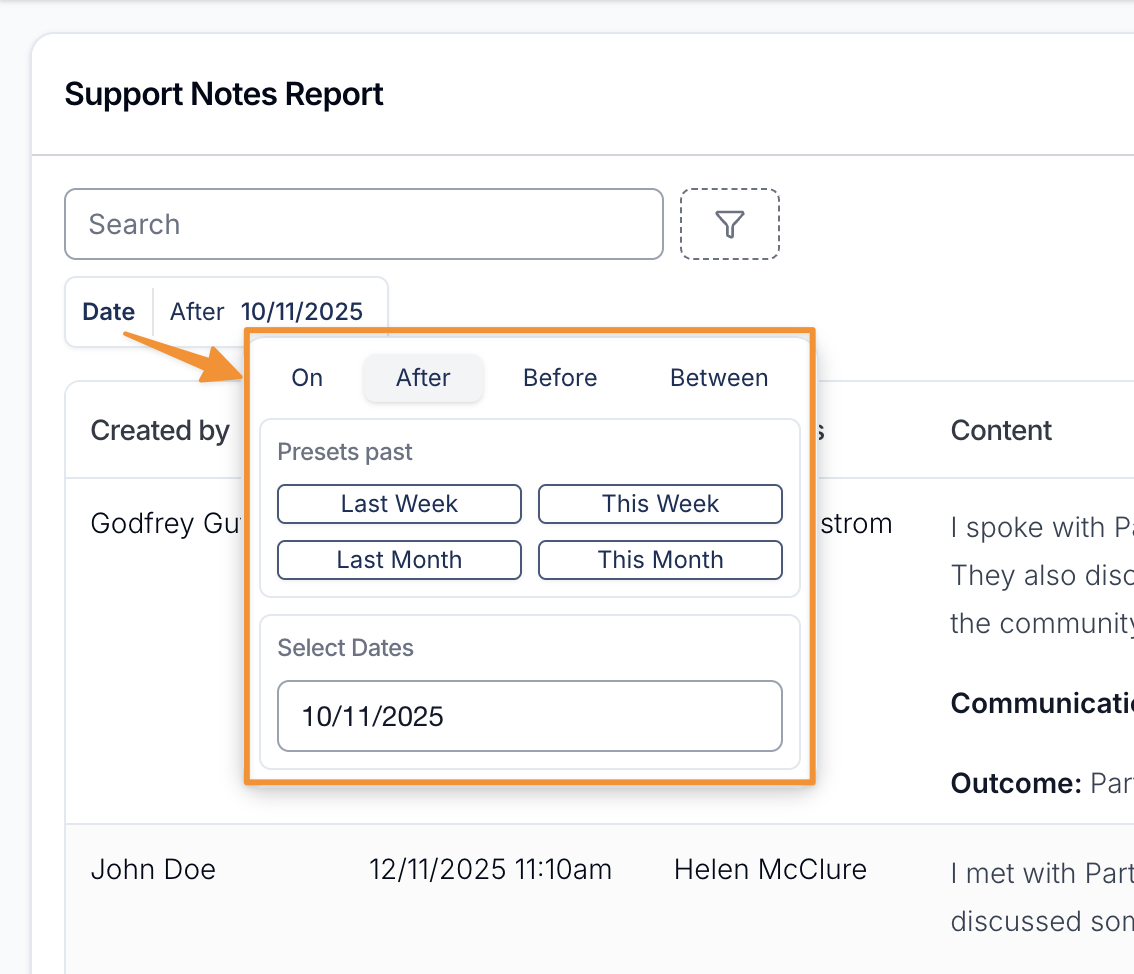
Date
The Date filter matches when the note was written, not the date of the support. A note written today about a support last week appears in this week's range.
The filter is always applied and opens on the current week, Monday to Sunday. Both the start and end dates are included in full. Quick presets cover the last and this week, fortnight, month, quarter and year, or you can pick your own dates.
Created by
Filter the Support Notes by the user or users who created them.
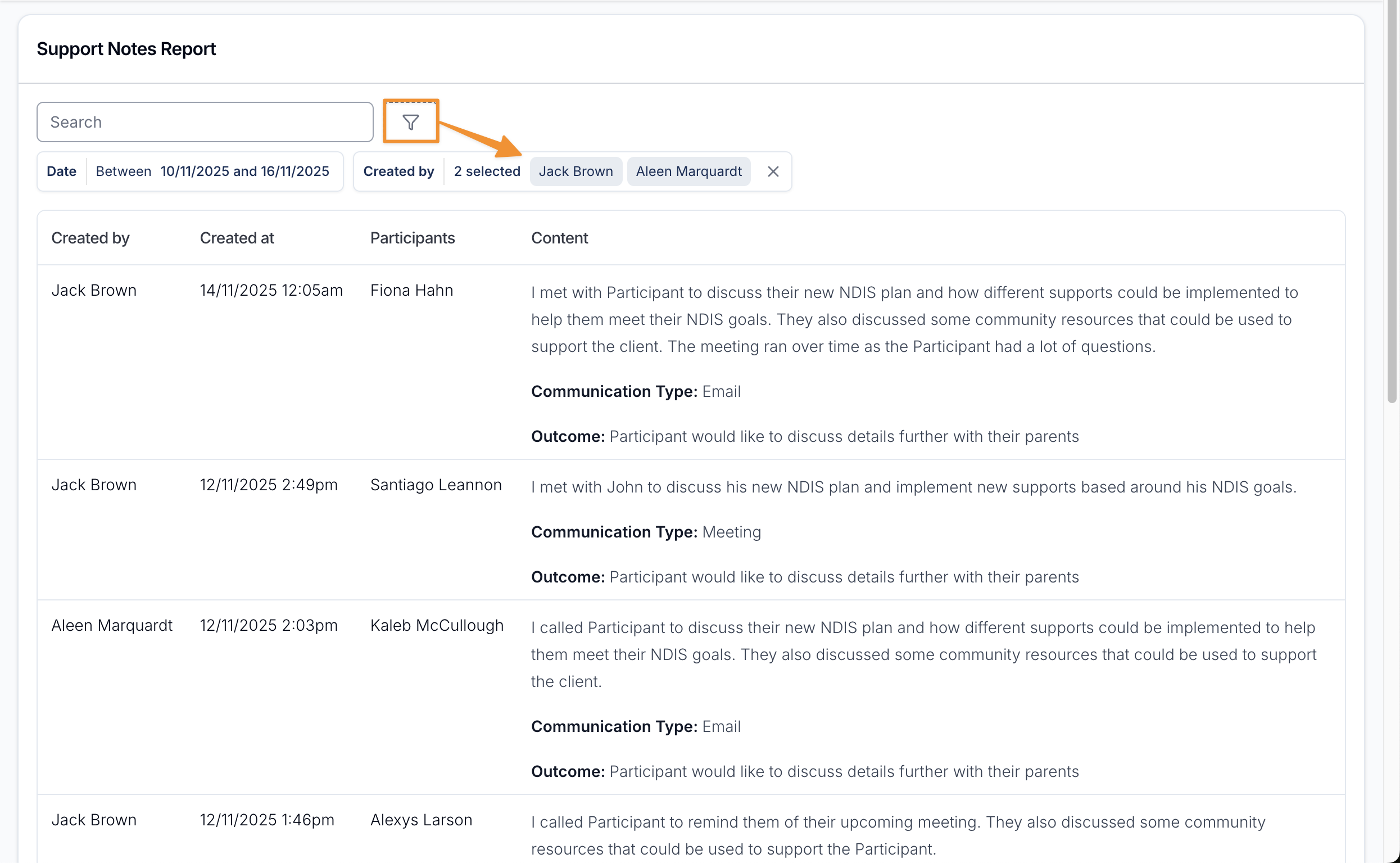
This drop-down includes deactivated users as well as active, invited and restricted ones, so notes written by a Support Worker who has since left your organisation are still easy to pull up. Select one or more names to see only their notes.
Participant
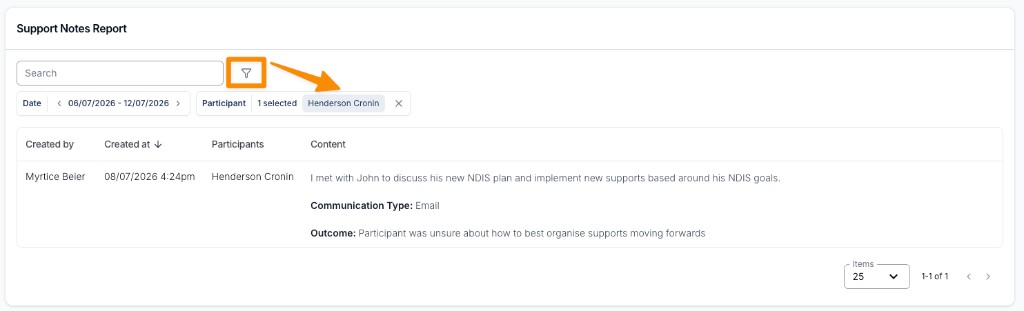
Filter the Support Notes by the Participant or Participants they were documented for. A note on a group support matches when the Participant you select is part of that group.
Site
Filter the Support Notes by the Site the support or group support was scheduled at. Select one or more Sites to narrow the report to only the notes recorded on supports at those Sites - handy for pulling every note for a SIL house (or any Site) in one view.
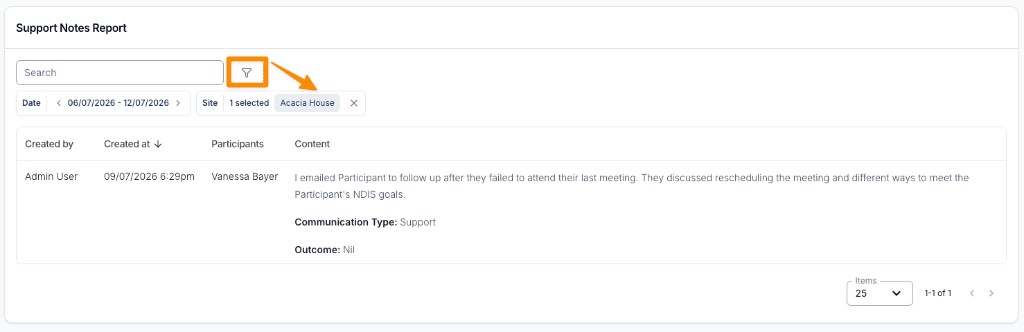
A note is matched to a Site based on the Site its support or group support was scheduled at, so notes on supports with no Site set won't appear when a Site is selected. The Site filter combines with the Date, Created by, and Participant filters.
Other Helpful Information
To find completed supports that have no note at all, see the Completed Supports Without Notes Report.