- Insights
- Participants Without Goals Report
Participants Without Goals Report
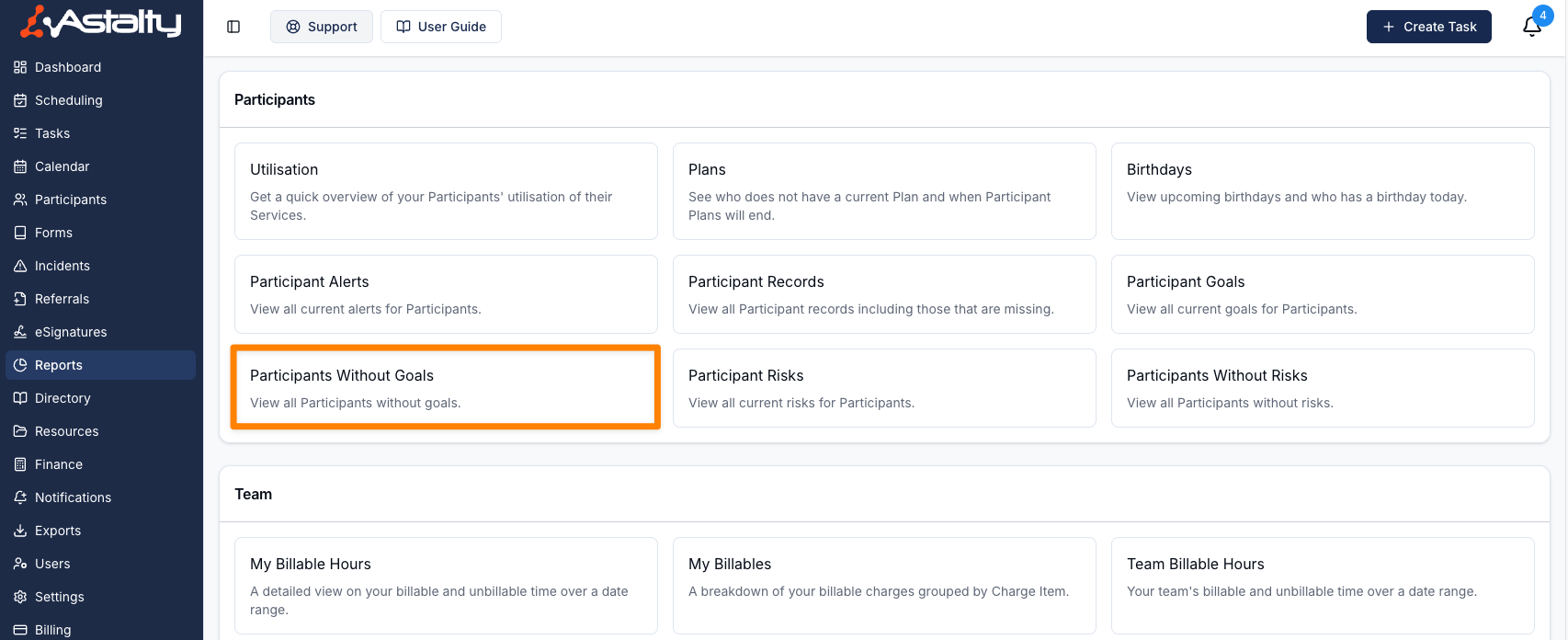
The Participants Without Goals Report lists active Participants who have no Goals recorded. To open it, go to the Reports page and select Participants Without Goals under Participants.
Report Overview
A Participant appears when they have no active goal. Archived goals don't count, so a Participant whose goals are all archived is listed. Archived Participants are never listed.
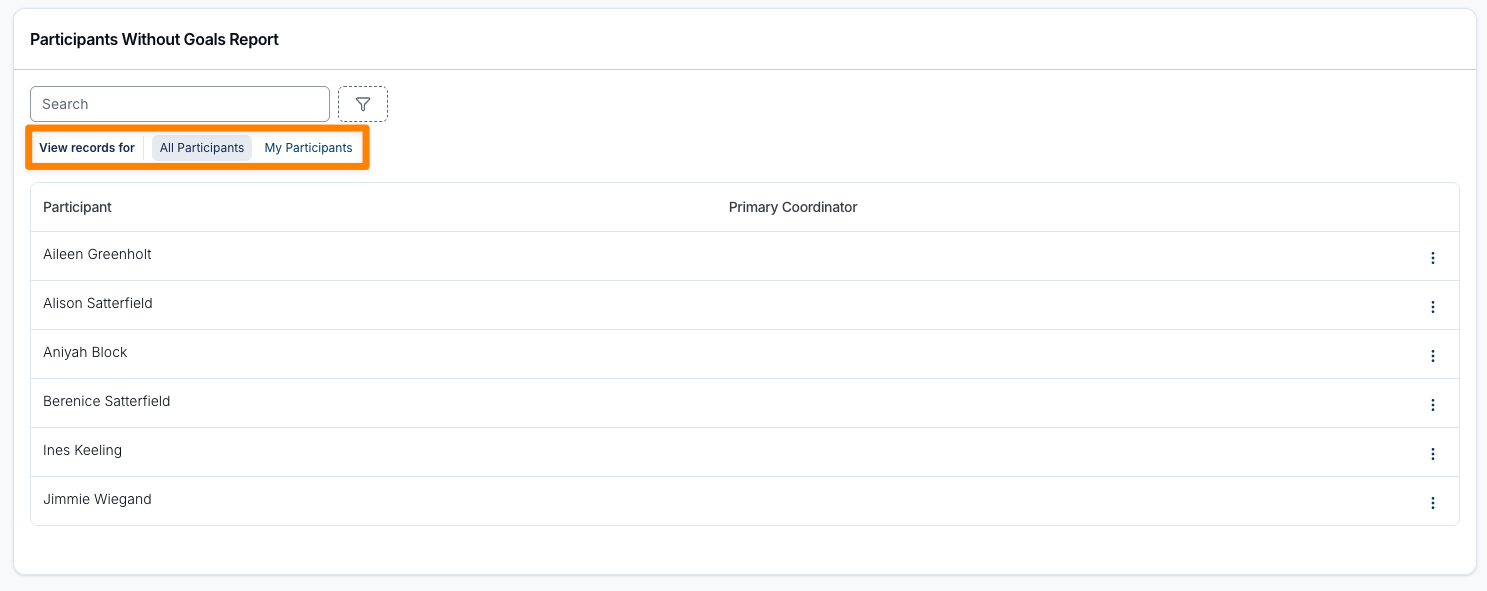
Use the Participants filter to switch between All Participants and My Participants. My Participants means the Participants you are the Primary Coordinator for, plus those where you are the Service Coordinator on a Service that is current today.
The report is included on the Professional plan and above.
| Role | All Participants | My Participants |
|---|---|---|
| Admin | Yes | Yes |
| Manager | Yes | Yes |
| Team Member | Yes, unless Can access all Participants is turned off for them | Yes |
| Support Worker | No | No |
If you can't see all Participants, the Participants filter doesn't appear and the report shows only your own Participants.
Report Columns
Participant
The Participant's full name.
Primary Coordinator
The Primary Coordinator assigned to the Participant. This column appears in the All Participants view only.
The report opens sorted by Participant name, A to Z. You can also sort by Primary Coordinator.
Available Filters
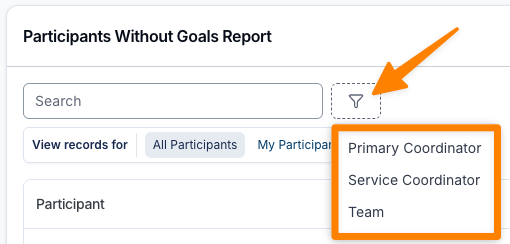
Search matches the Participant's name. You can also filter the list by:
| Filter | Shows Participants |
|---|---|
| Primary Coordinator | With the chosen Primary Coordinator, or Unassigned for those with none |
| Service Coordinator | Whose current plan has a Service coordinated by the chosen person, or Unassigned where no Service on the current plan has a Service Coordinator |
| Region | In the chosen regions, or Unassigned. Appears when Regions are enabled for your account. |
| Team | Whose Primary Coordinator, or a Service Coordinator on their current plan, belongs to the chosen team. Appears for Admins and Managers when Teams are enabled. |
Primary Coordinator, Service Coordinator and Team appear only when you can see all Participants.
Adding Goals
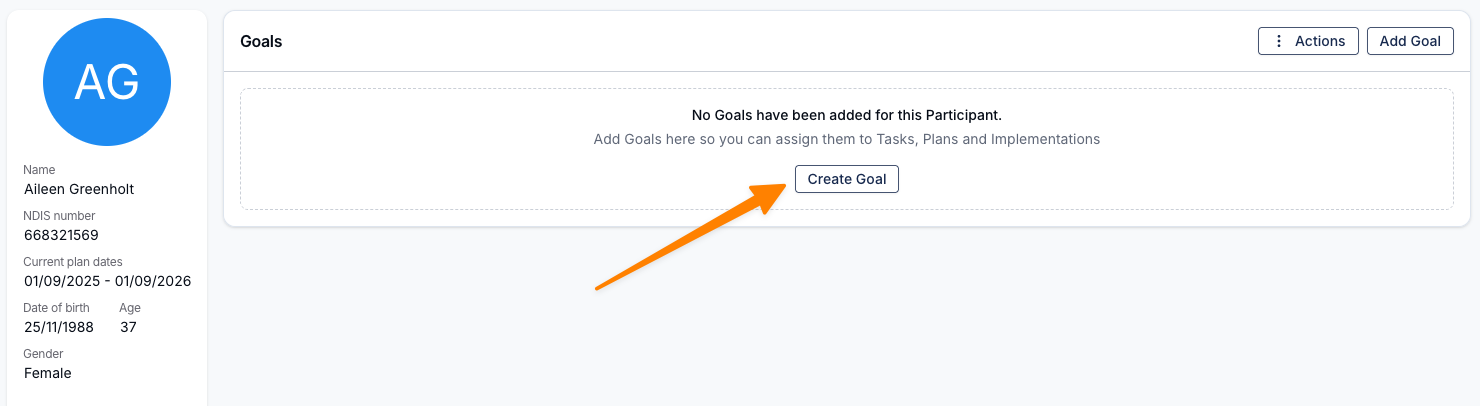
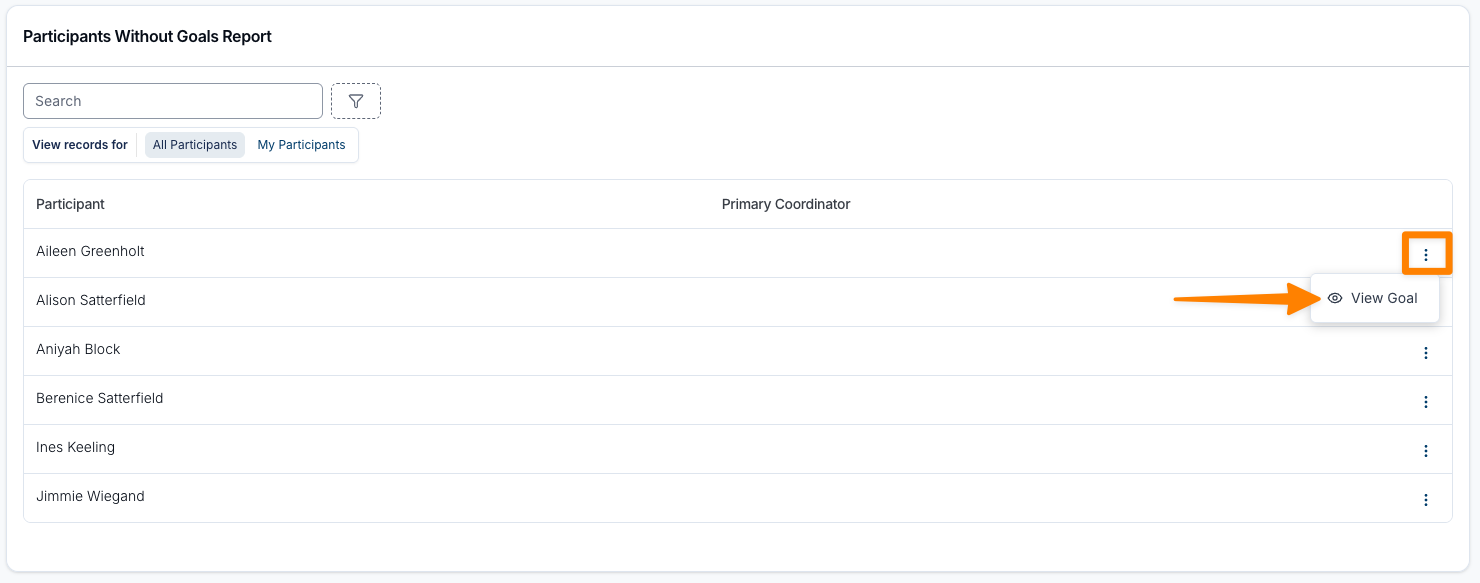
You can go straight to a Participant's Goals page from the report. Click the three dots at the end of the row and select View Goal.
Click Add Goal to record the Participant's current Goals. See the Goals guide for the full process. Once a Participant has an active goal, they drop off this report.