- Insights
- Notifications
- Record Acknowledgement Notification
Record Acknowledgement Notification
Overview
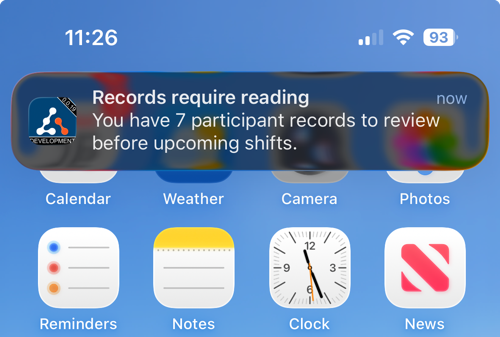
The Record Acknowledgement Reminder Notification alerts the Support Worker when they have unacknowledged Records, by automatically notifying them via a push notification from their app.
It is listed as Participant Record Acknowledgement on the Notifications page, and appears once Participant Record Acknowledgement is turned on for your organisation. Only Admins can open Notifications and create or delete it. This can't be changed per user.
Setting Up the Notification
- Go to Notifications from the left-hand menu and select the Scheduling section.
- Select Participant Record Acknowledgement.
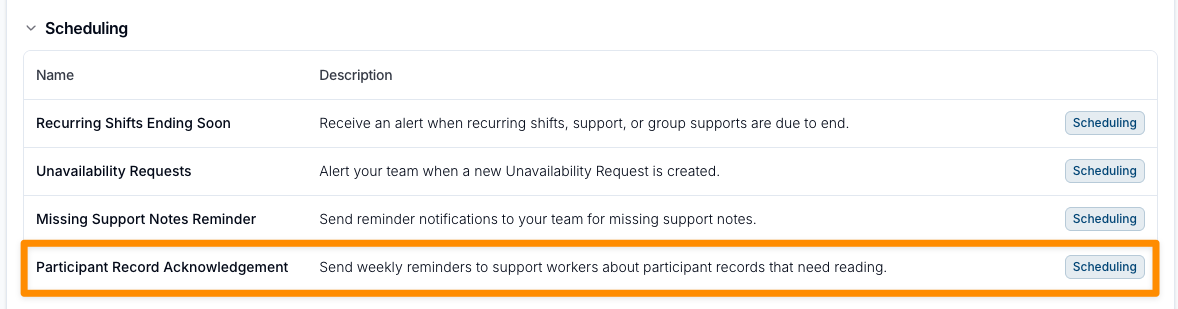
- Click Create Notification. There are no settings to fill in: the reminder is created straight away and runs every Monday at 8am, your organisation's local time.


Your organisation can have one of these notifications. Create Notification is unavailable once it exists.
Each Monday, Astalty looks at the published shifts assigned to each Support Worker over the next 2 weeks. If a Participant on one of those shifts has Records that need Support Worker acknowledgement, and the worker hasn't acknowledged them, the worker gets one reminder with the number of outstanding Records. Cancelled supports and archived Records are ignored.
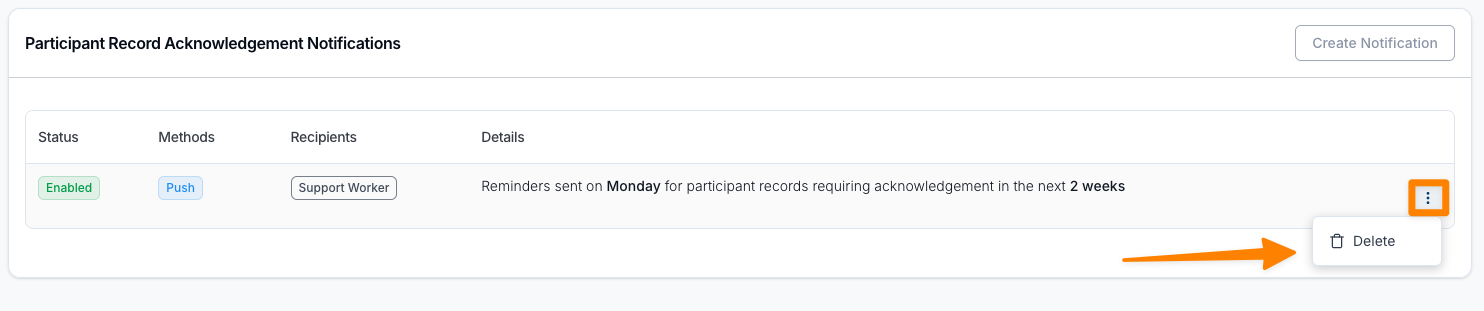
To stop these Notifications, navigate to the Notification and select the three dot menu, then click on Delete.
How Support Workers Receive Notifications
- Notifications are delivered as push alerts to the Support Worker's Astalty app, titled Records require reading. There is no email or in-app version.
- Support Workers must have app notifications enabled to receive reminders.
- Push Notifications must also be turned on in your Scheduling Settings. When it is off, no reminders are sent.
- Selecting the notification takes the Support Worker directly to their unacknowledged Records.