Participant Incompatibilities Report
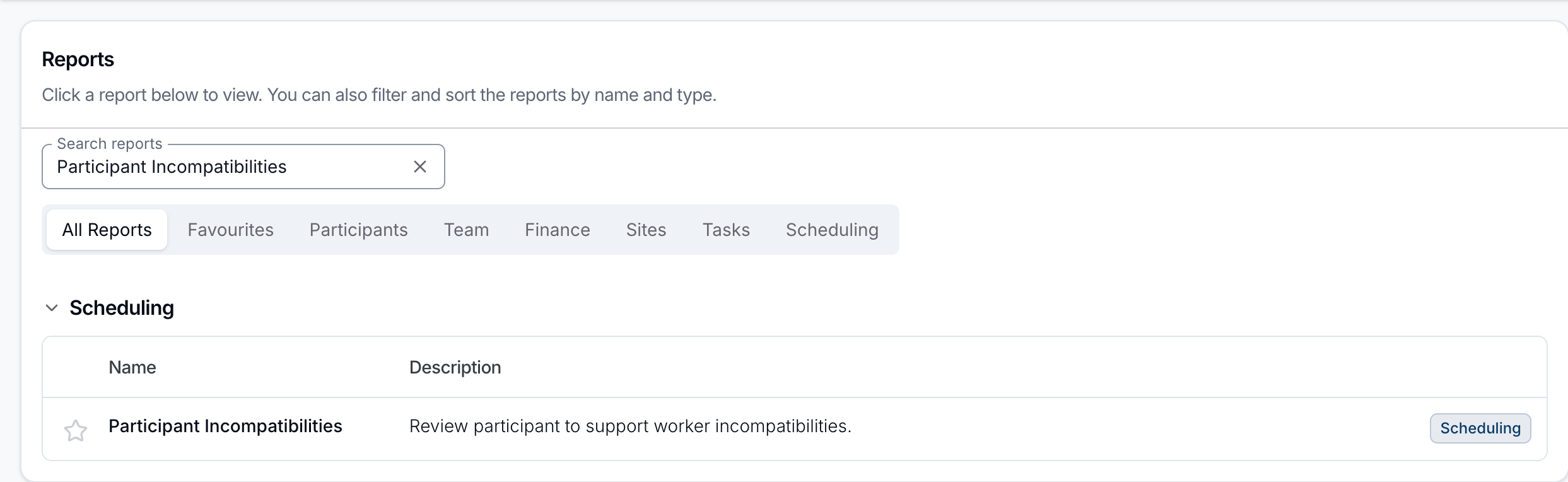
Open Reports > Scheduling > Participant Incompatibilities.
Report Overview
The Participant Incompatibilities report lists every recorded incompatibility between a Participant and a Support Worker, so you can review them in one place. Only incompatibilities are listed. Preferred Support Workers are not. Incompatibilities for archived Participants are included.
Incompatibilities are set up as part of a Participant's preferences. See Participant Preferences for how they're created and how they surface when scheduling.
Report columns
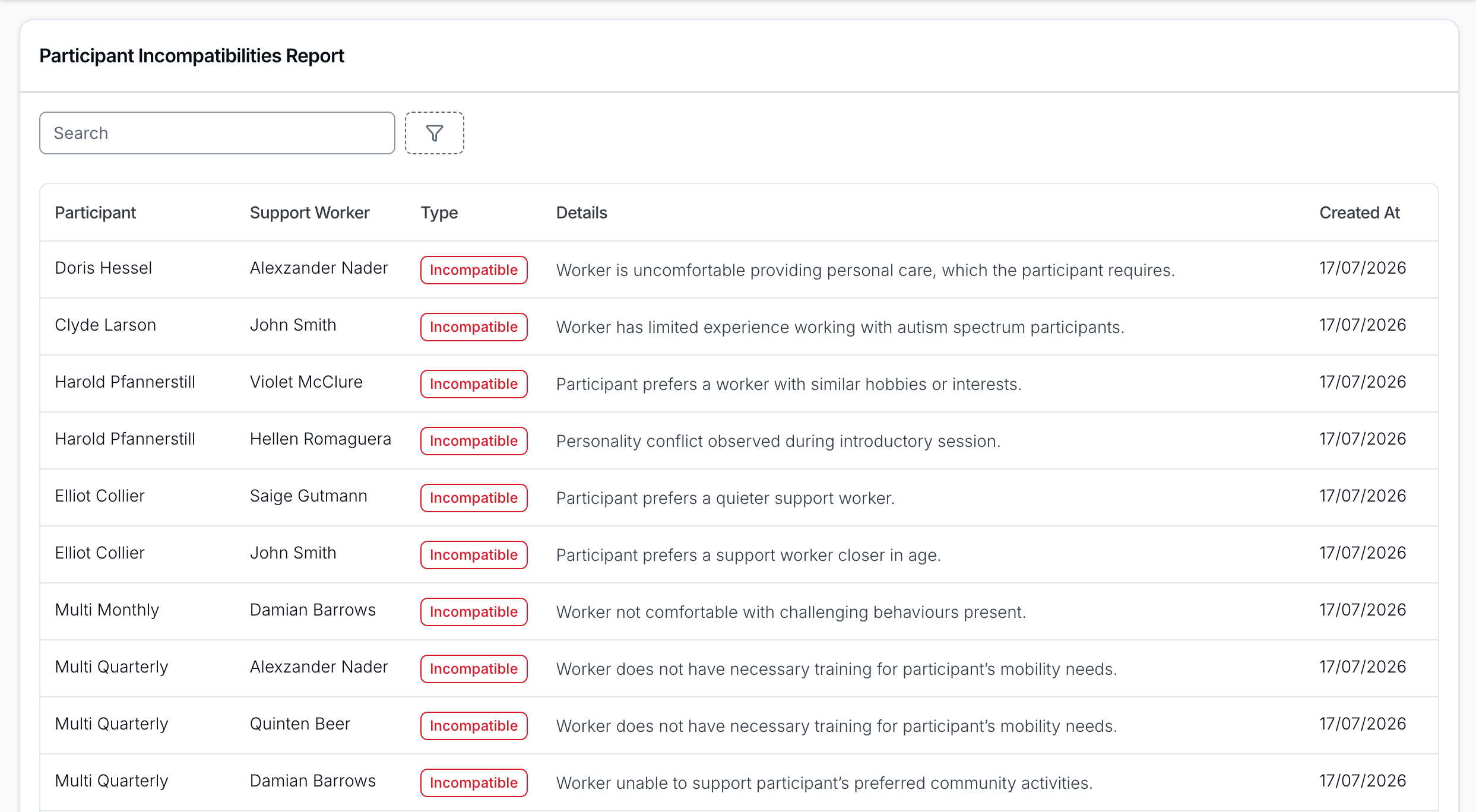
- Participant: the Participant the incompatibility relates to.
- Support Worker: the Support Worker who is marked as incompatible.
- Type: always Incompatible.
- Details: the reason or notes captured when the incompatibility was created.
- Created At: the date the incompatibility was recorded.
The report opens with the oldest incompatibilities first. Click the Created At header to reverse the order. No other column can be sorted.
Filtering
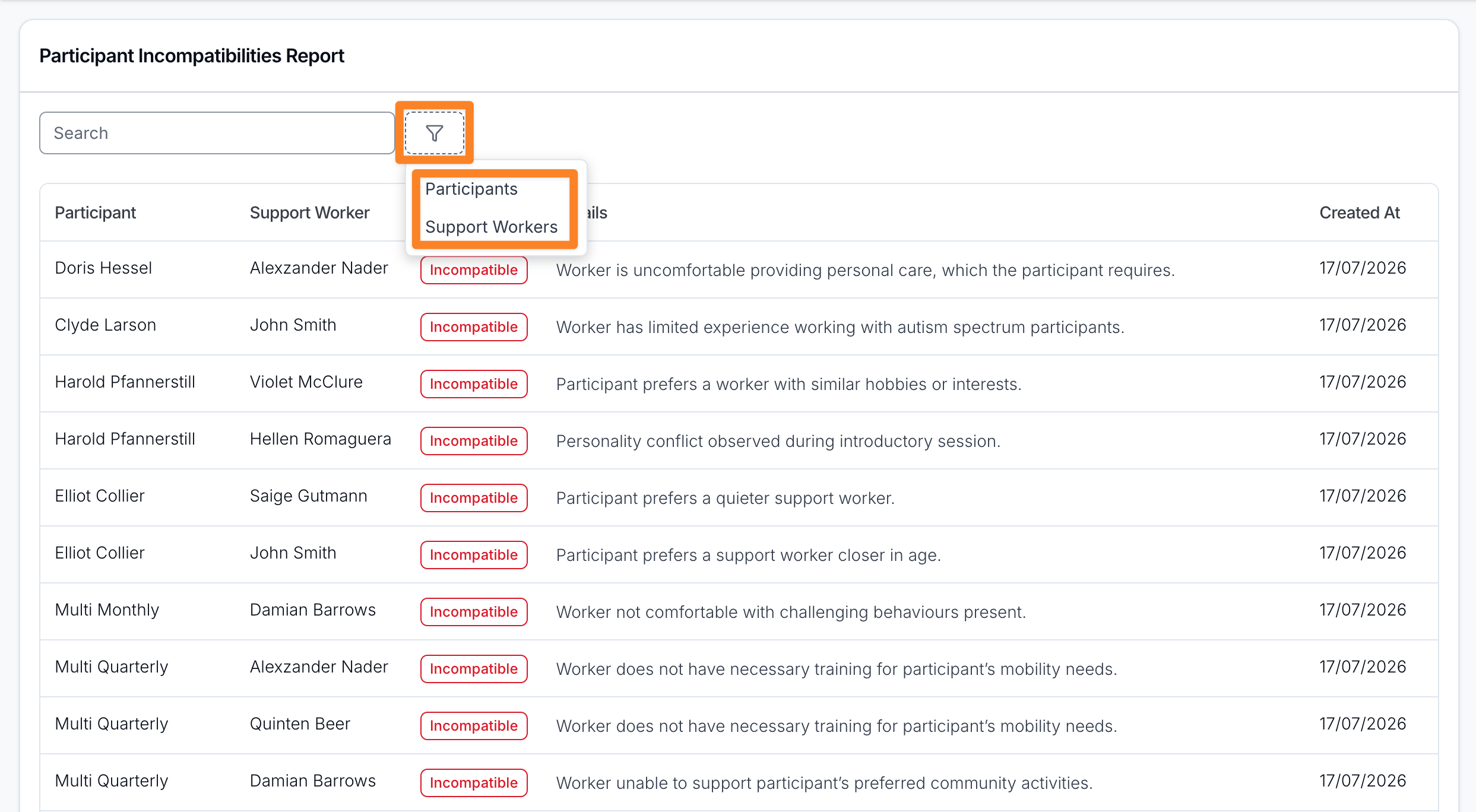
Use the Search box to find incompatibilities by Participant or Support Worker name, and the filter icon next to it to narrow the list by:
- Participants: show incompatibilities for specific Participants.
- Support Workers: show incompatibilities for specific Support Workers.