Participant Goal Report
The Participant Goals report lists your Participants' goals with their status and type. Open Reports > Participants > Participant Goals.
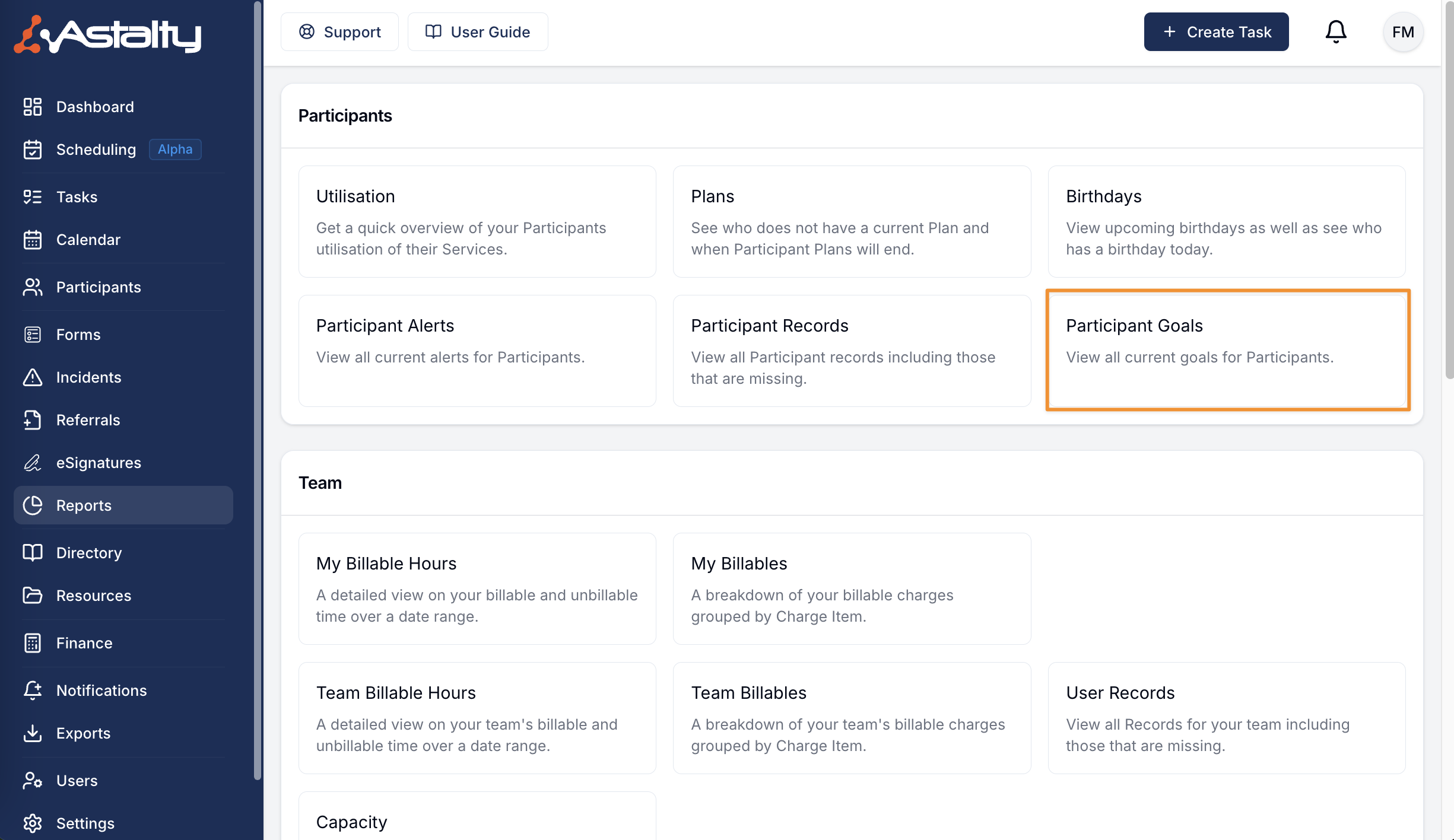
Report Overview
Use the Participants switch to choose All Participants or My Participants. It opens on All Participants.
"Your own Participants" (My Participants) are the Participants you are the Primary Coordinator for, plus those where you are the Service Coordinator on a service that is running today.
Archived goals, and goals of archived Participants, are not listed. To find Participants with no goals at all, use the Participants Without Goals report.
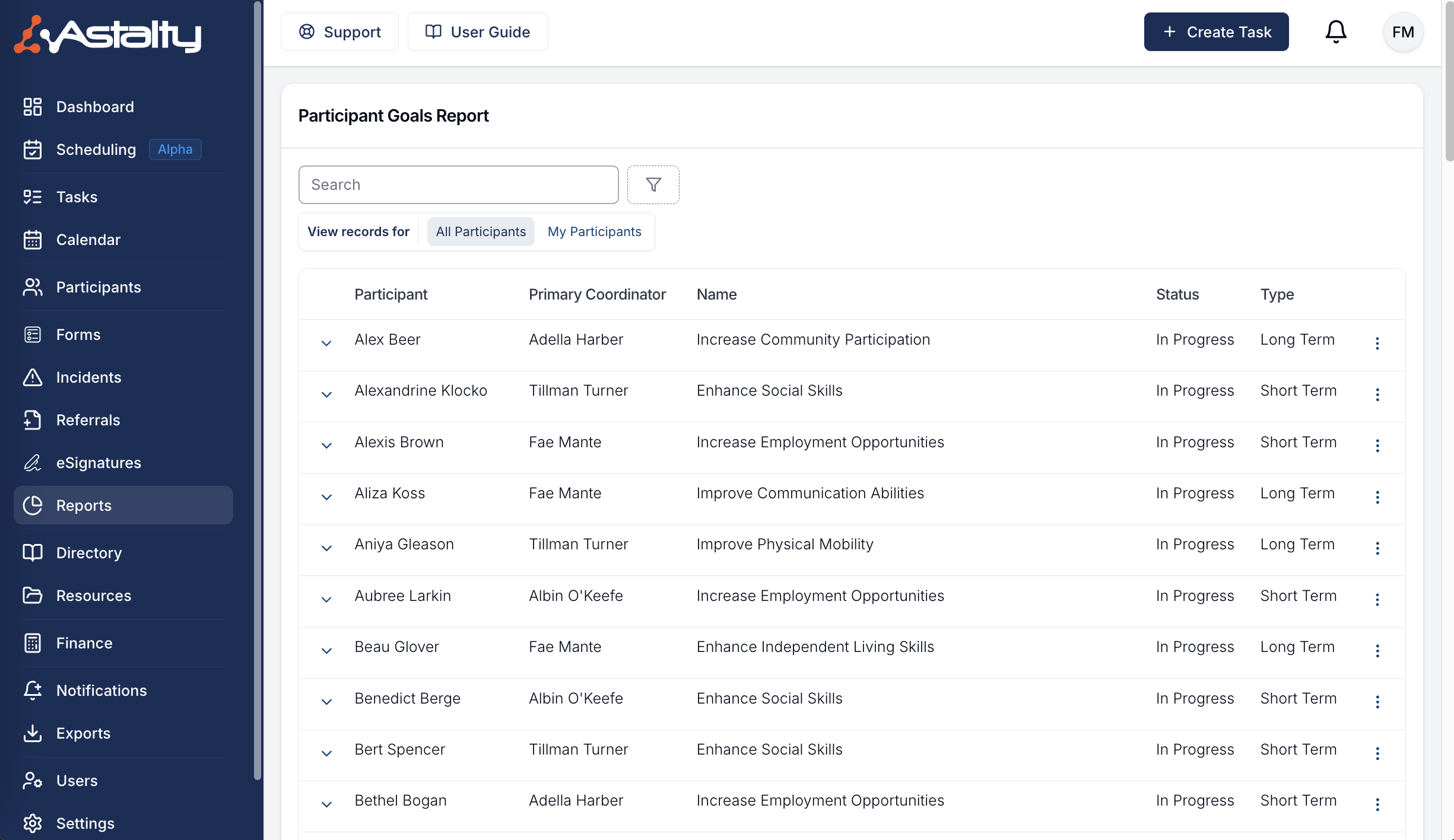
Report Columns
Participant
The Participant's full name. The report is sorted by Participant name until you sort by another column.
Primary Coordinator
The Participant's Primary Coordinator. This column only shows when you are viewing All Participants.
Name
The name of the goal.
Status
The status of the goal: In Progress, Achieved or Unattainable.
Type
The type of goal: Short Term, Medium Term or Long Term.
Dropdown Menu Options
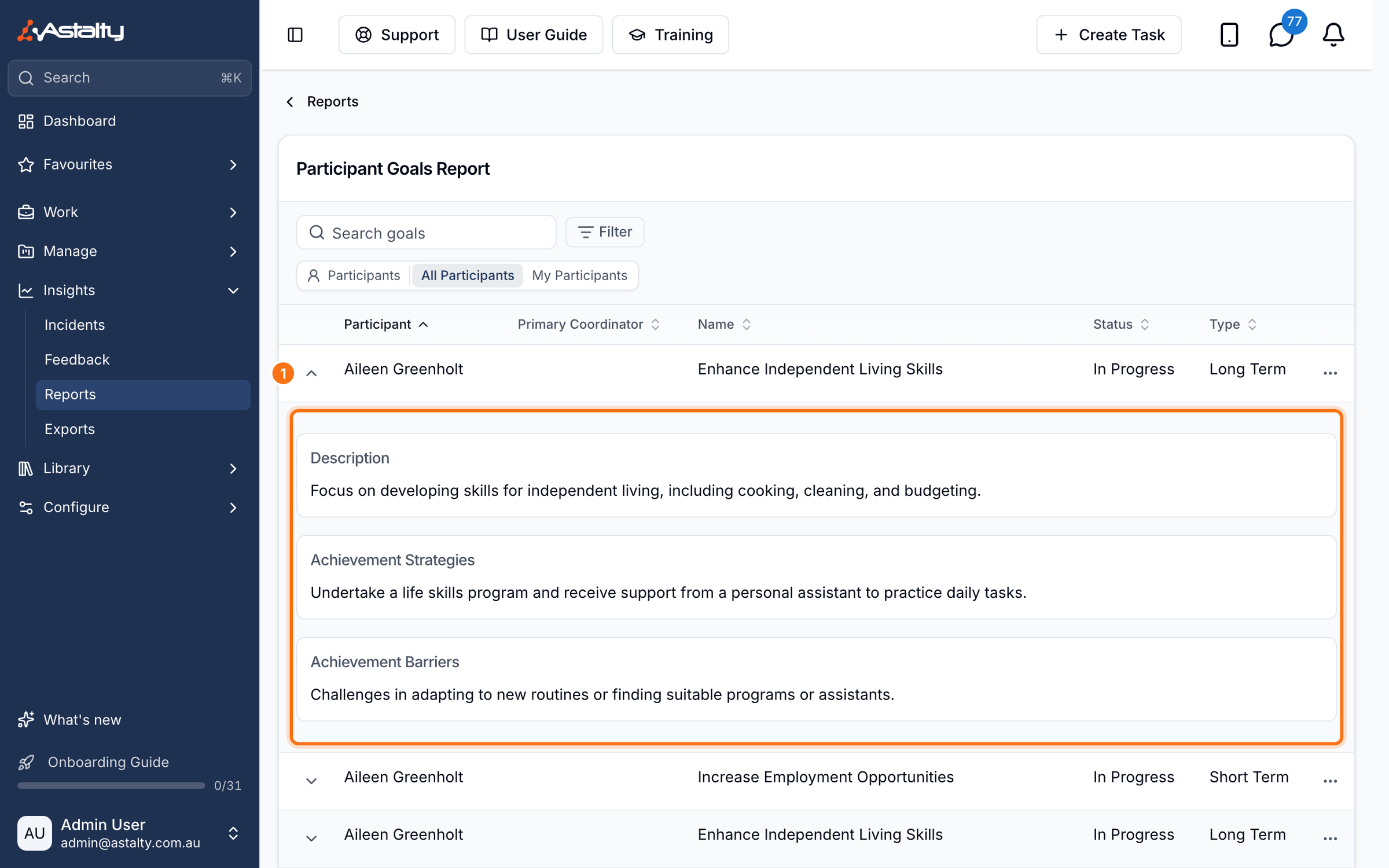
Expand a goal's row to see its:
- Description
- Achievement Strategies
- Achievement Barriers
Select the three dots at the end of the row and choose View Goal to open the goal on the Participant's profile. See Goals for managing goals.
Available Filters
Use the search box to find goals by Participant name. Click the filter button to filter the list by:
- Status: one or more goal statuses. With no status chosen, goals of every status are listed.
- Primary Coordinator: the Participant's Primary Coordinator, or Unassigned.
- Service Coordinator: a Service Coordinator on the Participant's current Plan, or Unassigned.
- Region: if Regions are enabled.
- Team: Participants whose Primary Coordinator, or a Service Coordinator on their current Plan, belongs to the selected teams.
Primary Coordinator and Service Coordinator appear when Participant filters are enabled. Team appears when Teams are enabled.