Login History Export
Overview
This export contains successful and failed login attempts for your organisation over a required date range. Only the Account Owner can create this export.
Finding the Login History Export export
Head to the Exports page, click Create Export, and select Login History under Users, or go directly to Create Login History Export.
Creating the export
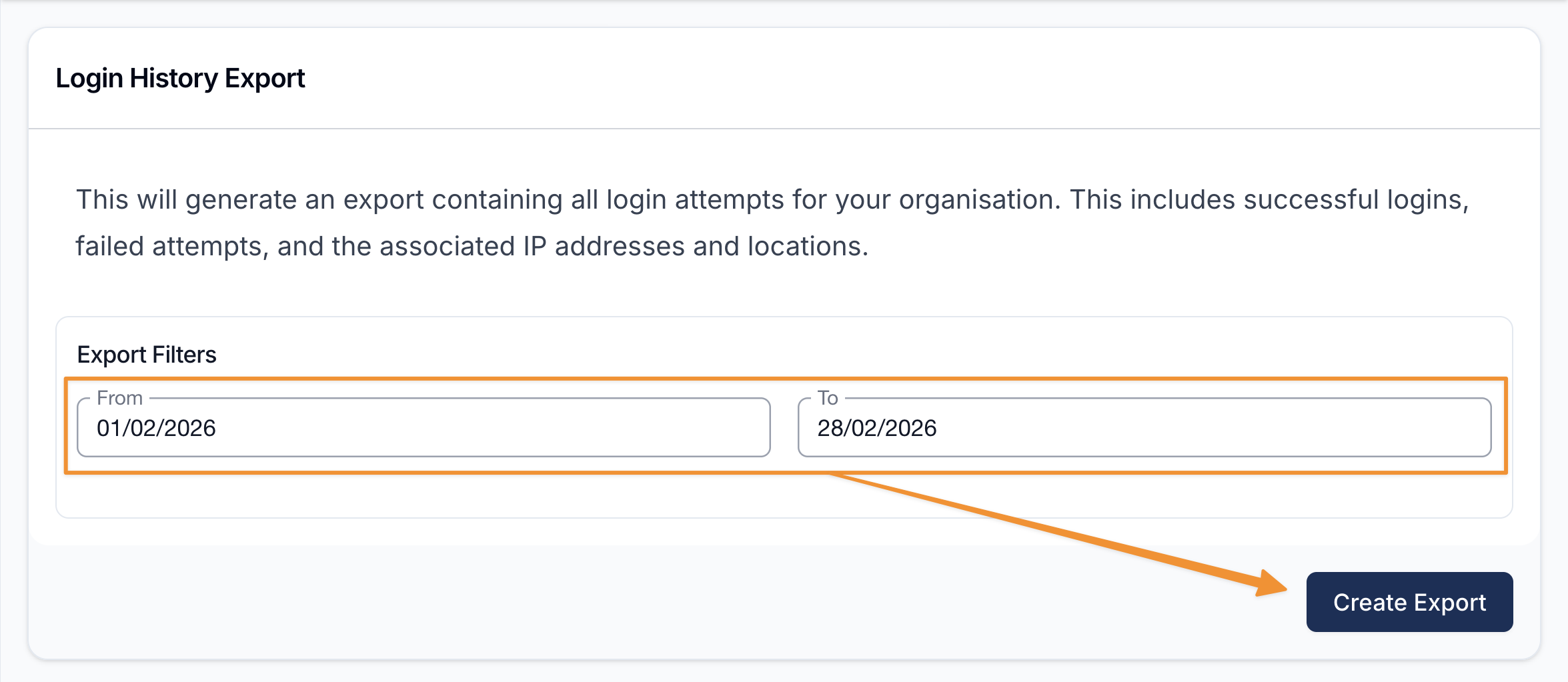
The From and To dates are required. They default to the first and last day of the current month. Change them to the period you need, then select Create Export.
The CSV is ordered from newest to oldest and contains:
- Email used for the attempt.
- Status of the attempt.
- Date/Time in your provider timezone, including seconds.
- IP Address the attempt came from.
Downloading the Export
When the export is ready it will appear on the Exports page, where you can select Download to save the CSV.