Risks Export
Overview
The Risks Export generates a CSV or PDF containing active Participant risks. You can narrow it by Participant, Participant Tags, or both.
Finding the Risks Export
Open Exports, select Create Export, then select Risks under Participants.
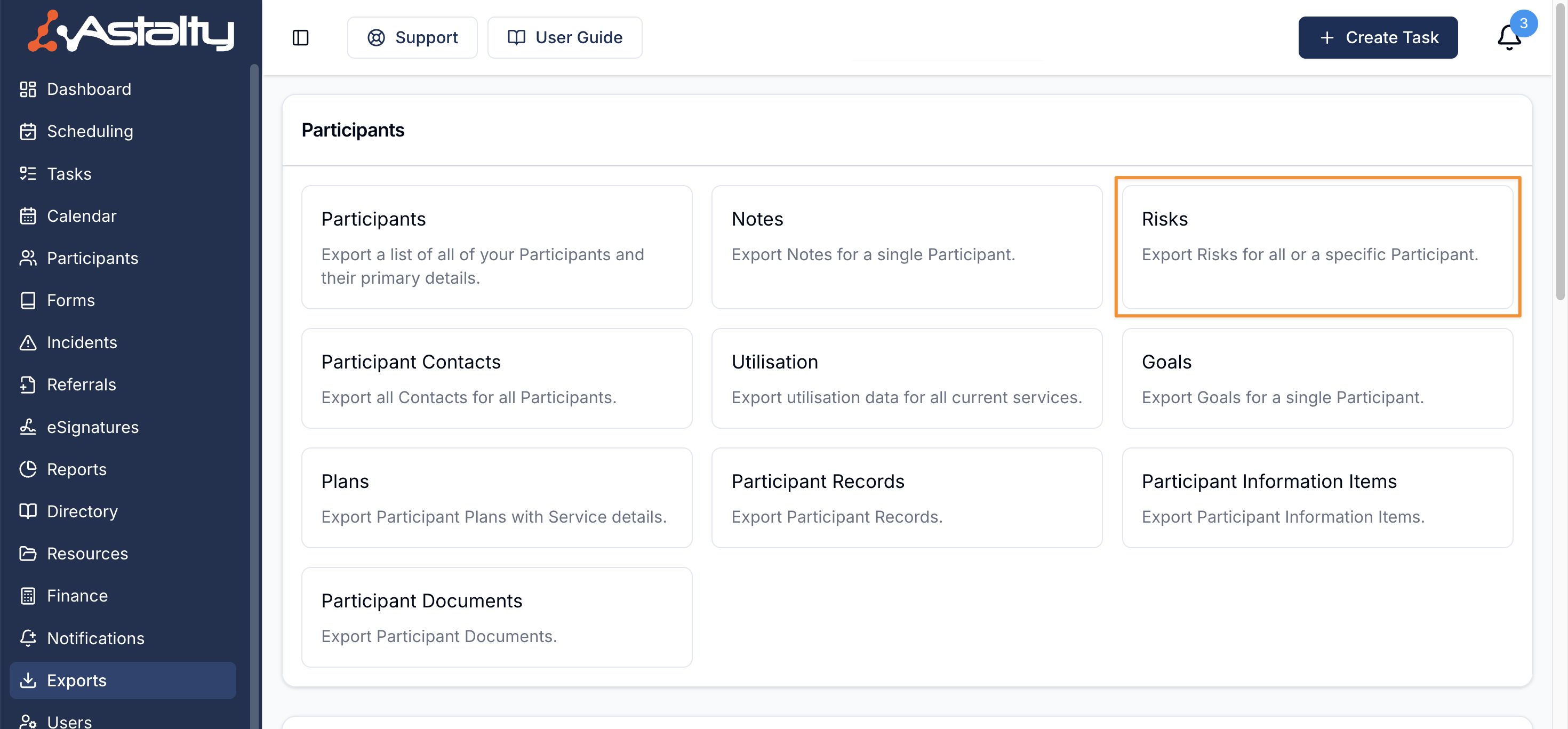
Configuring the Export
The export builder includes an Export Filters section with optional fields that let you narrow which Participants are included.
Participants
This field is optional. Select one or more Participants to limit the export to active risks belonging to those Participants. If left blank, the Participant Tags selection determines the scope.
Participant Tags
This field is optional. Select one or more Participant Tags to include Participants who carry any selected tag. When you also select Participants, a Participant must match both filters. If both fields are blank, the export includes every active Participant risk.
Export Format
Choose between CSV or PDF depending on your needs.
Creating the Export
Once you have configured your filters and chosen a format, click Create Export.
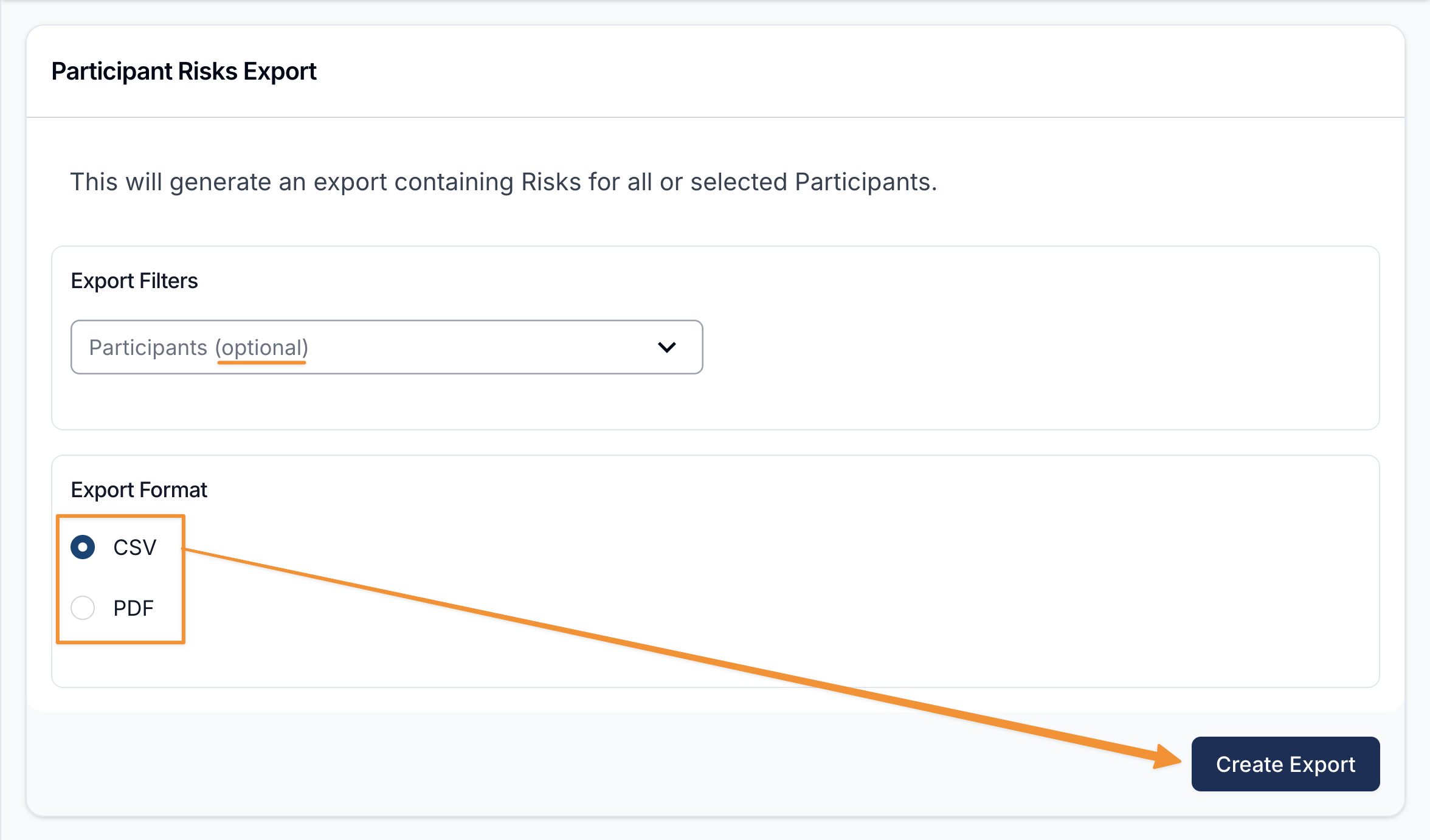
Downloading the Export
When the export is ready it will appear on the Exports page where you can click on Download to save it to your device.
Exported Fields
If you have chosen to export as a CSV, the exported data will be organised into the following columns:
- Participant Name
- NDIS Number
- Title
- Description
- Risk To
- Likelihood
- Consequence
- Inherent Score
- Inherent Level
- Residual Likelihood
- Residual Score
- Residual Level
- Management Type
- Review Frequency
- Last Reviewed At
- Last Reviewed By
- Status
- Controls
- Created At