Record Acknowledgements Export
The Record Acknowledgements Export lets you download acknowledgement status for Participant Record documents associated with rostered Support Workers across a shift date range. It is available as CSV or PDF.
This export covers the same information as the Record Acknowledgement Report - a downloadable version you can archive or share.
Finding the Record Acknowledgements Export
Open Exports, select Create Export, then select Record Acknowledgements under Participants.
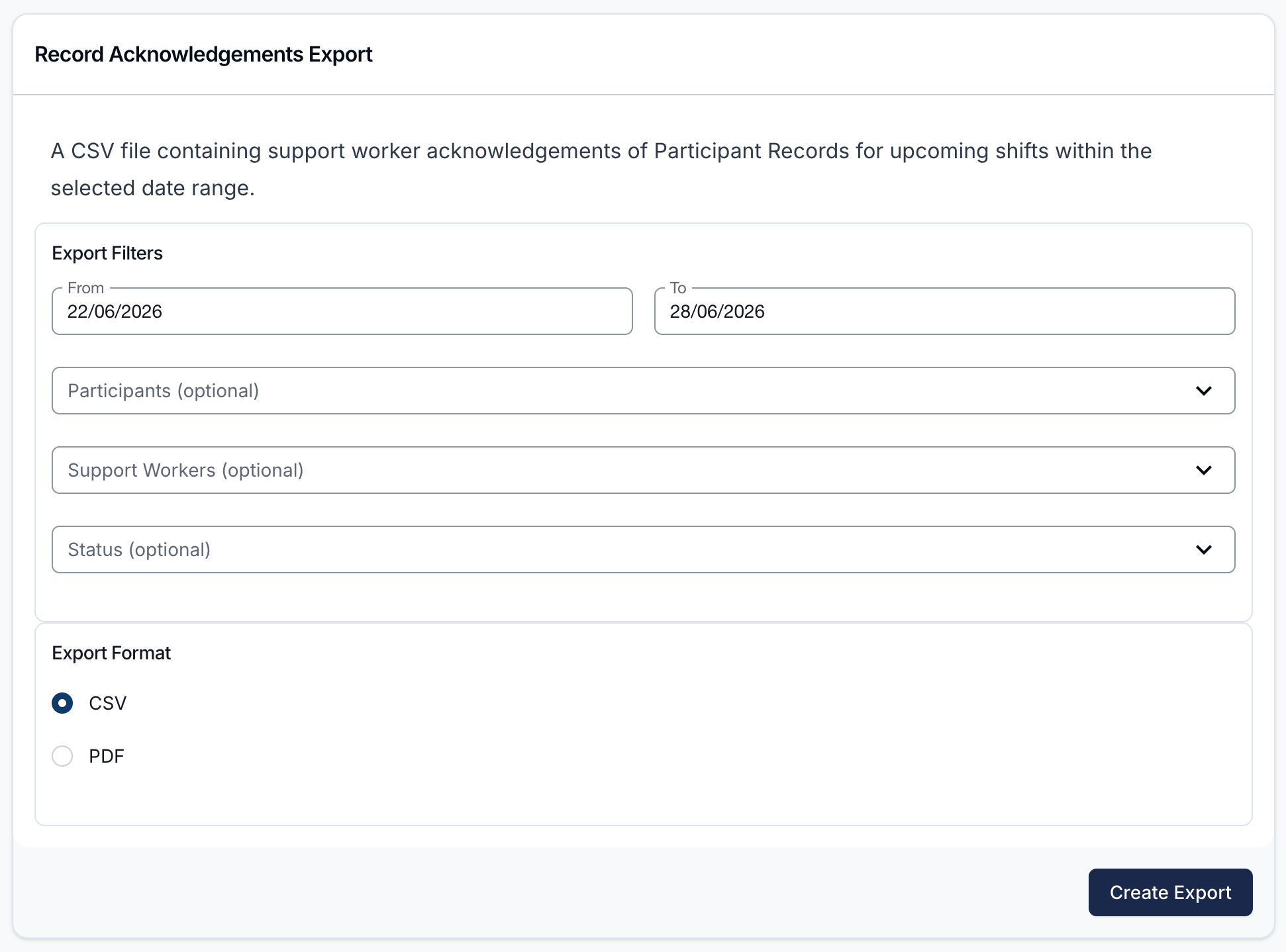
Setting the filters
The From and To dates are required and default to the current Monday-Sunday week. Presets are available for This week, Last week, This month, and Last month. You can then narrow the results with optional filters:
- Participants - limit the export to specific Participants.
- Support Workers - limit the export to specific Support Workers.
- Status - filter by Acknowledged or Not Acknowledged.
Astalty starts with published, assigned shifts in the date range and excludes cancelled Supports. For each Participant and Support Worker pair, it uses one shift, preferring the earliest upcoming shift and otherwise the earliest shift in the selected range. It then creates one row for every active document on an active Participant Record that requires Support Worker acknowledgement. Participants and Support Workers are also limited by what the person creating the export can view.
Choosing the export format
Under Export Format, choose how you want the file generated:
- CSV - a spreadsheet-friendly file for reporting and analysis.
- PDF - a tidy, audit-friendly table that can be used as proof of service delivery.
Once you've set your filters and format, click Create Export.
Downloading the export
When the export is ready it will appear on the Exports page where you can click Download to save it to your device.
Exported fields
Both the CSV and PDF include the same details:
- Participant
- Support Worker
- Record Type
- Document
- Shift Date
- Status - Acknowledged or Not Acknowledged
- Acknowledged At
Shift Date uses the shift timezone. Acknowledged At uses the provider timezone and is blank when the document has not been acknowledged.