Information Items Export
The Participant Information Items Export creates a CSV with one row for every combination of Participant and Information Item. This includes Information Items with no details recorded.
Finding the Participant Information Items Export
Head to the Exports page, click Create Export, and select Participant Information Items under Participants, or go directly to Create Participant Information Items Export.
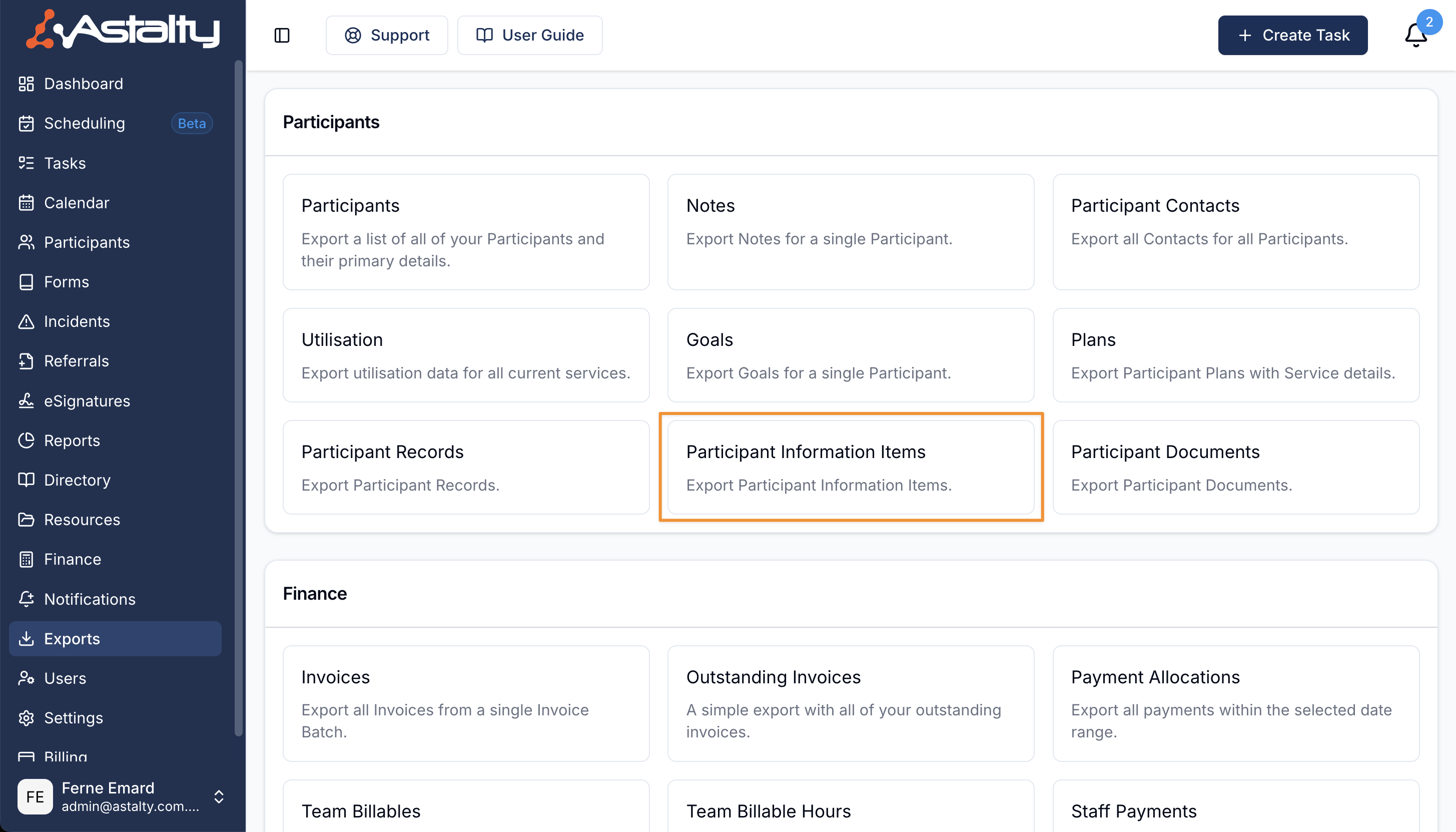
Creating an export of Participant Information Items
There are no filters. Select Create Export to include every Participant and every Information Item for your provider.
Downloading the Export
When the export is ready it will appear on the Exports page where you can click on Download to save it to your device.
Exported Fields
The CSV contains:
- Participant Name
- NDIS Number
- Information Item
- Required
- Details
Required is Yes when the Information Item is required for everyone or required by any Participant Tag assigned to that Participant. Otherwise it is blank. Details is exported as plain text, so rich text formatting is removed.