Referrals Export
You can bulk export referrals as a spreadsheet with one row per referral, or as PDF documents with one PDF per referral bundled into a ZIP.
Finding the Referrals Export
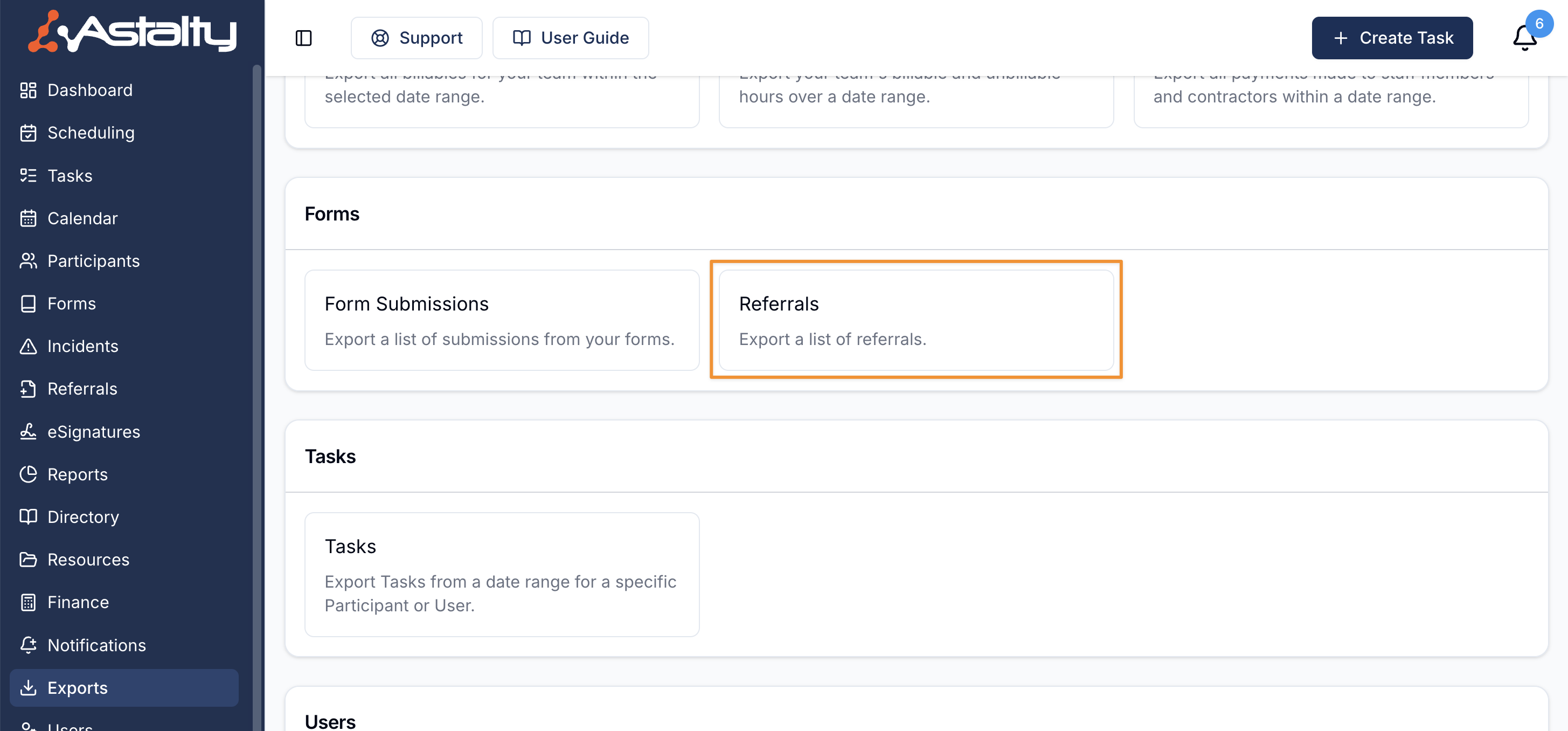
Open Exports, select Create Export, then select Referrals under Forms.
Creating the Export
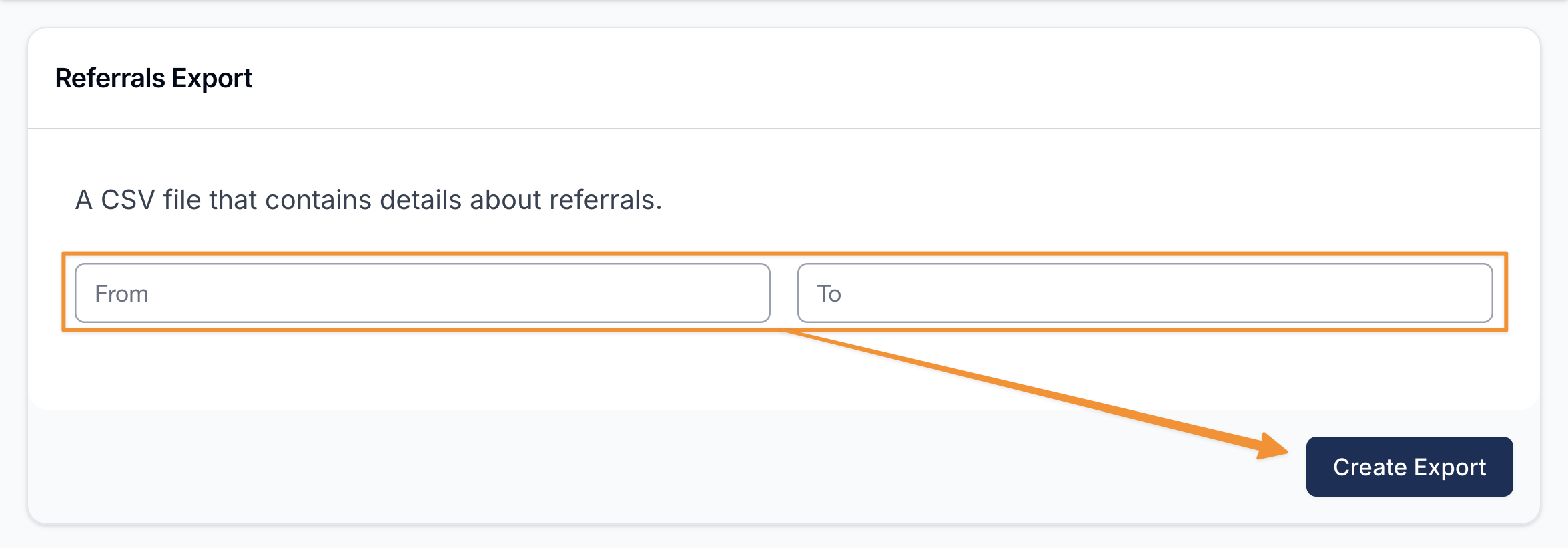
Once you're in the Referrals Export, use the Export Filters to refine what is included. All filters are optional. Leave them blank to export every referral.
- From and To limit the export by the referral's creation date.
- Status limits the export to referrals with a specific status.
Export Format
Under Export Format, choose Excel or PDF:
- Excel creates an Excel workbook (
.xlsx) with one row per referral. - PDF creates a formatted PDF for each referral, including the Referral Summary and Details. When more than one referral is included, the PDFs are bundled into a ZIP file.
Export Options
- Exclude archived is on by default, so archived referrals are left out.
- Exclude staff surnames is off by default. When selected, staff names are abbreviated to a first name and last initial in the spreadsheet and PDFs.
When you are ready, select Create Export.
Downloading the Export
When the export is ready it will appear on the Exports page where you can click Download to save it to your device.
Exported Fields
The spreadsheet starts with the referral's own details, then adds the fields used by every referral form represented in the results:
- Reference - the referral's reference number.
- Status
- Assignee
- Participant
- Referral Created
- Submitted At
- Submitted By
Where your export covers referrals from more than one form, the spreadsheet includes fields from every form involved. A referral is blank in columns belonging to a different form. Dates and times use your provider timezone.
The PDF export produces the same formatted layout as exporting a referral individually.