- Administration
- Settings
- Security Settings
Security Settings
Security Settings
The Security page lets the Account Owner review and manage organisation-wide two-factor authentication (2FA) settings. Other users do not see this settings page.
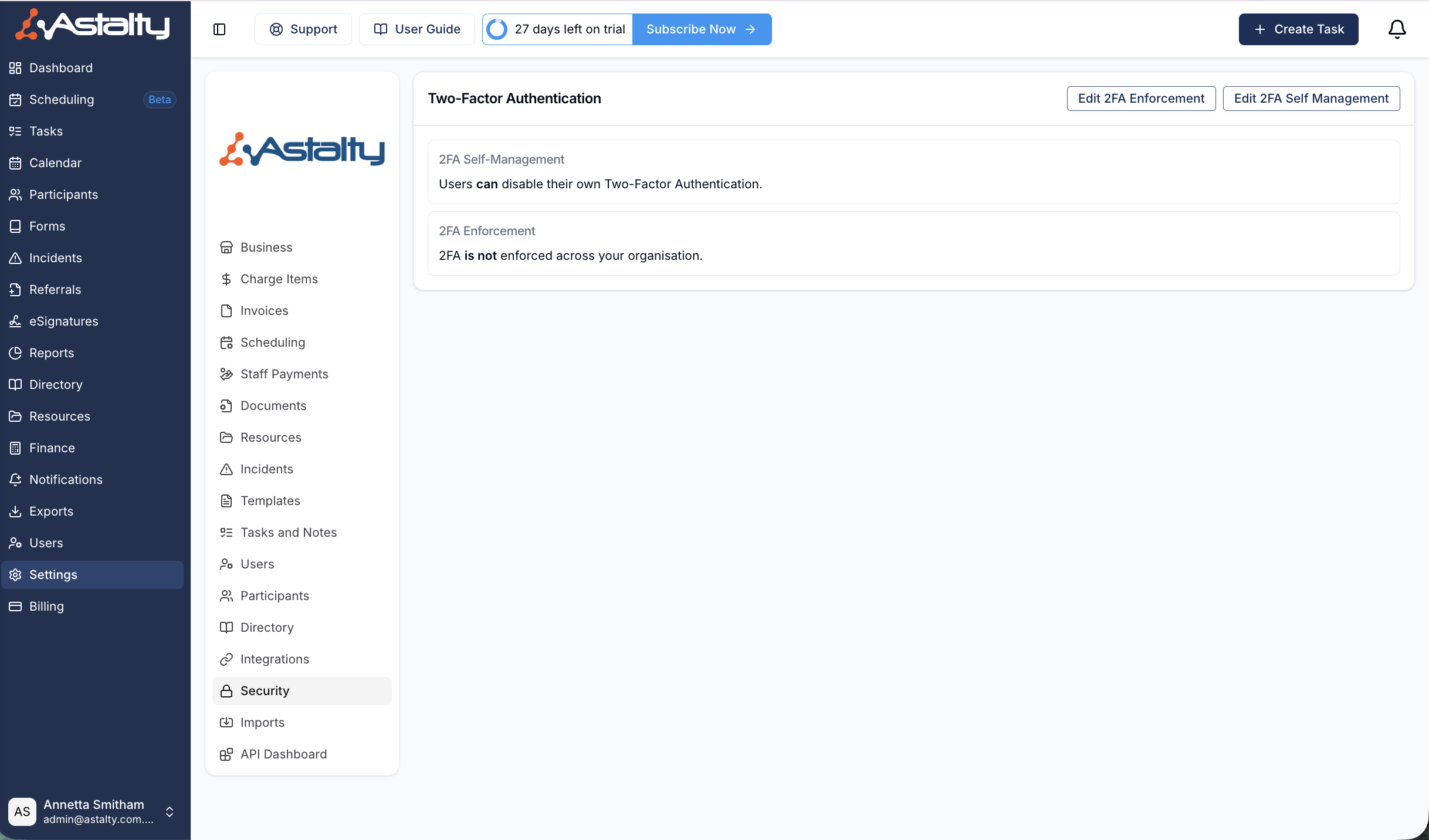
Open Actions to edit 2FA enforcement or 2FA self-management. The page also shows the current state of both settings.
- Enforcing 2FA on Your Astalty Account explains how to require 2FA for selected roles and reset another user's 2FA.
- Disabling the Ability to Disable 2FA explains how to stop other users from turning off 2FA themselves.
- Setting Up 2FA on the Mobile App covers mobile setup and recovery codes.
For a high-level summary of how 2FA works in Astalty and every page that covers it, see Two-Factor Authentication.
If a User's authenticator codes are being rejected or they have lost their device, see Troubleshooting 2FA.