- Administration
- Settings
- Integrations Settings
Integrations Settings
On the Integrations page you can connect and manage account-wide integrations. The cards shown depend on the integrations included and enabled for your account.
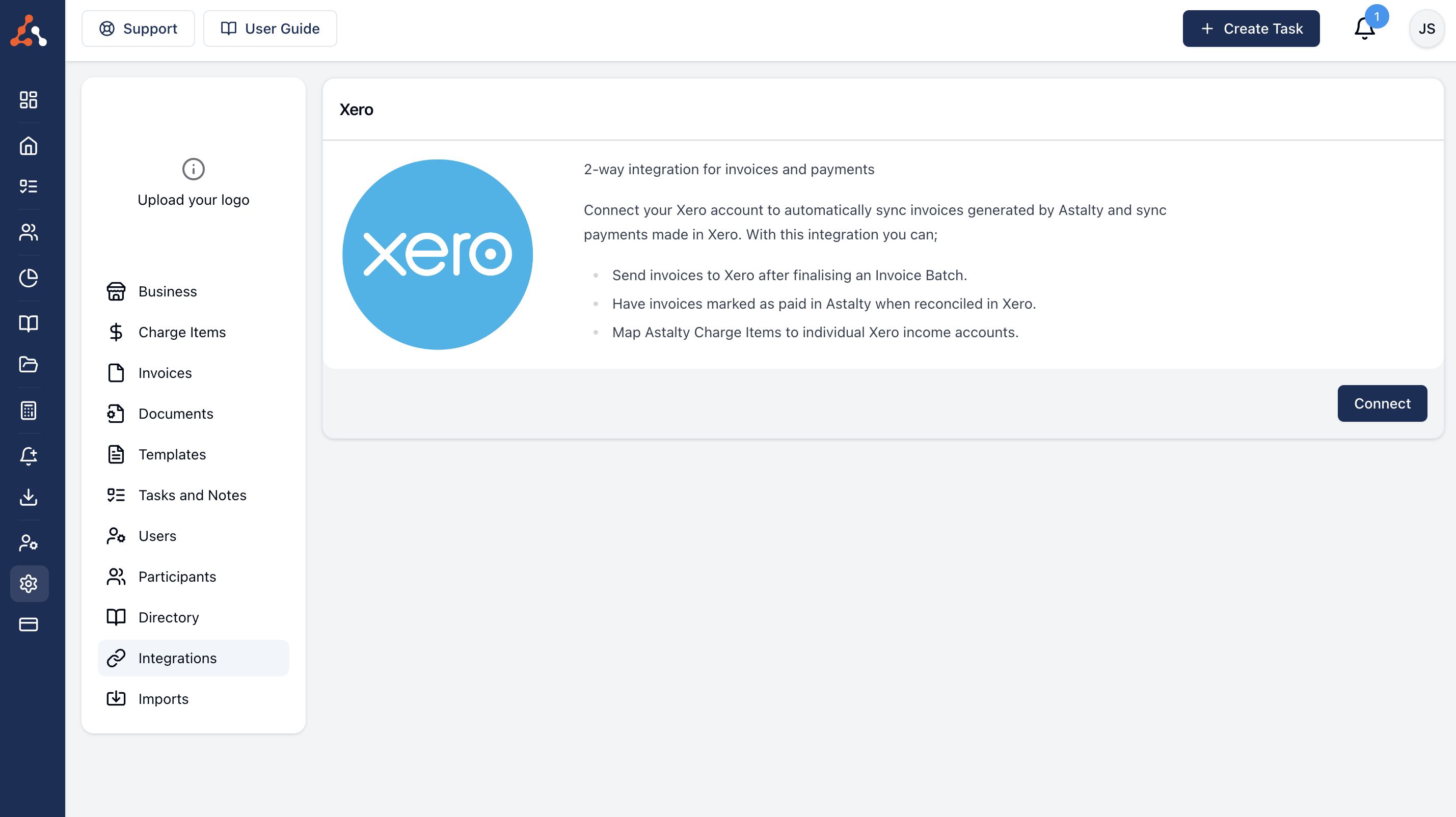
Each integration has its own guide covering what it does, how it works, and how to connect it. See the Integrations section for the full list.
Xero
A two-way integration that syncs invoices and payments automatically, and drives Xero payroll. See Xero.
Payroll Integration
The payroll integration card is labelled for the payroll platform configured for your account: Employment Hero, PayCat or QuickBooks Payroll. It can sync approved timesheets and supports payroll mappings such as pay groups and cost codes. See Employment Hero, PayCat, or QuickBooks Payroll for the matching workflow.
Other Enabled Integrations
MYOB and ShiftCare cards appear only when those integrations are enabled for your account. Follow the instructions shown on the relevant card and in the Integrations section.