- Scheduling
- Support Worker App Overview
Support Worker App Overview
Overview
This guide gives you a sense of the Support Worker App and the features within. It is intended as supplementary information to our other guide articles. Start with the video walkthrough below, then explore each feature.
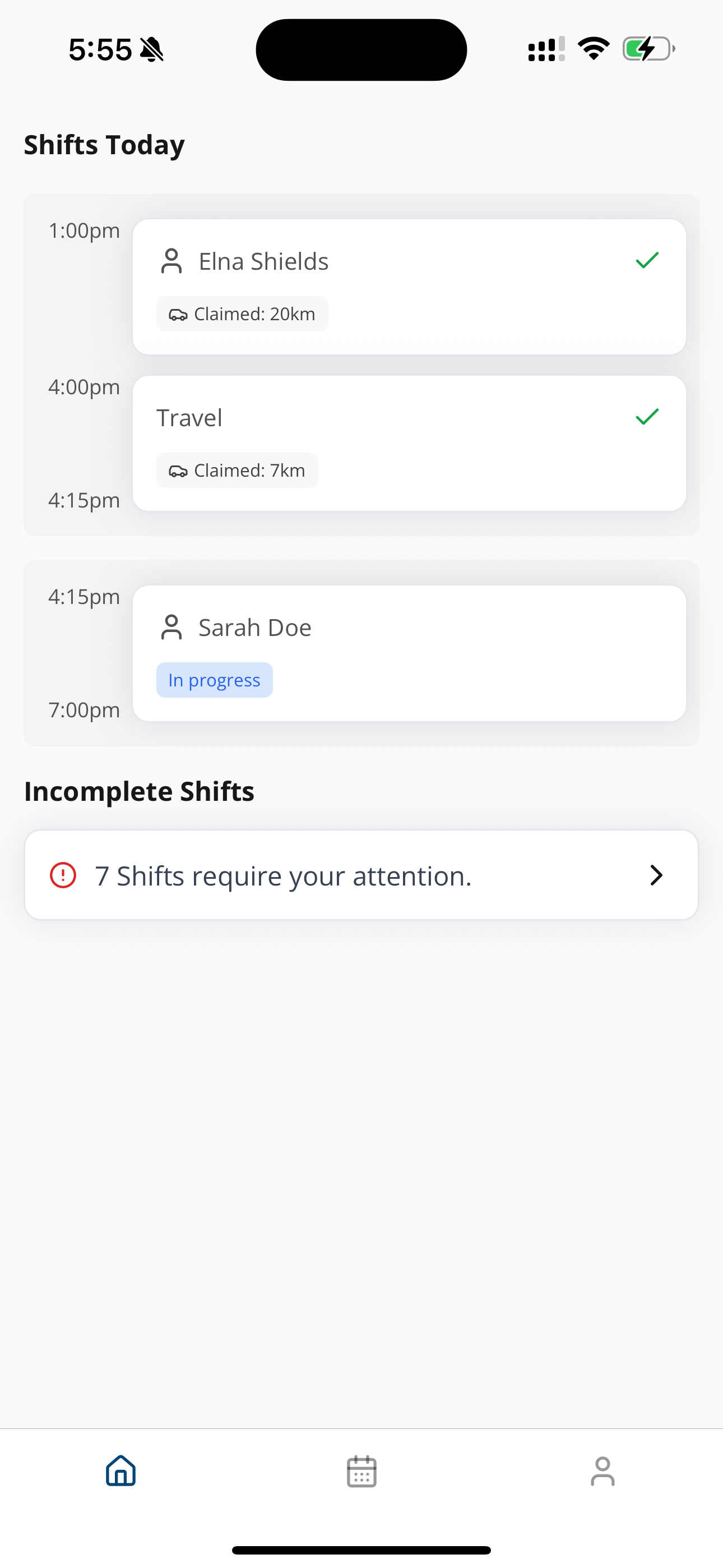
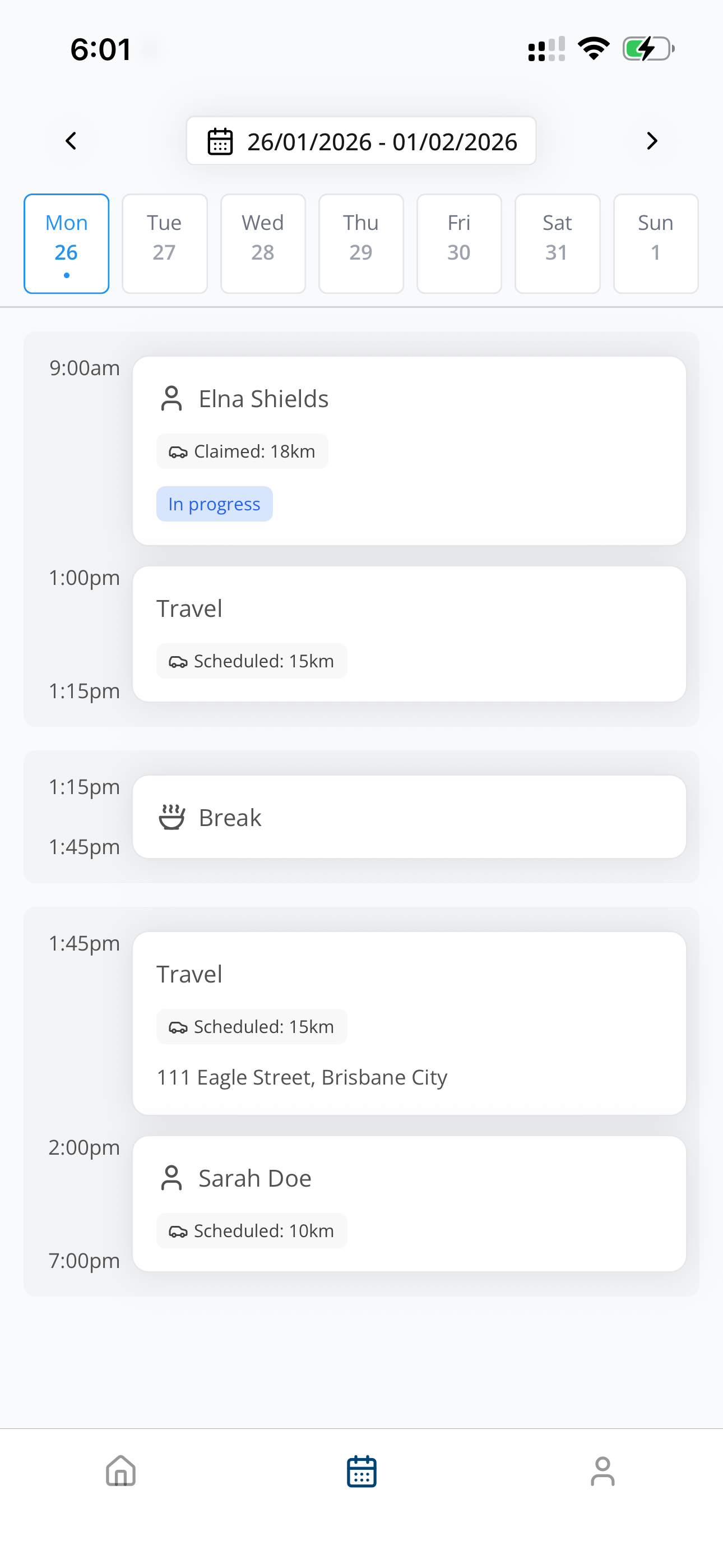
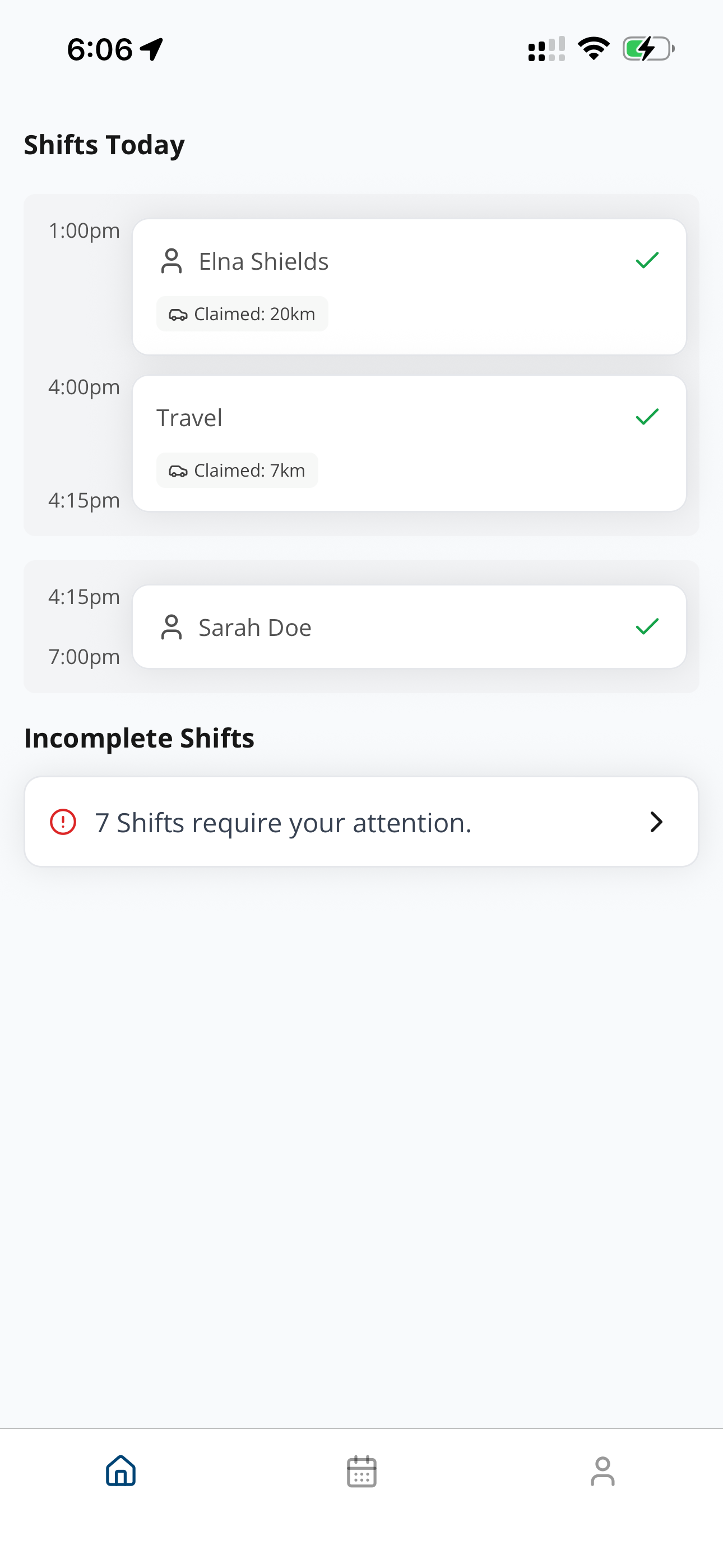
Viewing Shifts
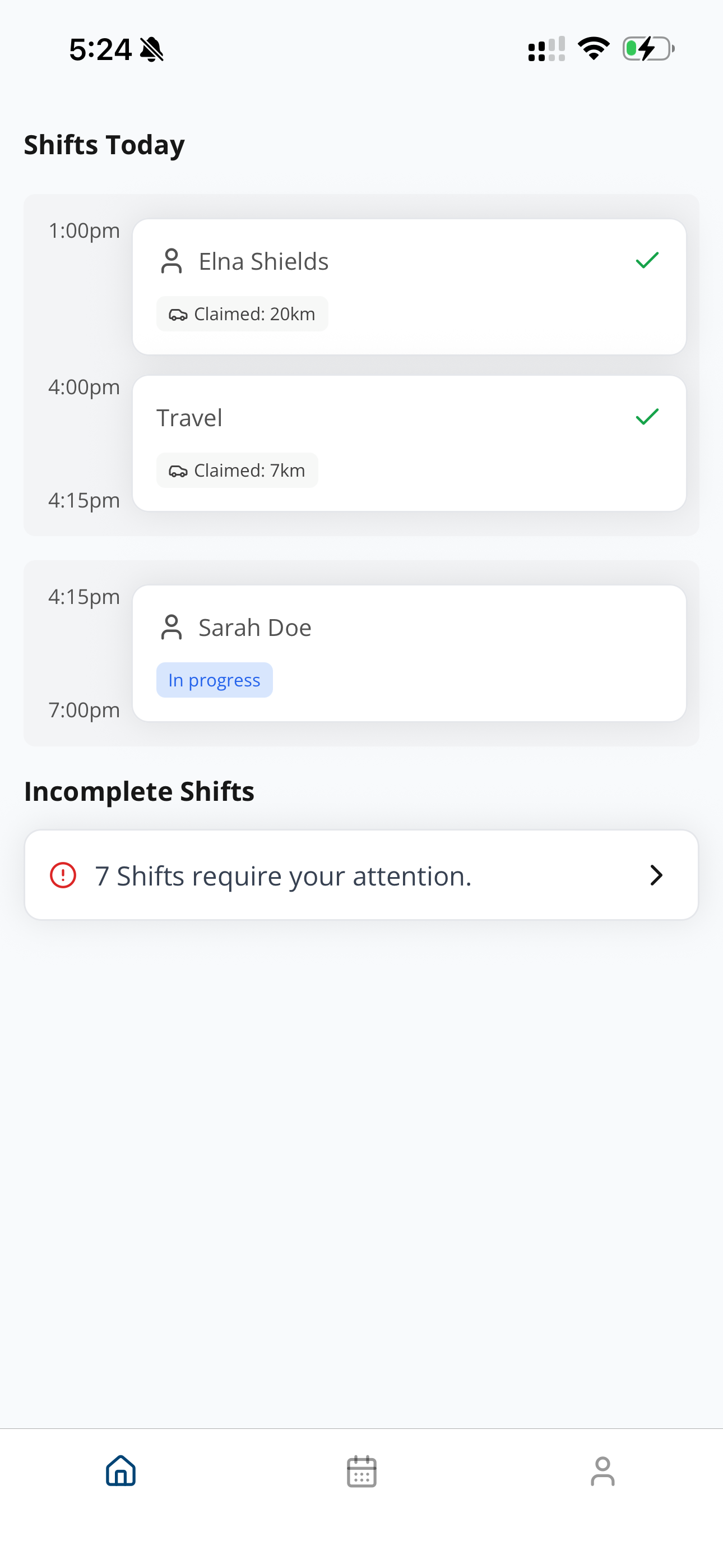
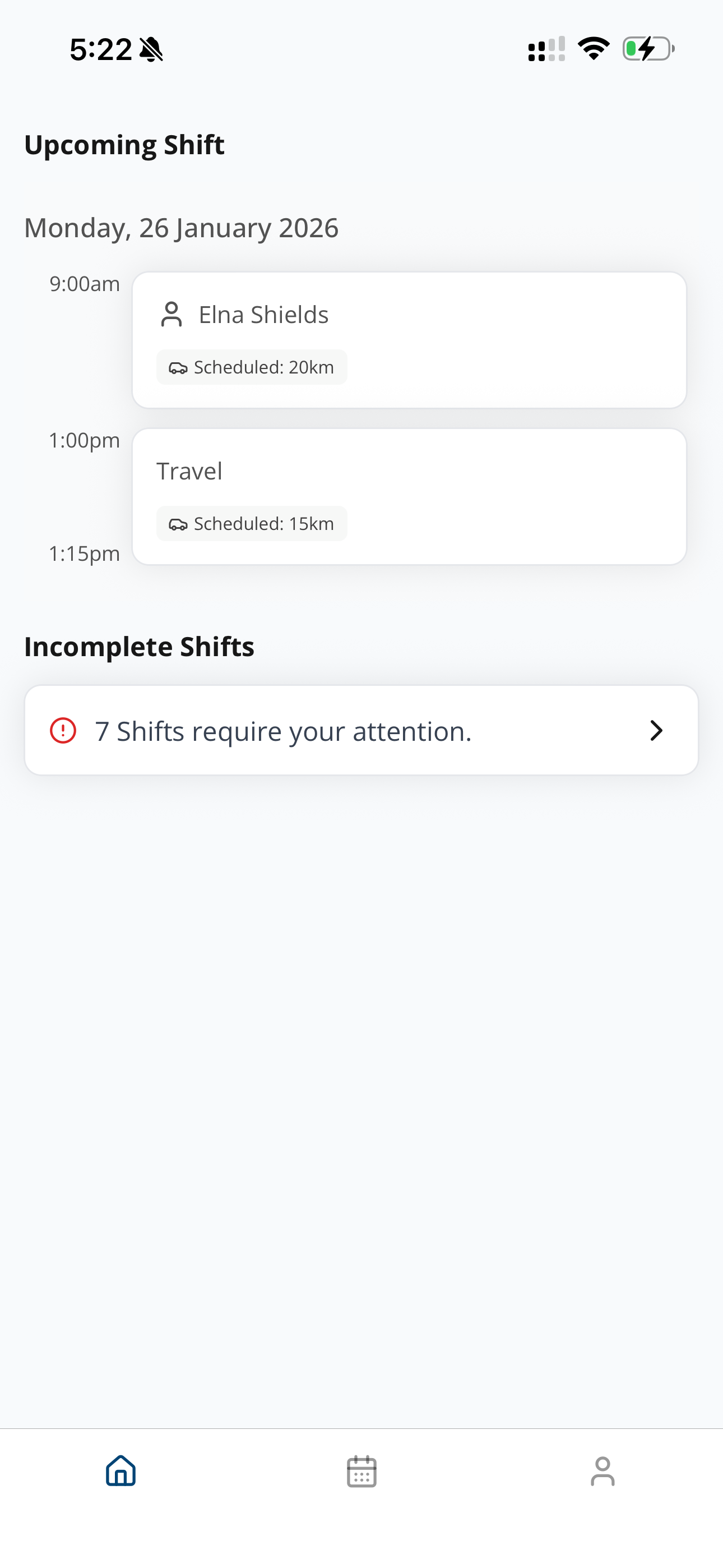
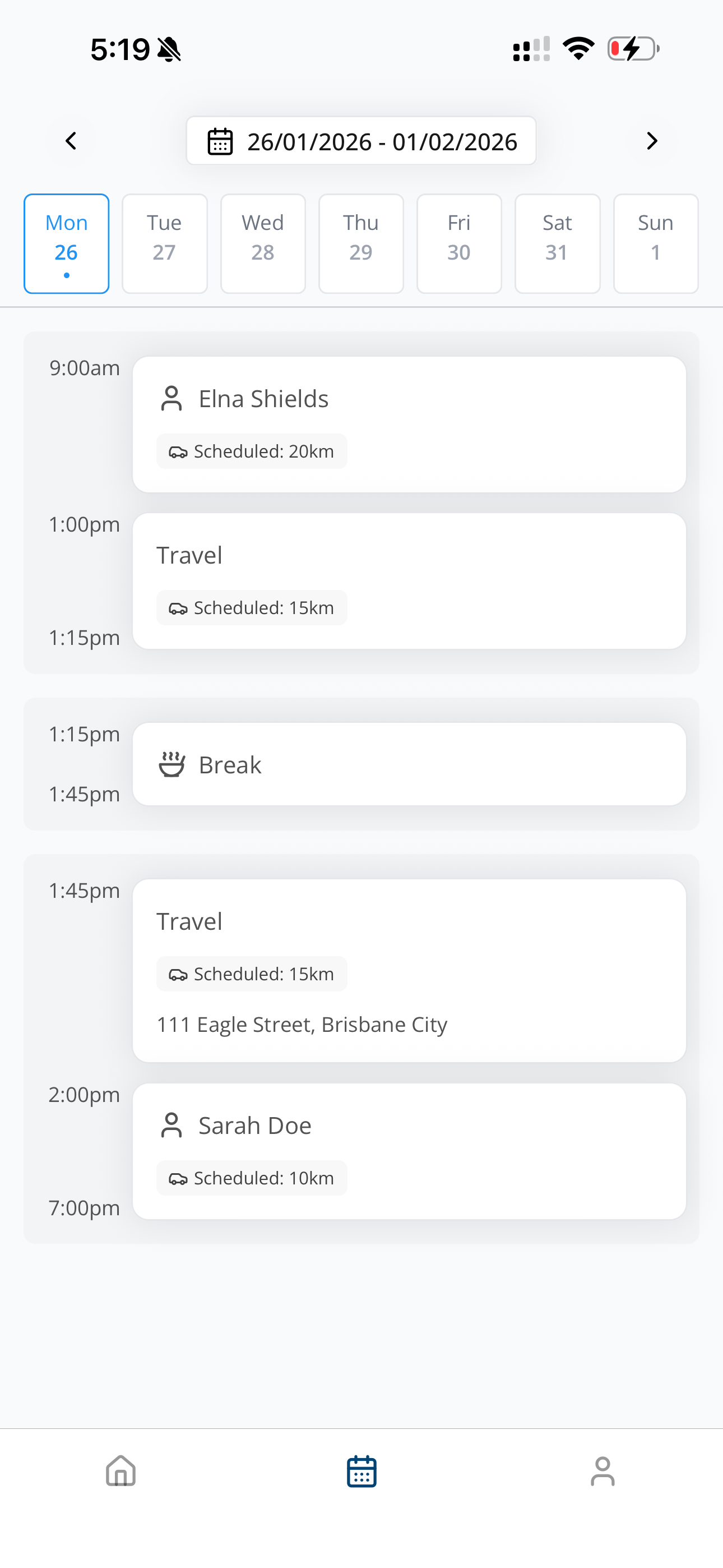
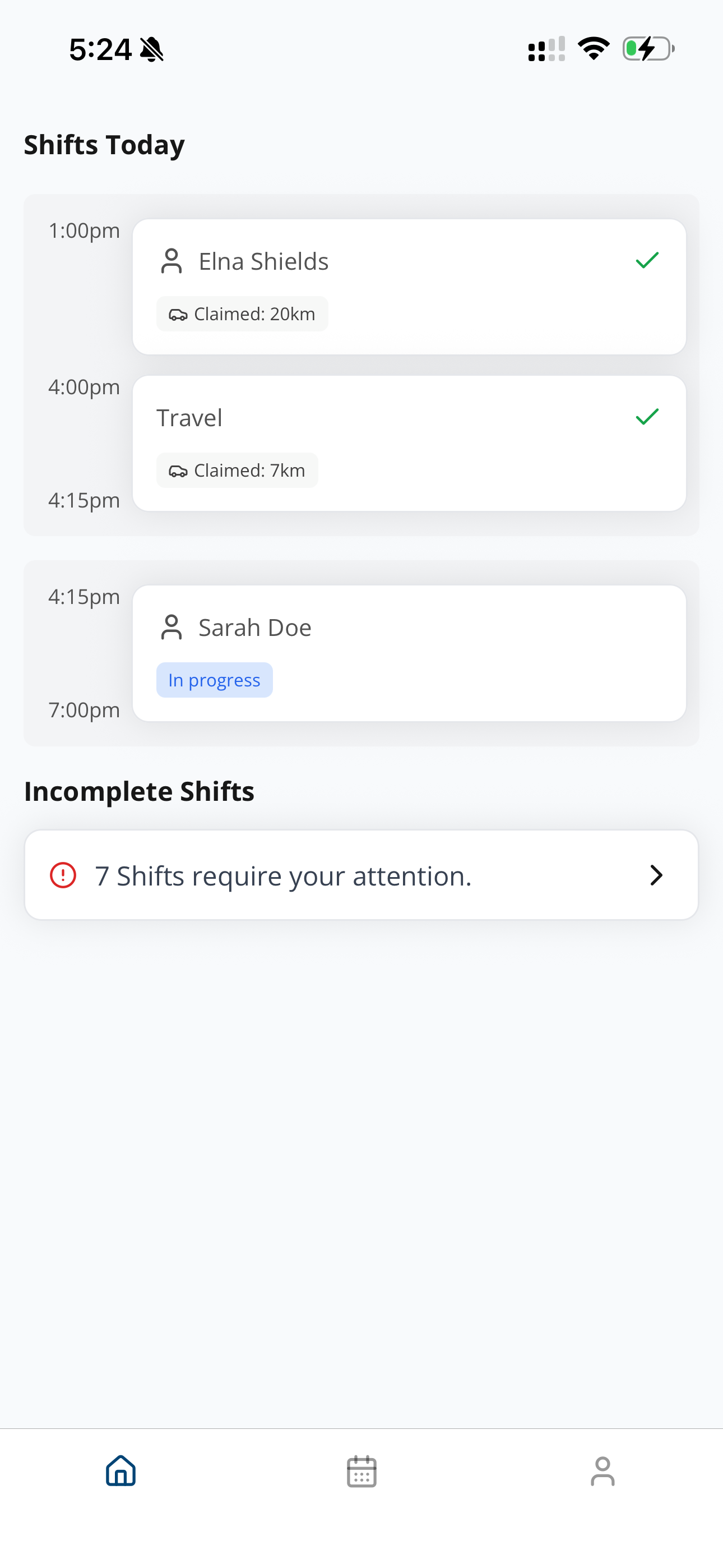
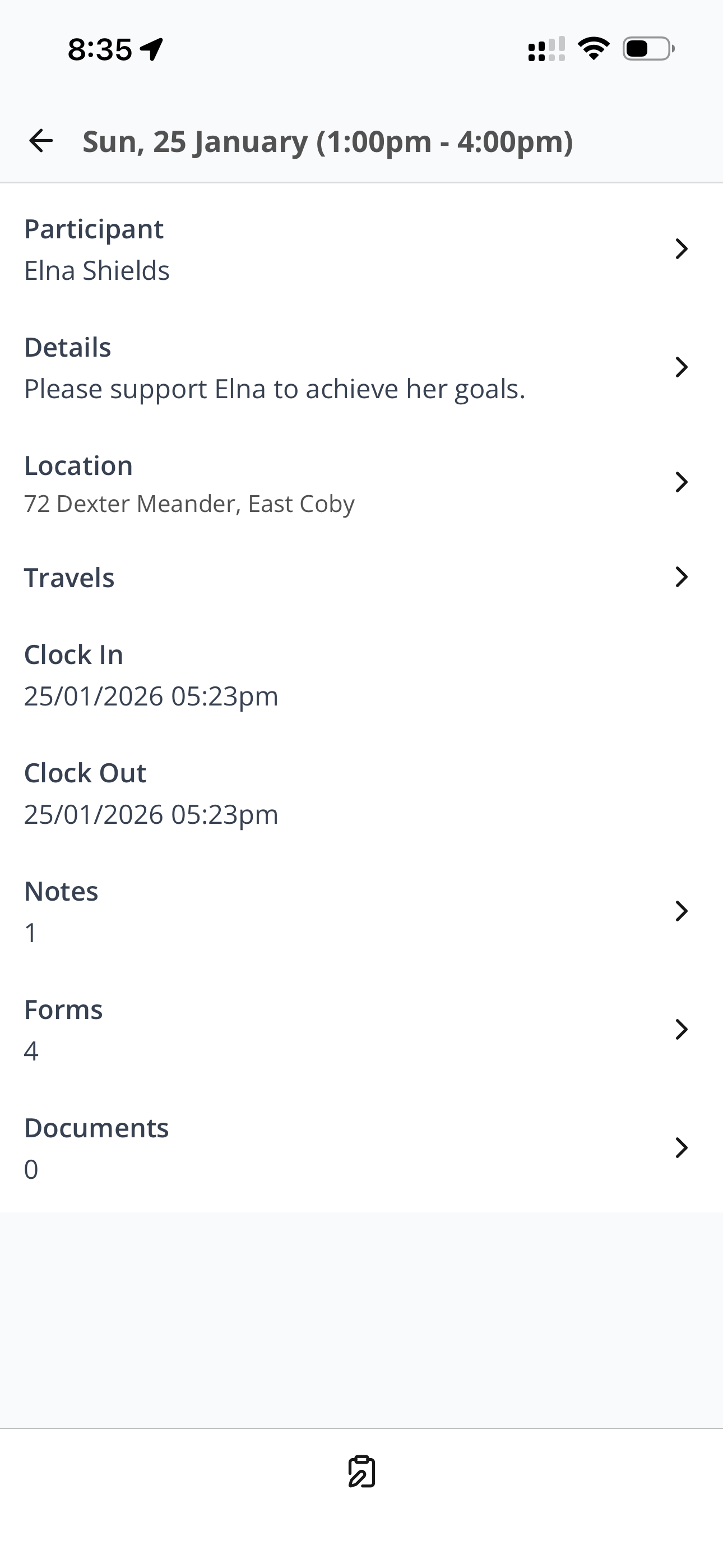
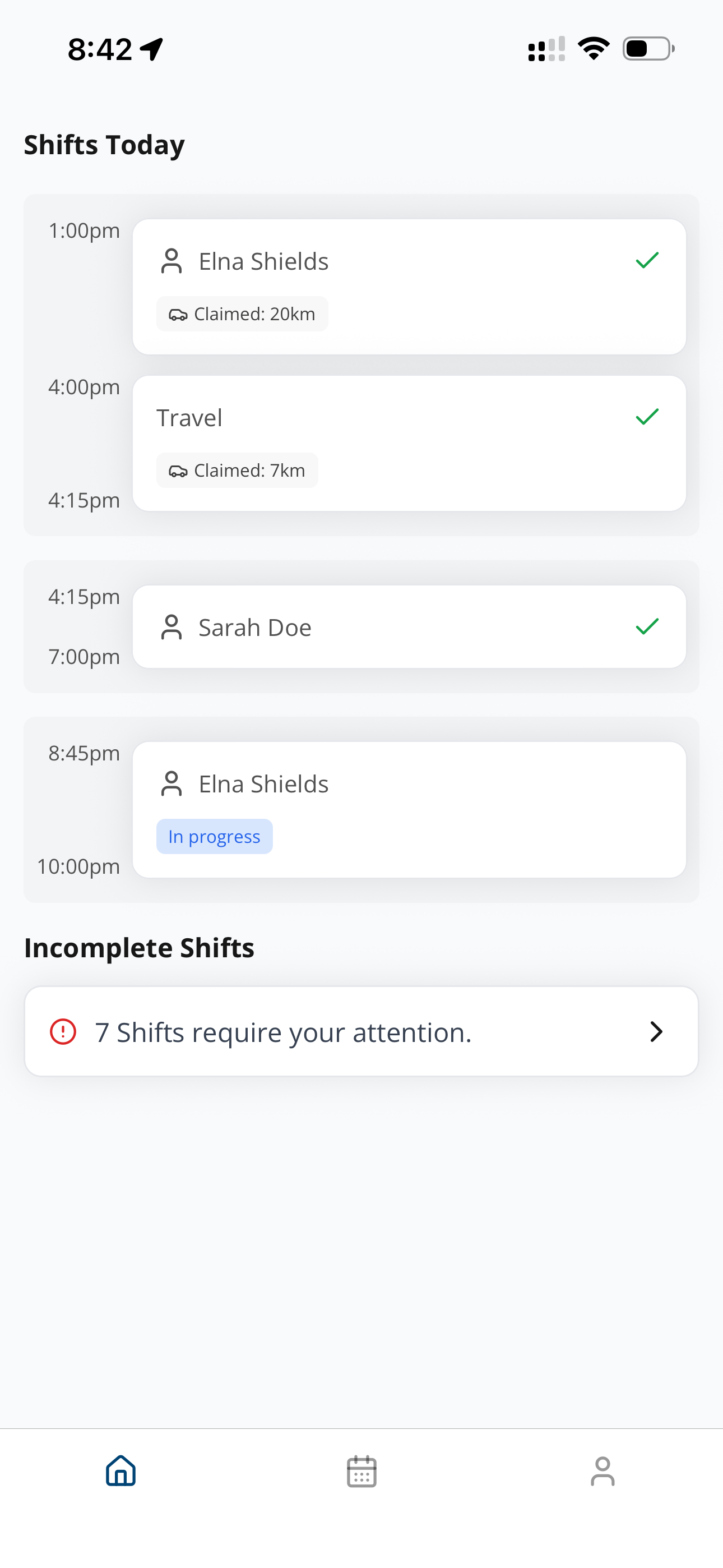
Support workers can view their current shifts or upcoming shifts on the home page, or they can navigate between weeks using the calendar view.
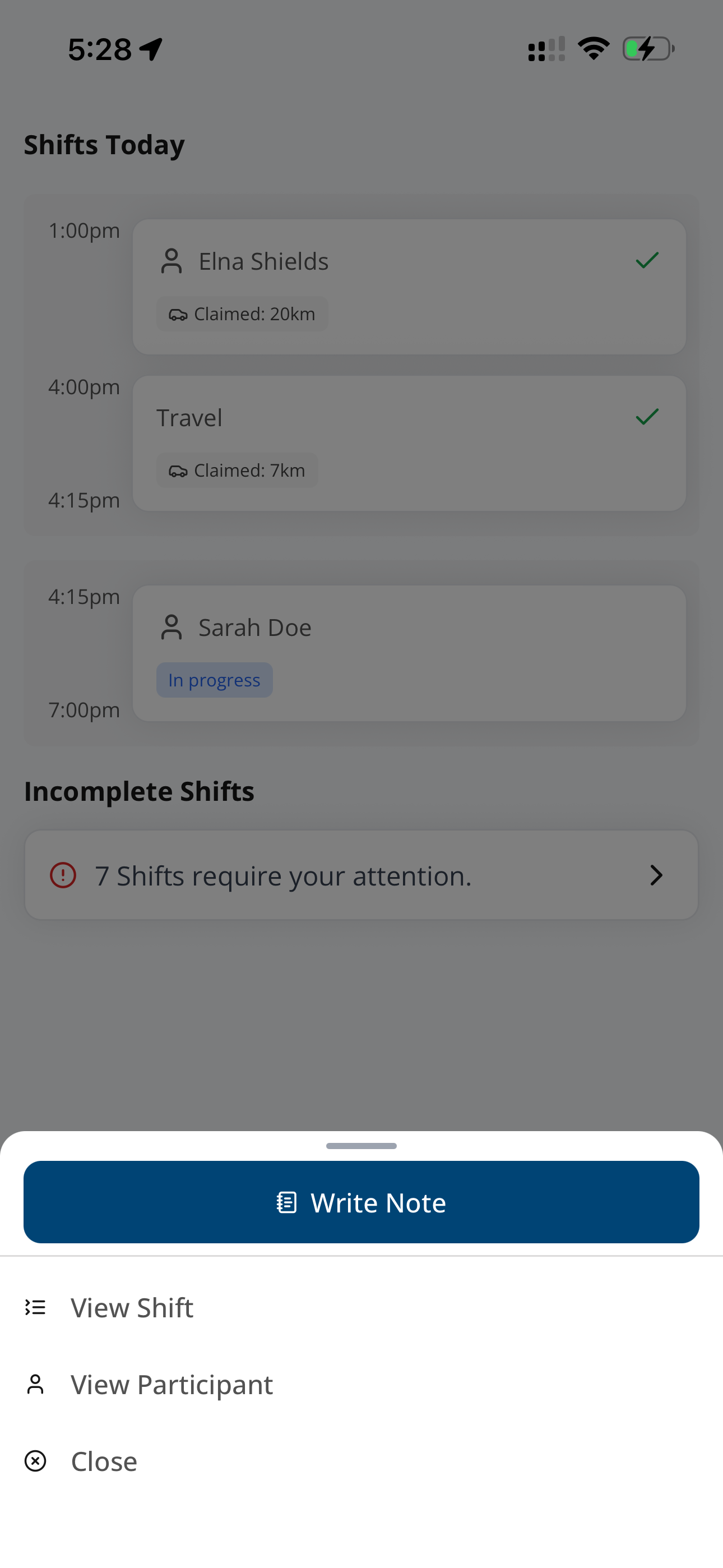
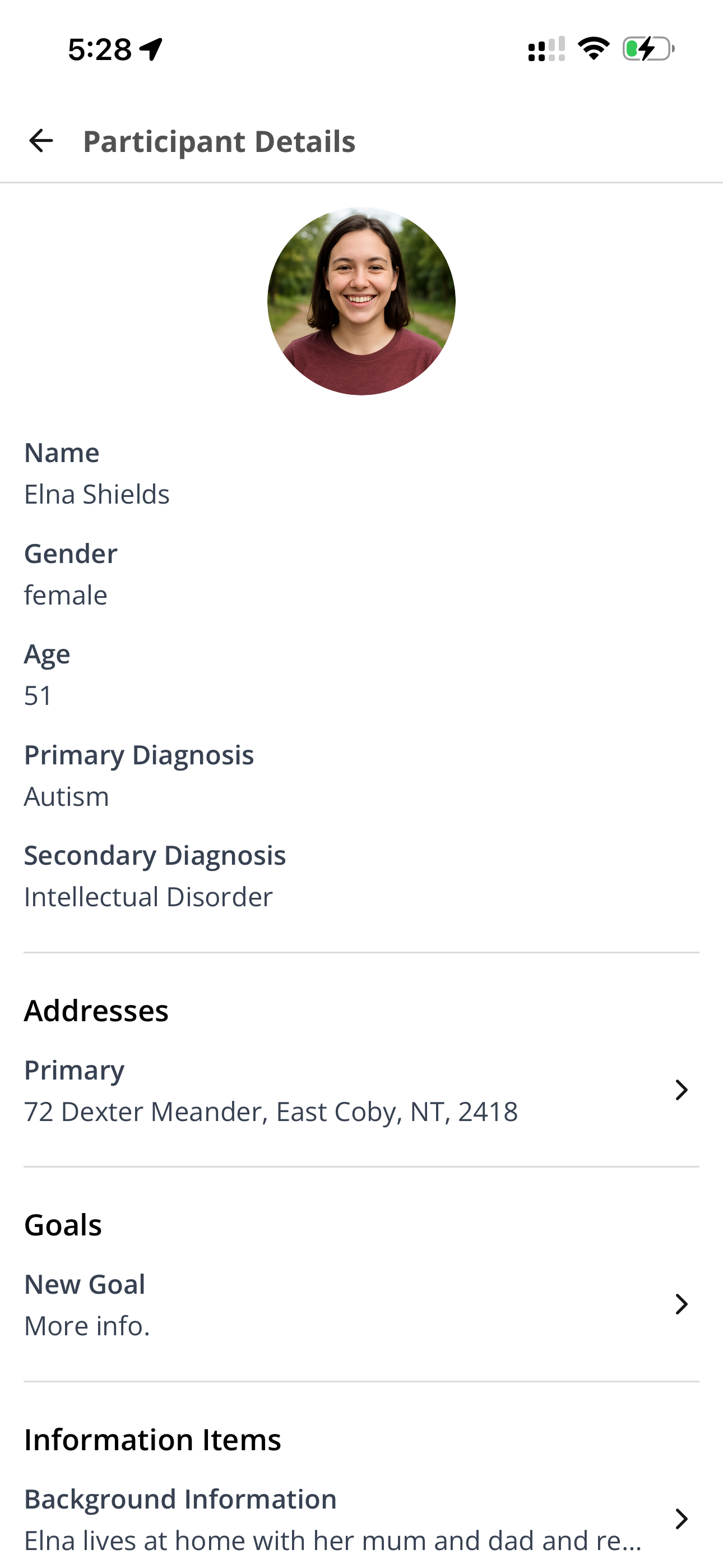
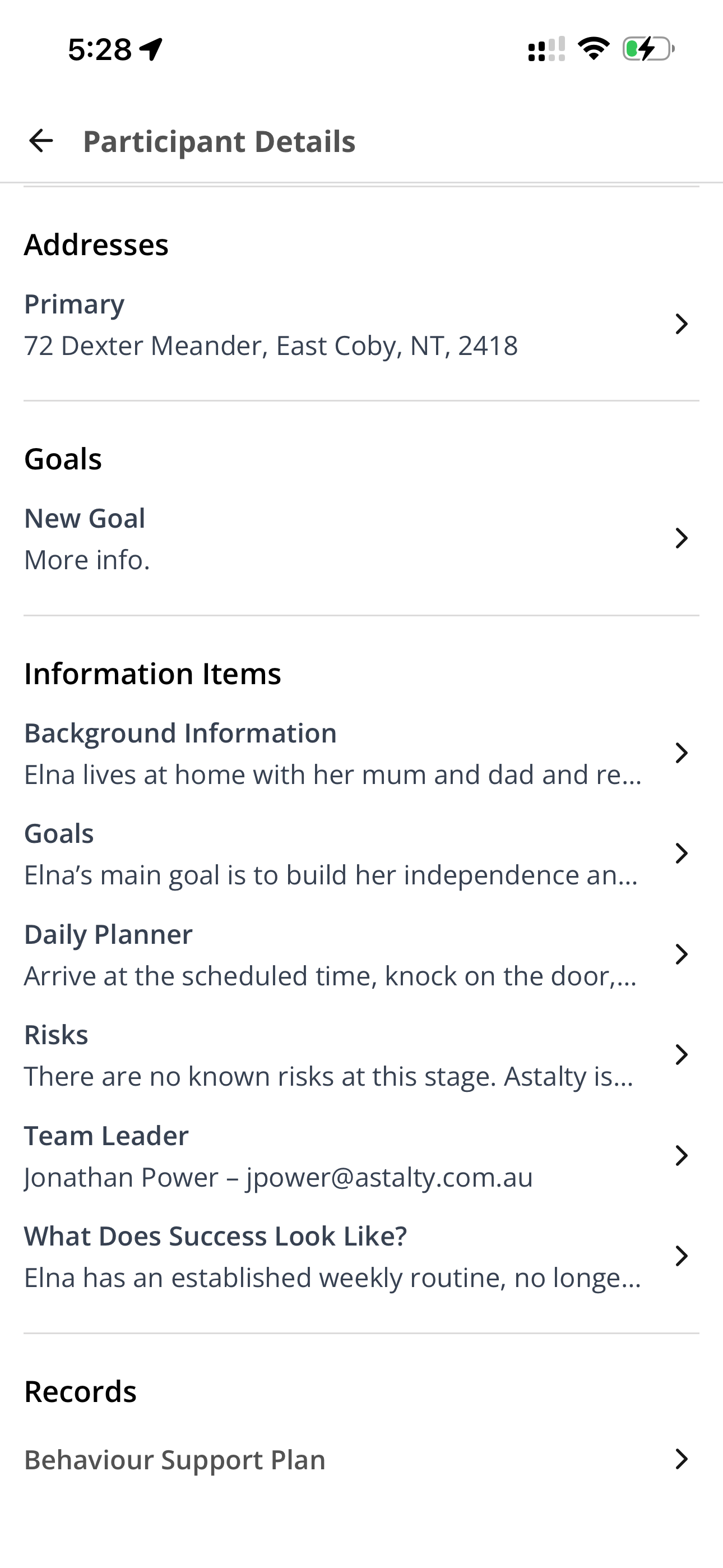
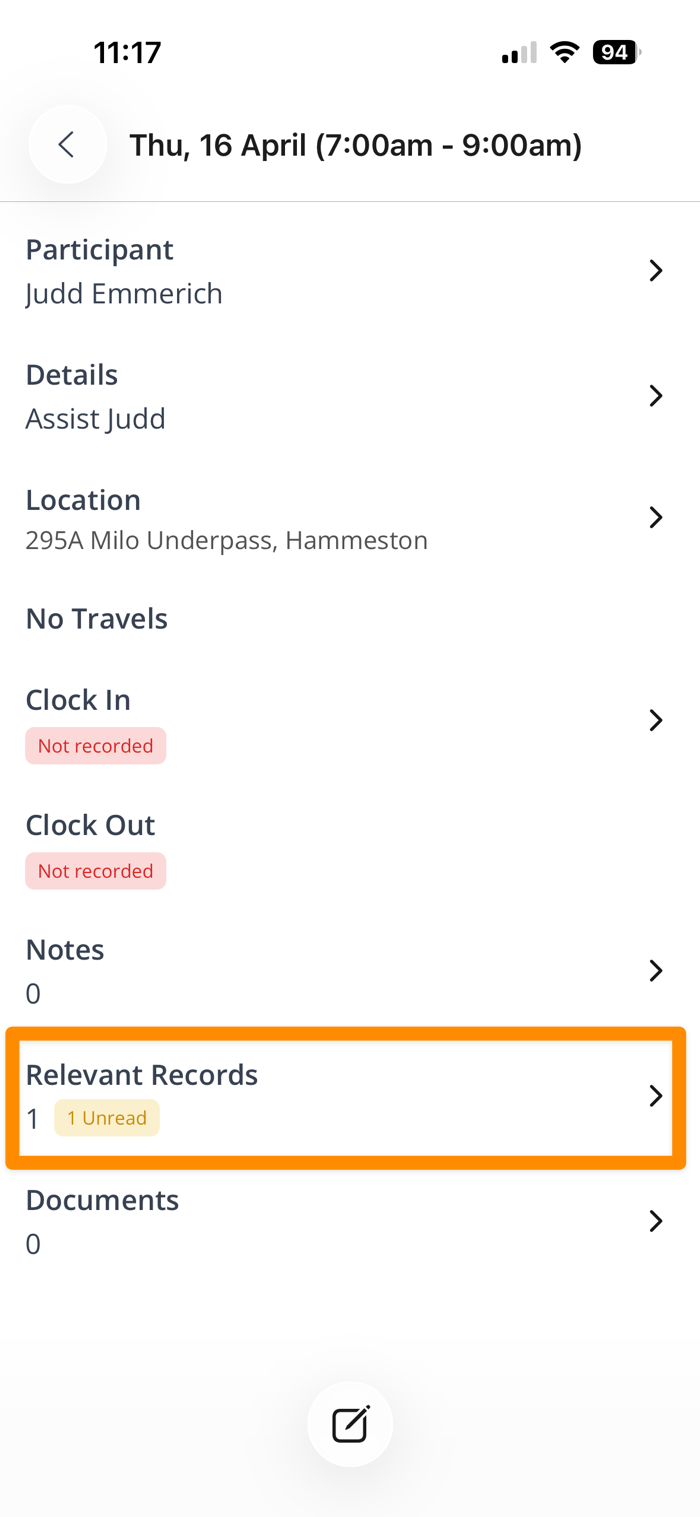
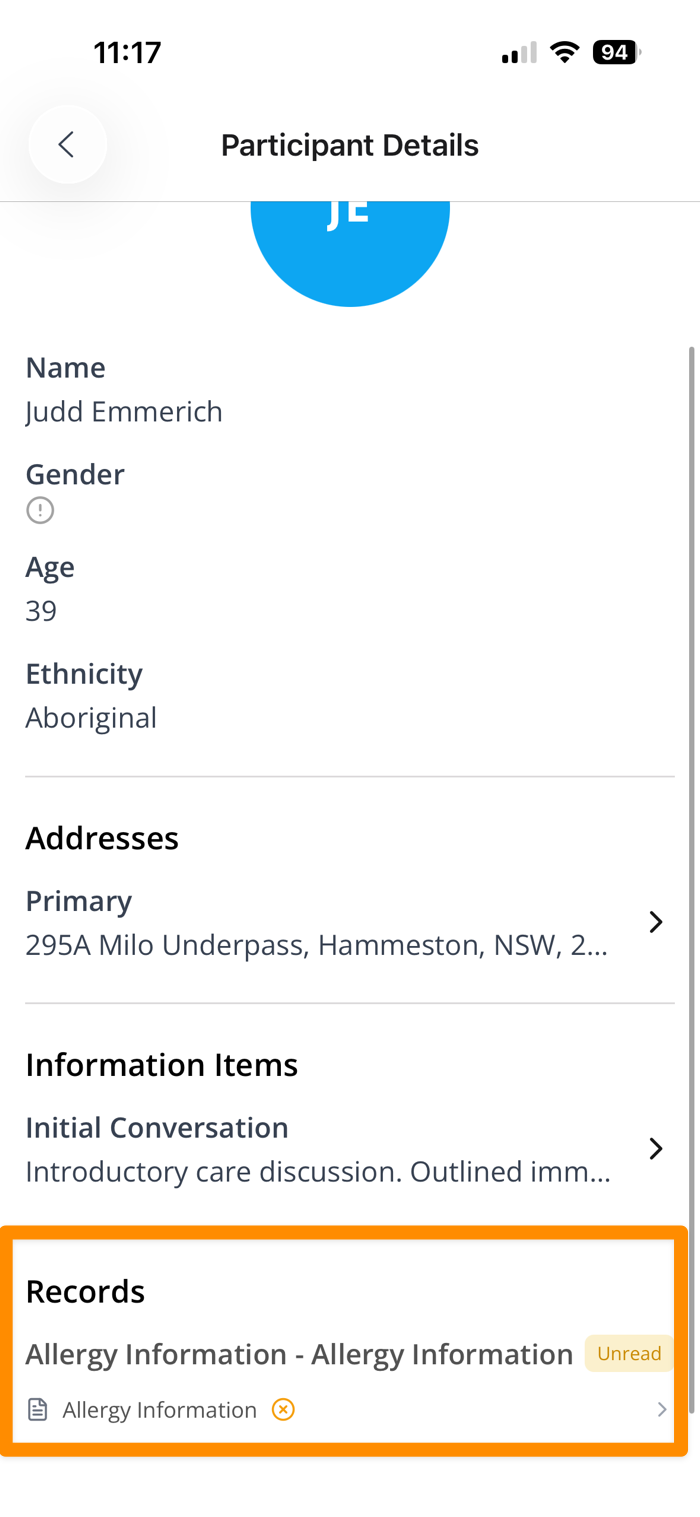
Viewing a Participant Profile
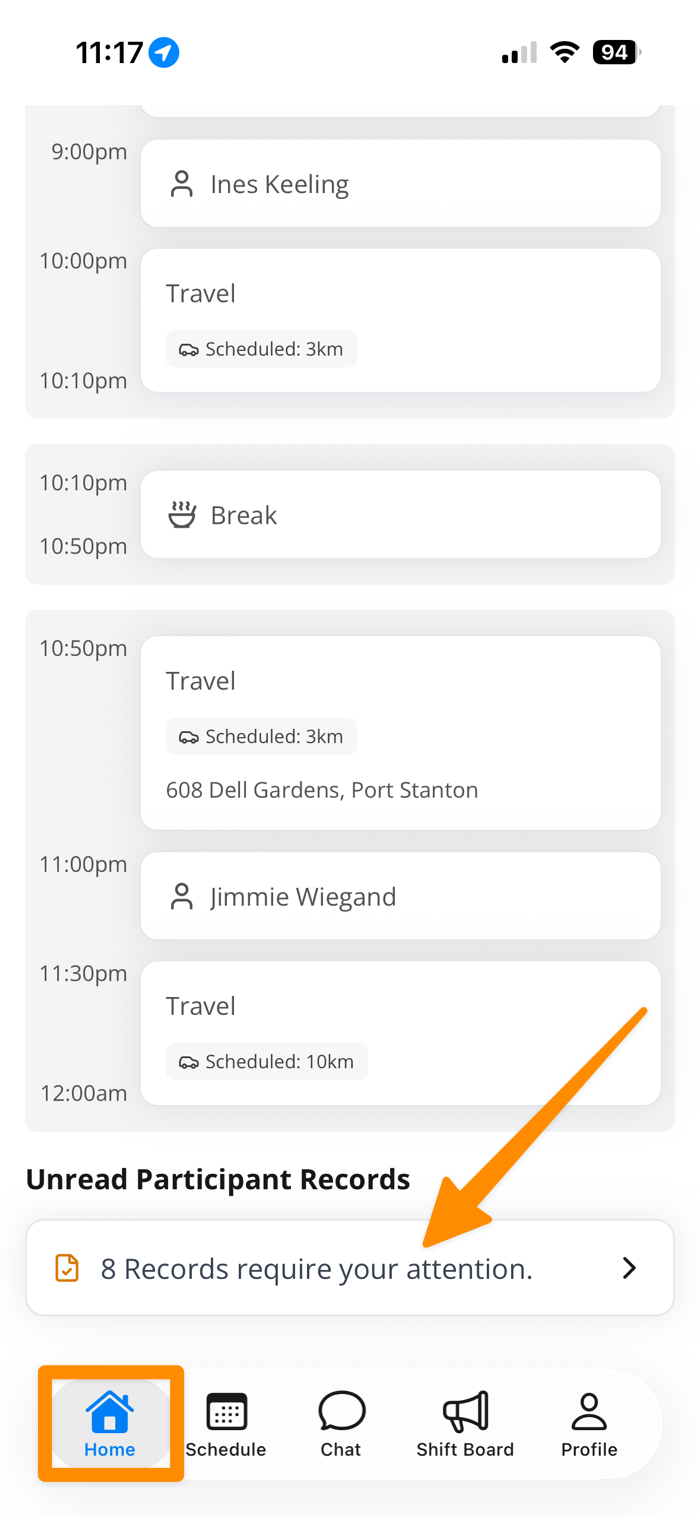
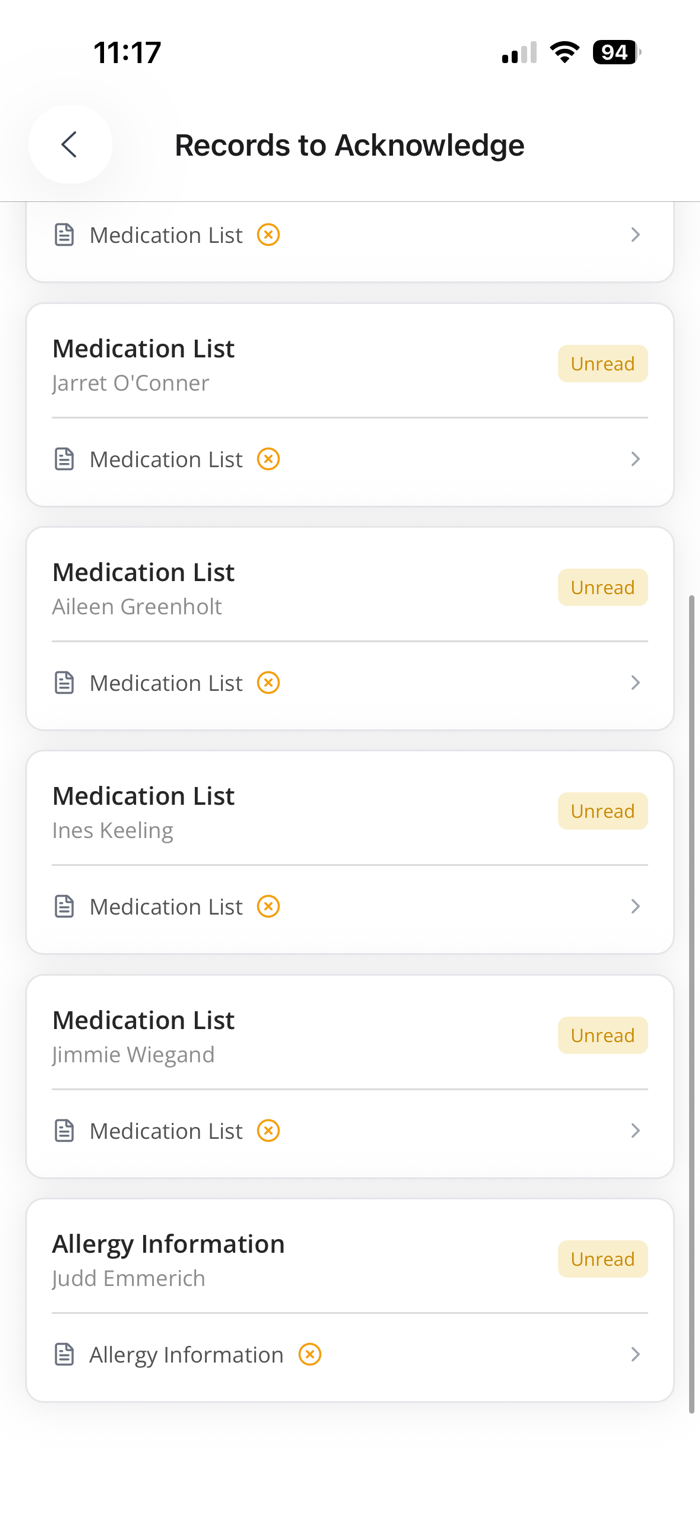
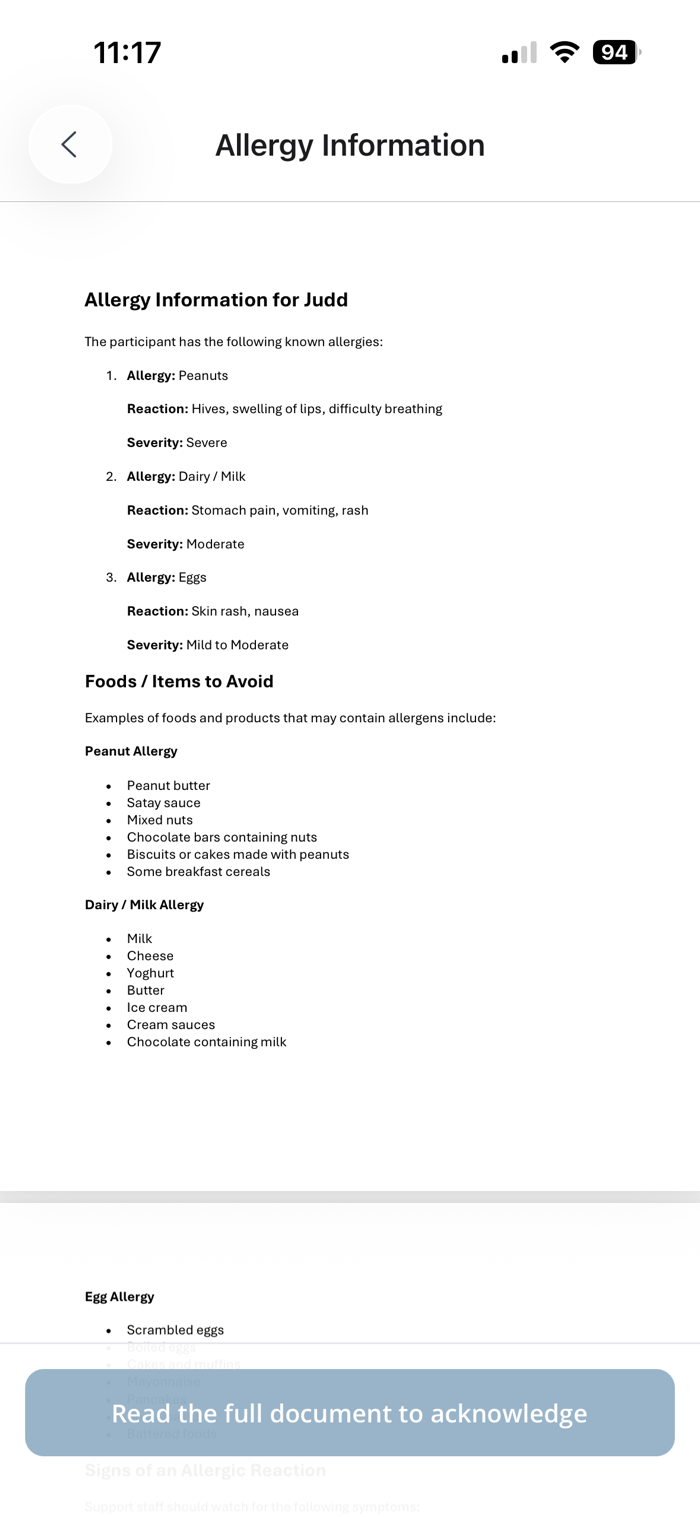
Acknowledging Required Records

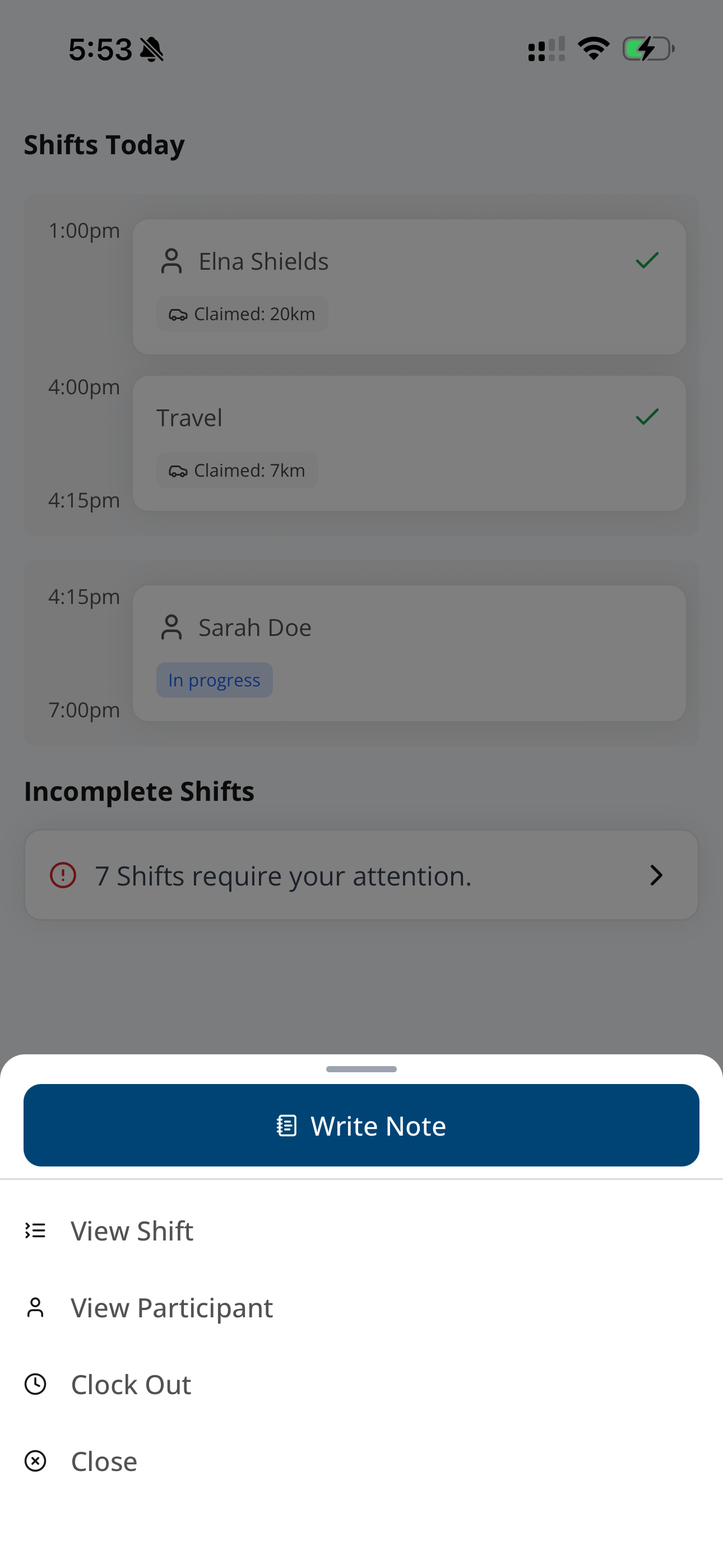
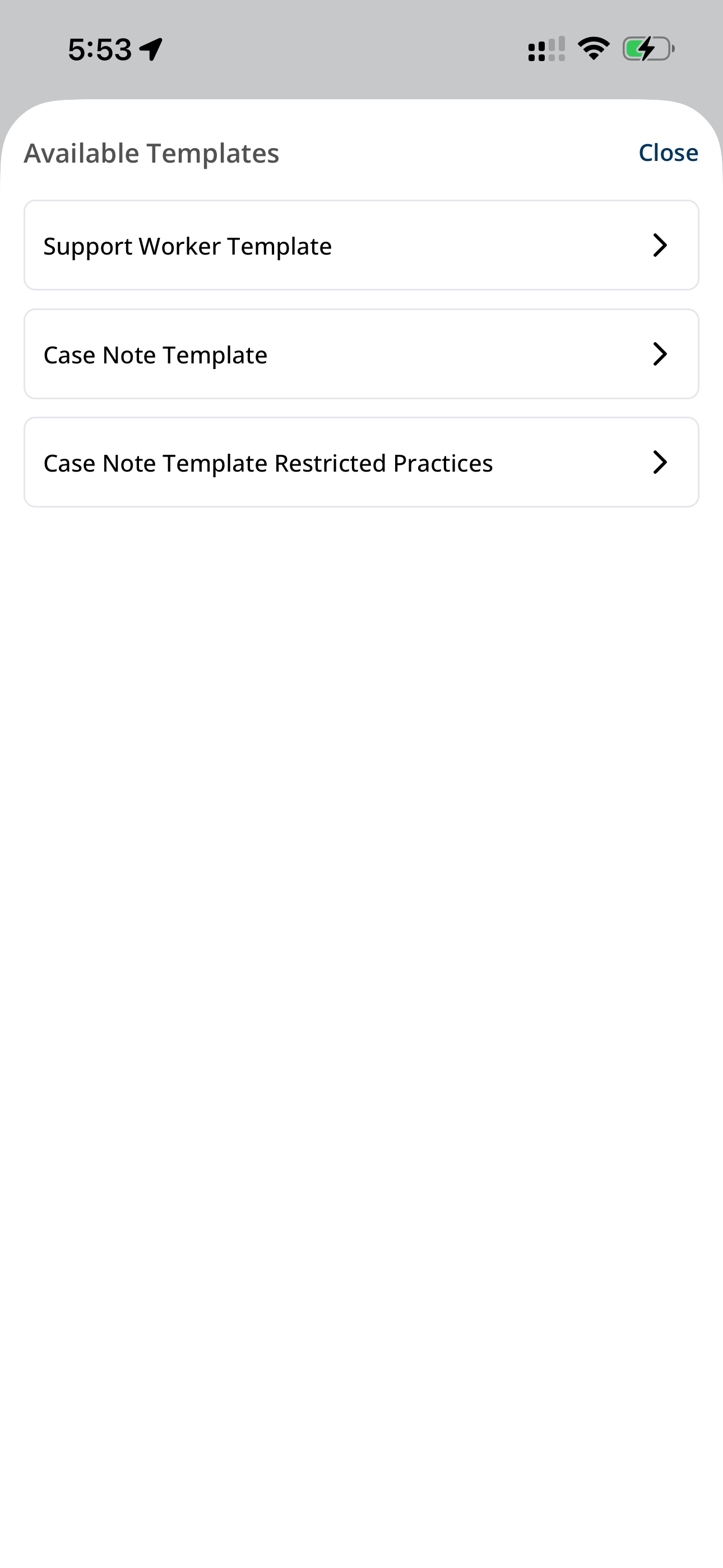
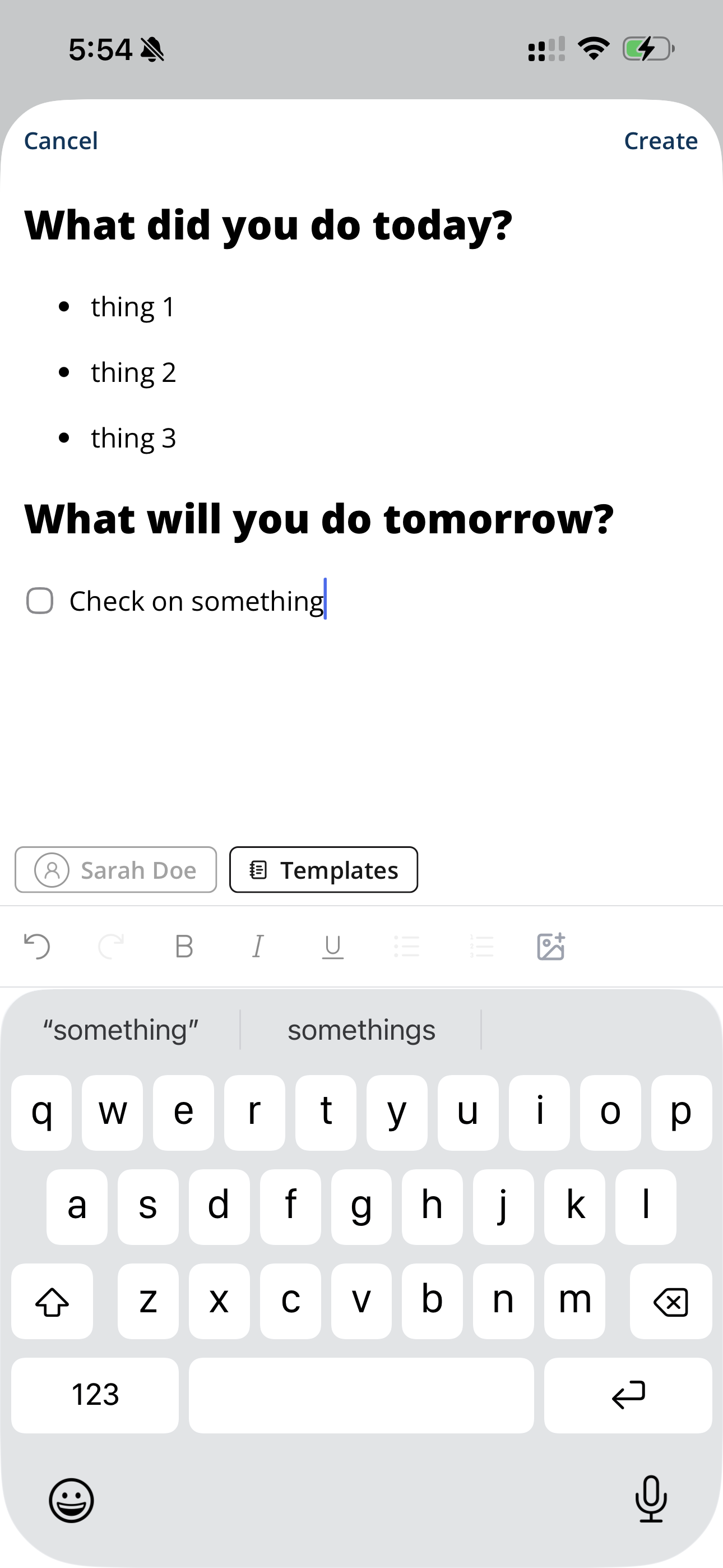
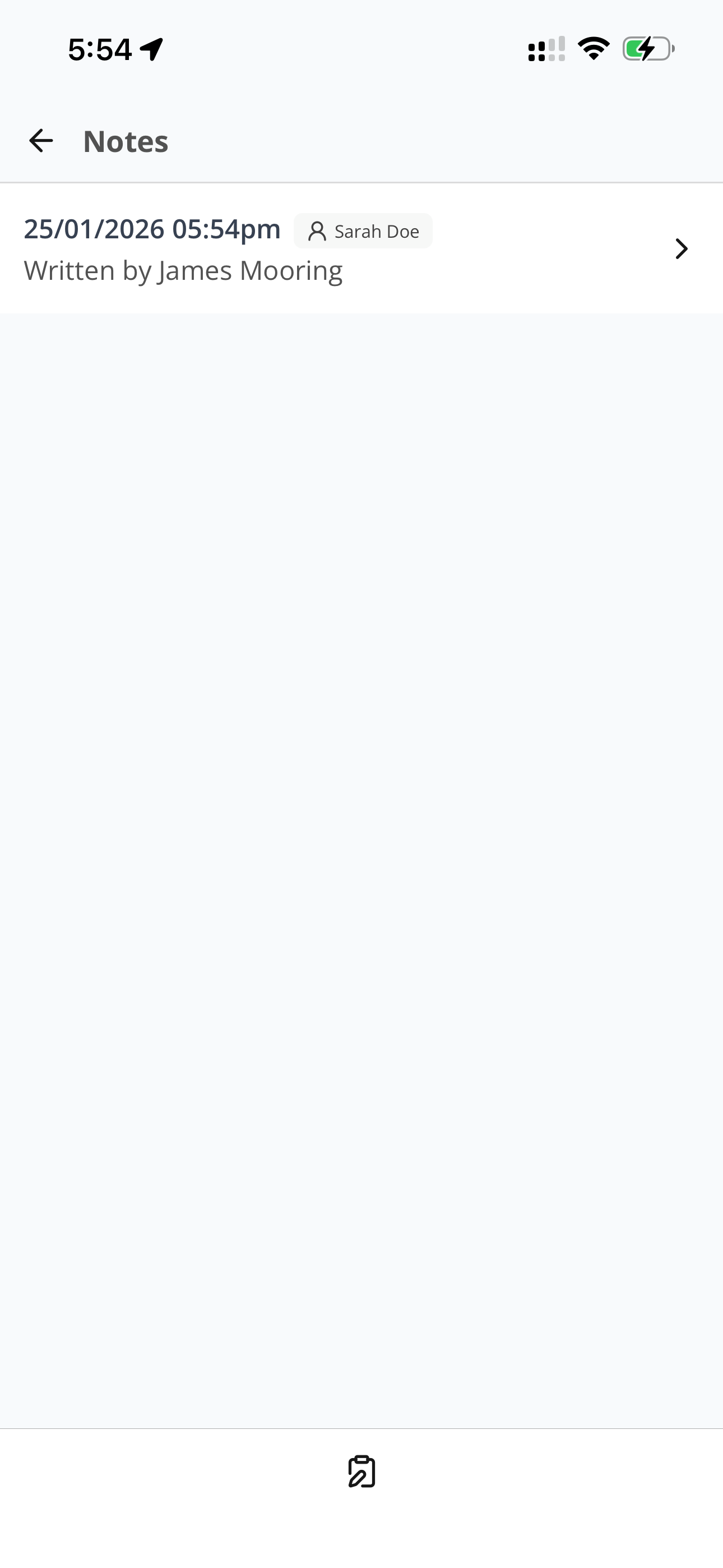
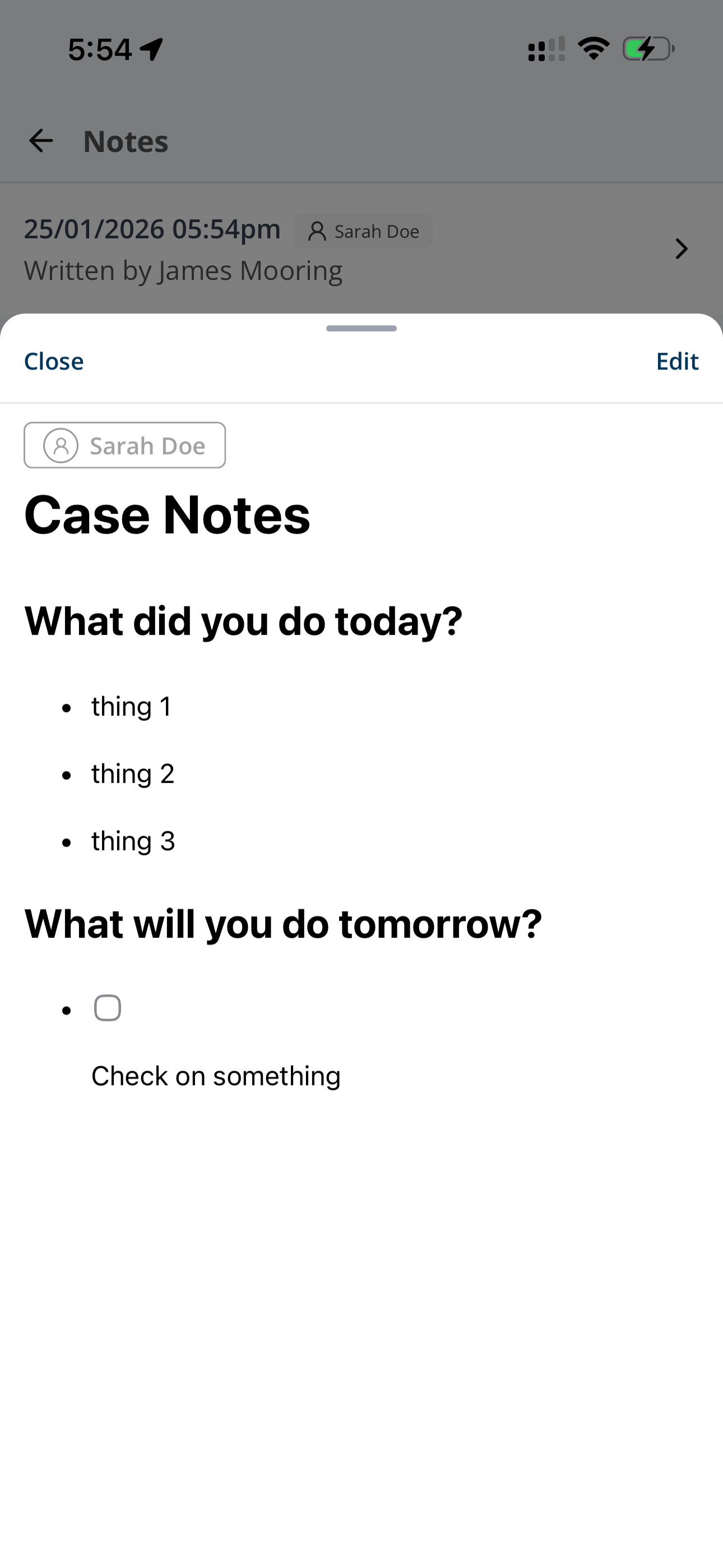
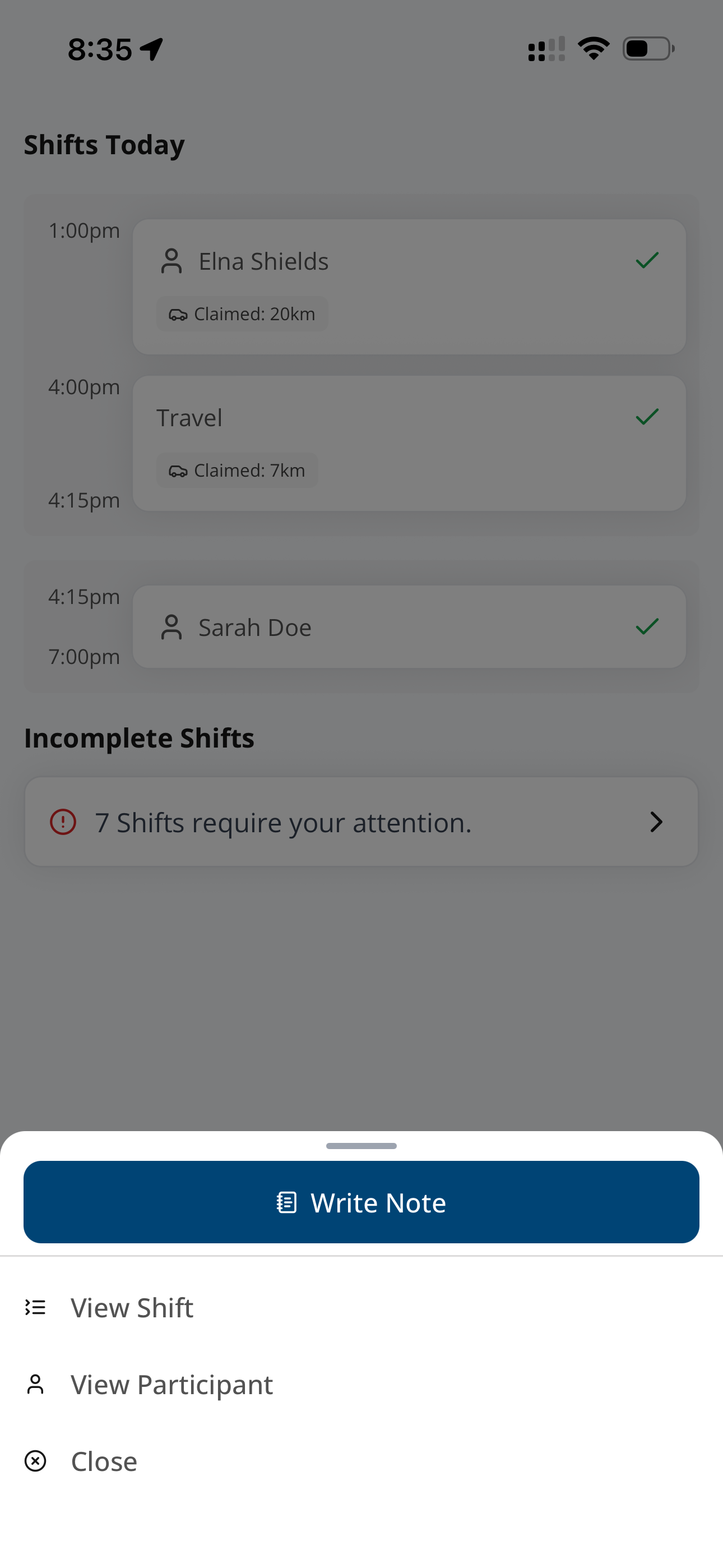
Writing Notes
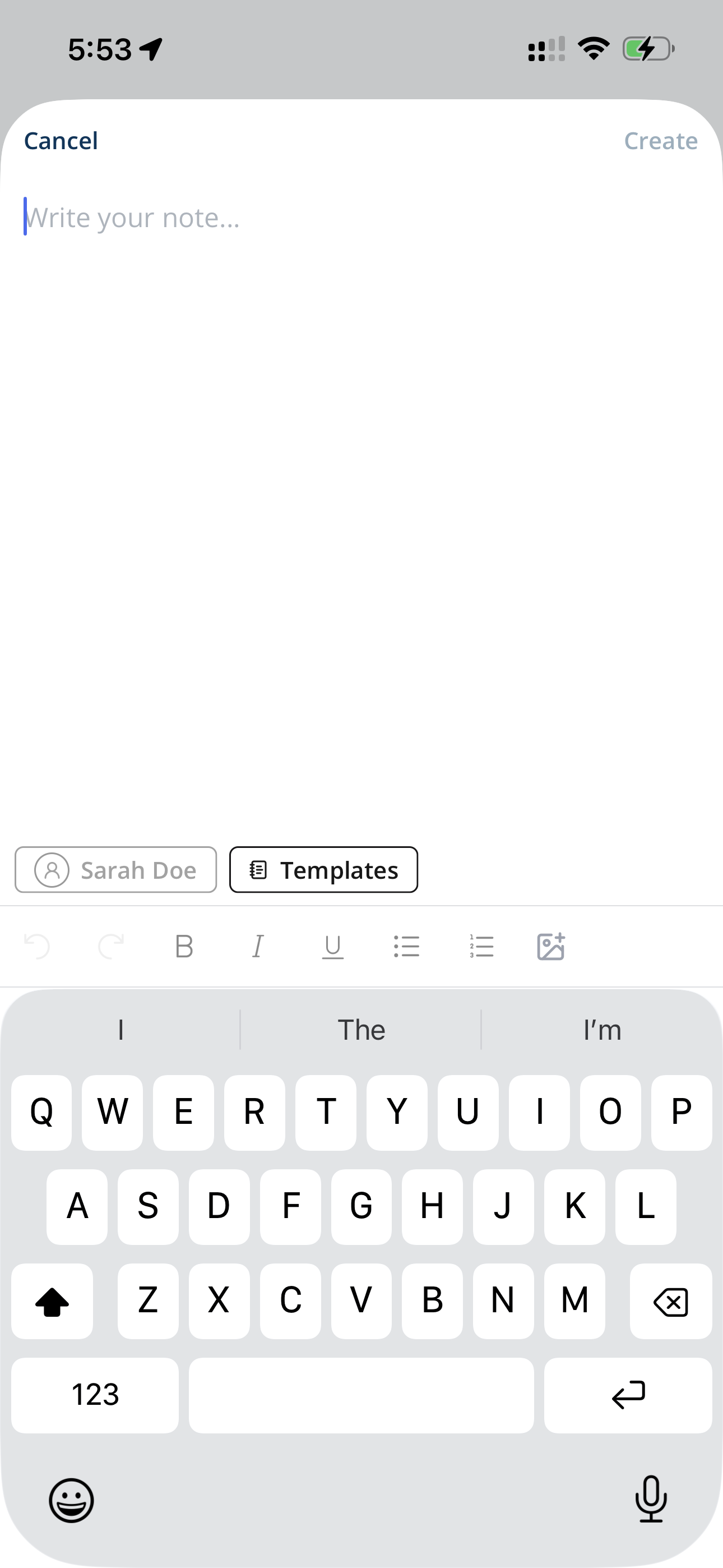
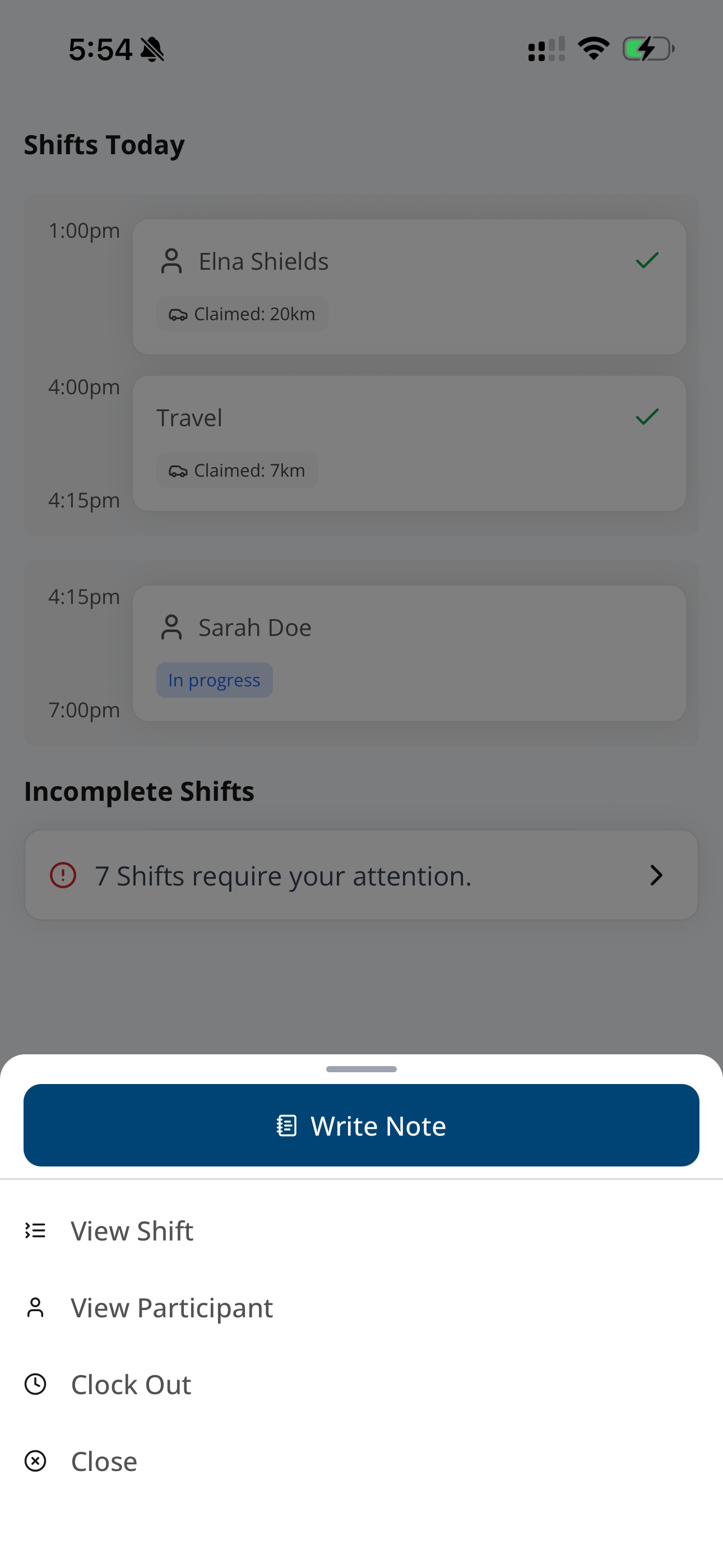
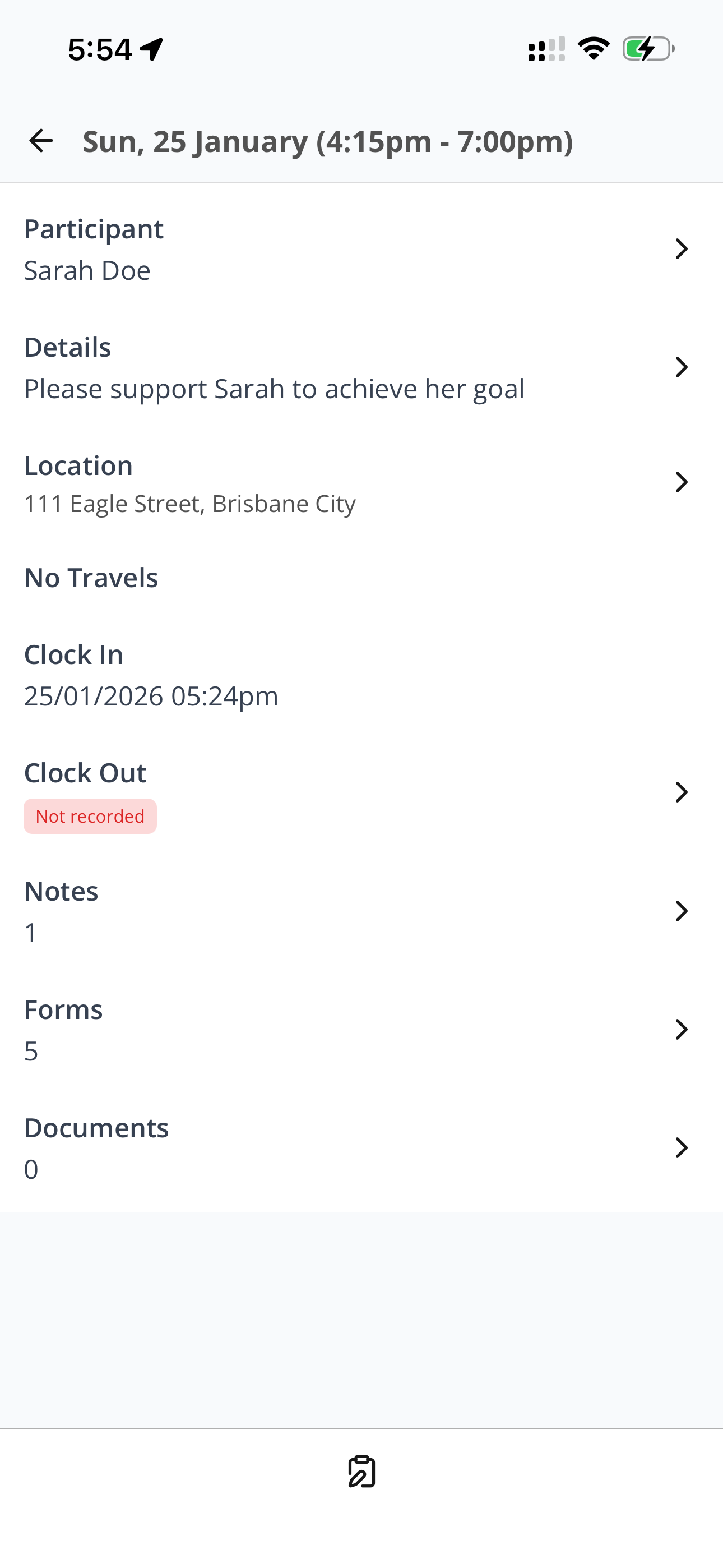
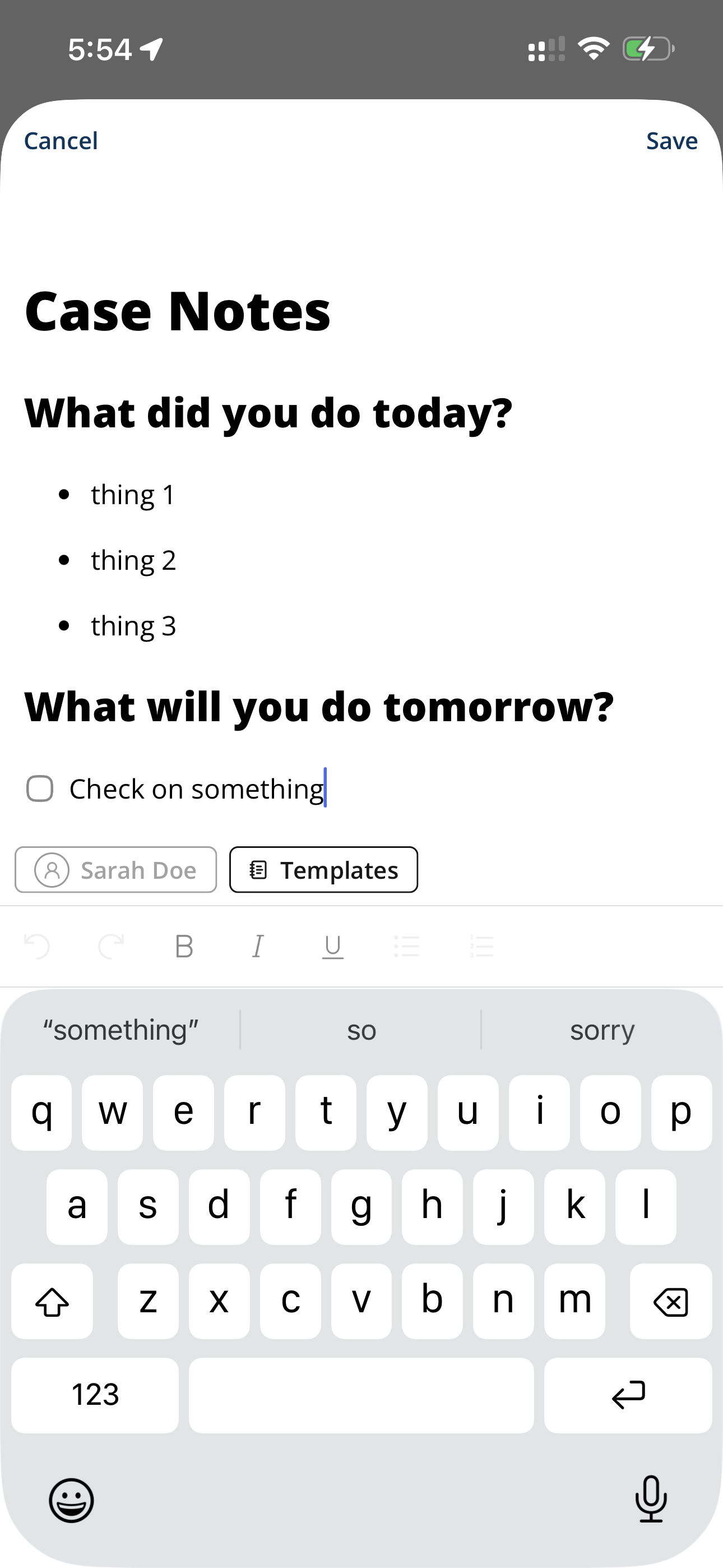
Editing Notes
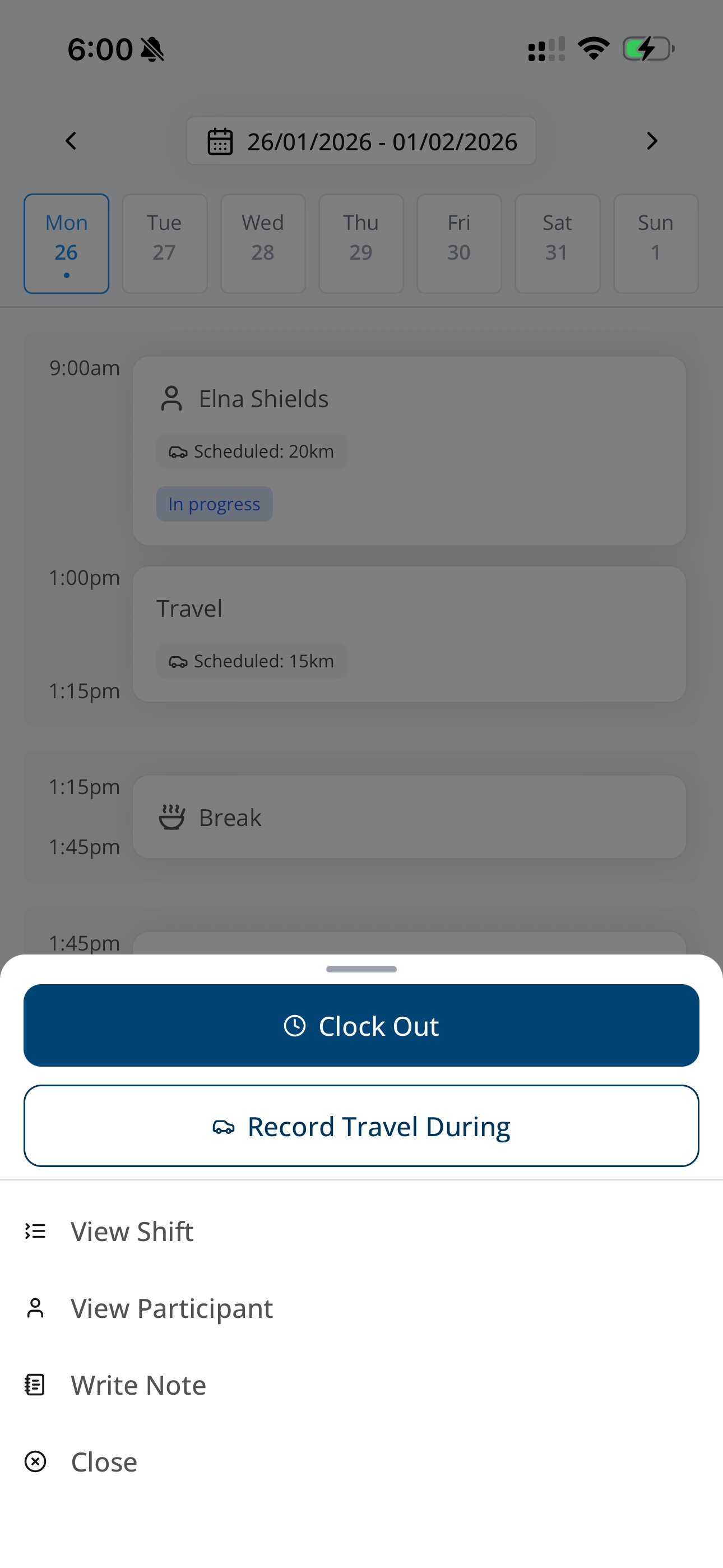
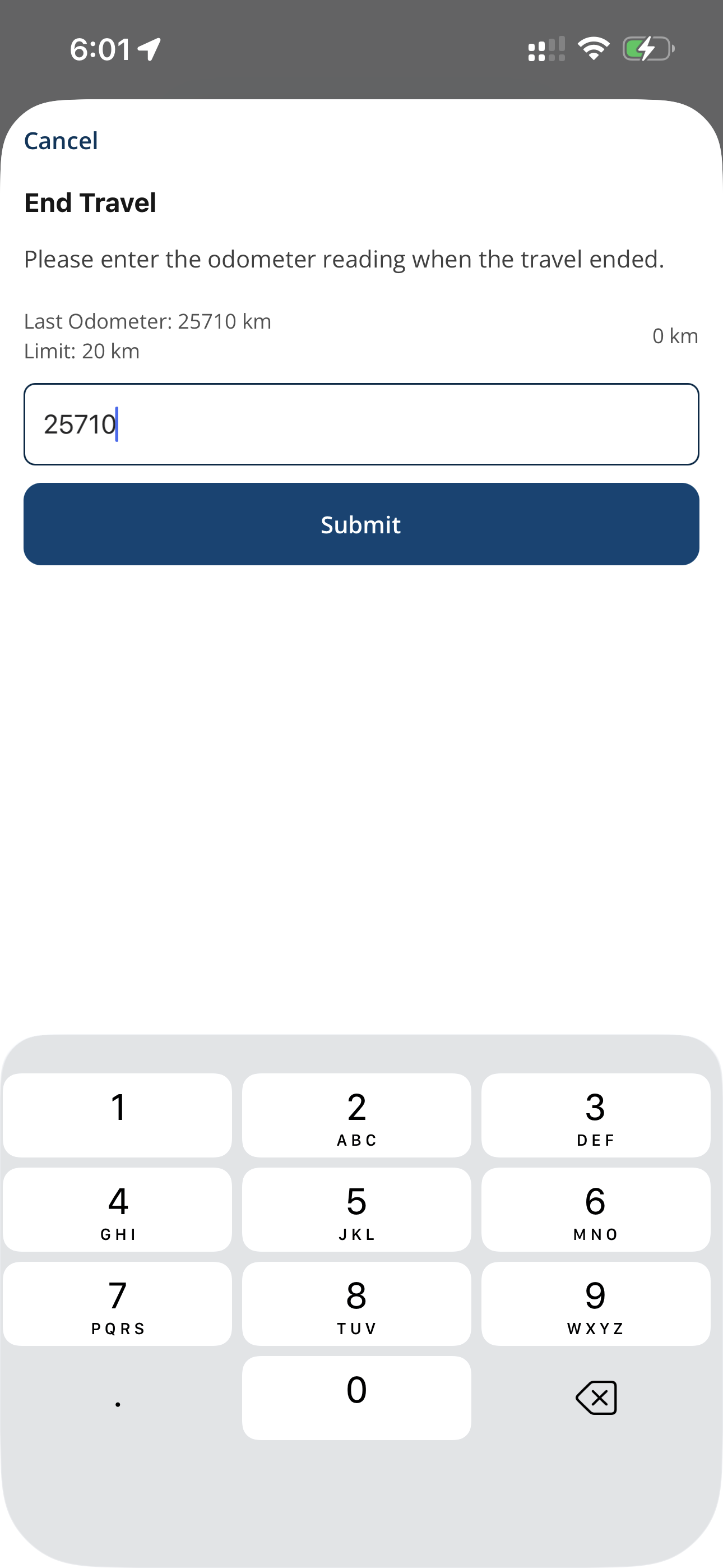
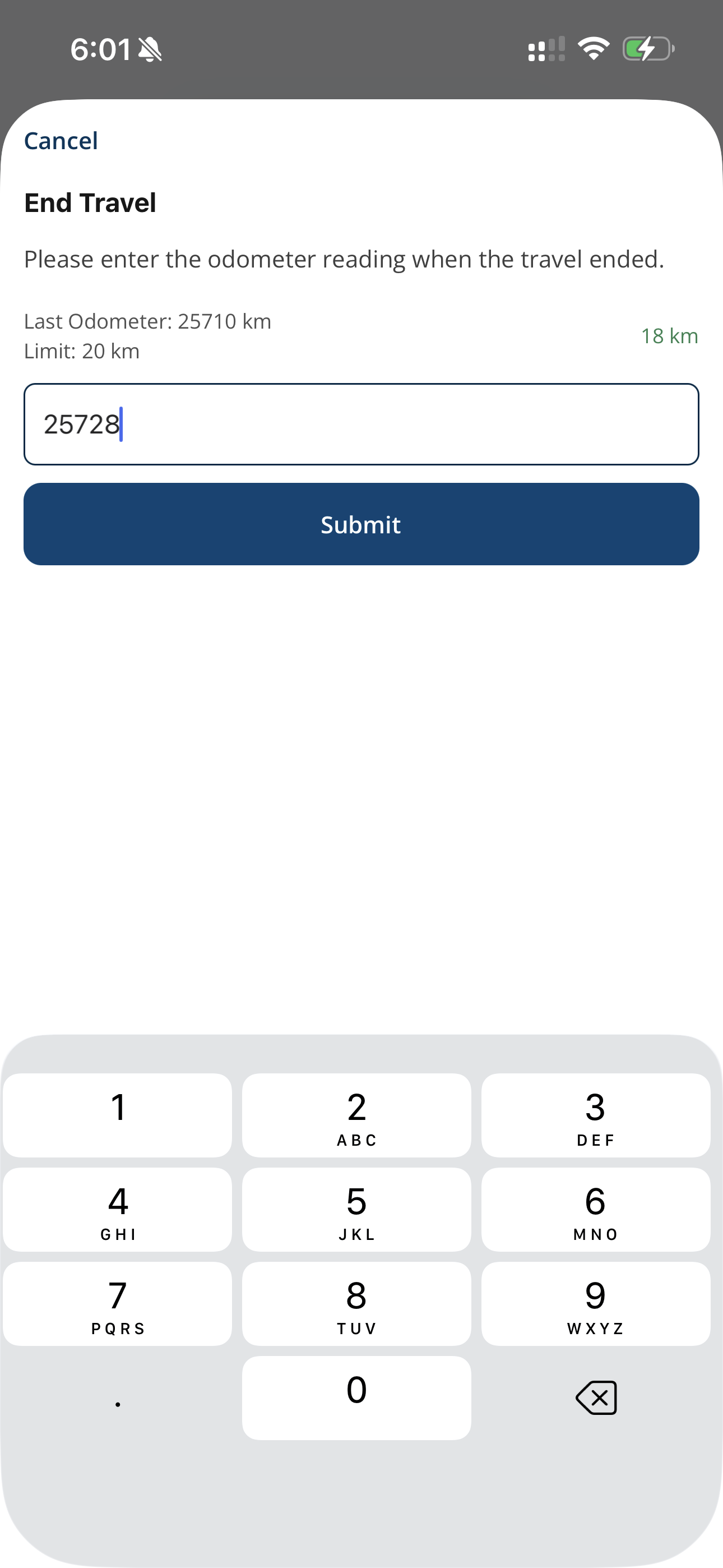
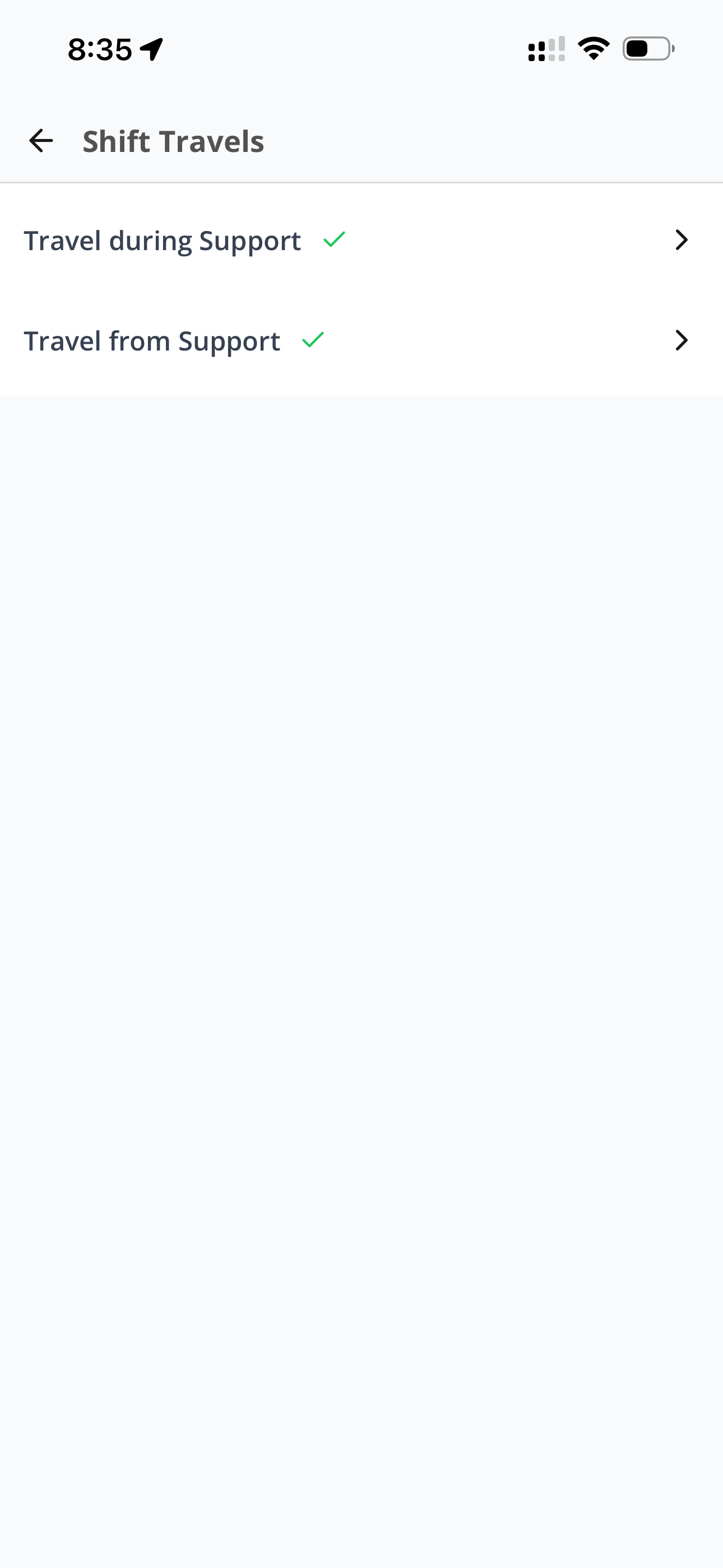
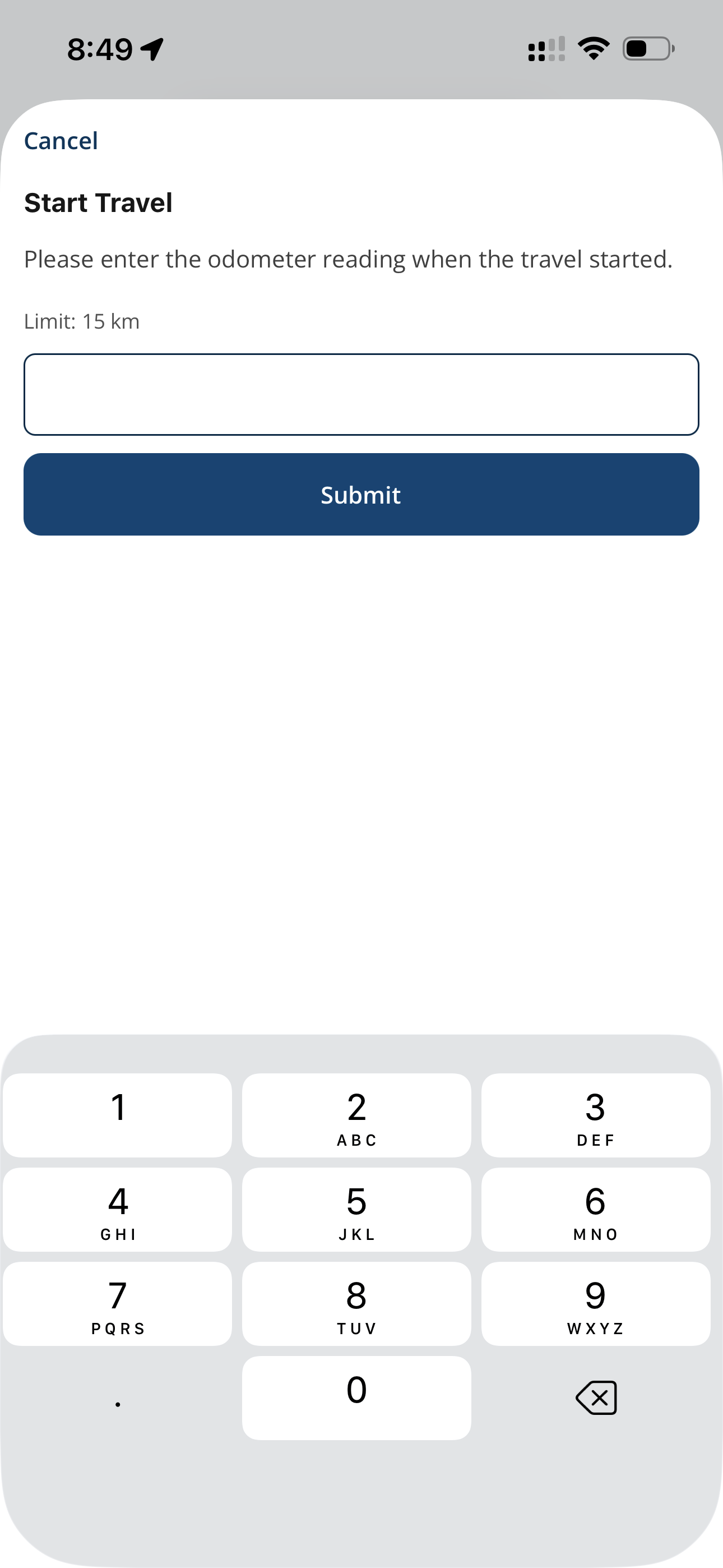
Travel During a Shift
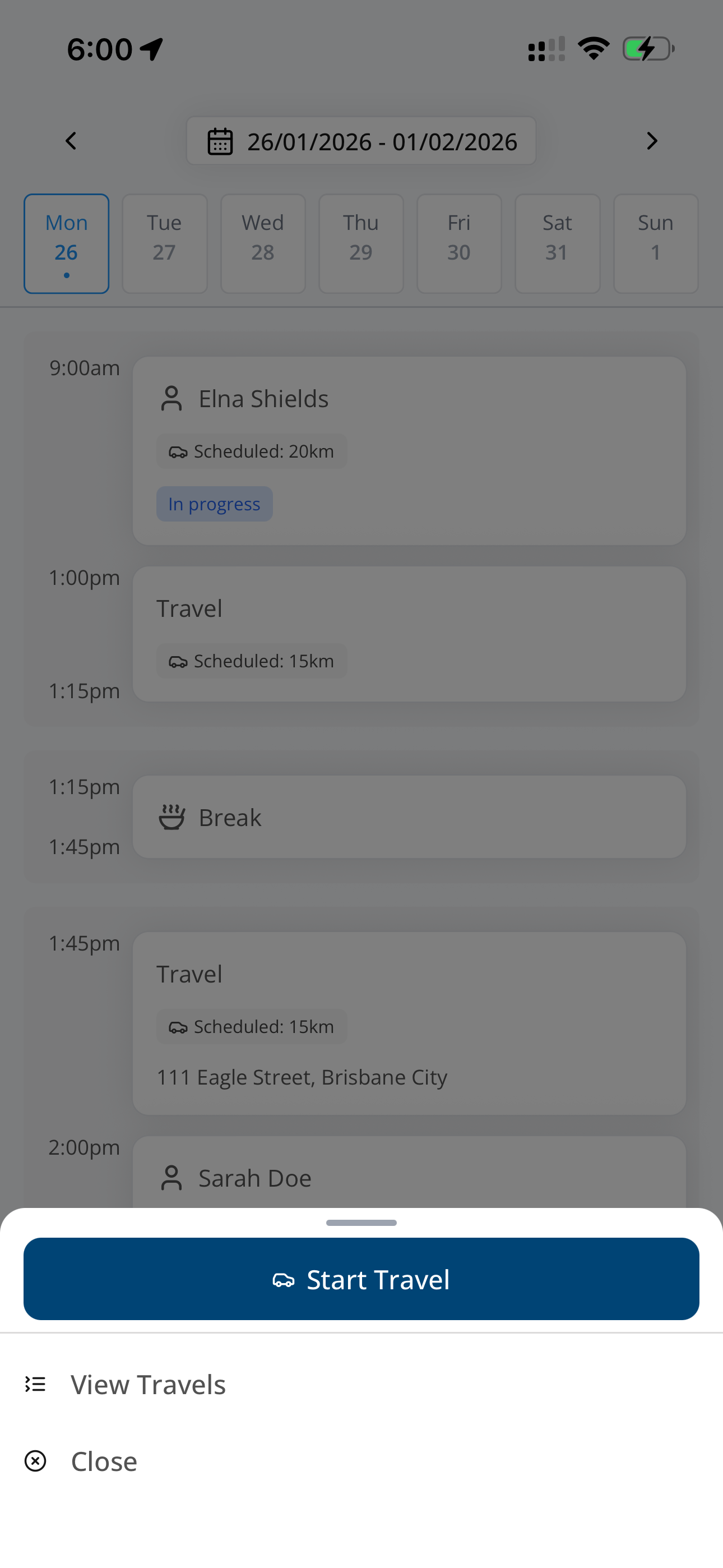
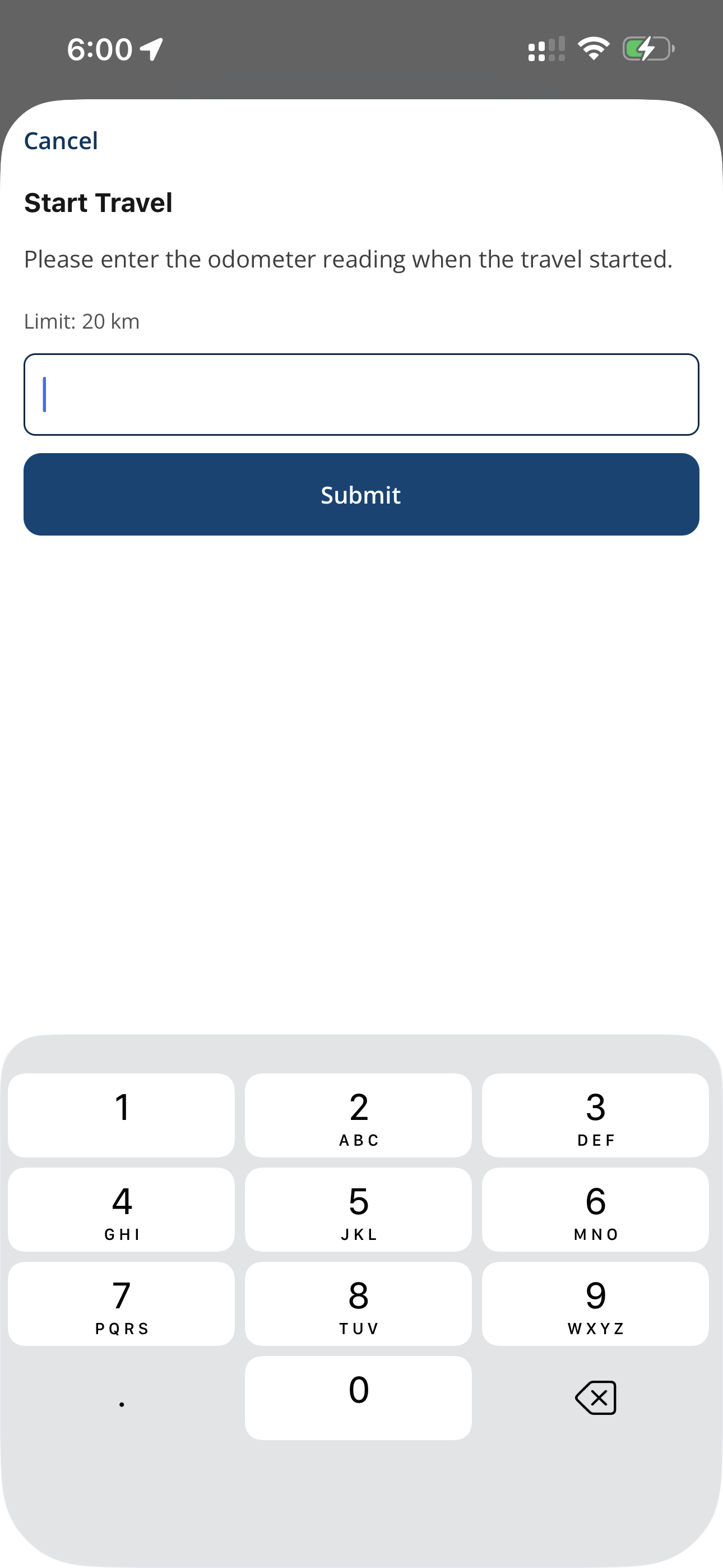
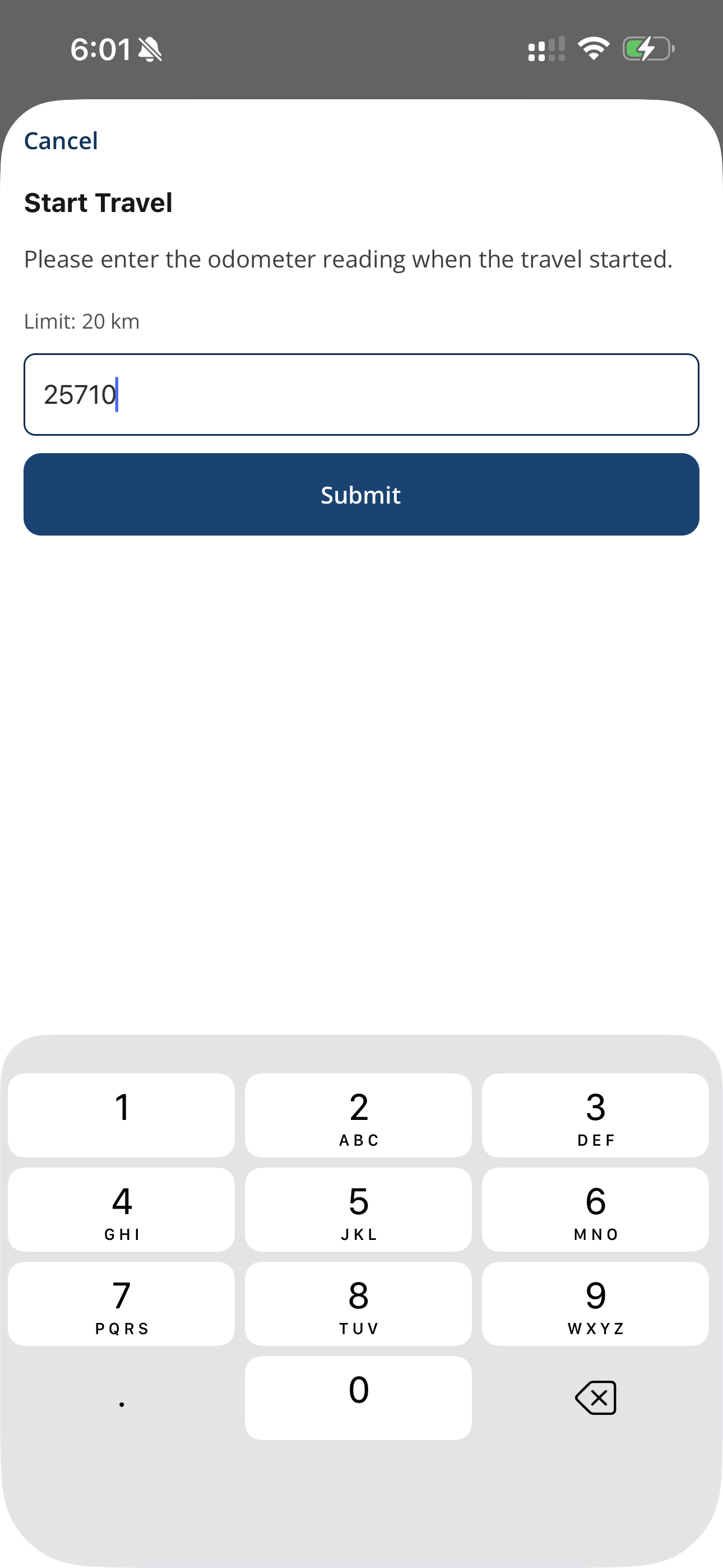
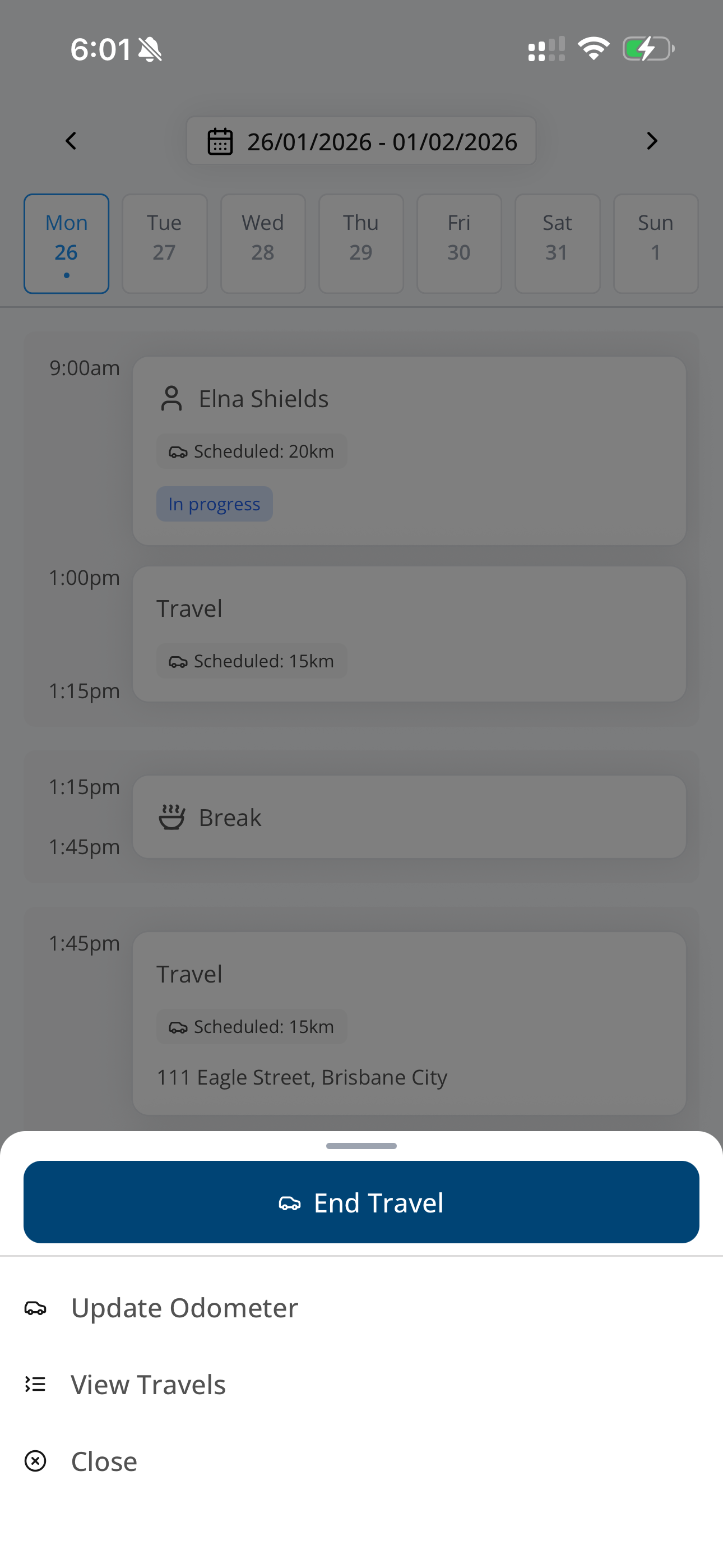
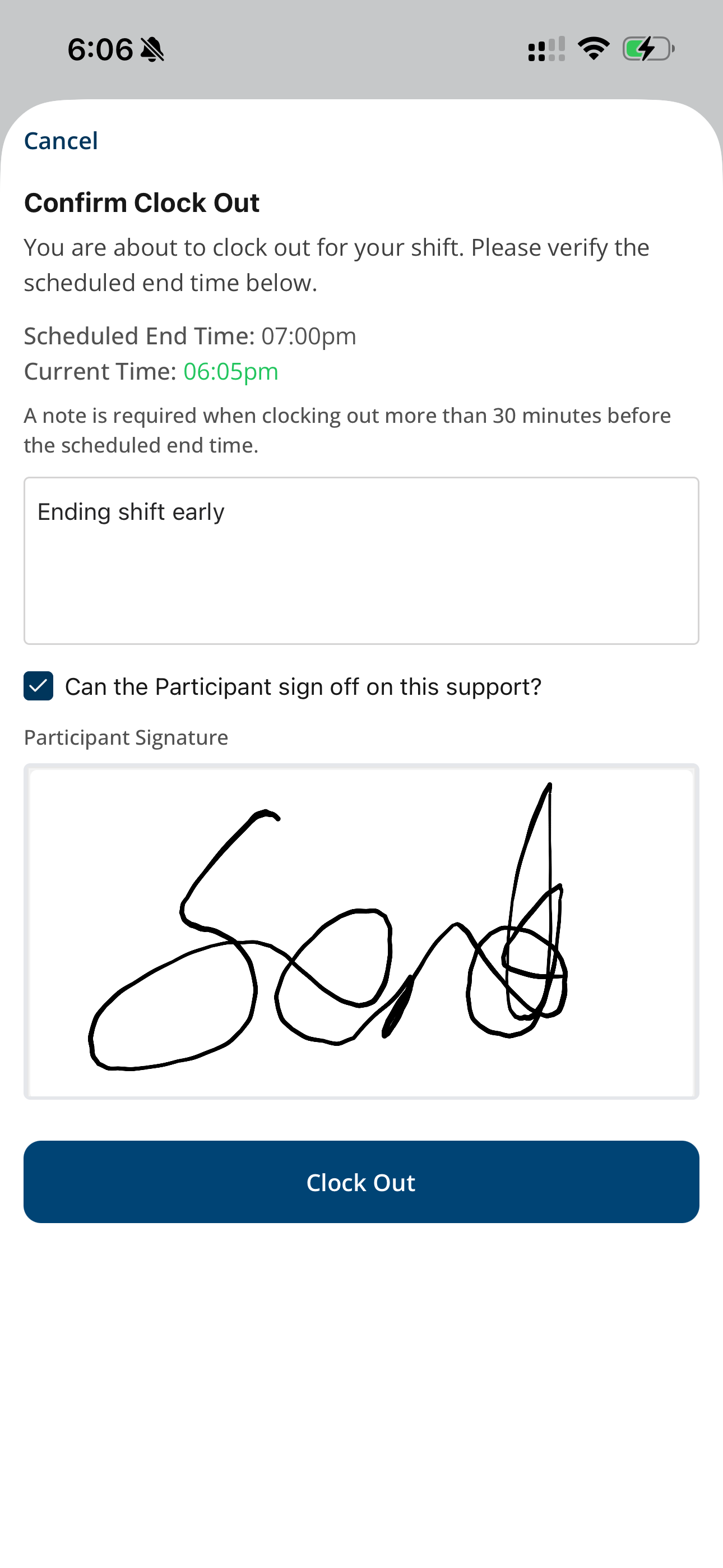
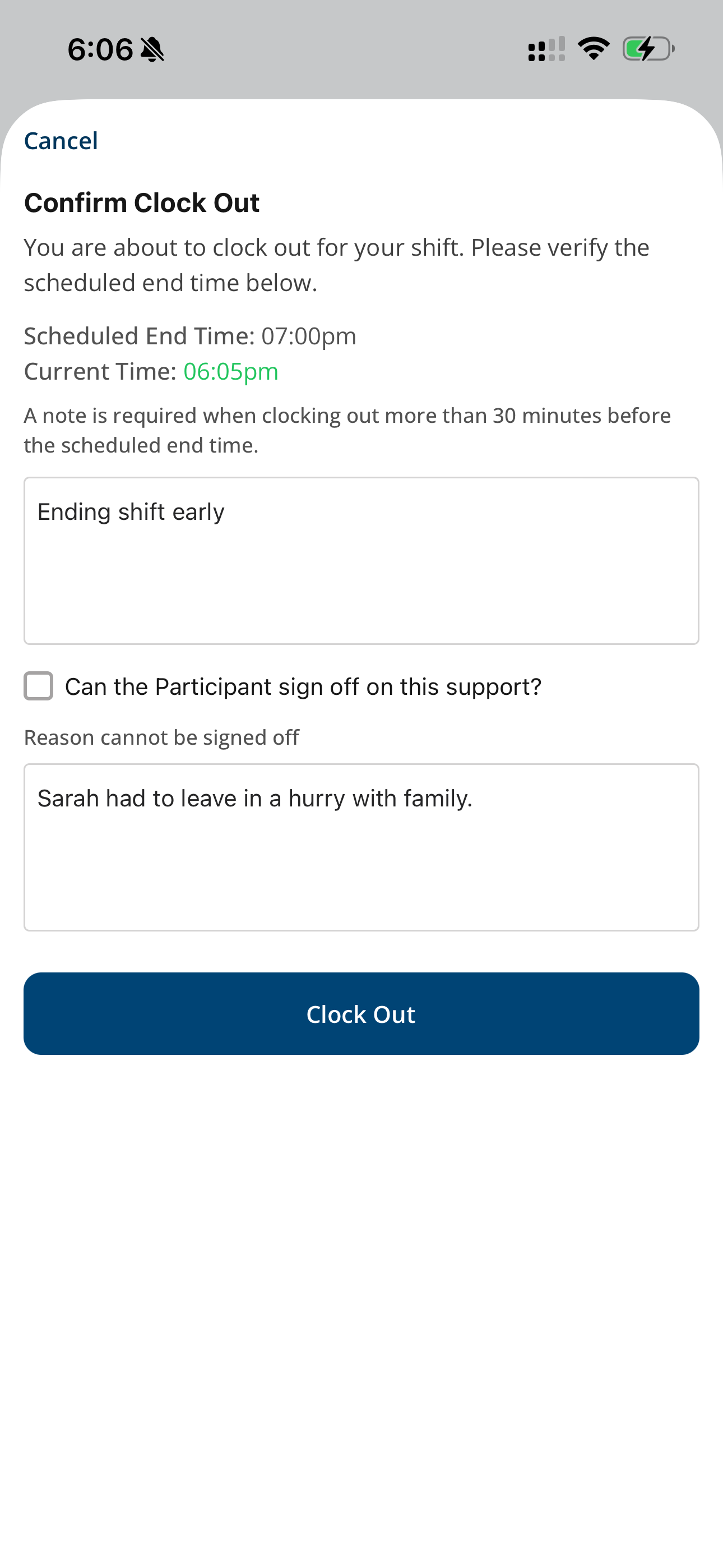
Participant Signature
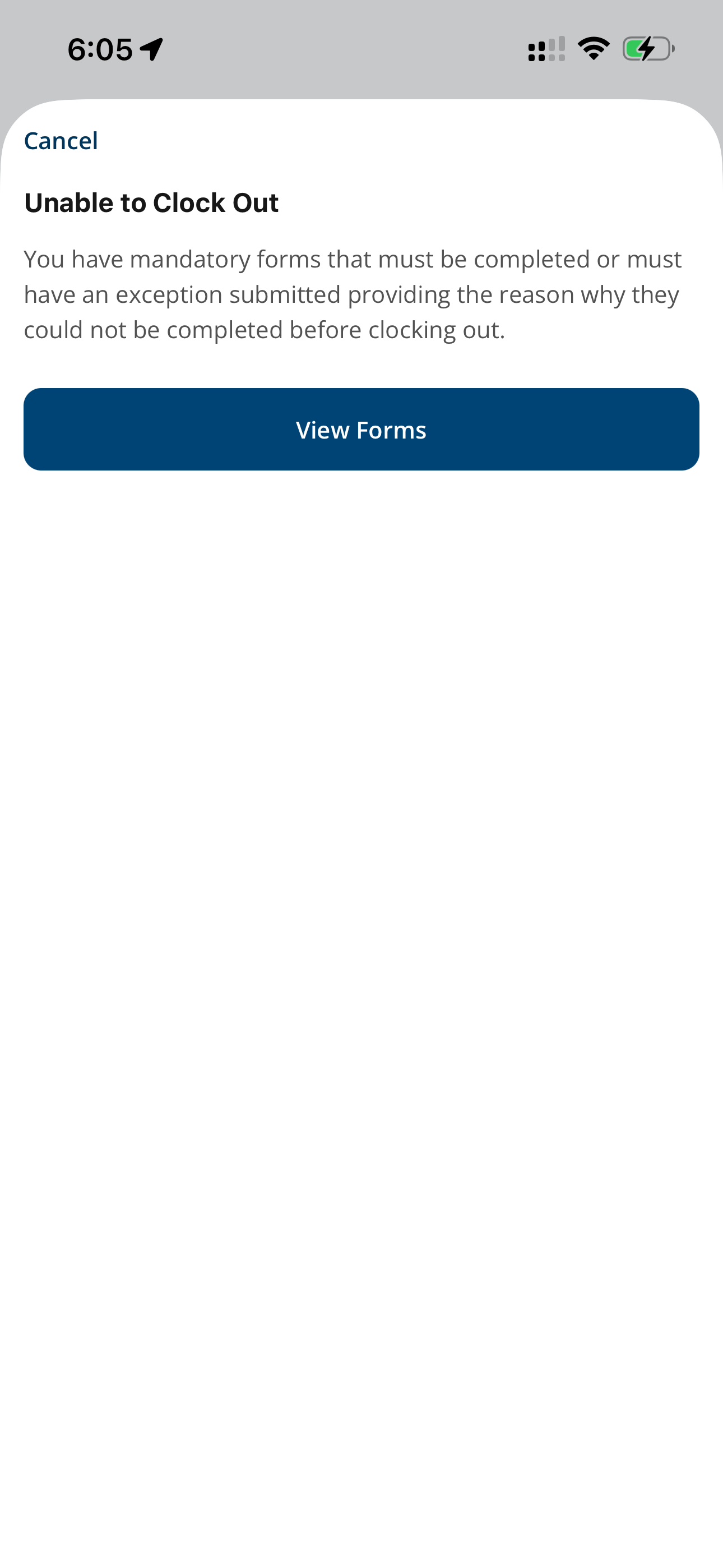
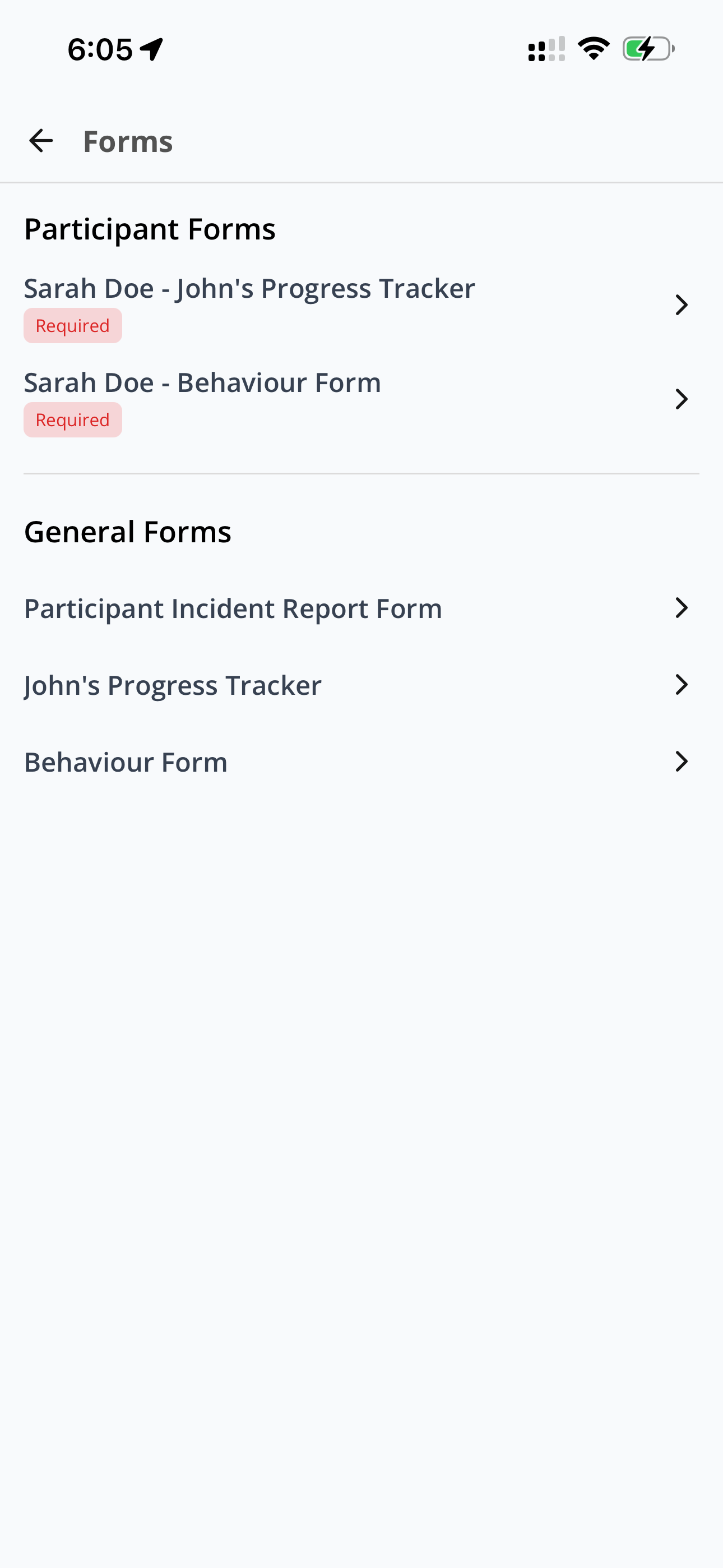
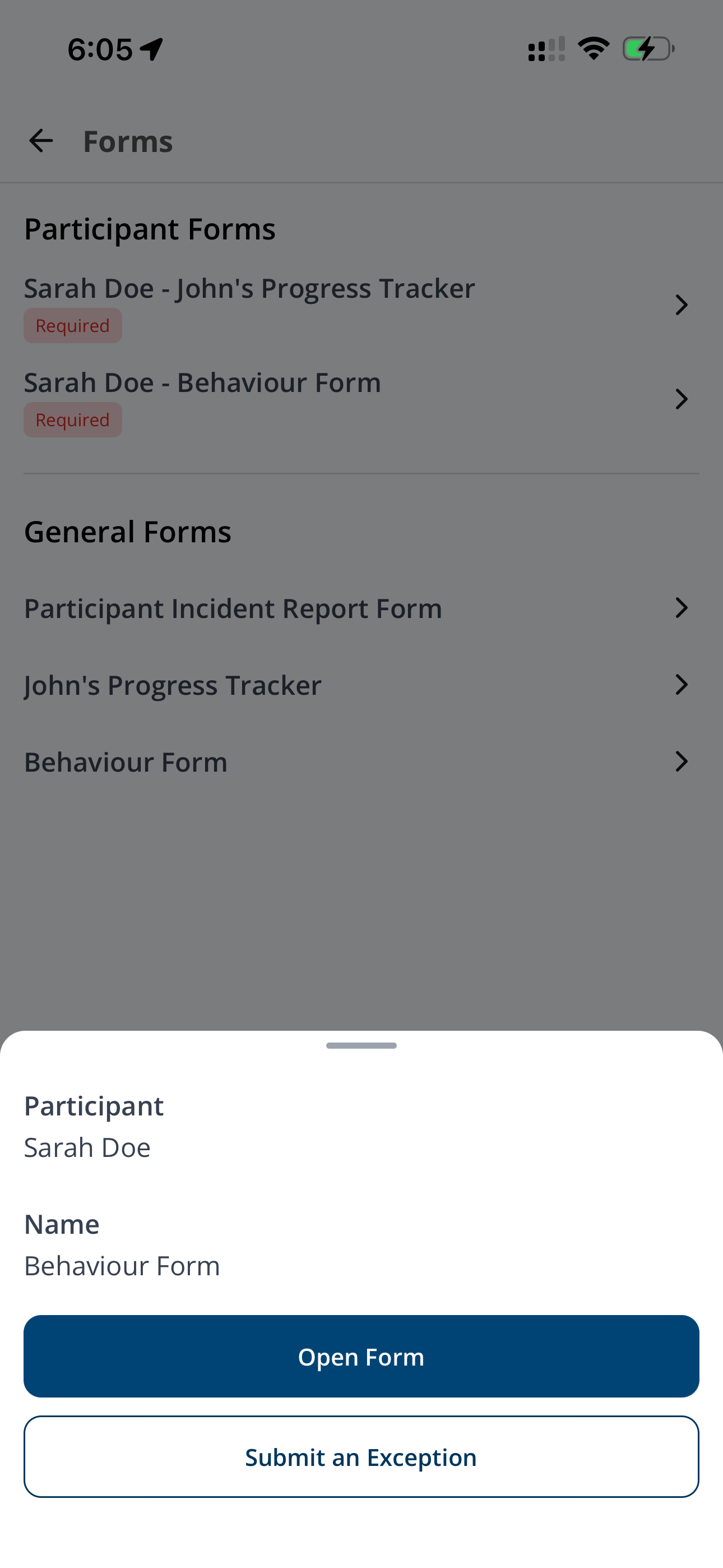
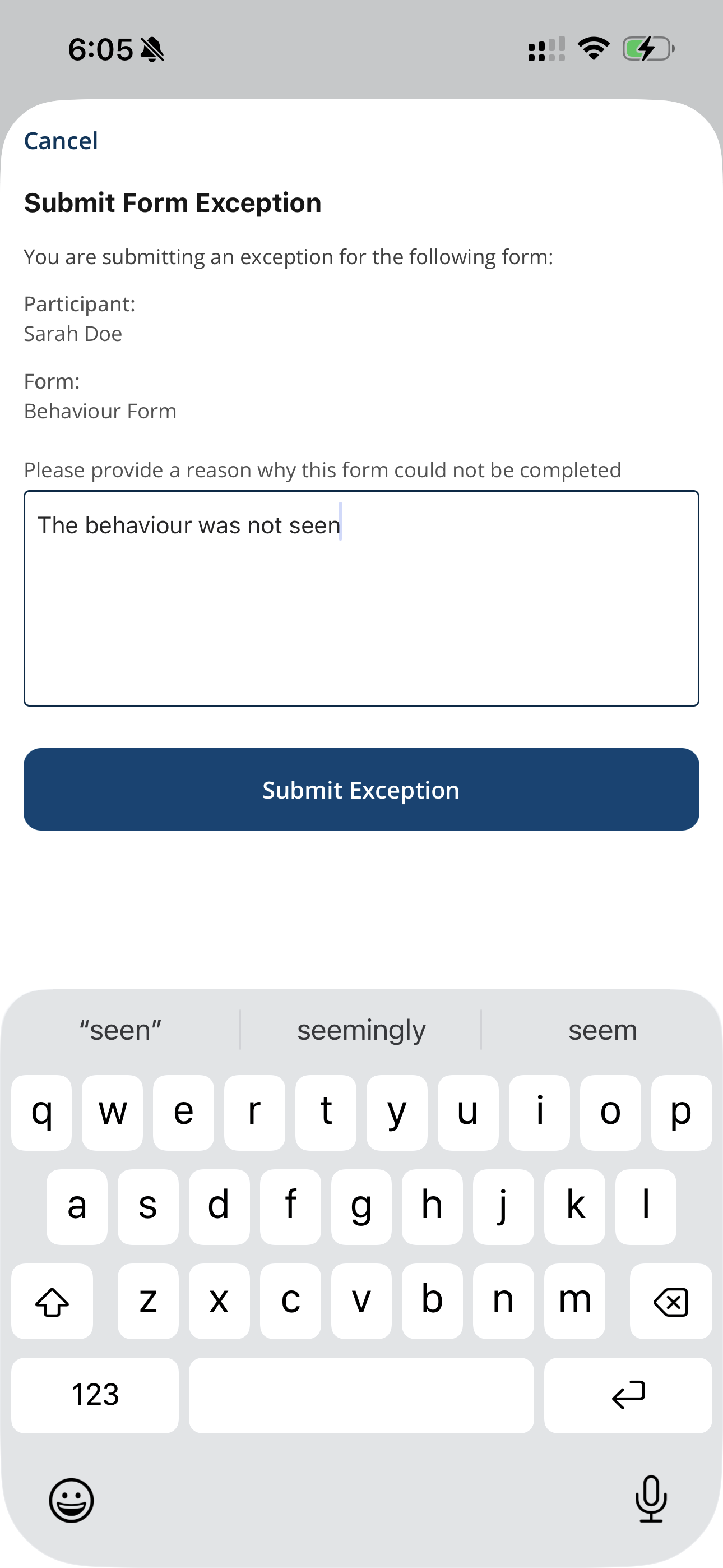
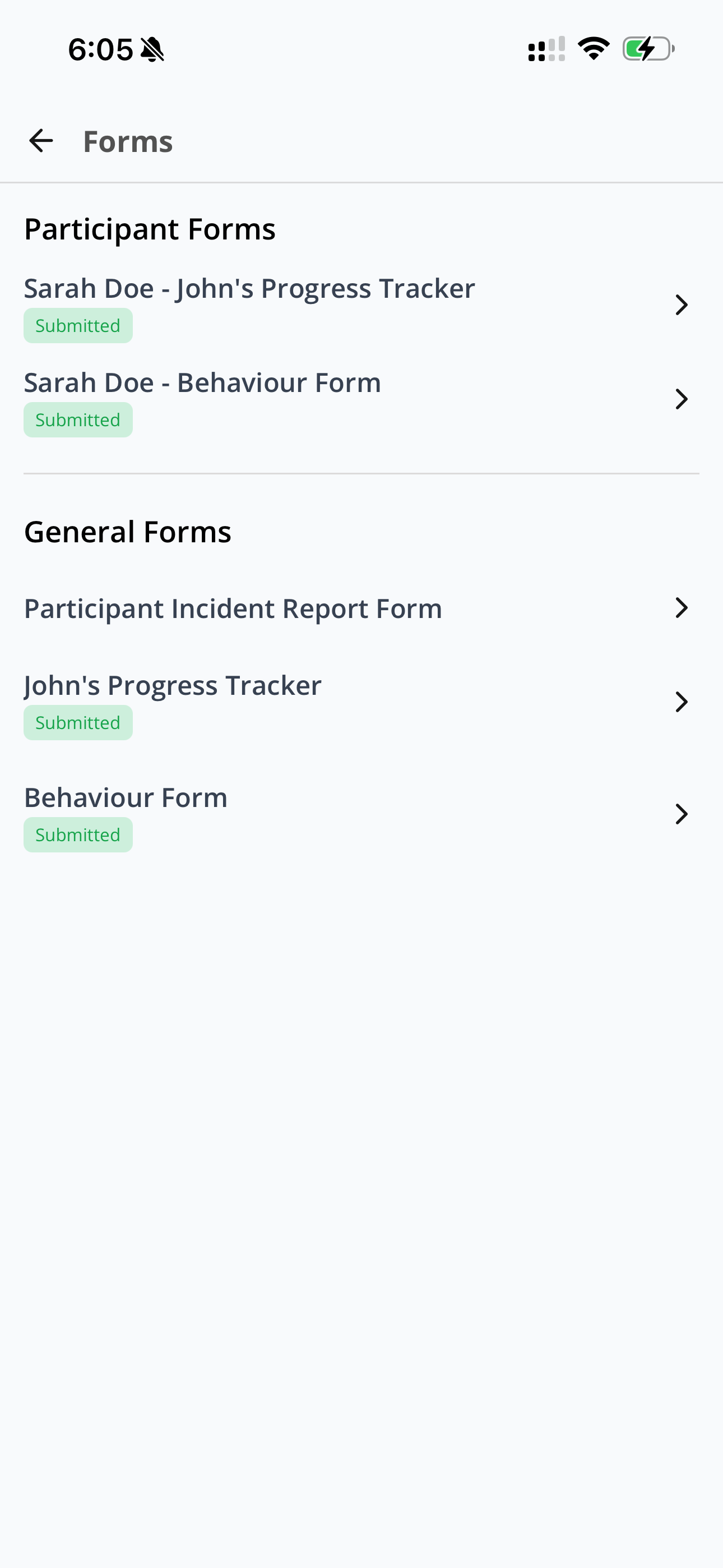
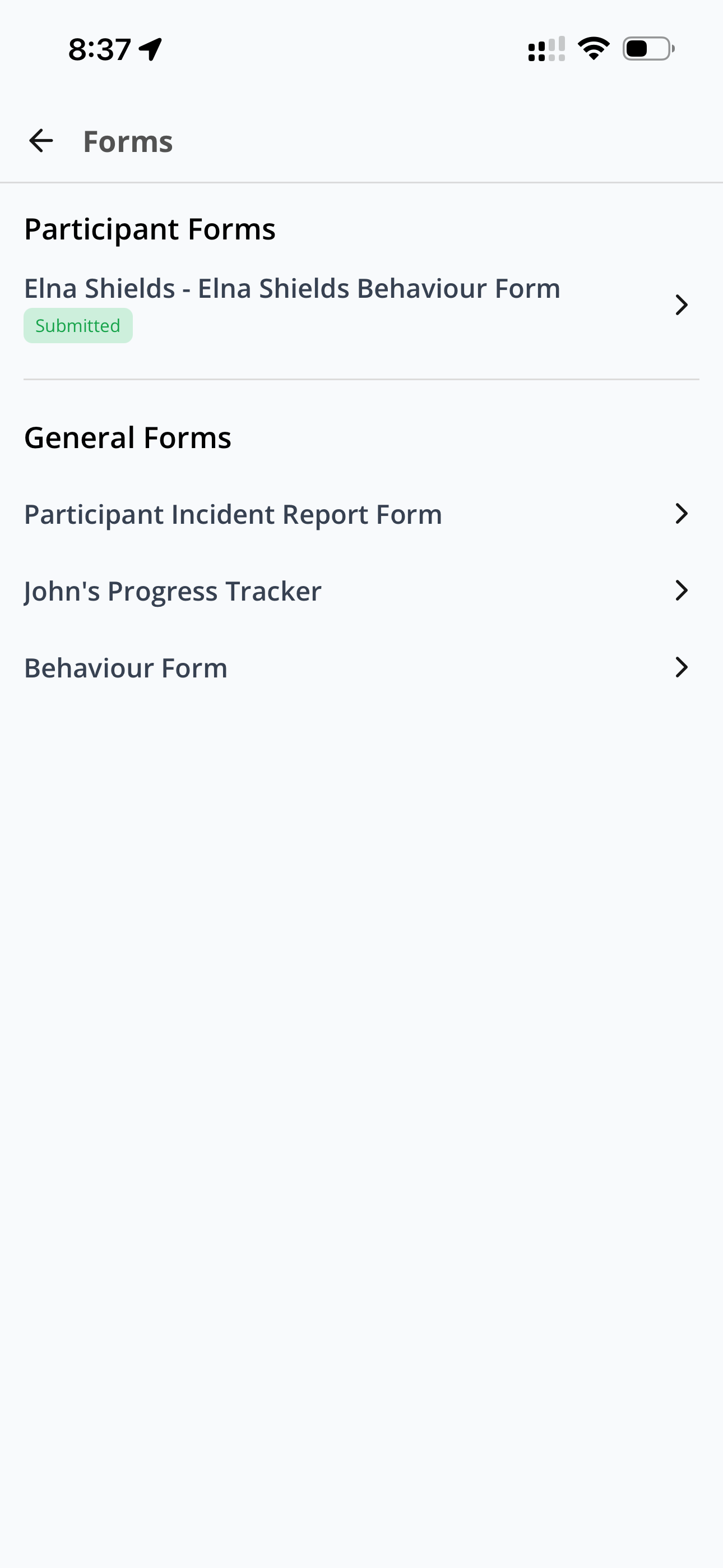
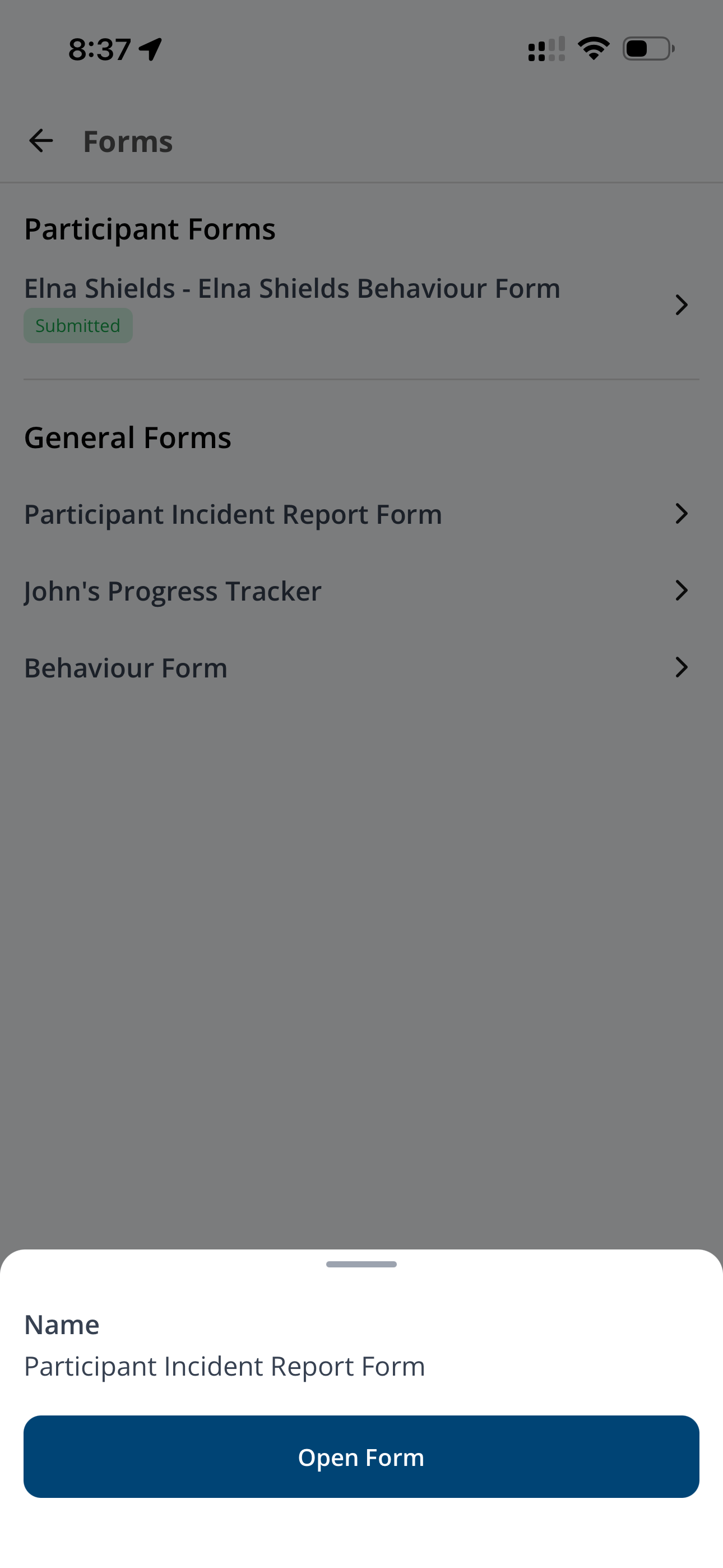
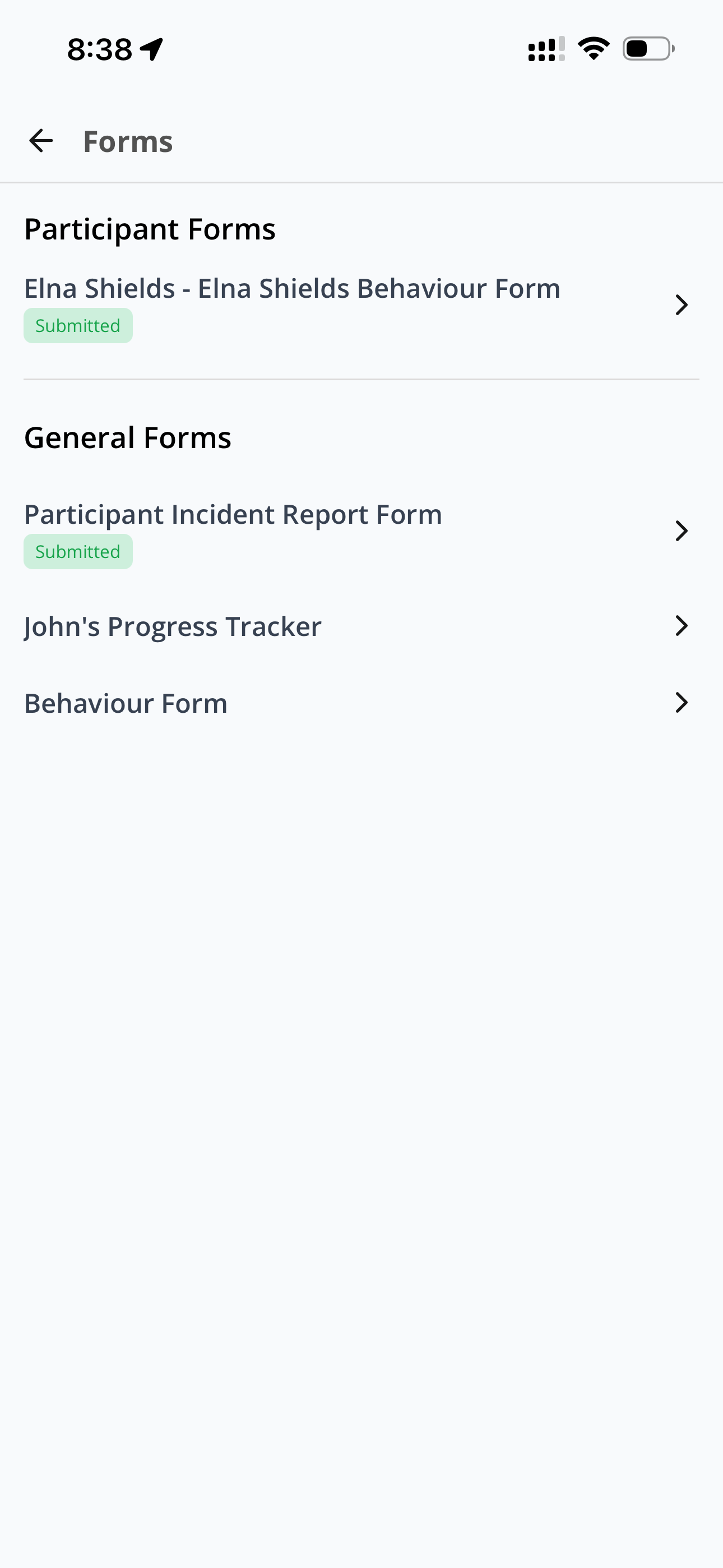
Participant Forms
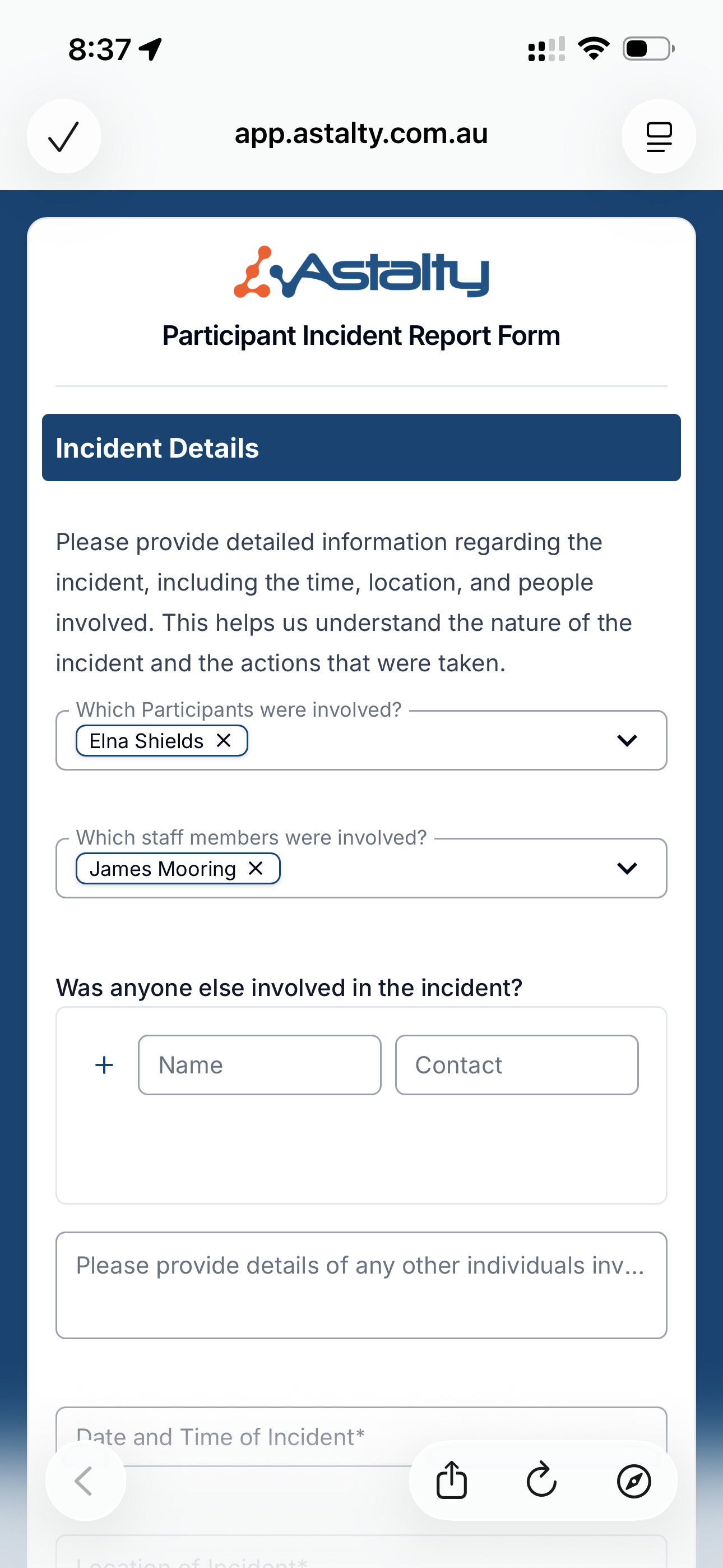
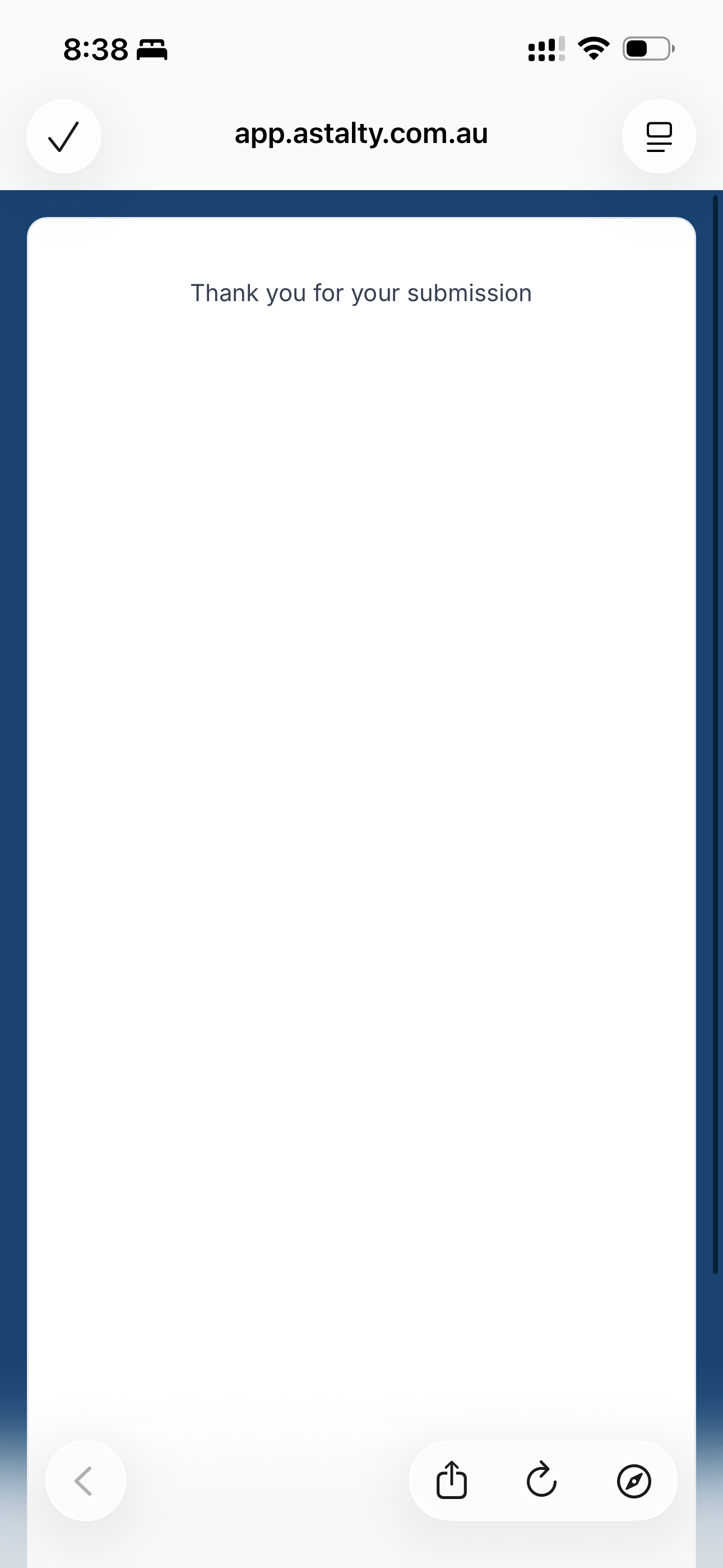
Submitting an Incident
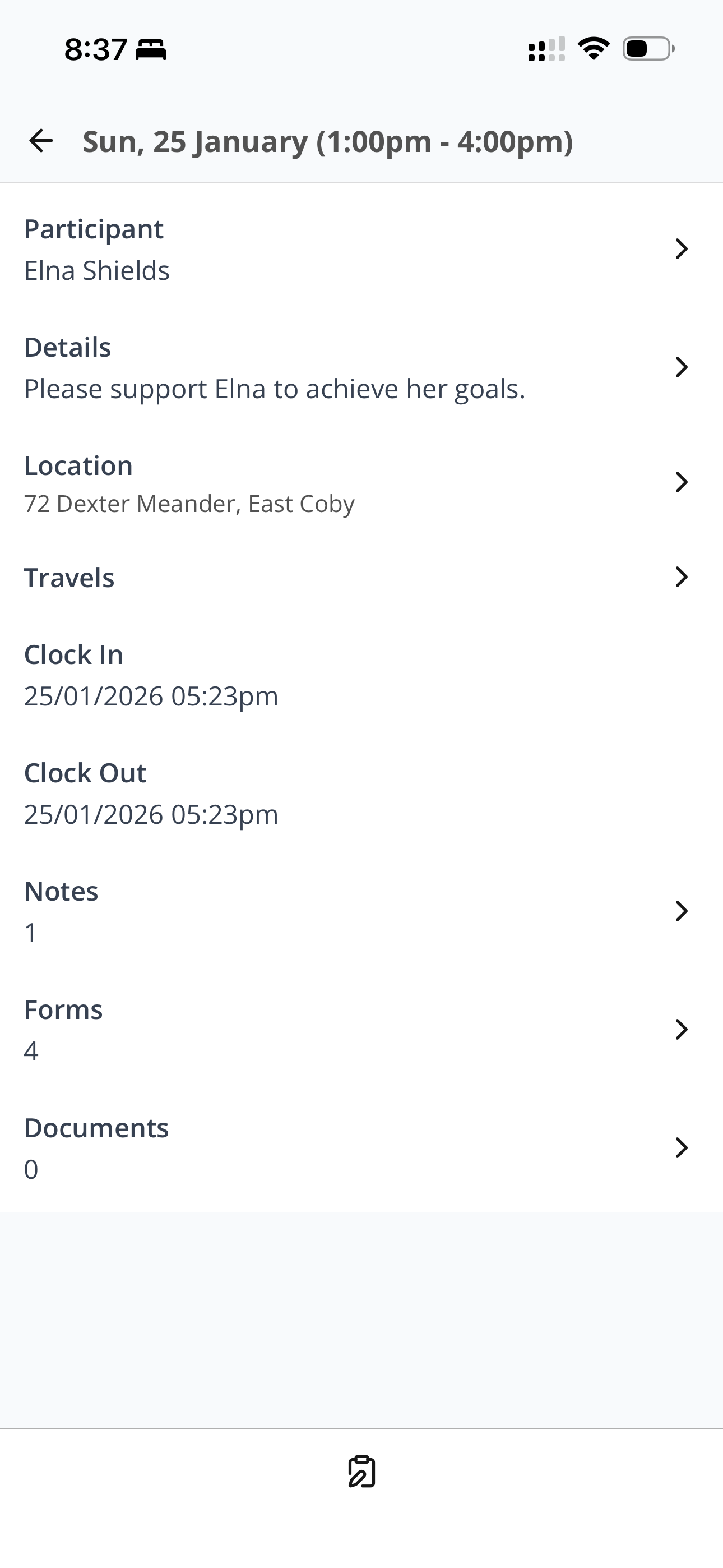
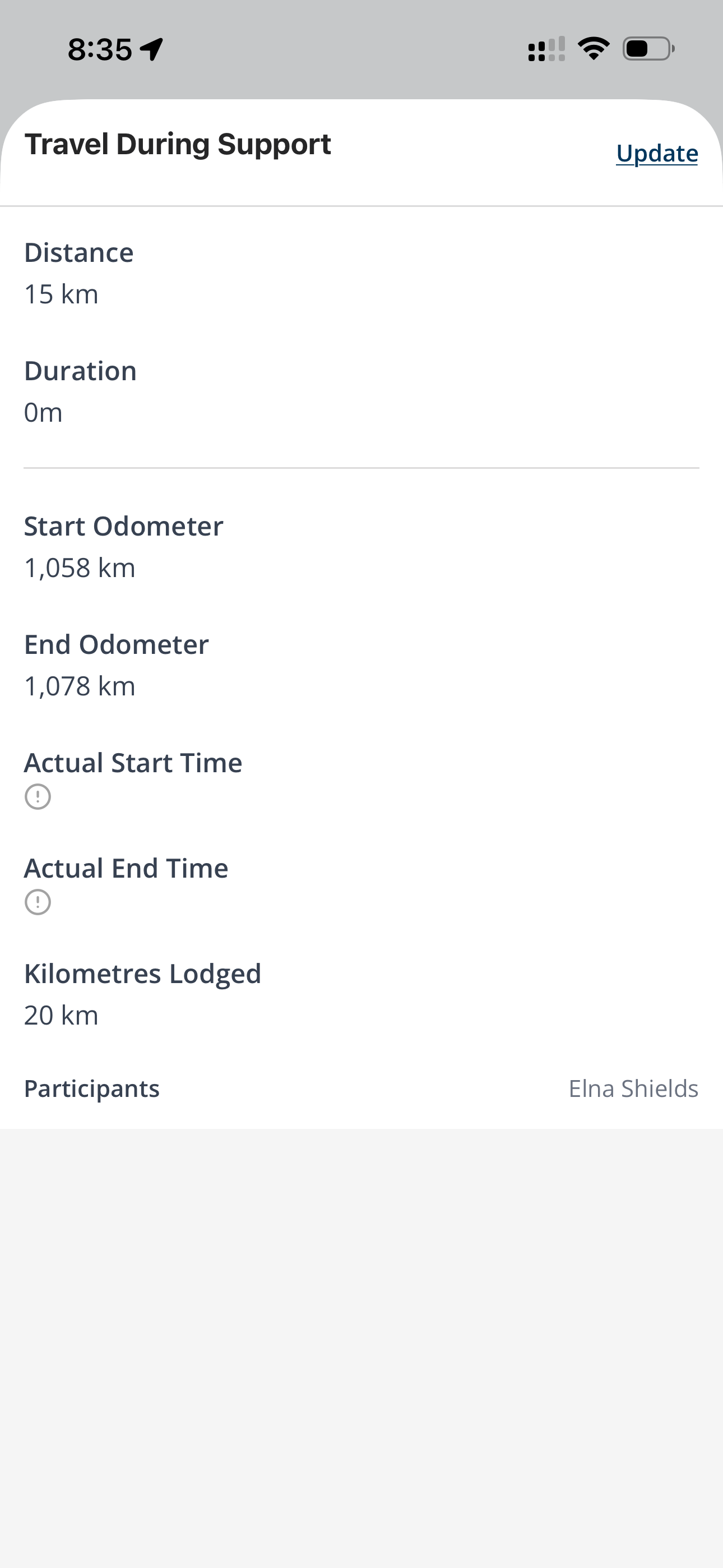
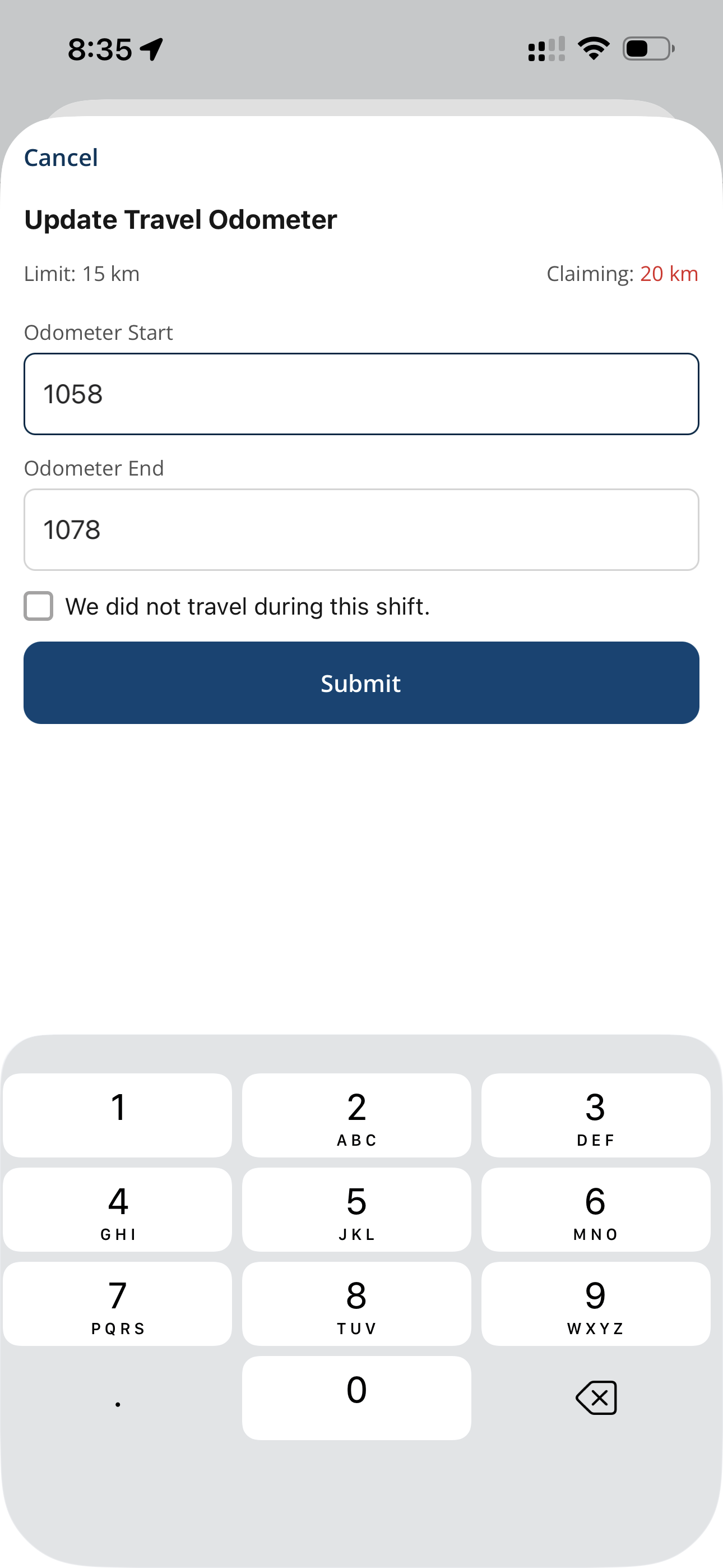
Updating Travel
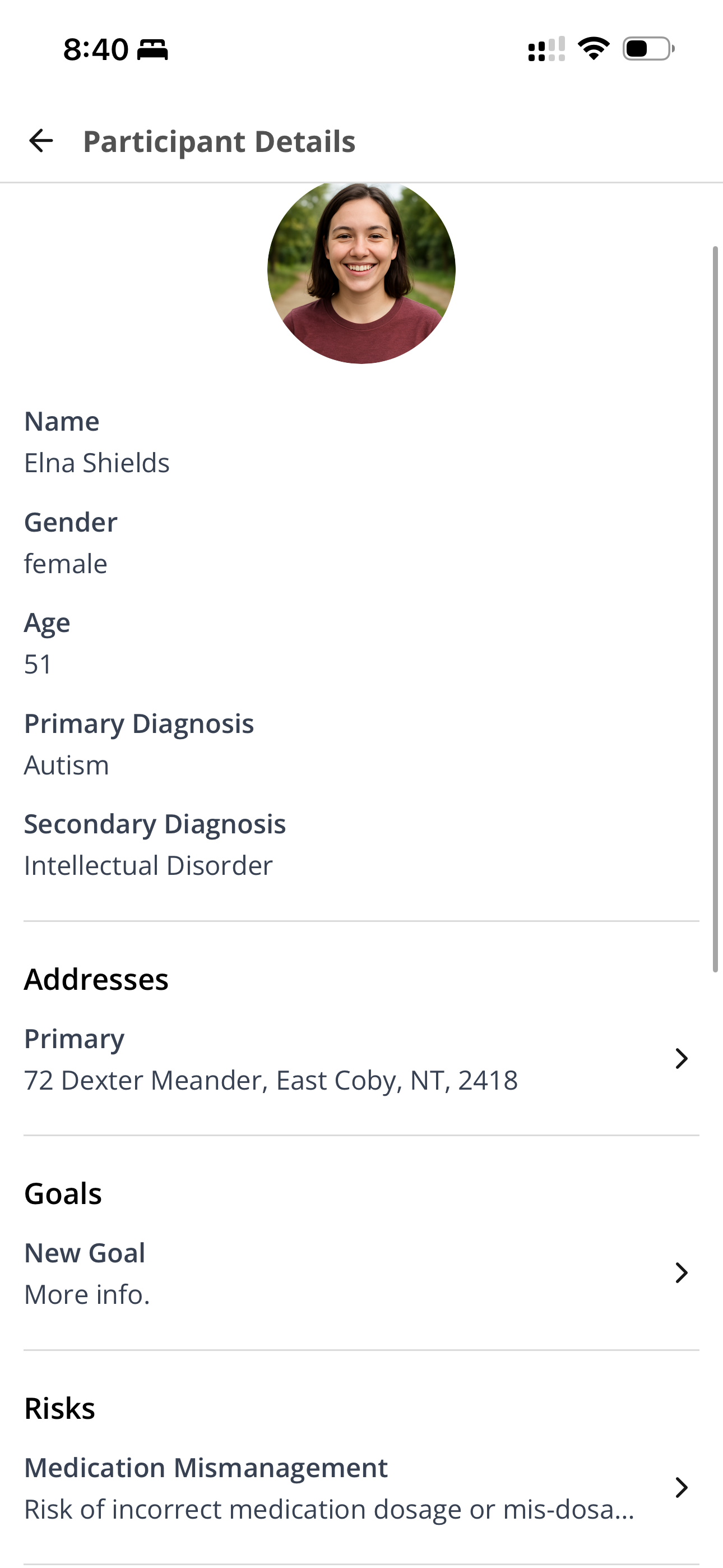
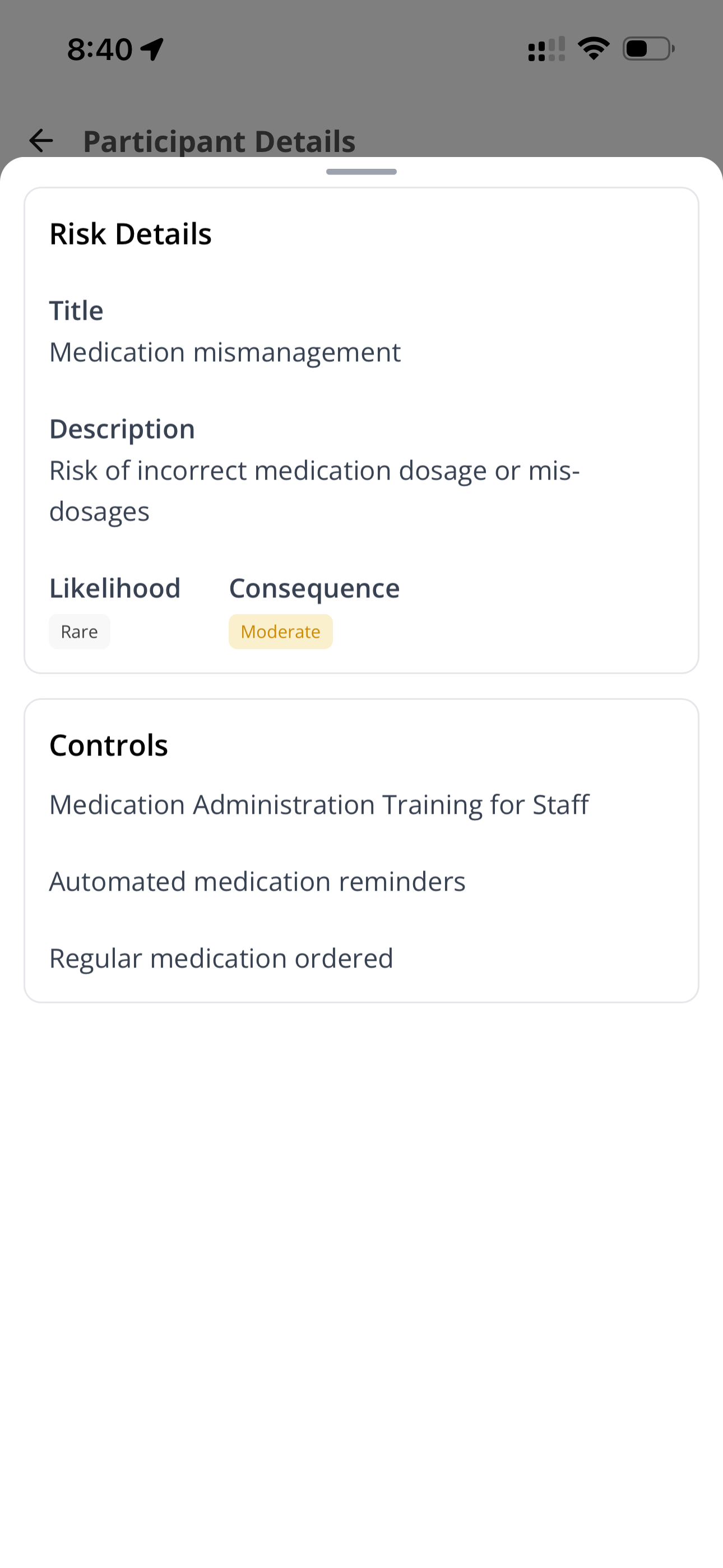
Viewing Risks
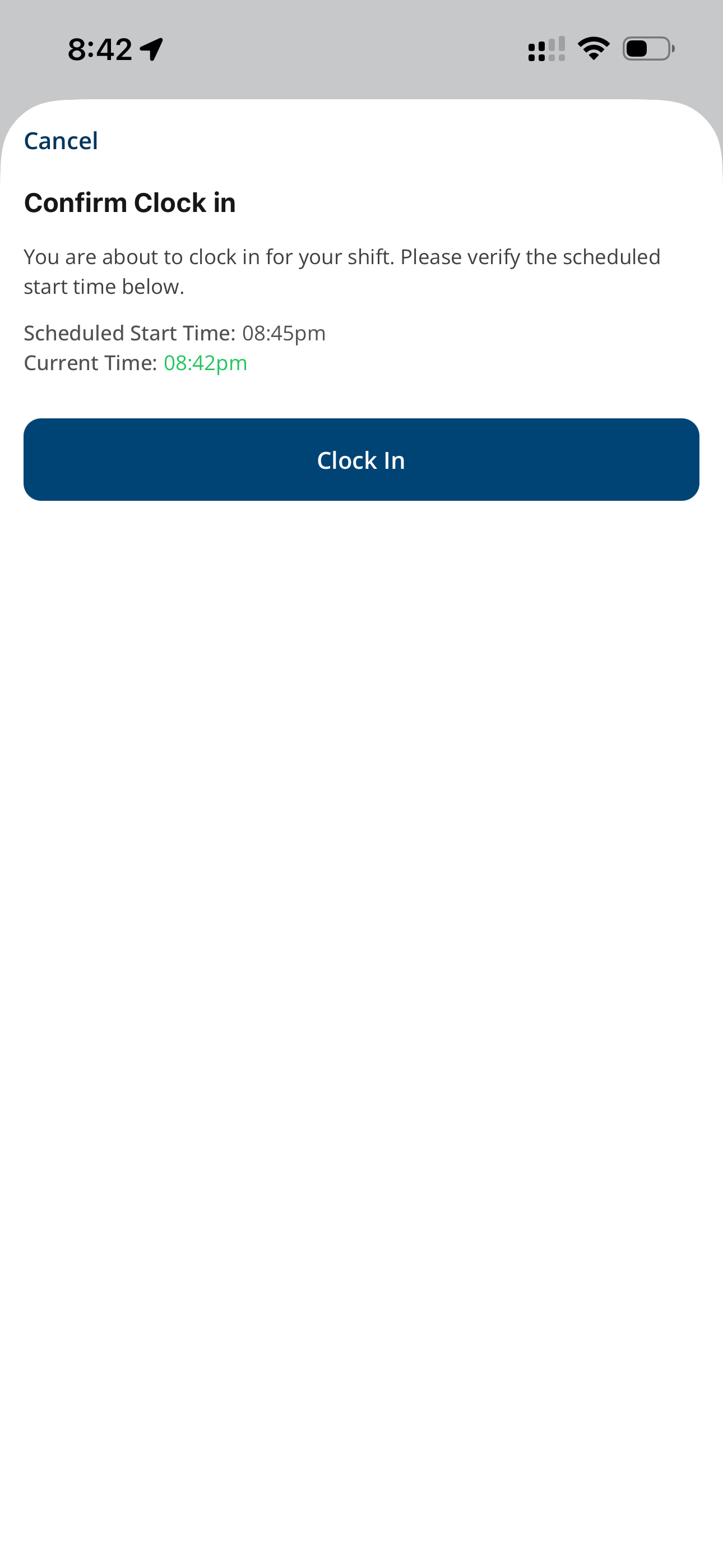
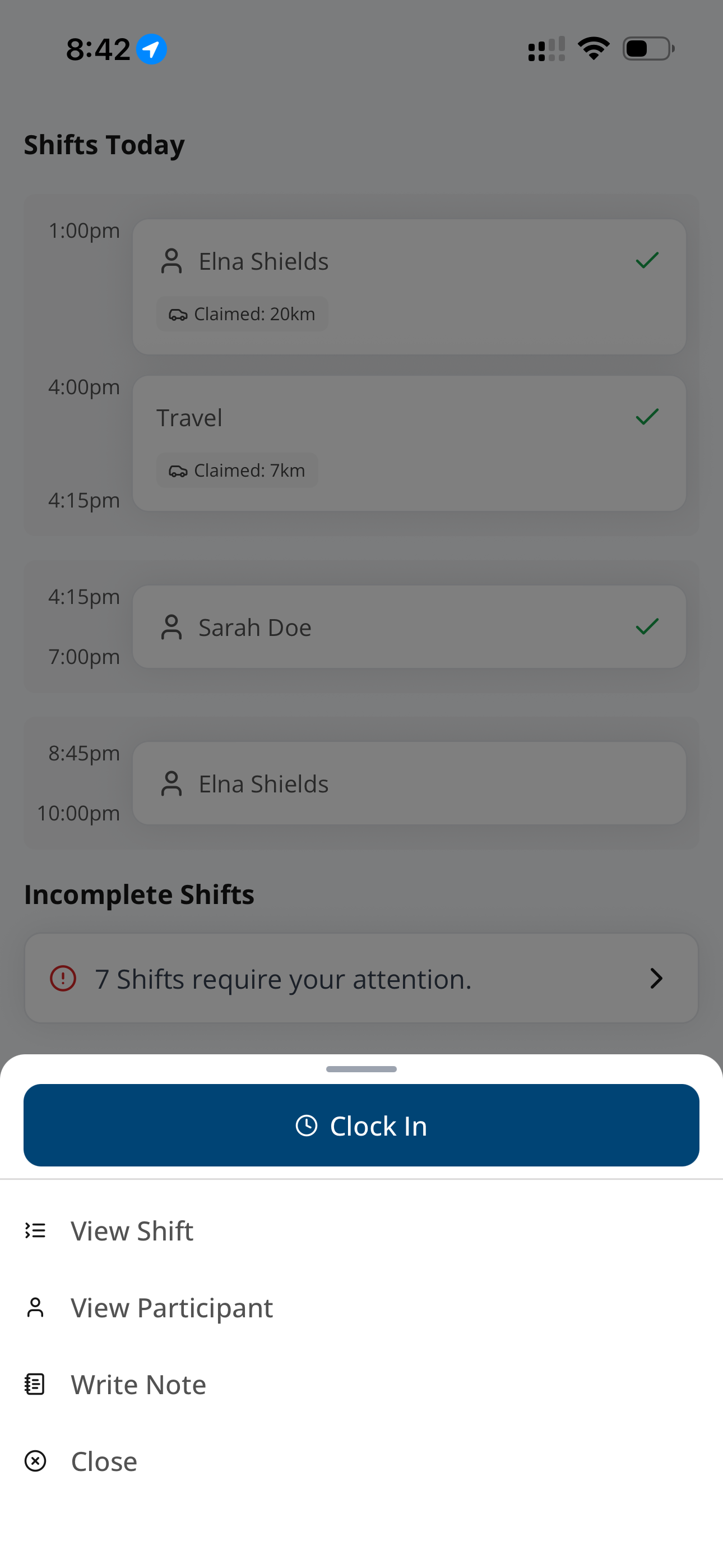
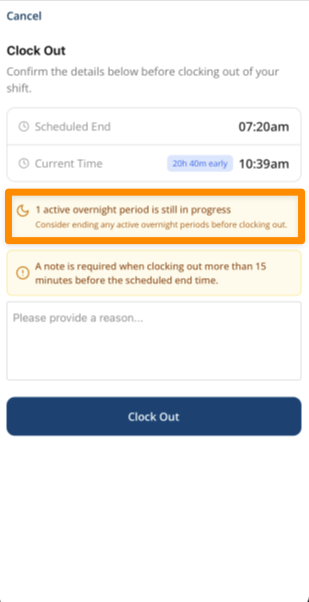
Clocking into a Shift
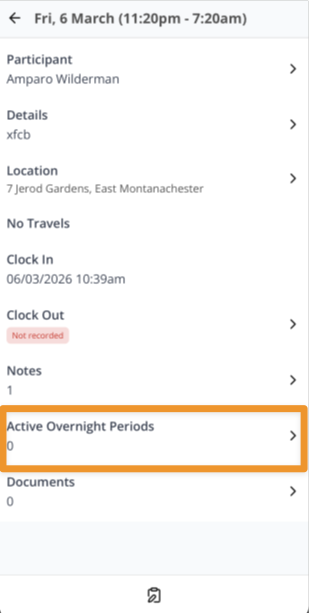
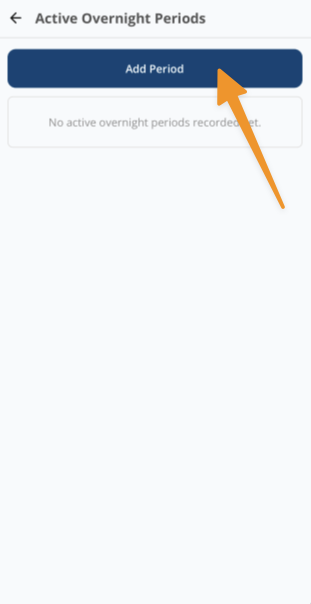
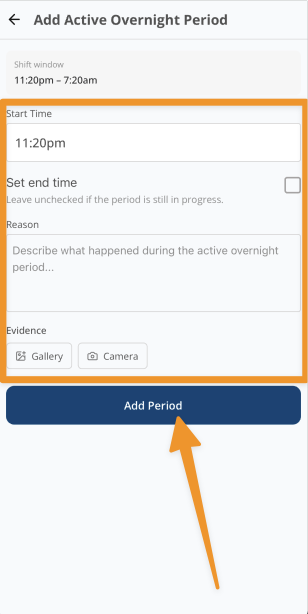
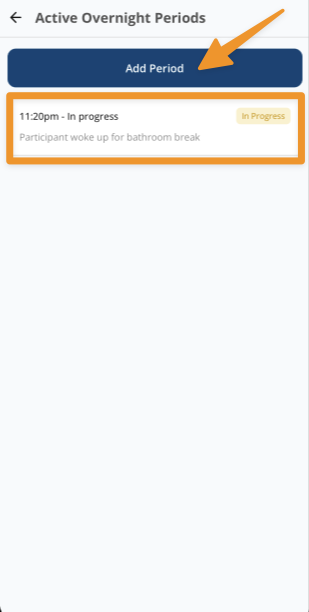
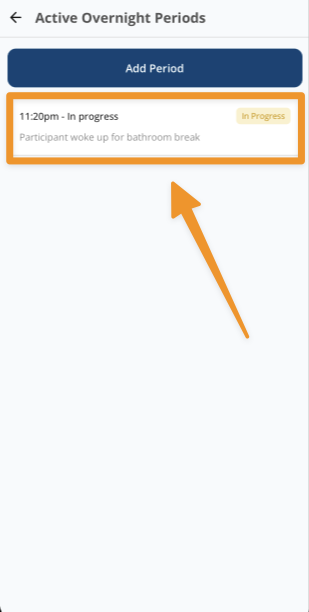
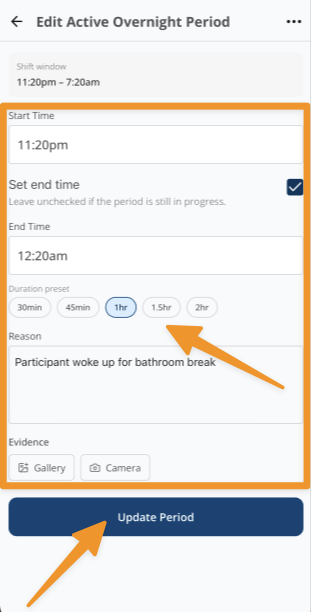
Adding an Active Overnight Period
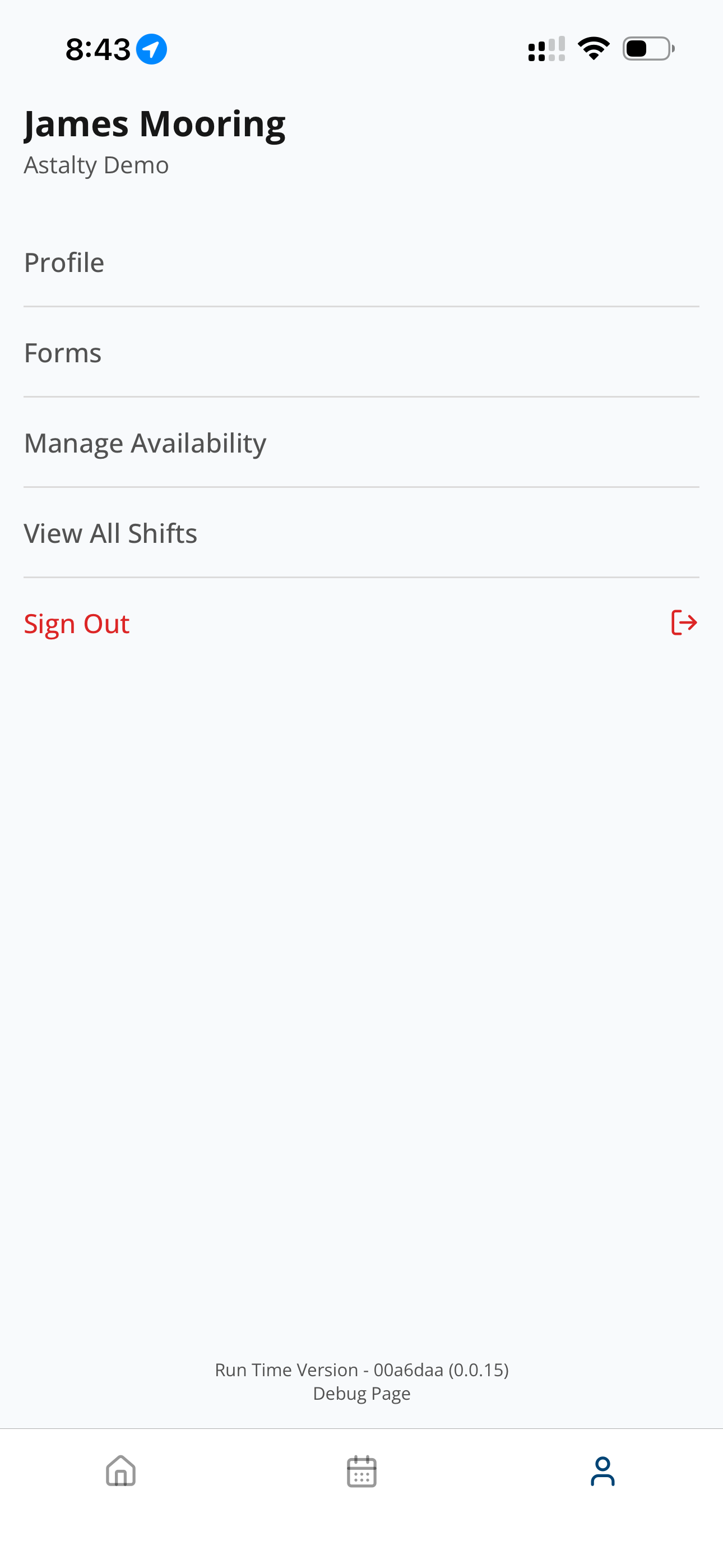
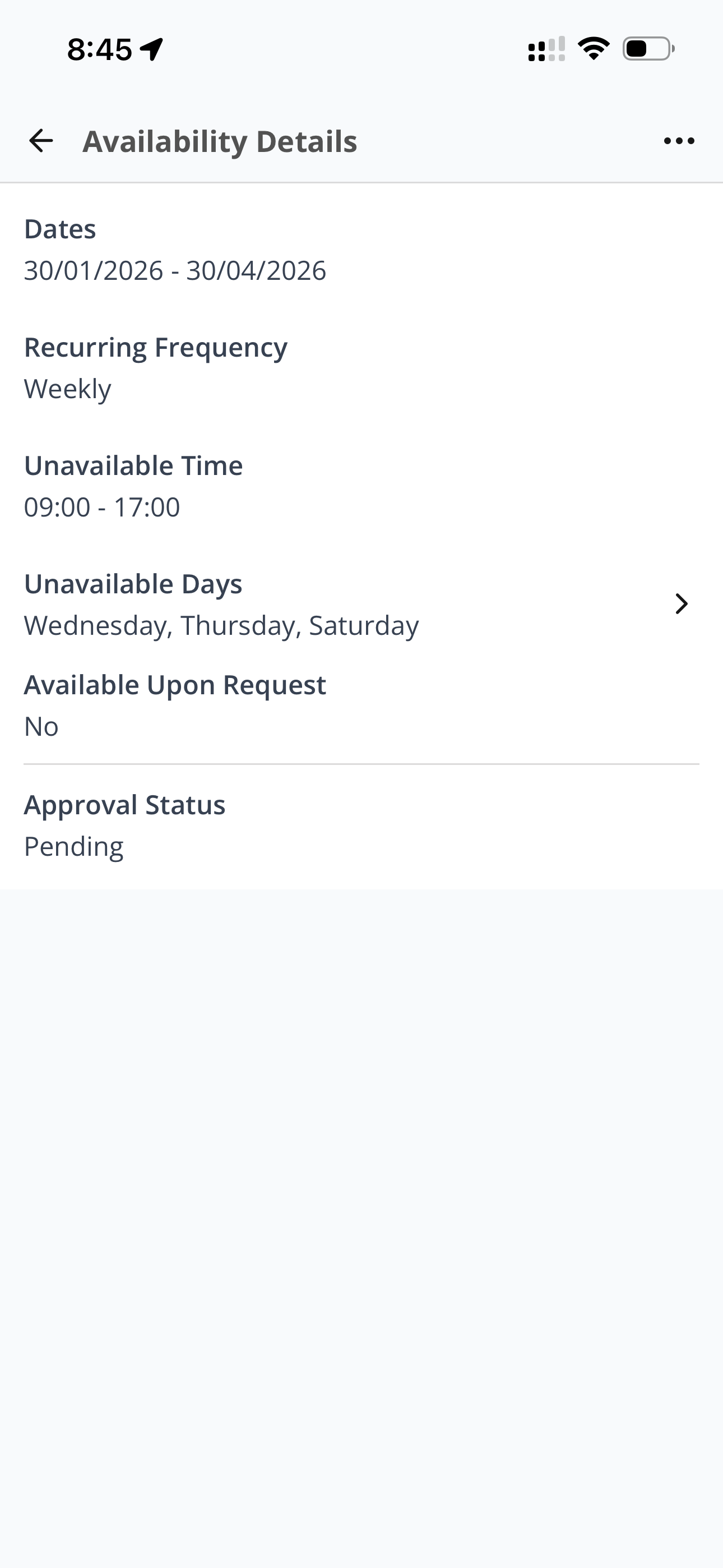
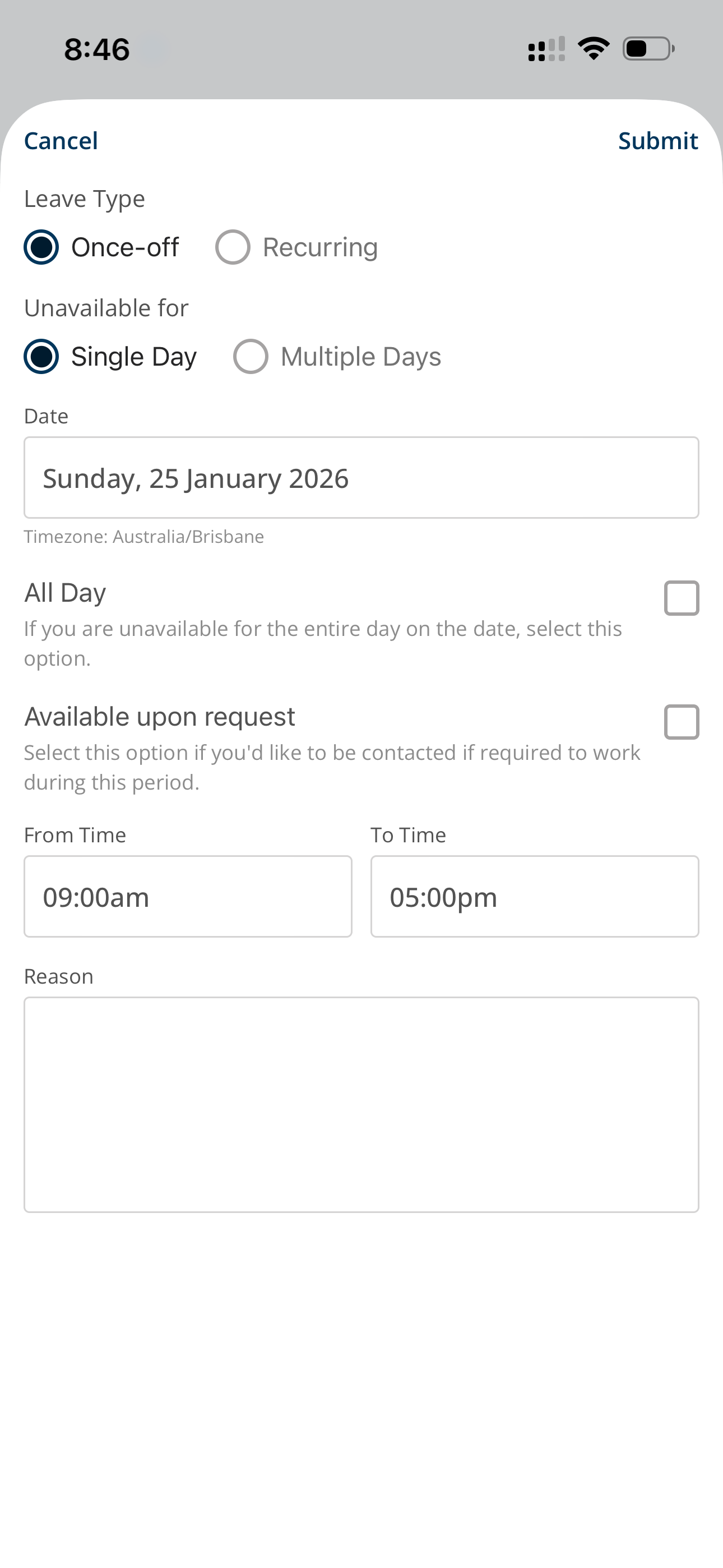
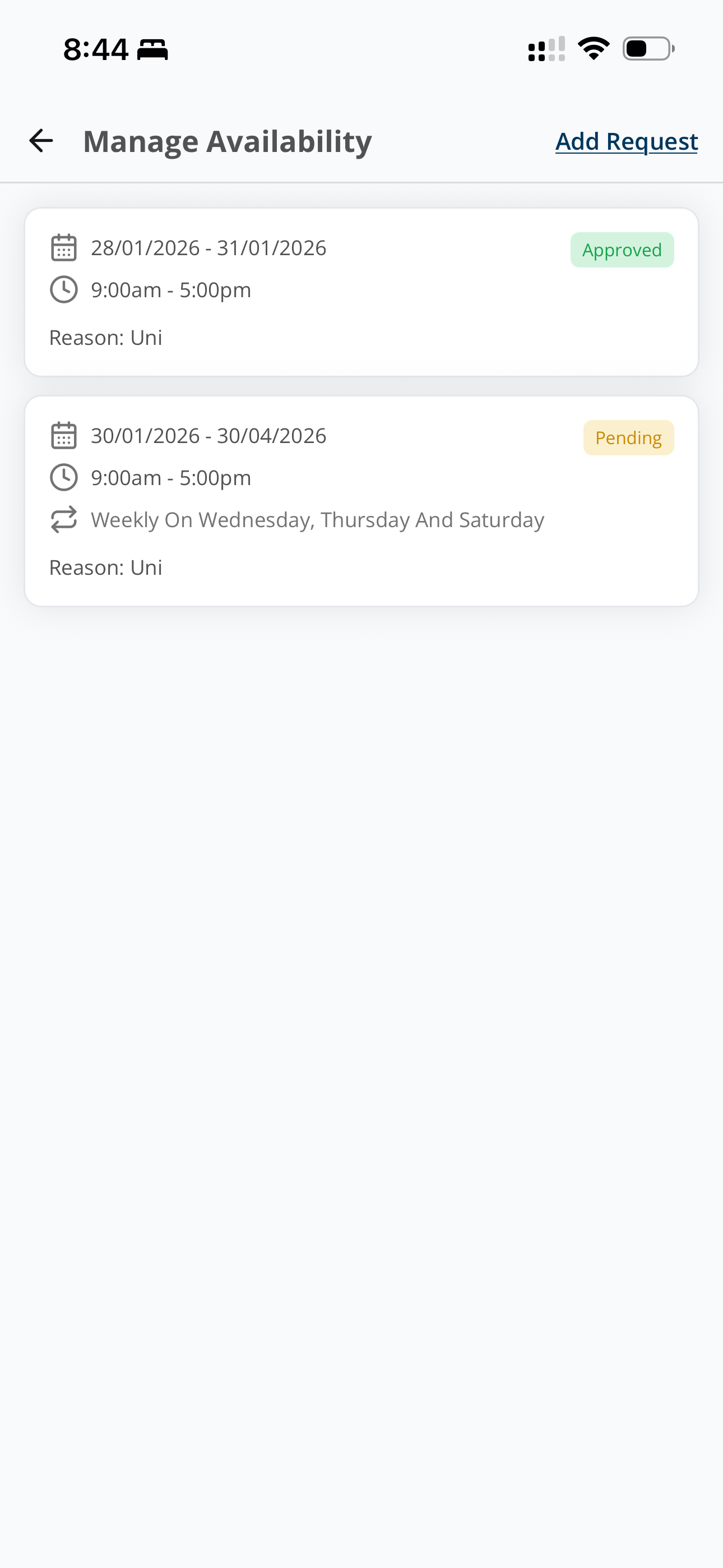
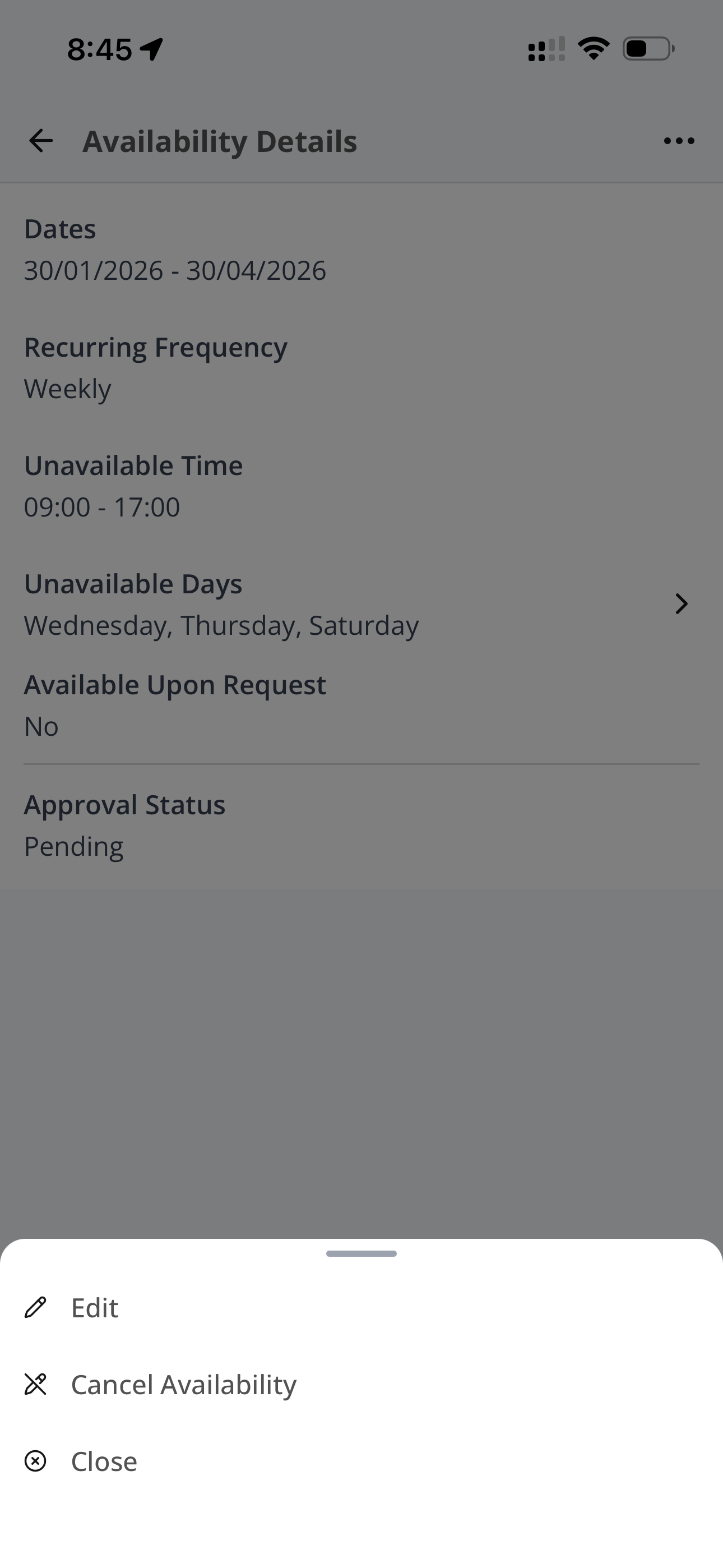
Manage Availability
Travelling to or from a shift
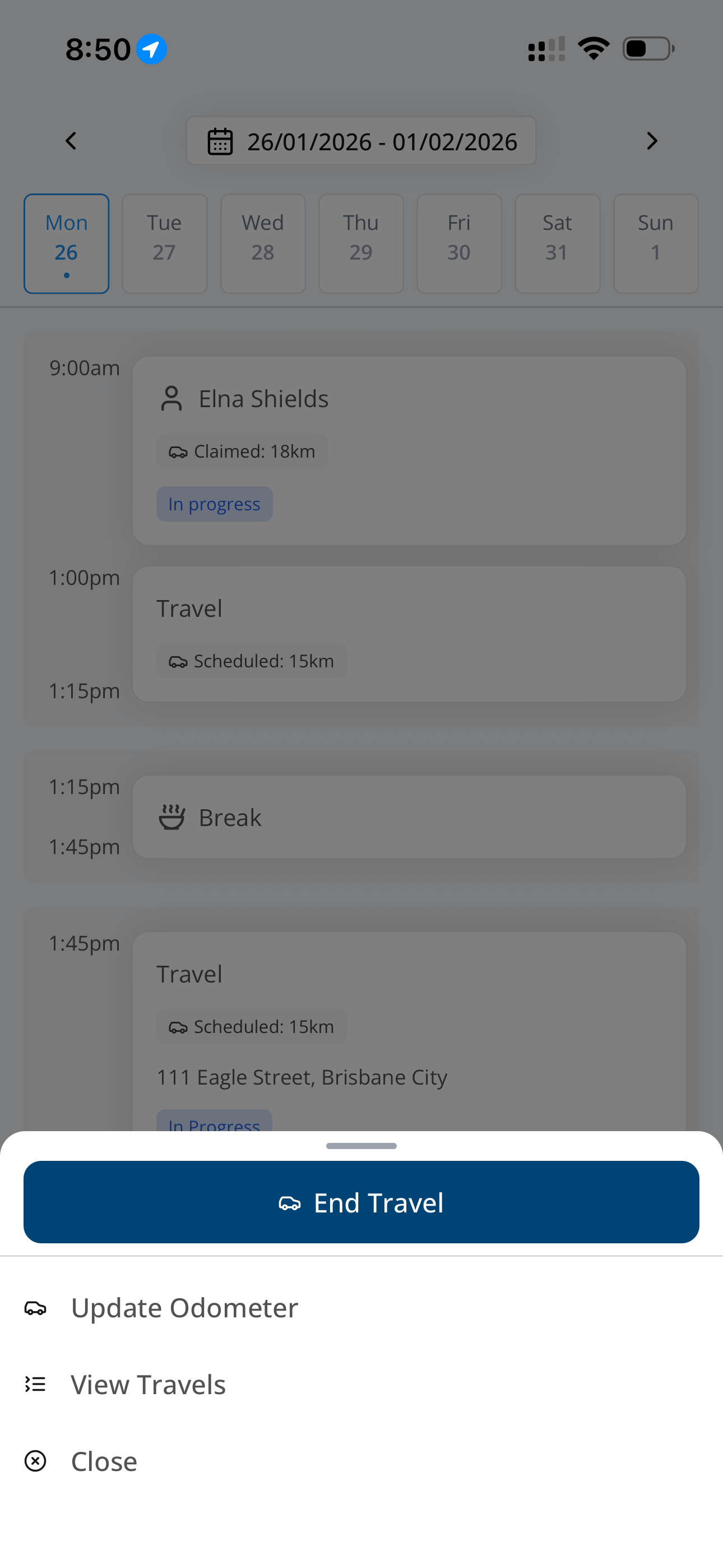
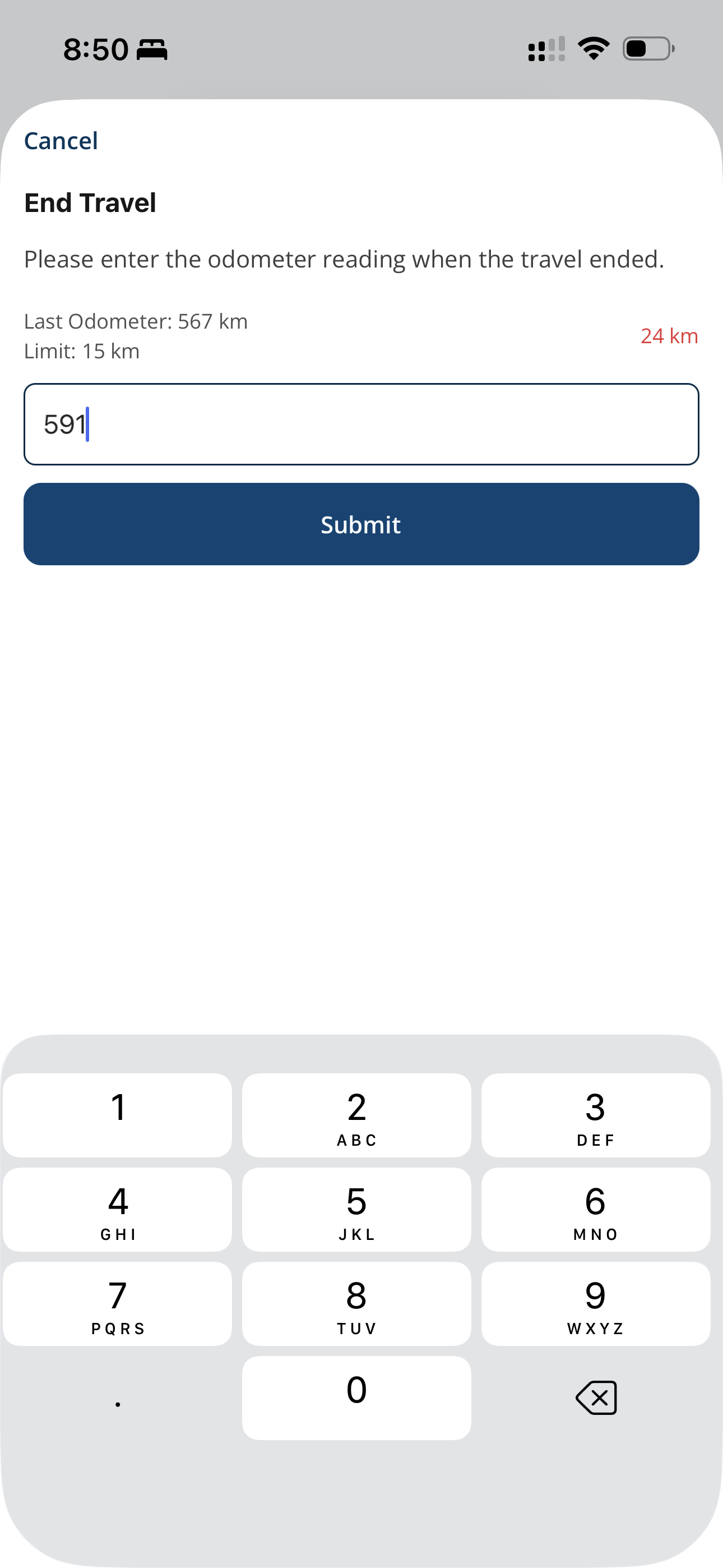
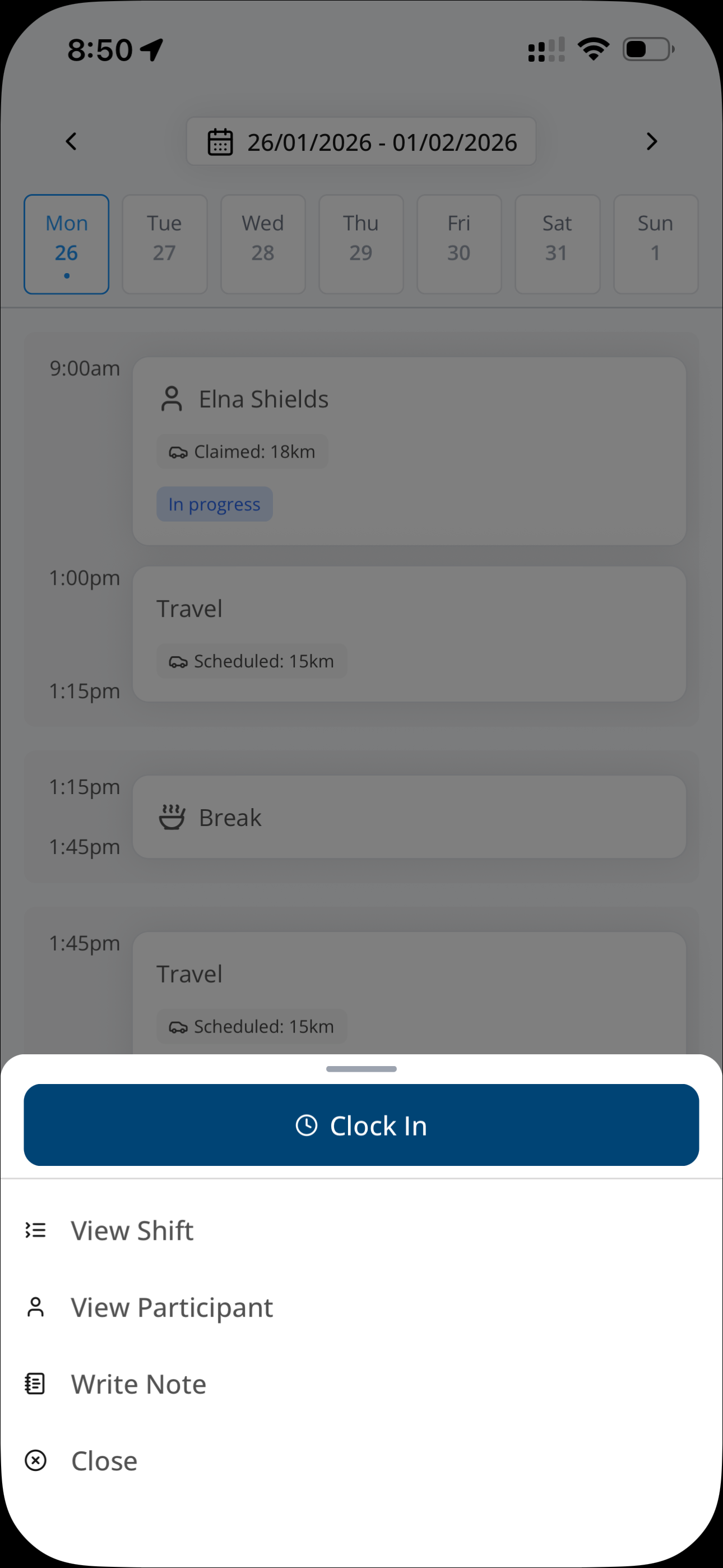
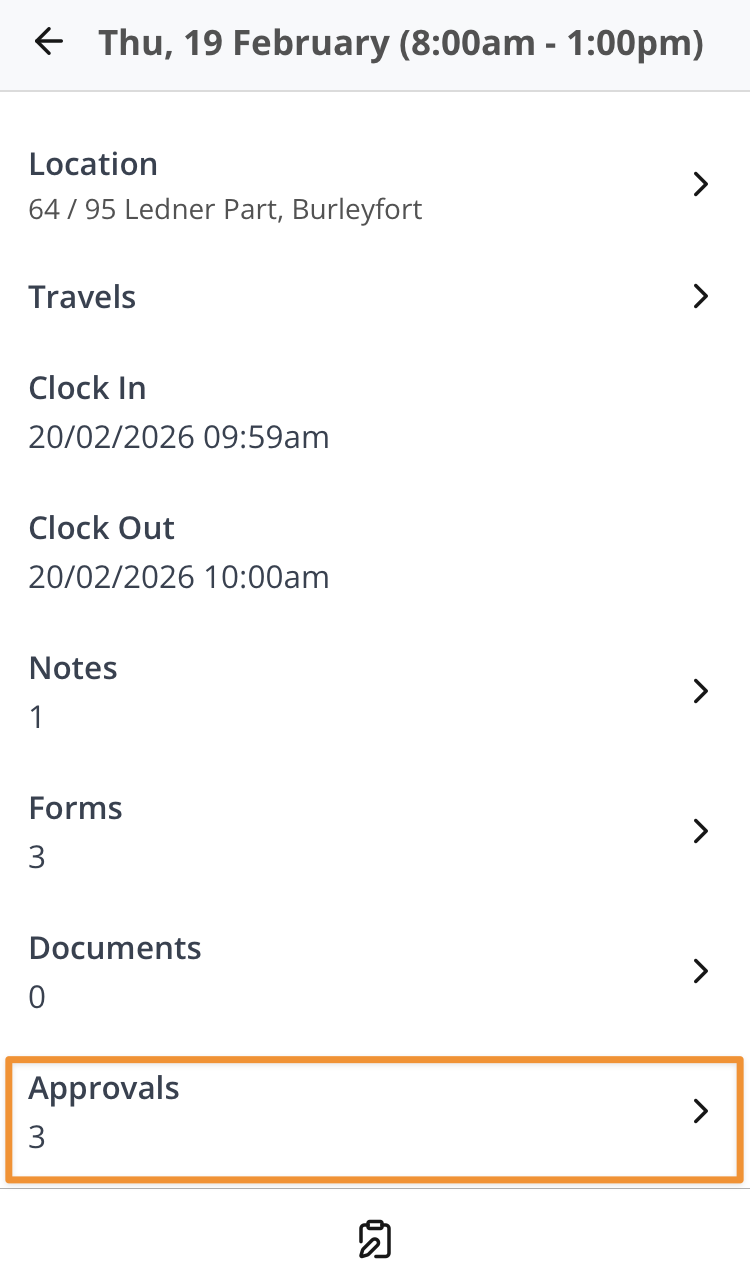
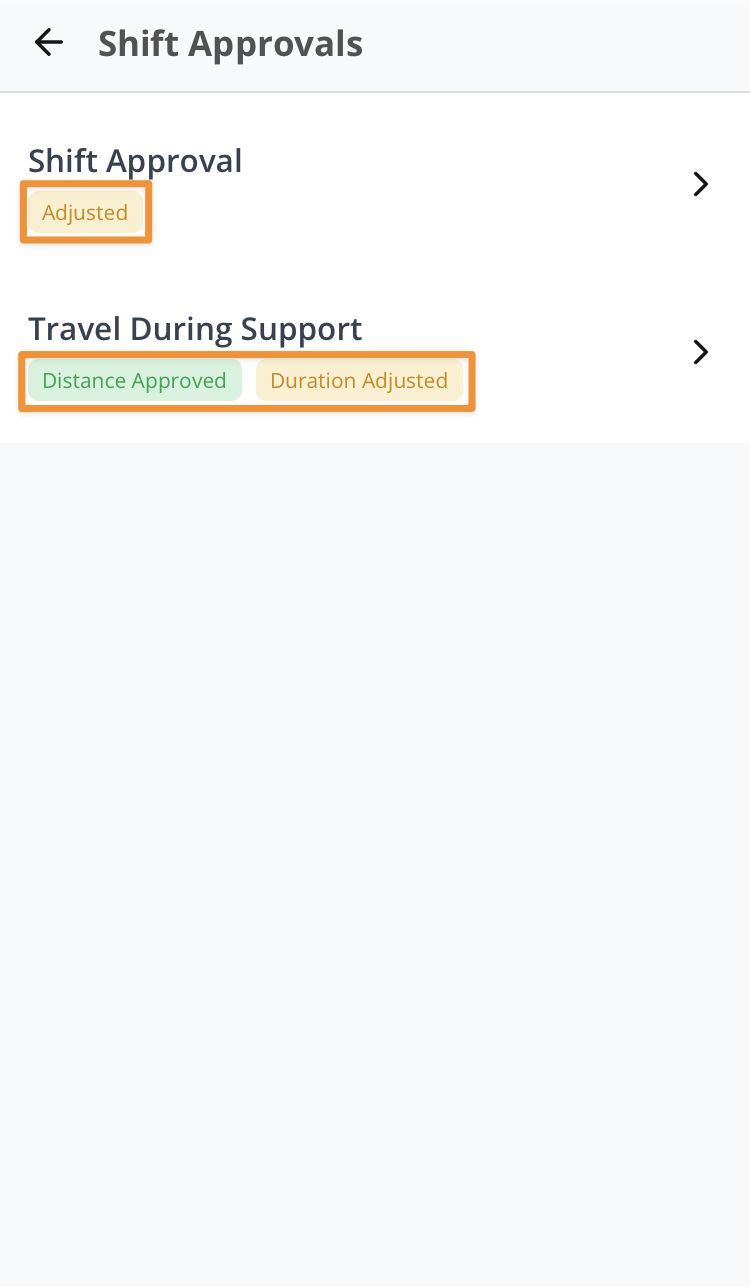
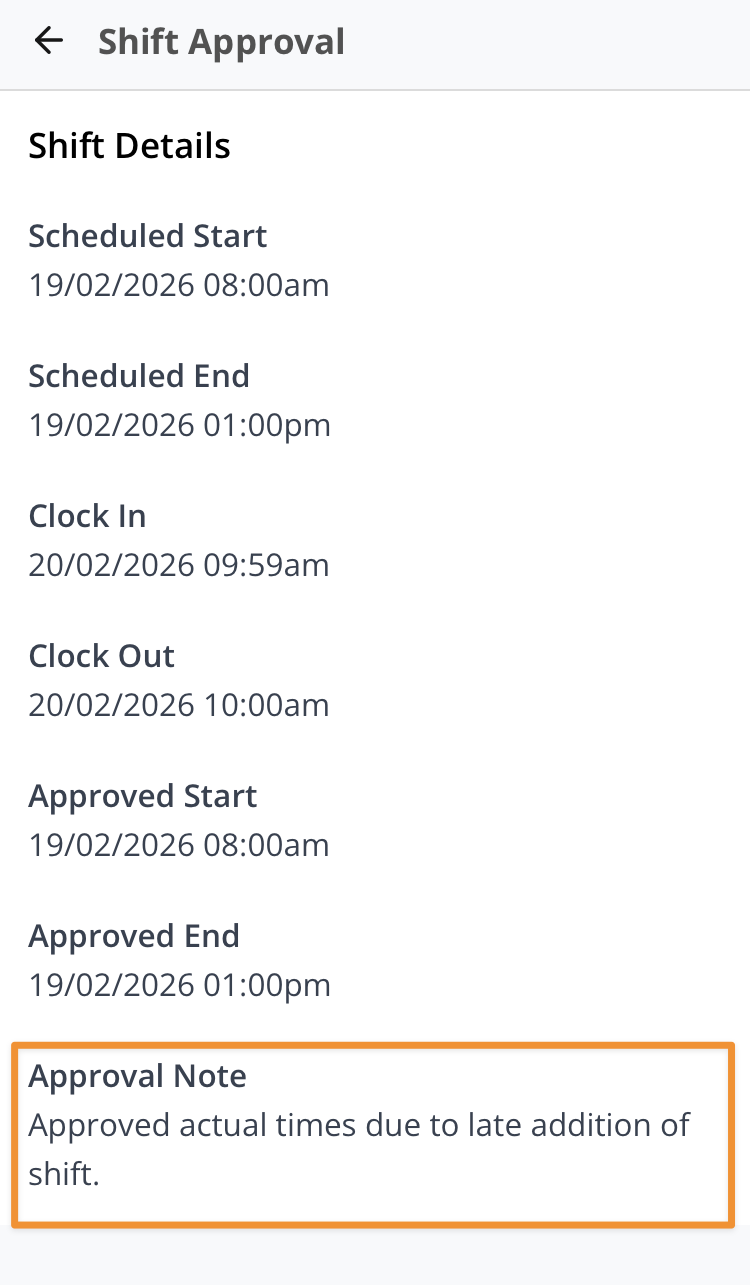
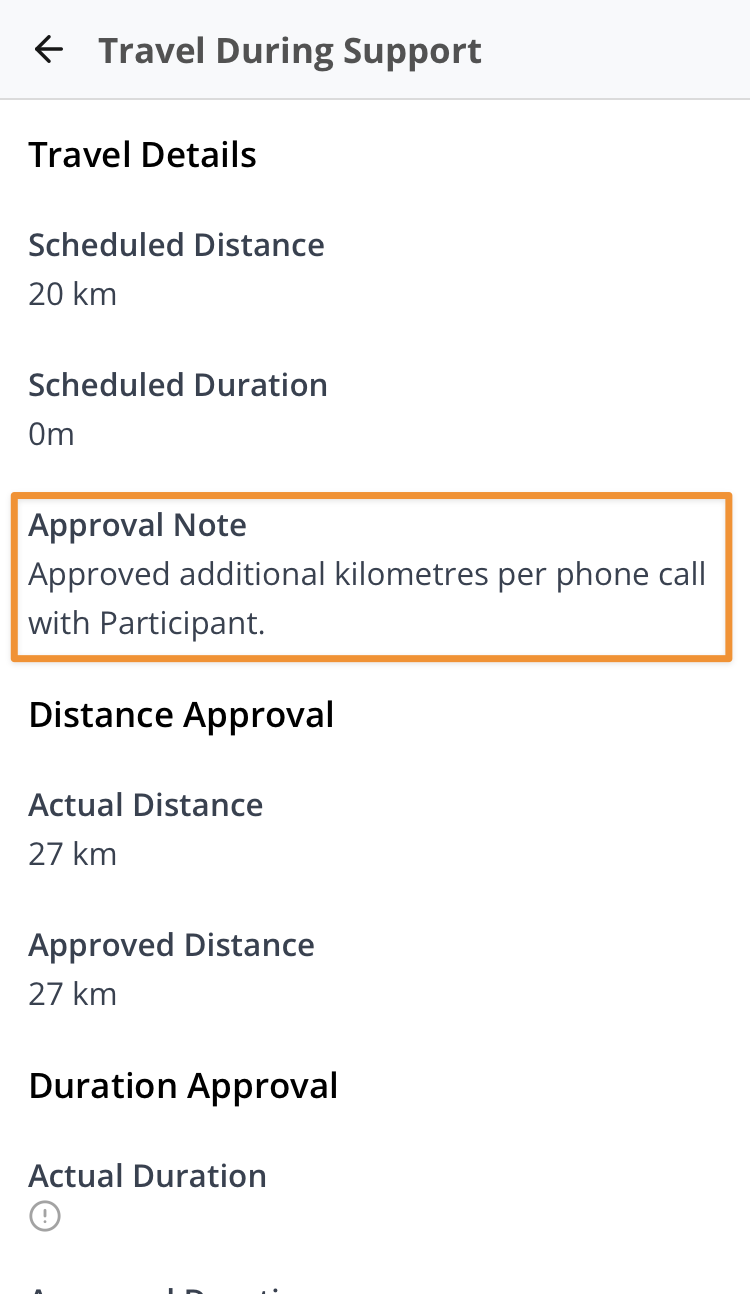
Shift Hours and Travel Approvals
Chat
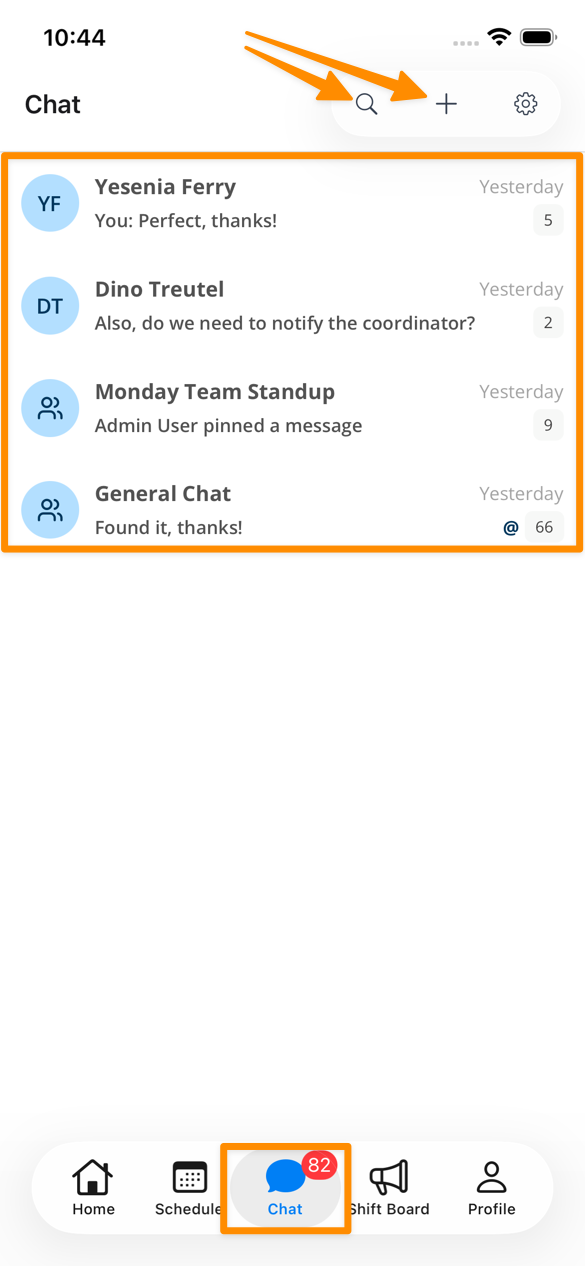
Overview
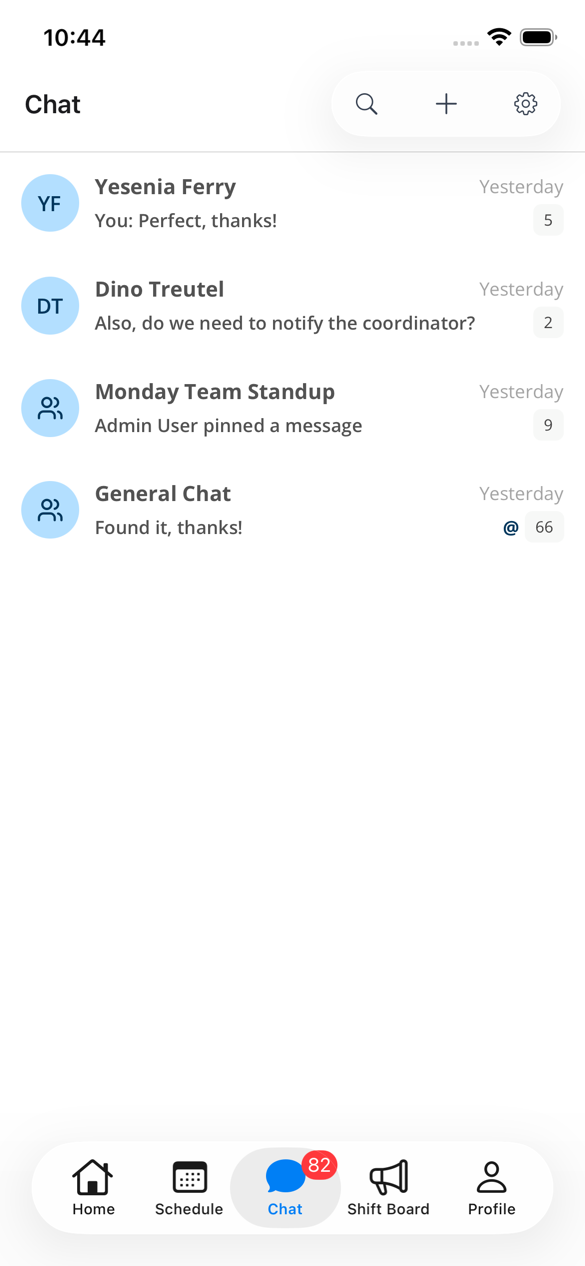
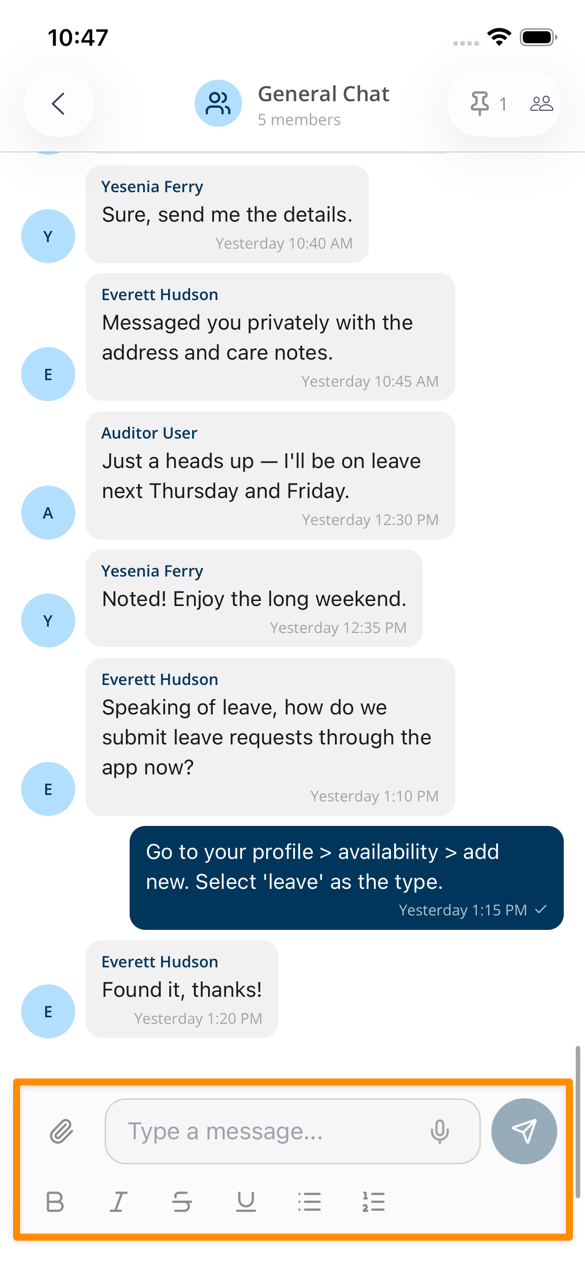
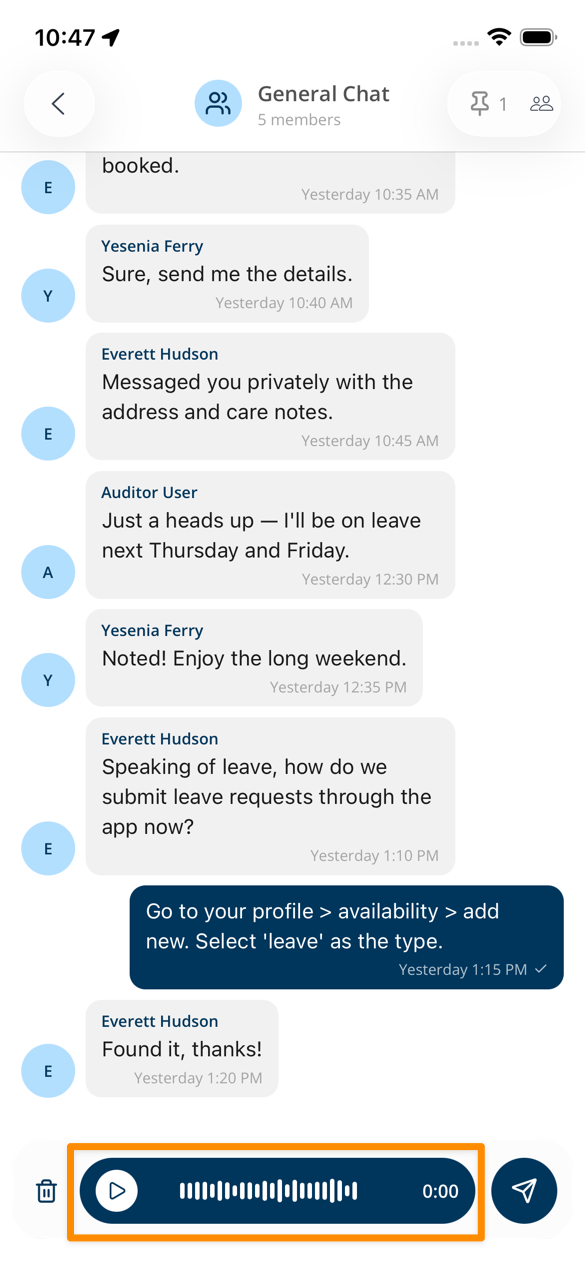
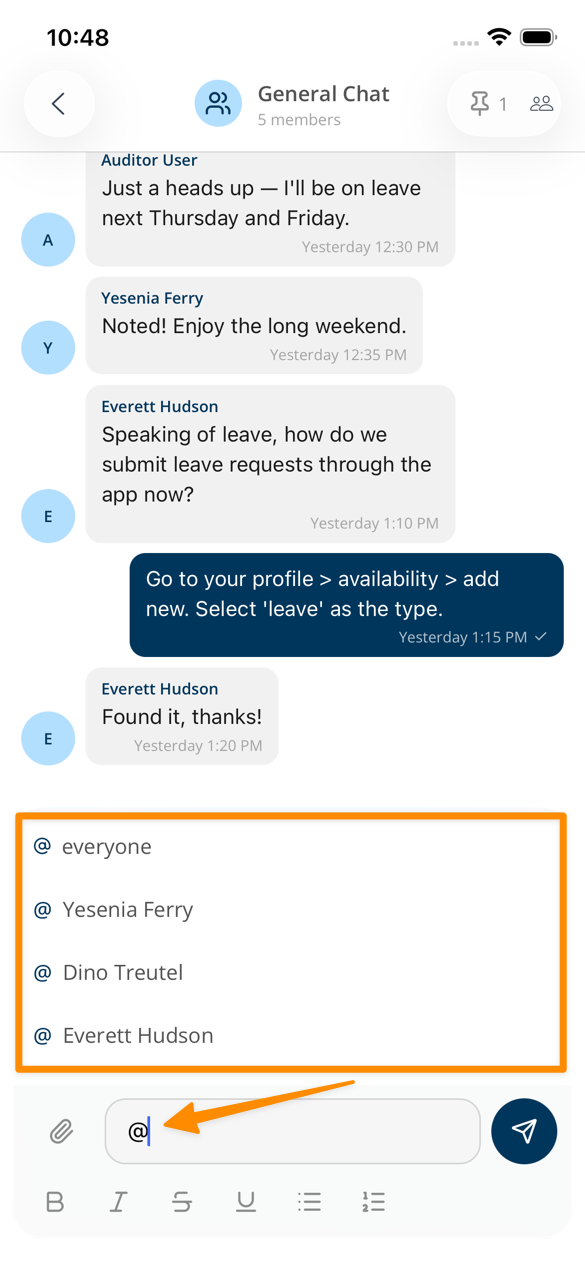
Replying in Conversations
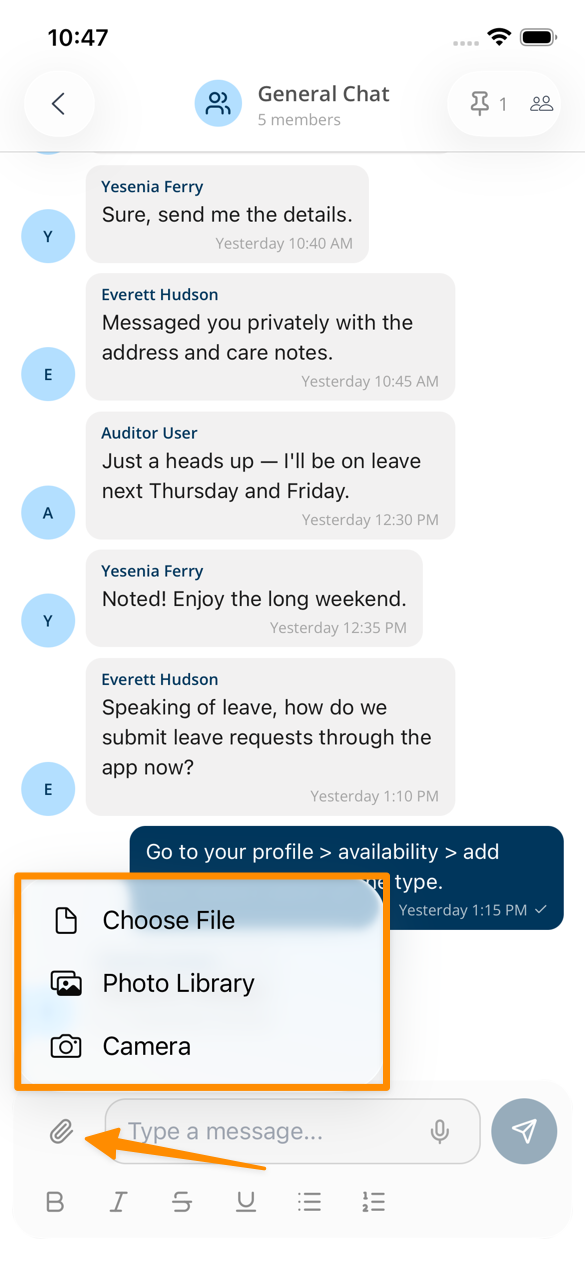
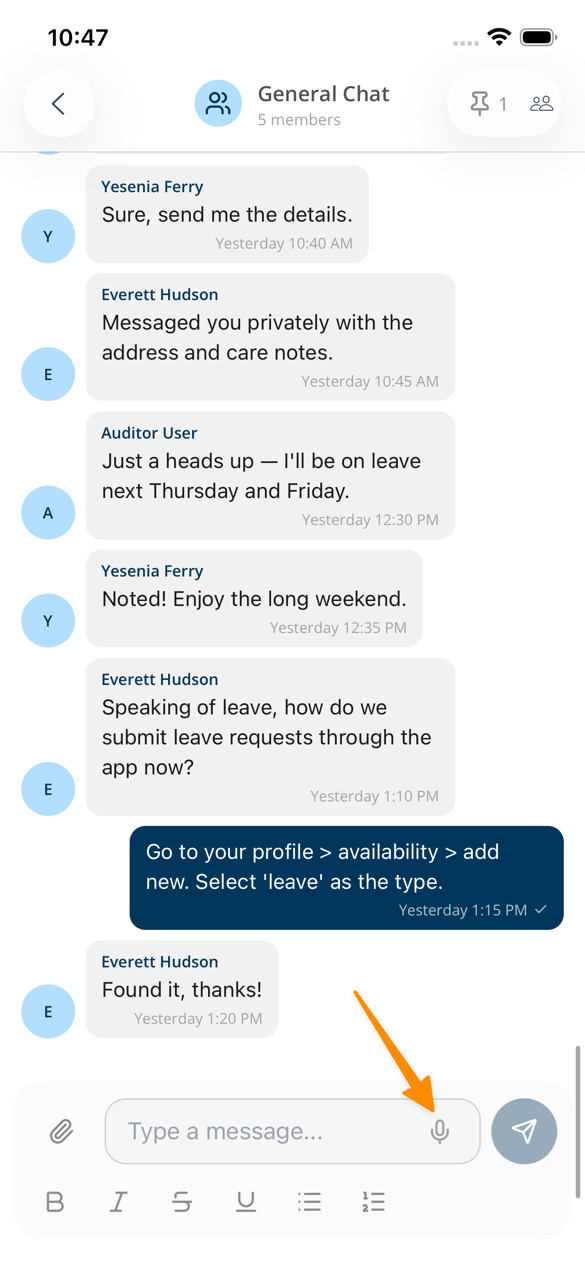
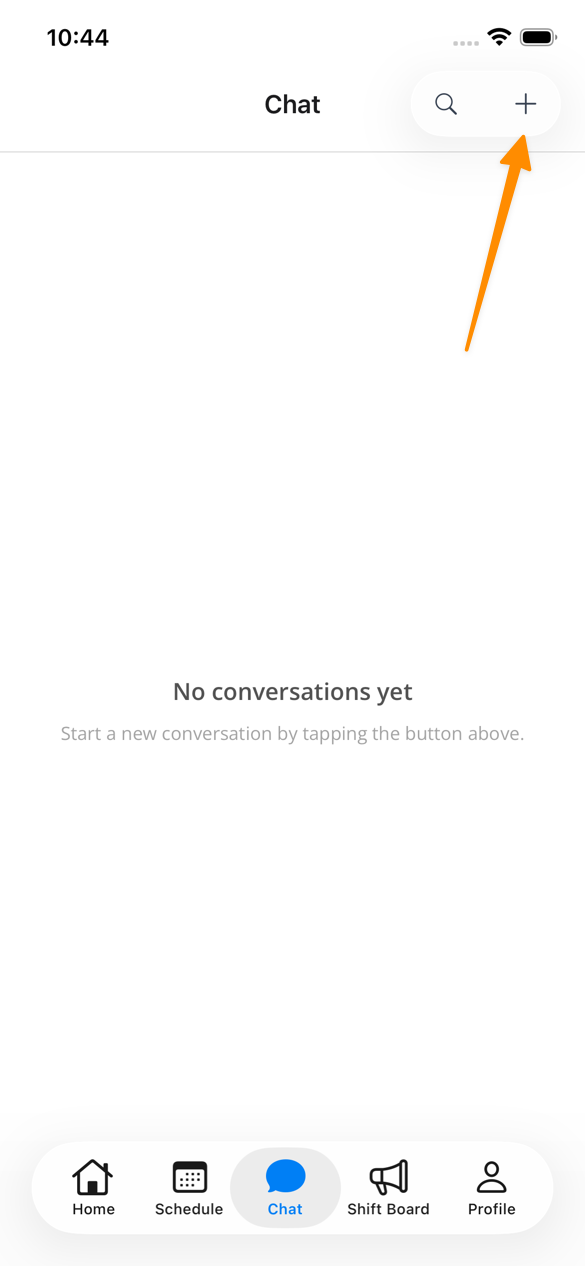
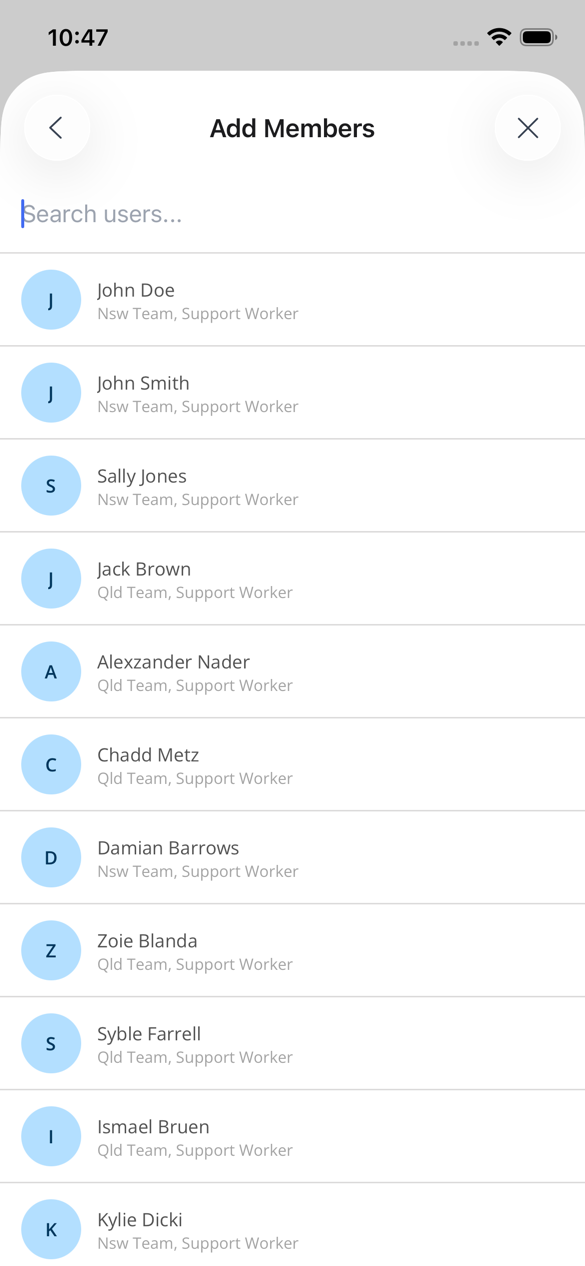
Creating New Conversations
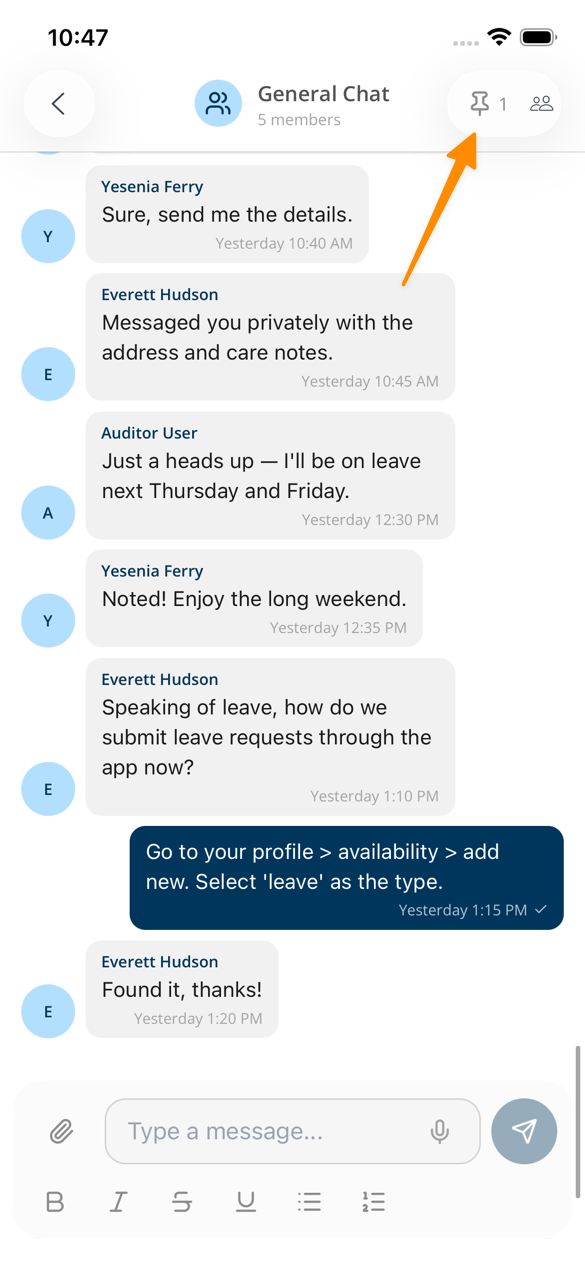
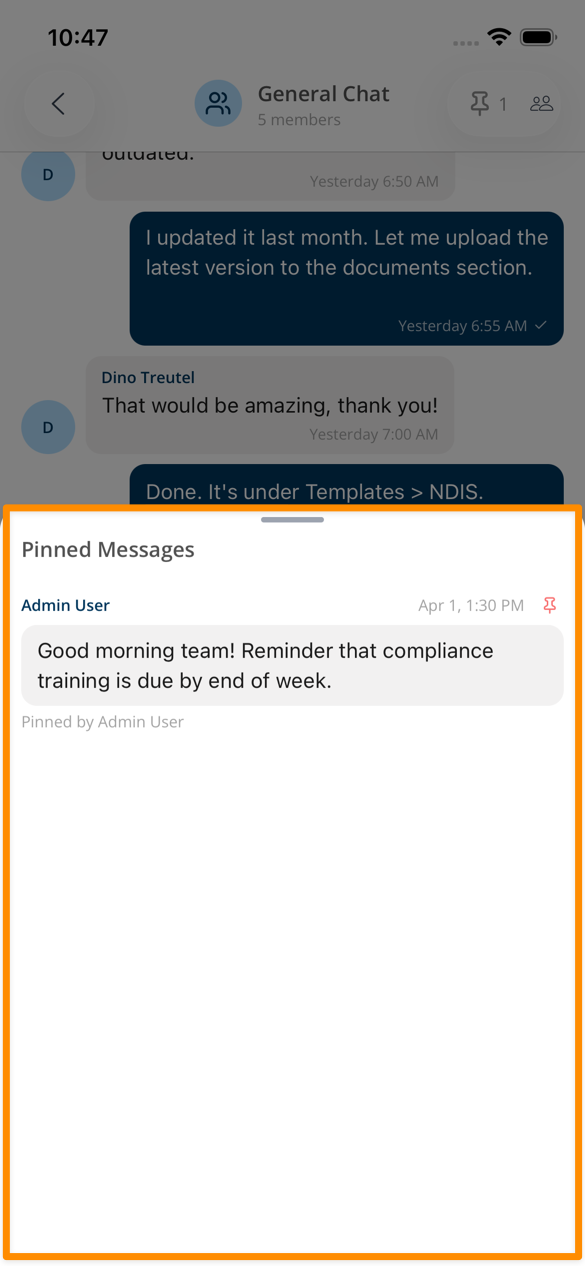
Pinned Messages
Searching in Chats