- Start Here
- Getting Started
- Creating an account
Creating an account
Registering a New Account
Create an account for your organisation. If your organisation already uses Astalty, ask an Admin to invite you instead.
- Navigate to app.astalty.com.au/register
- Enter your business name, name, mobile number, email address and password. Complete the questions about your team and services.
- Accept the Privacy Policy and Terms and Conditions.
- Click Start 14-day free trial.
The person registering becomes the Account Owner. Registration signs you in to the new account.
Free Trial
New accounts receive a 14-day free trial of Astalty Premium. With card payment, subscribing during the trial schedules the first charge for when the trial ends. If your account pays by bank transfer, the subscription invoice is due when you subscribe and the trial ends at that point.
Training
Use the Training guide to choose a course or video playlist for your role.
Support
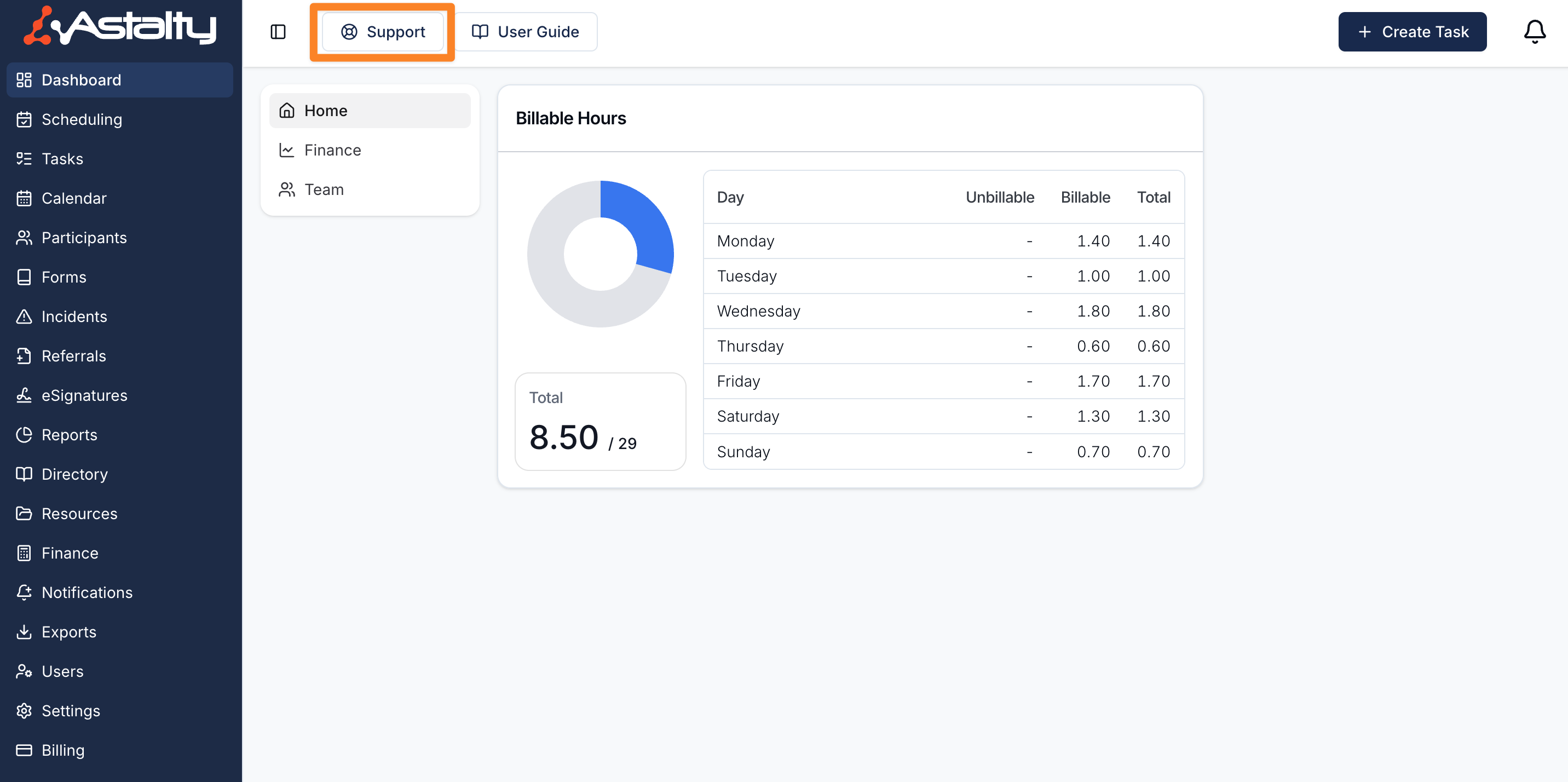
Select Support in Astalty or email support@astalty.com.au. See Getting Help for the available options.