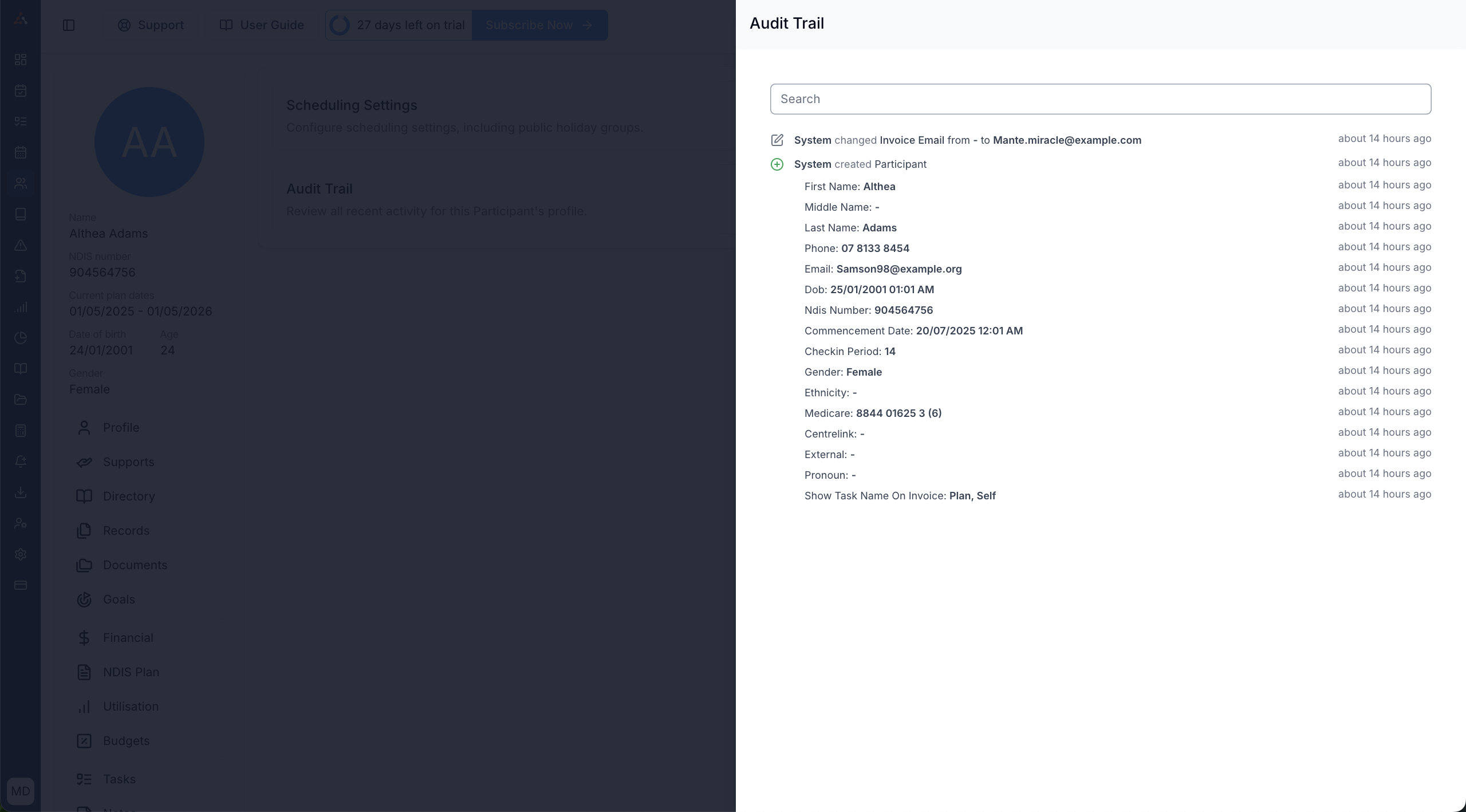
More Option
Overview
The More page contains settings that do not belong to the Participant's main profile cards:
- Scheduling Settings
- Reminder Settings
- Participant Audit Trail
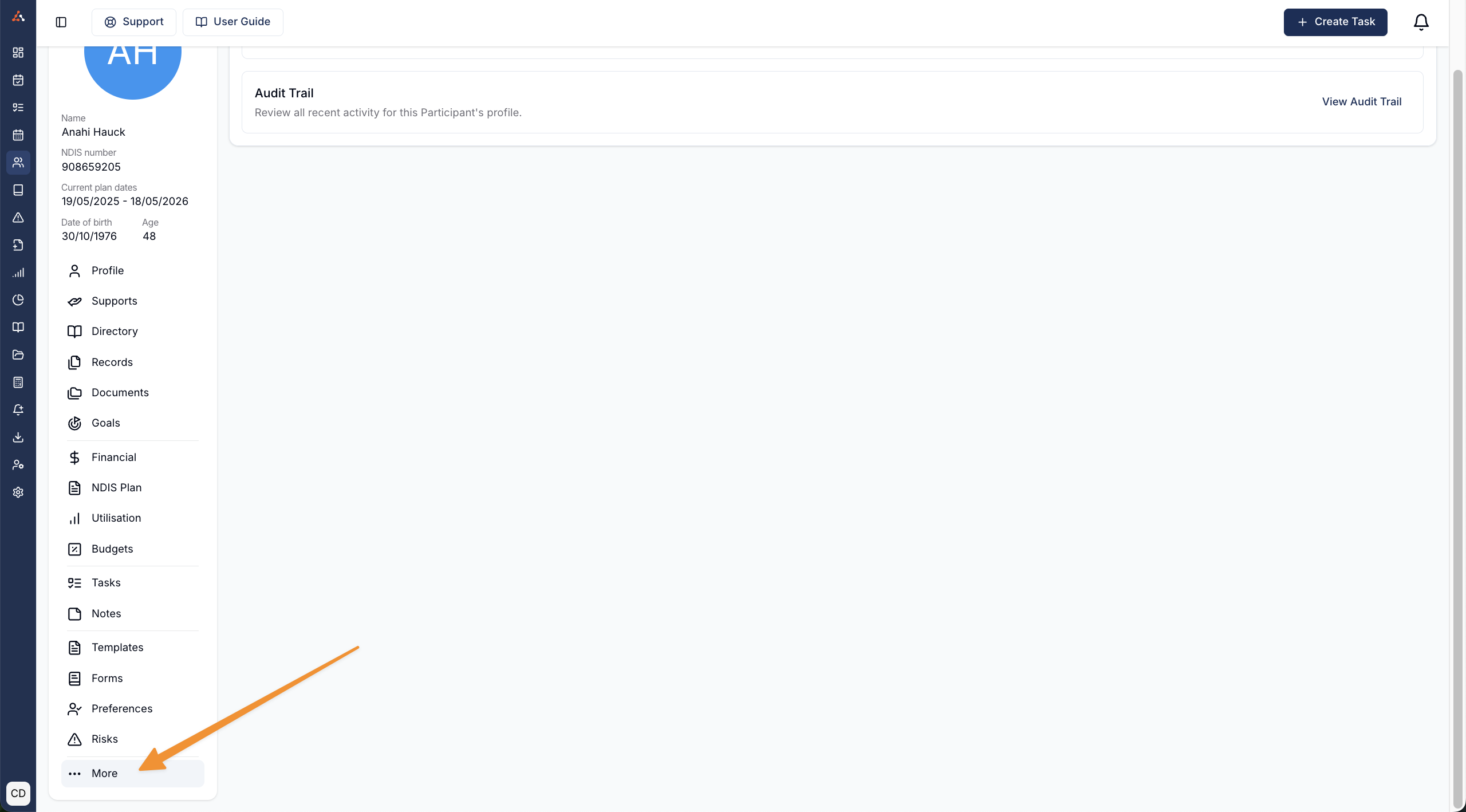
Scheduling Settings
When Scheduling is enabled, click Edit beside Scheduling Settings to choose the Participant's Public Holiday Groups and Public Holiday Support Policy. The policy controls whether Supports can be scheduled on public holidays for this Participant.
Reminder Settings
When SMS is enabled, click Edit beside Reminder Settings to manage automated reminders:
- Support reminders are available when Scheduling is enabled.
- Calendar appointment reminders are available when Calendar is enabled.
For each reminder type, you can send to the Participant, one or more active Participant Contacts, or both. At least one recipient is required while a reminder type is on. Turning a reminder type off also clears its nominated contacts.
Participant Audit Trail
You can now view a Participant audit trail for all updates to the Participants profile via this menu!
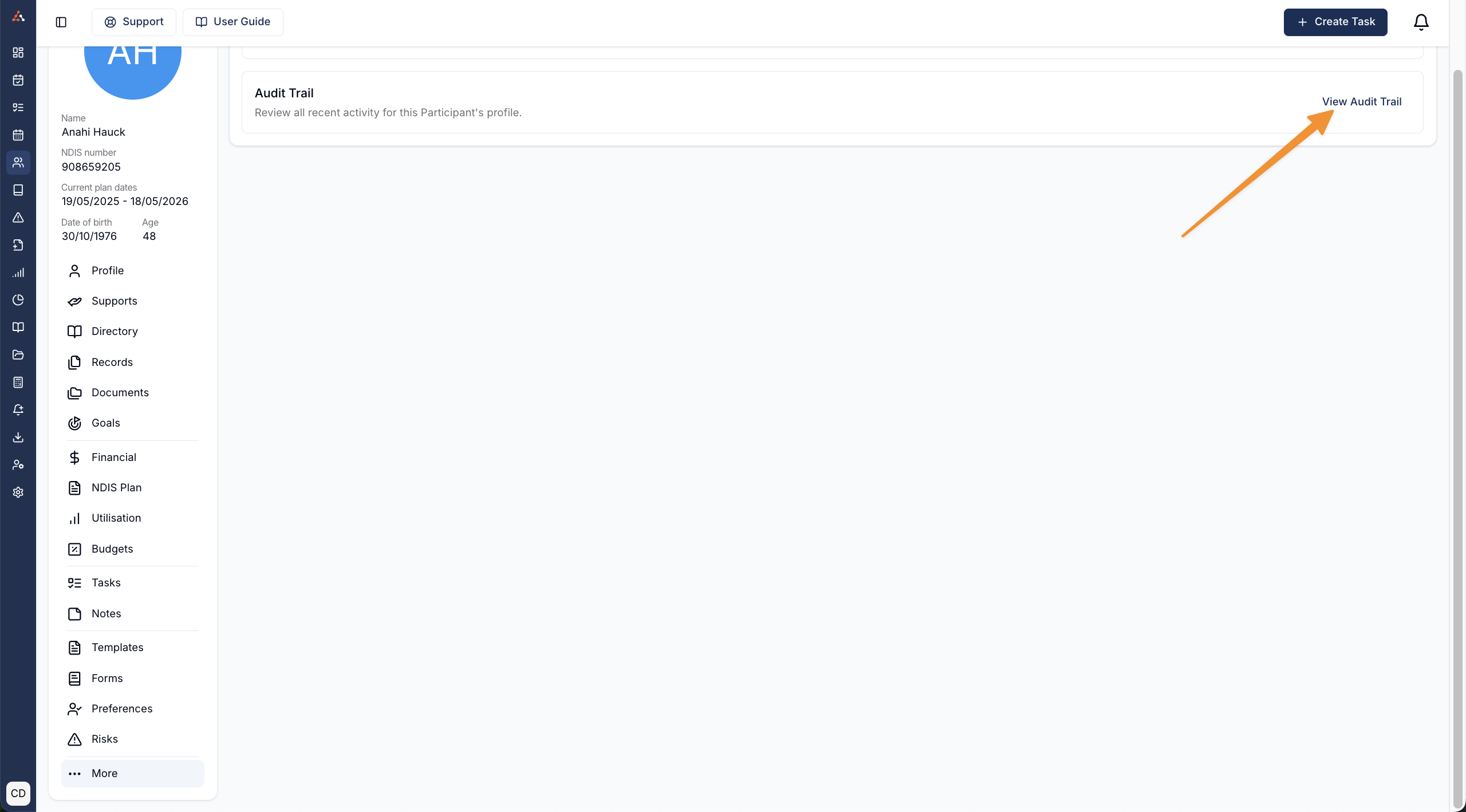
Select View Audit Trail to review changes to the Participant's profile.