Submission Request for a Form
Overview
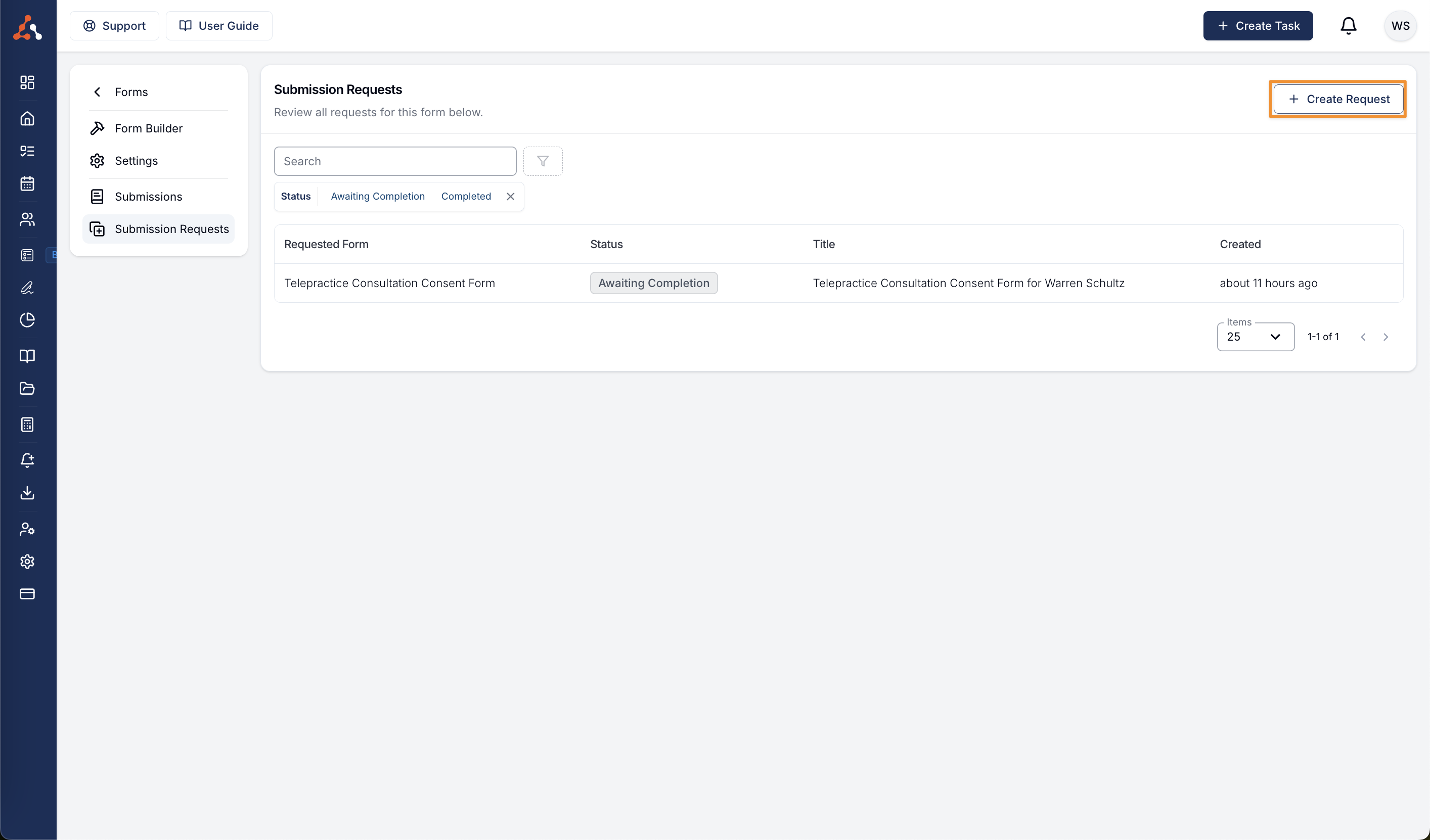
Open a form in Manage Forms, then select Submission Requests to view and create requests for that form.
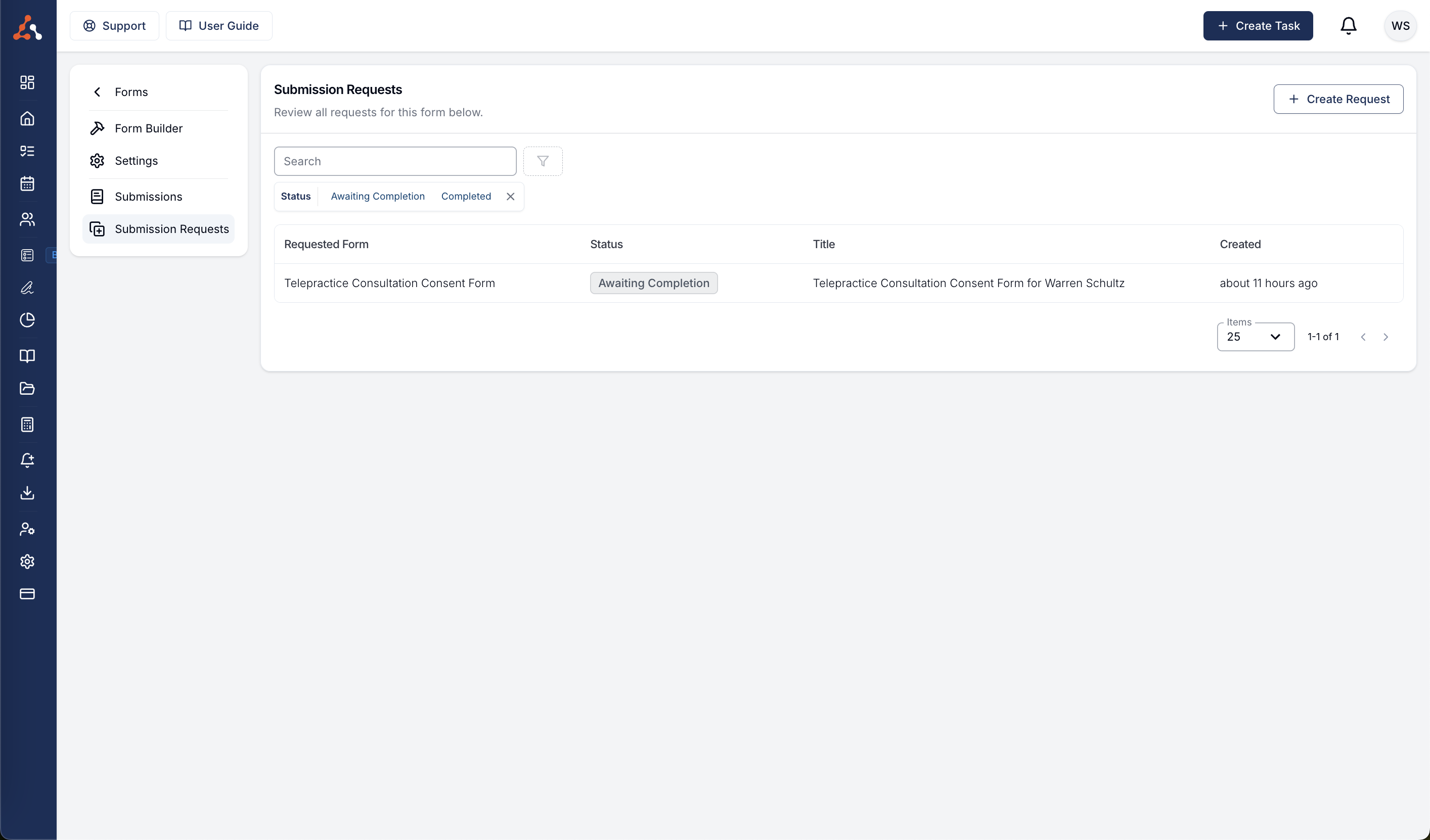
Filter by Status to show Awaiting Completion, On Hold, or Completed requests. A request is On Hold while its form is unpublished. Its recipient cannot open or submit it, and reminders are unavailable until the form is published again.
Archiving a form cancels all outstanding requests. Unarchiving and publishing the form does not restore those requests; create new requests if they are still needed.
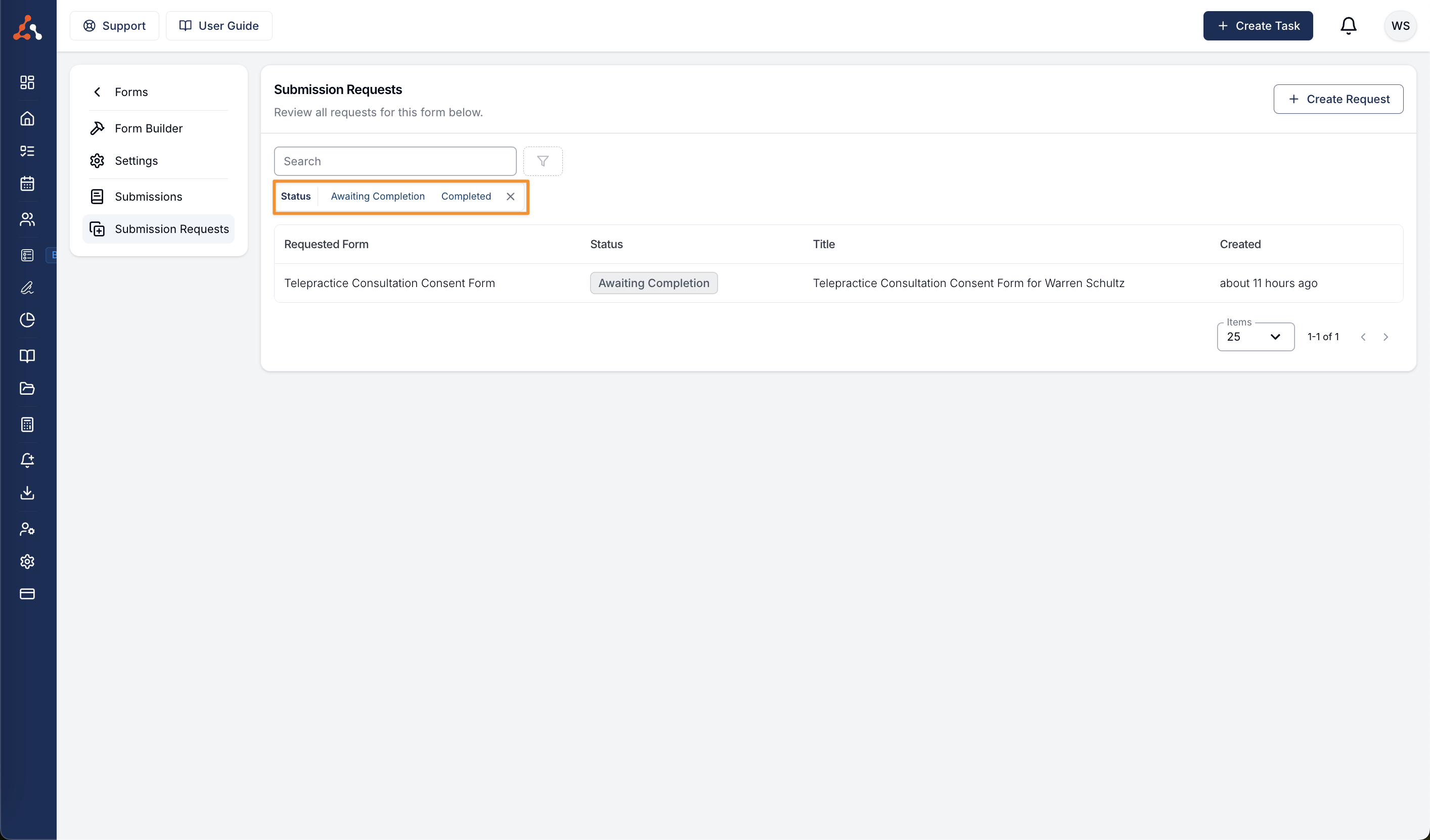
Click Create Request. The form is already selected. Choose the recipients, enter a title and message, then send the request. See Create a Form Submission Request for recipient options and placeholders.