- Forms & Quality
- eSignatures
eSignatures
Use eSignatures to send documents for electronic signature and track them through to completion. Astalty uses its configured signing provider. Docusign requests support multiple documents and a downloadable Certificate of Completion; Dropbox Sign requests do not support those two options.
Before you can request signatures, the eSignature terms must be accepted on the Billing page by the Account Owner.
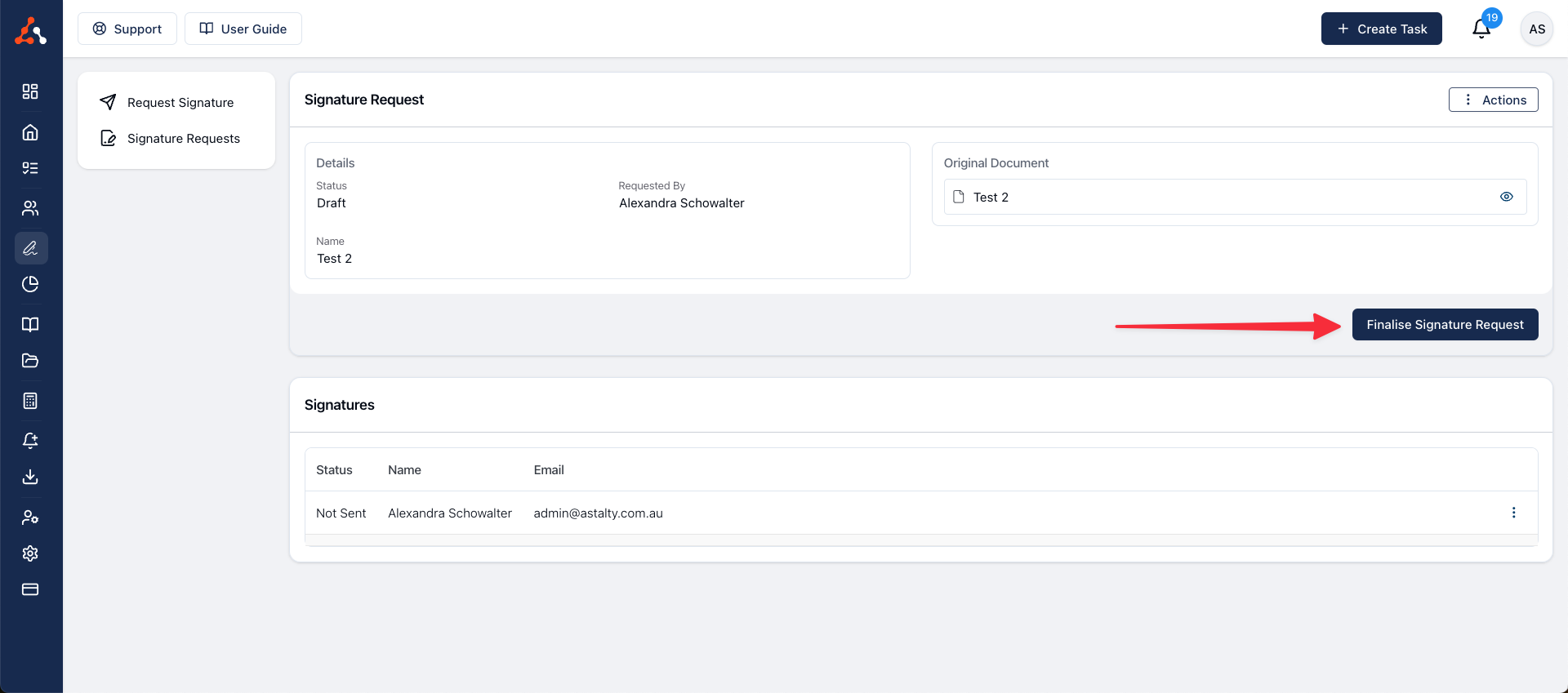
How to get documents signed
See Requesting Signatures for the complete workflow.
Chasing up unsigned documents
To email every signer who still hasn't signed, across all of your awaiting requests at once, see Sending Bulk Reminders.
If a signer doesn't receive their email
If a signature request email can't be delivered, Astalty shows the reason on the request so you can act on it. See Fixing Delivery Failures.
Who can access eSignatures?
By default, all users with the Admin role can request signatures. All other users can be given access to the eSignature feature by adjusting their permissions.
How much does it cost?
You will be charged for each finalised Signature Request - this will be in addition to your monthly subscription.
Your account's Billing page shows the price that applies to each finalised Signature Request.
A Signature Request is finalised when the document is sent for signing. Cancelling it later, or a signer not completing it, does not reverse that charge.
eSignature Envelope Bundle
Docusign requests can contain multiple documents in one eSignature envelope. The envelope is billed as one finalised Signature Request, subject to the price shown on your Billing page.