- Changelog
- 4 June 2024
4 June 2024
eSignature Activity Log & Document Categorisation
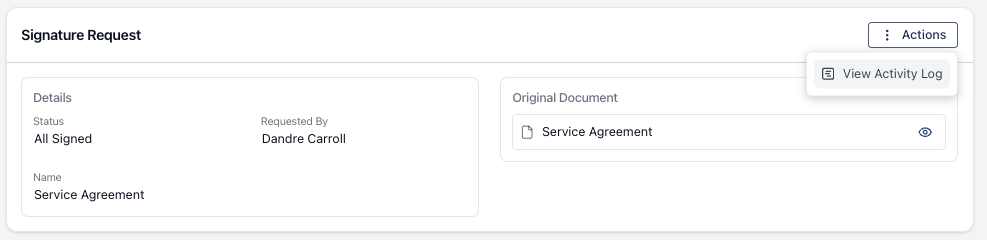
- Added the ability to view the Signature Request activity log and signature history directly within the signature request. This allows tracking of signature history, including updates and progress status (e.g., who has signed the document).
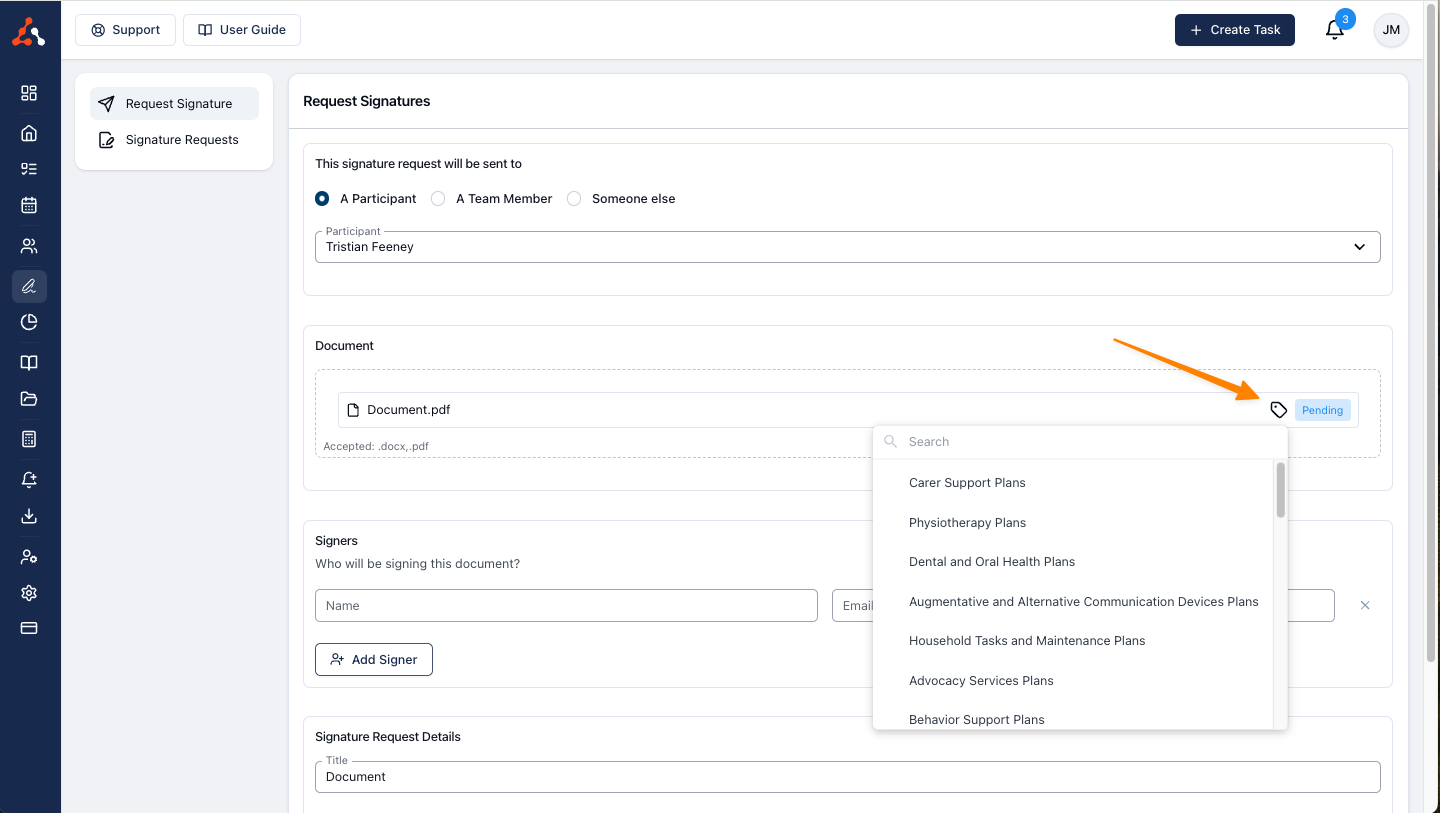
- Enabled document category assignment within the eSignature menu. Previously, this was only possible in the documents section of a participant's profile.
- These updates streamline the upload process for signed documents and improve tracking of signature requests.
eSignature Activity Log
You can now view your Signature Request activity log or the signature history from within the signature request. This will allow you to track the signature history, dating the updates to the process, and outlining where the progress of the request is at. i.e who has signed the document. You can find out more information about this through this user guide article here
eSignature Document Categorisation
You can now assign categories to documents from within the eSignature menu. Previously you could only do this within the documents section of a participants profile. This will streamline the upload process for signed documents.
Changes to the Business Email Placeholder
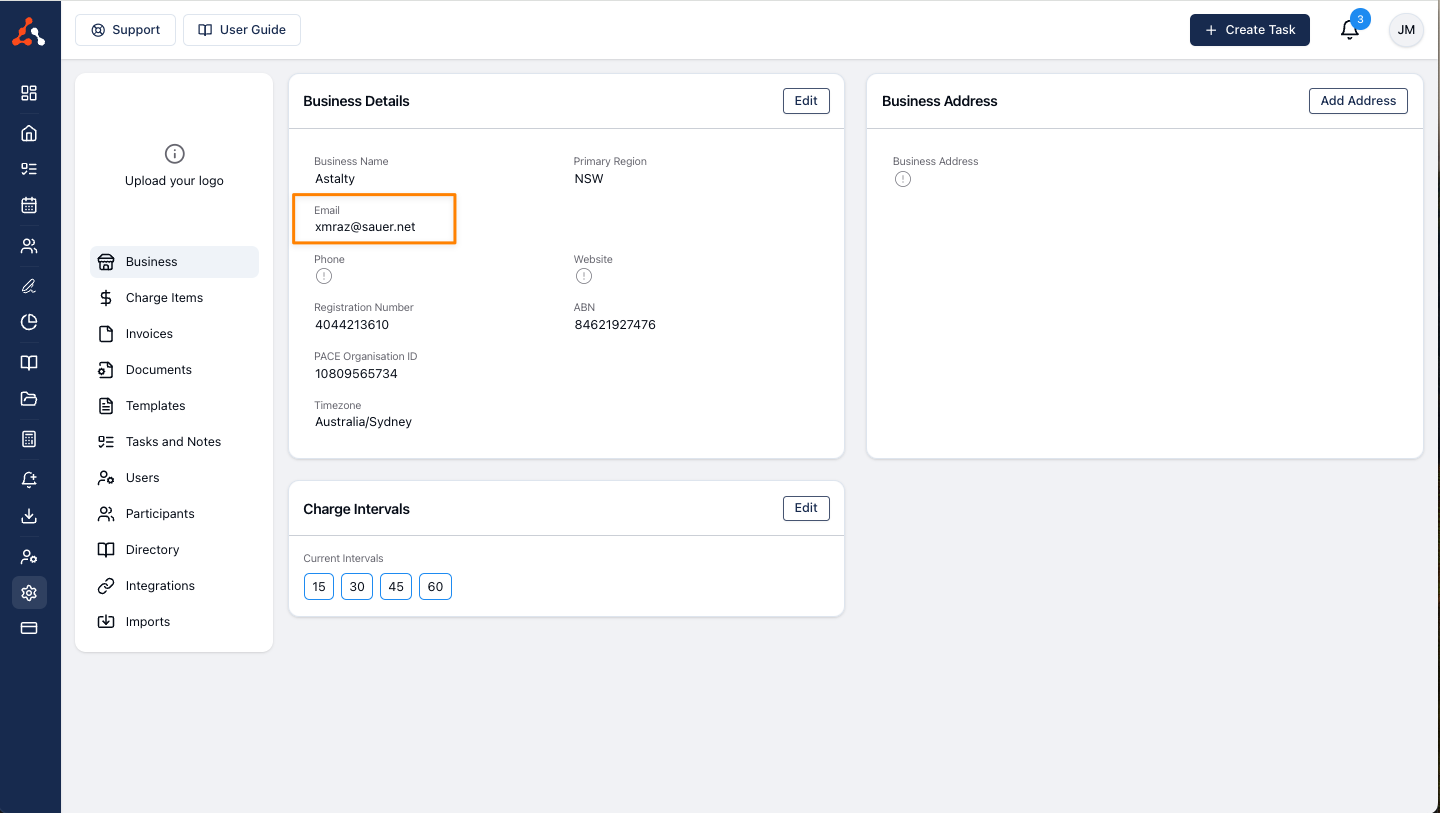
Previously the 'Business Email' placeholder used the Account owner email address for this information. Now you can enter a business email address within the business settings. This is now the email address the placeholder will use. Allowing you, the business owner, to keep your work email separate from the business contact email if you so wish. For more information about the business settings you can view our user guide article here
Completing Outstanding Tasks After Invoicing
This feature allows users to mark tasks as complete even after they have been invoiced. Previously, tasks marked as not complete that were invoiced, could not be cleared from the outstanding menu. With this update, any outstanding tasks that were not marked as complete prior to invoicing can now be completed post-invoice.