- Administration
- Managing Charge Items
- Archiving & Restoring Charge Items
Archiving & Restoring Charge Items
Charge Items can not be deleted, however sometimes you create a Charge Item incorrectly or no longer wish to use a Charge Item. In this case you can Archive the Charge Item. If you later need it again, you can Restore (unarchive) it.
What happens when you archive a Charge Item
Archiving a Charge Item keeps its past charges counted in each Participant's Utilisation. This means archiving no longer inflates how much funding looks available. The figures on the Services it is attached to stay accurate.
After archiving, the Charge Item:
- Stays listed on the Services it is attached to, shown greyed out with an Archived label.
- Can no longer be selected for new Tasks or Supports.
- Can no longer be attached to, or detached from, any Services.
Archiving a Charge Item
Archiving requires an Admin role and permission to delete Charge Items. Unarchiving requires an Admin role and permission to update Charge Items.
To archive Charge Items, you will need to head to the Charge Item settings page in Astalty.
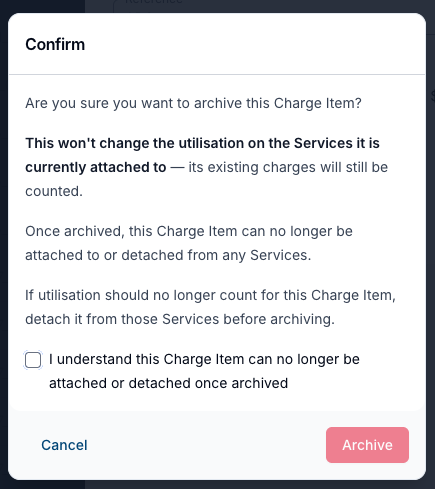
Click on the Charge Item you want to archive and click Archive in the bottom left corner of the form. A confirmation appears explaining the behaviour above. Tick I understand this Charge Item can no longer be attached or detached once archived, then click Archive.
This will not affect any charges using this Charge Item that have not yet been invoiced.
Restoring (Unarchiving) a Charge Item
If you've archived a Charge Item that you need again, you can restore it from the Charge Items settings page. Archived Charge Items are hidden by default, so the first step is to filter the list to show them.
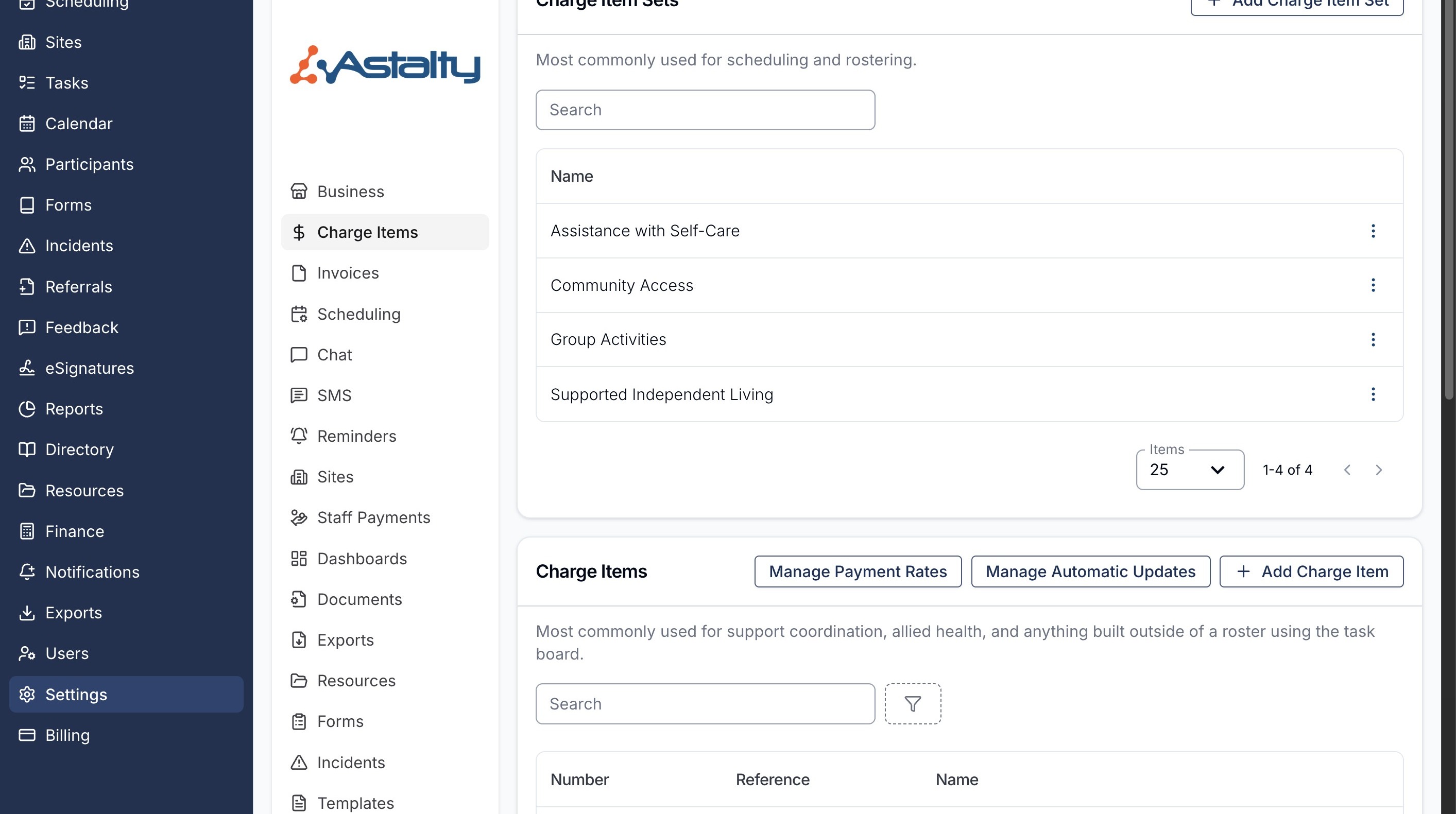
Navigate to Settings and then Charge Items. The Charge Items table is further down the page.
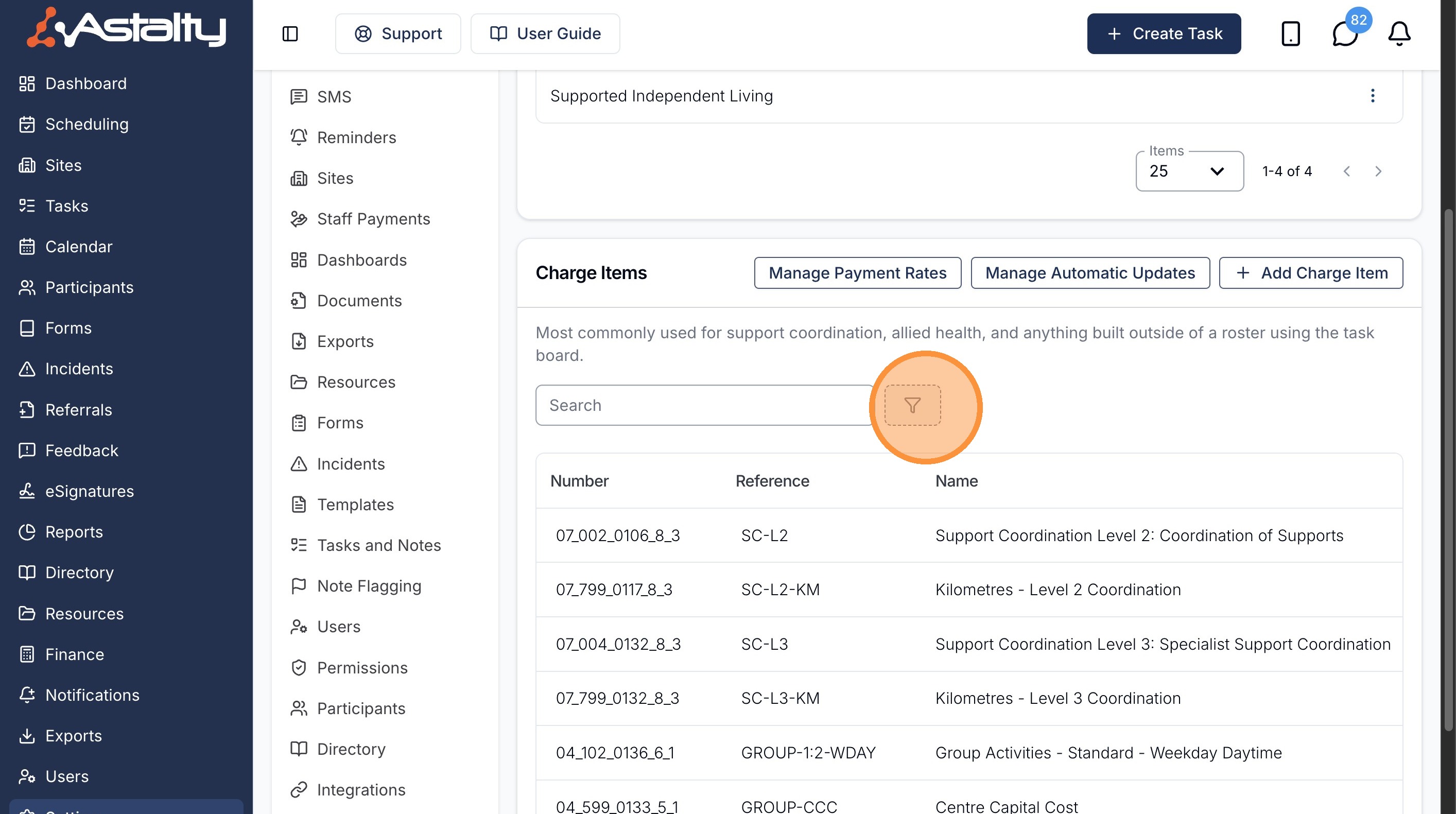
Next to the Search bar above the Charge Items table, click the filter (funnel) icon.
Choose the Status filter.
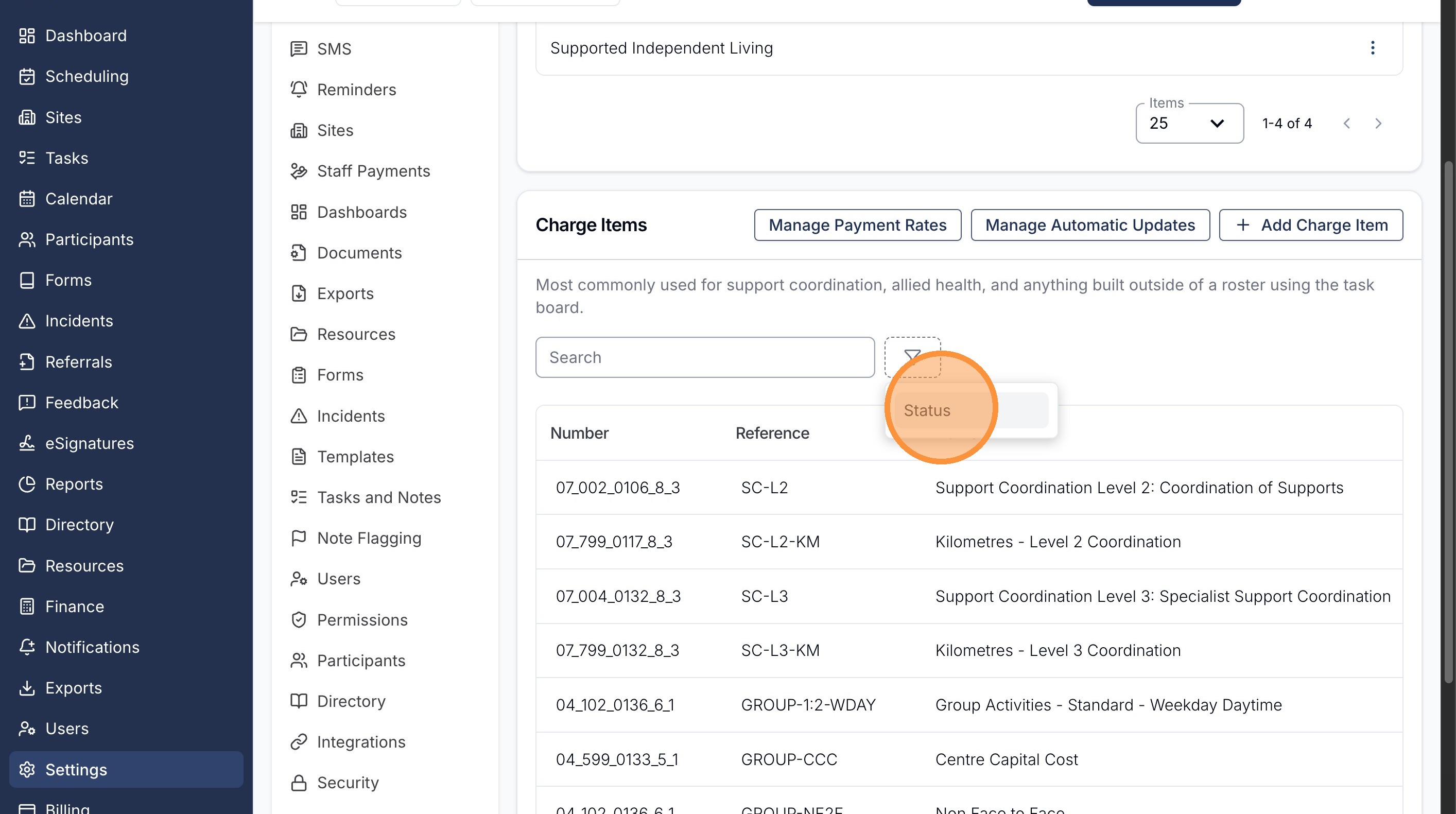
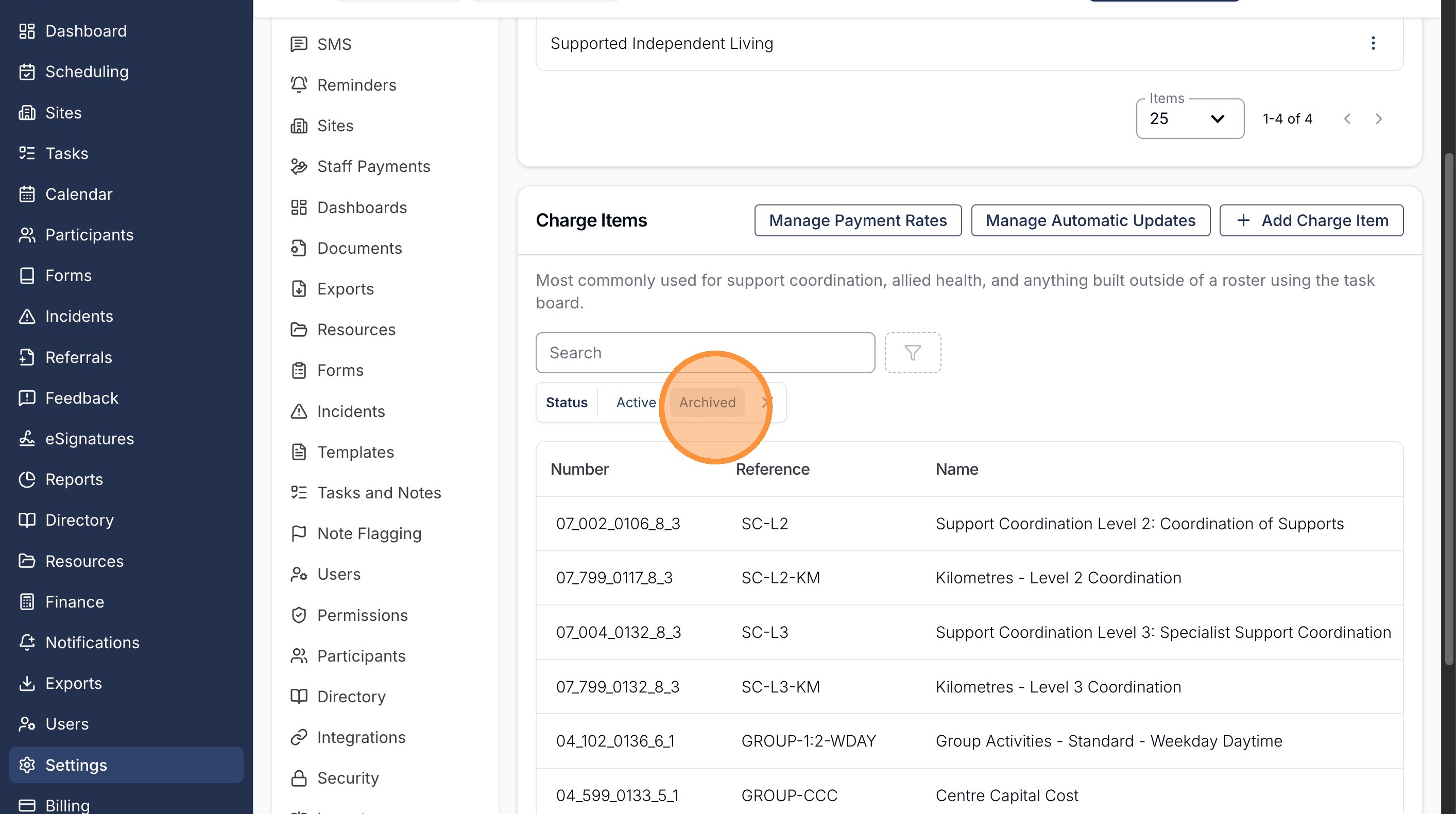
Then select Archived to show your archived Charge Items.
Click the Charge Item you'd like to restore.
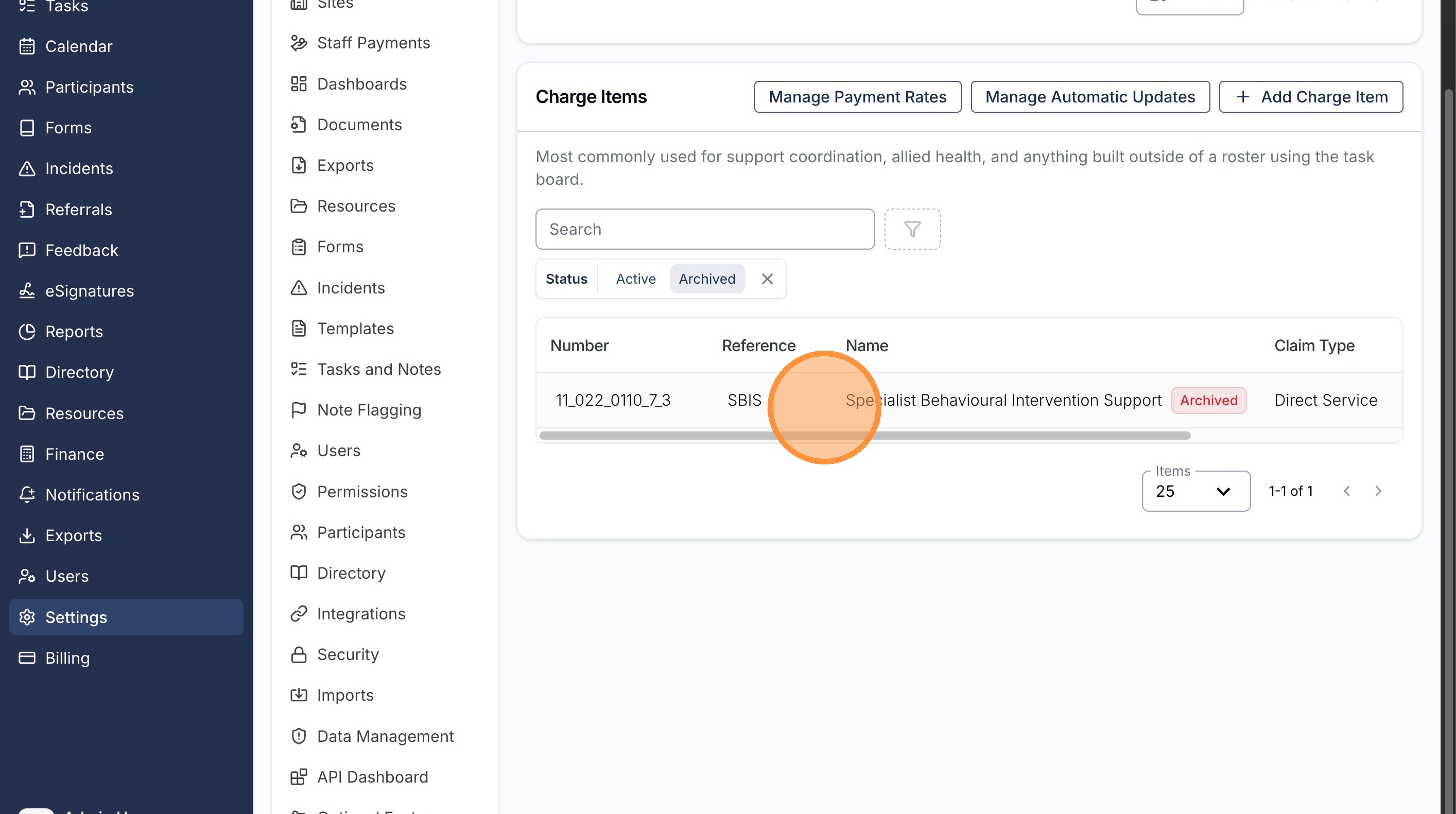
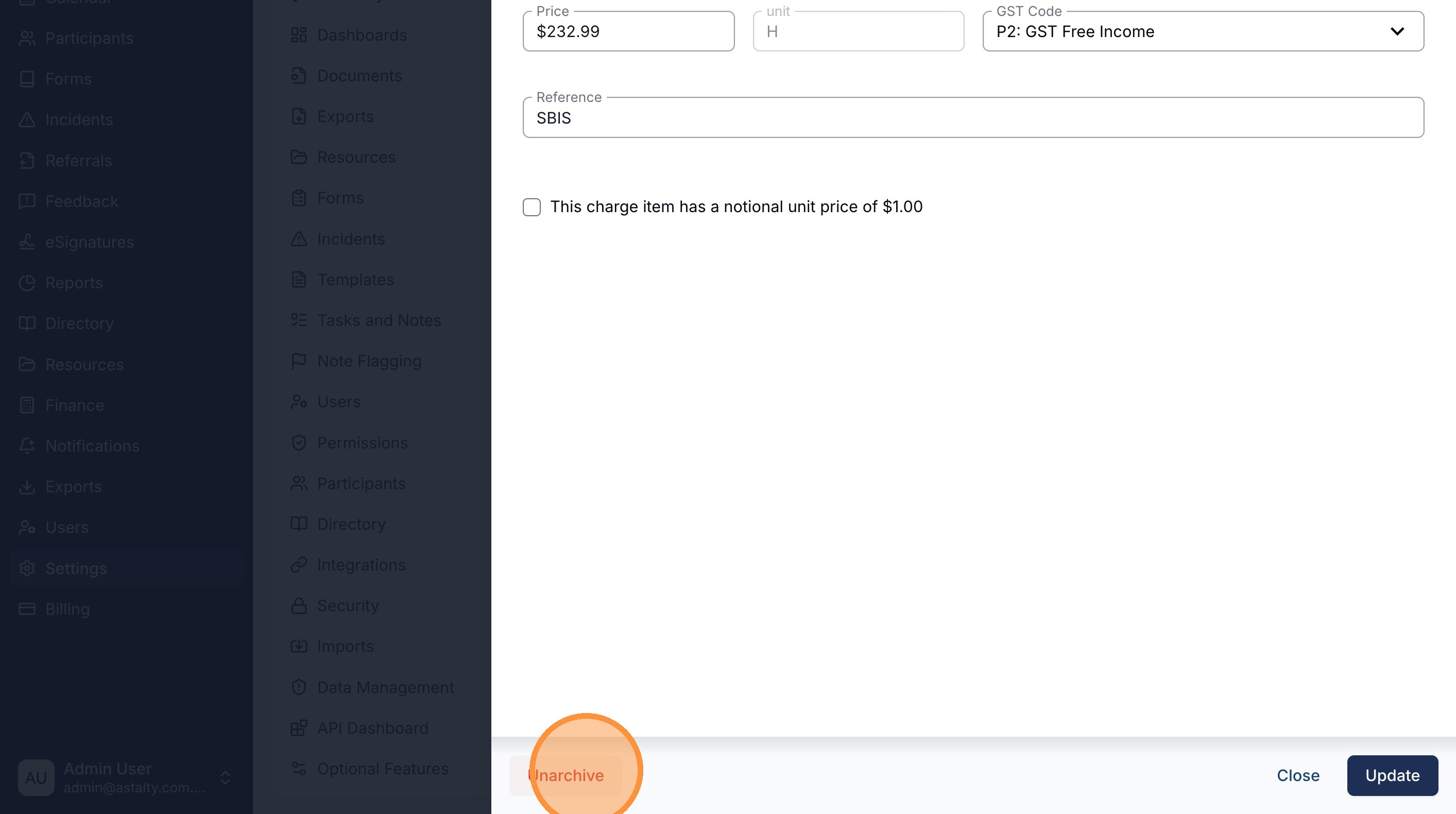
With the Charge Item open, click the Unarchive button in the bottom left corner of the form.