- Administration
- Managing Charge Item Sets
- Archiving & Restoring Charge Item Sets
Archiving & Restoring Charge Item Sets
Charge Item Sets can not be deleted, but a set you no longer need can be archived. Archiving a Charge Item Set also archives the individual Charge Items within it. If you need it again, you can restore (unarchive) it.
When can a Charge Item Set be archived?
You need permission to archive Charge Item Sets to archive or unarchive a set. Service attachments alone do not block archiving. Uninvoiced support charges billed through the set do block it, including charges from time segments using that set. An upcoming support also blocks archiving if it has an uninvoiced charge on one of the set's items, even when its primary set is different or its charges were added manually. Astalty lists the blocking supports.
What happens when you archive a Charge Item Set
- It can no longer be selected for new Supports, Group Supports or Services.
- It stays on every Service it's already attached to, and its past charges keep counting towards those Services' Utilisation. In the Service's edit form, its row is greyed out, ticked and locked. You cannot remove it, but you can still add other sets alongside it.
- Its Reference, and each of its Charge Items' References, get an
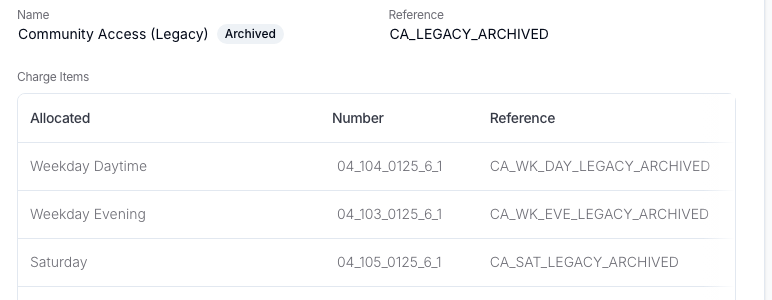
_ARCHIVEDsuffix; for exampleCA_LEGACYbecomesCA_LEGACY_ARCHIVED. If that reference is already taken (for example, reused by an earlier archived set), it keeps its plain reference instead. If a reference already ends in_ARCHIVEDand can't take the suffix again, Astalty asks you to rename it before archiving. - An Archived badge appears next to its name wherever it's shown, including on a Support that's still using it. An Auto Charge Support using it shows a prompt to choose another Charge Item Set in Update Details; a Manual Charge Support isn't affected.
Archiving a Charge Item Set
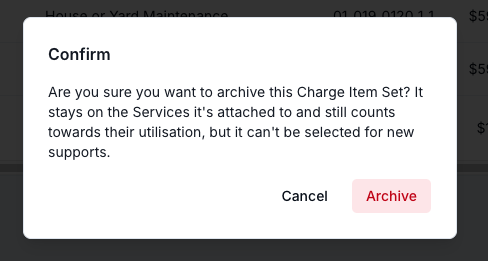
To archive a Charge Item Set, open it from the Charge Items settings page, click Actions, then Archive. You'll be prompted to confirm.
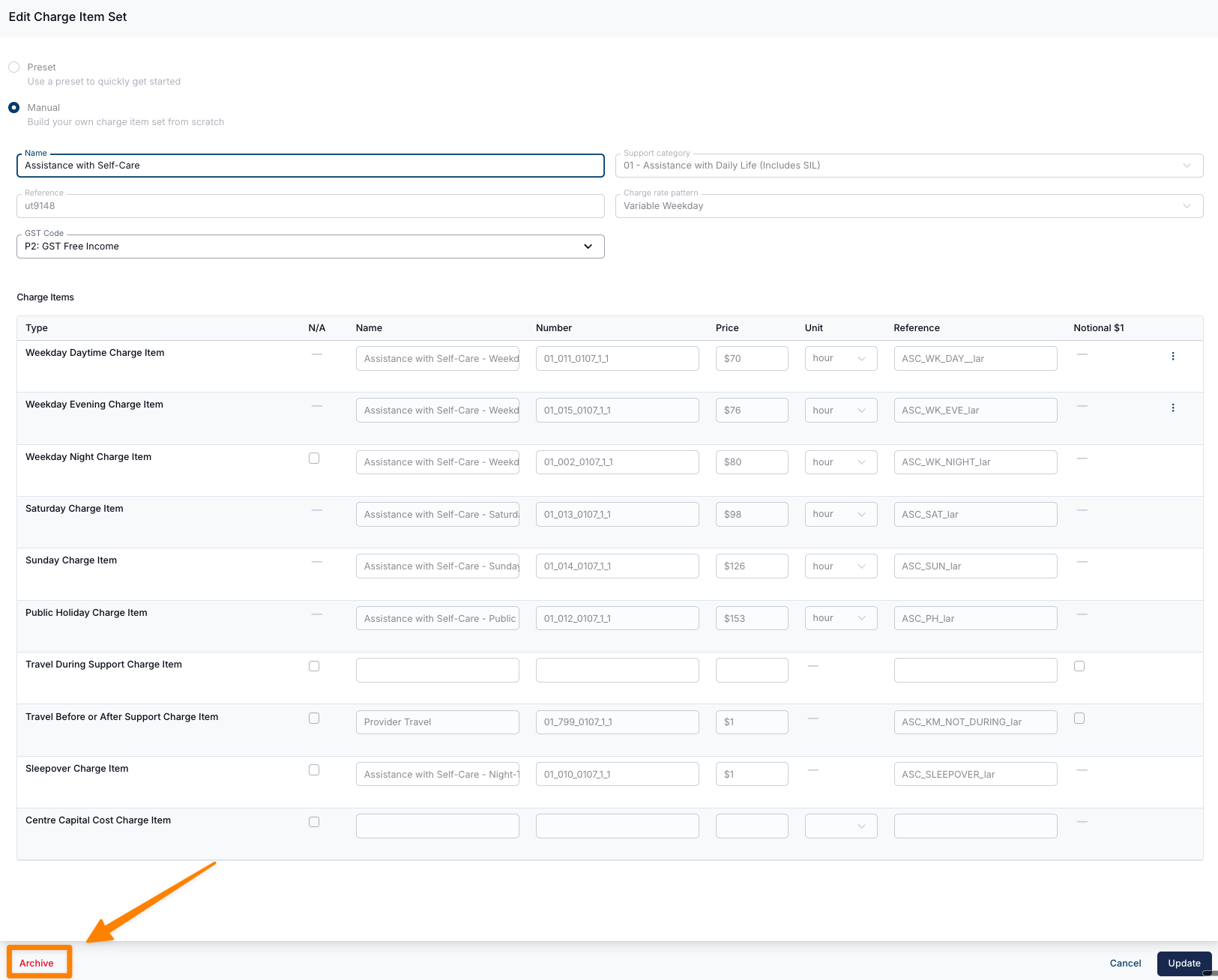
You can also archive a Charge Item Set from within its edit view, by clicking Archive in the bottom left of the form.
Once archived, the set shows an Archived badge next to its name. Its Reference and its Charge Items' References usually carry the _ARCHIVED suffix, unless the suffixed Reference is already taken, as described above.
Restoring a Charge Item Set
Archived Charge Item Sets are hidden by default. To restore one, filter the Charge Items settings list by Status > Archived, open the set, then click Unarchive in the bottom left of the form.
Unarchiving restores the set's plain Reference, the Charge Items archived with it and their matching service attachments. Charge Items or attachments archived independently before the set remain archived. If another set or Charge Item has taken a required reference, resolve that conflict first. An item inside an archived set cannot be unarchived individually.
If you only need to make changes to an existing set, you don't need to archive it. Most fields can be edited directly. See Creating & Updating Charge Item Sets. Archiving and recreating is only required when significant, structural changes are needed.