Bulk Upload File
Generate an NDIA bulk upload CSV from a finalised Invoice Batch, then upload that unchanged file to the NDIA portal to submit the batch's NDIA managed claims.
View the finalised Invoice Batch
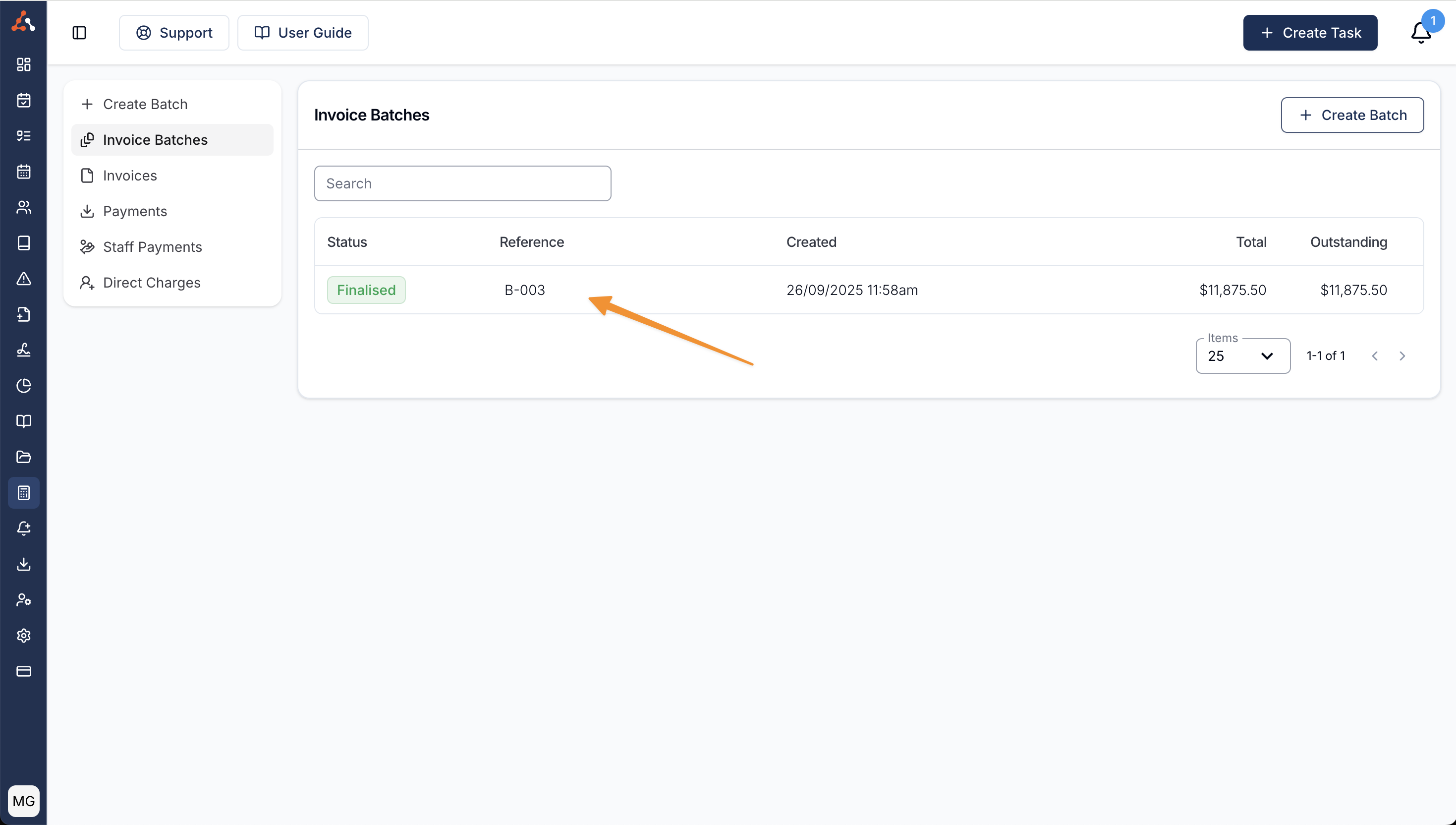
Open the finalised batch from the Invoice Batches page.
Download the Bulk Upload file
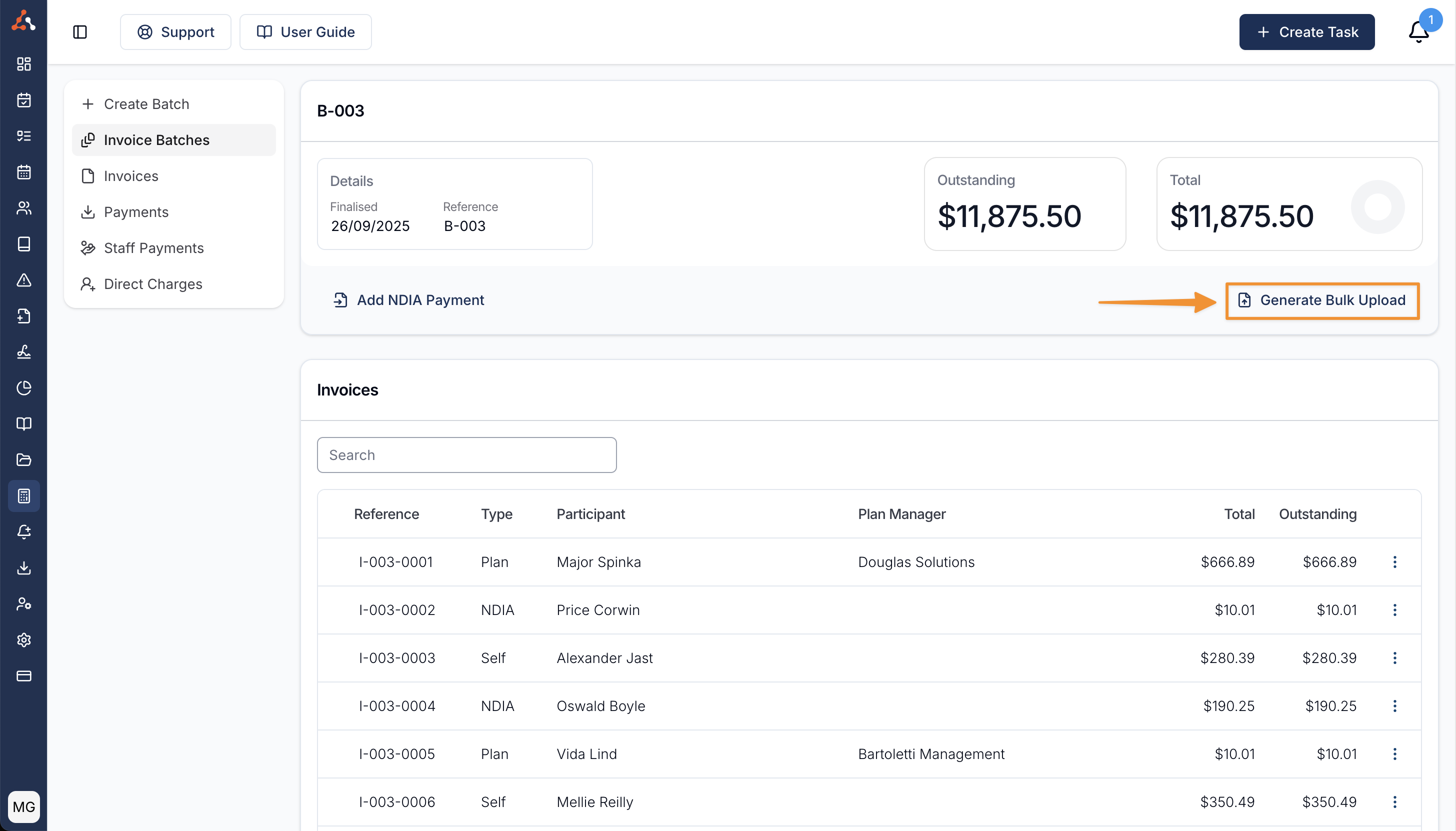
If the batch has NDIA managed charges, select Generate Bulk Upload. Astalty downloads the CSV for you to upload to the portal.
If the batch has any payments recorded, Astalty asks which file to generate:
- Original includes all NDIA claims in the batch.
- Outstanding includes only claims that are not fully paid and uses the outstanding amount for each included line.
If the batch has no payments, Astalty generates the Original file without asking.
Reconciling NDIA payments
Once the bulk upload process has been completed, you can import the results file into Astalty and Astalty will reconcile each NDIA managed charge for you. See Reconciling NDIA Payments.